

Why use LED tape under cabinets
Under cabinet LED tape adds hidden task and accent lighting along kitchen and furniture units. The strip is mounted on the underside of the wall cabinet, toward the front lip, so it lights the worktop without glare. This page covers choosing the strip, hiding the driver, and connecting multiple cabinet runs.
Task lighting
Bright, shadow-free light on the worktop for food prep and cooking.
Ambient light
Soft indirect light at night without switching on bright ceiling lights.
Slim fit
Low-profile strips and channels fit in the narrow cabinet lip.
Choosing the strip: density, color and CRI
Three choices determine the visible result. Specify them together rather than ordering a generic strip.
| Choice | Recommendation | Why |
|---|---|---|
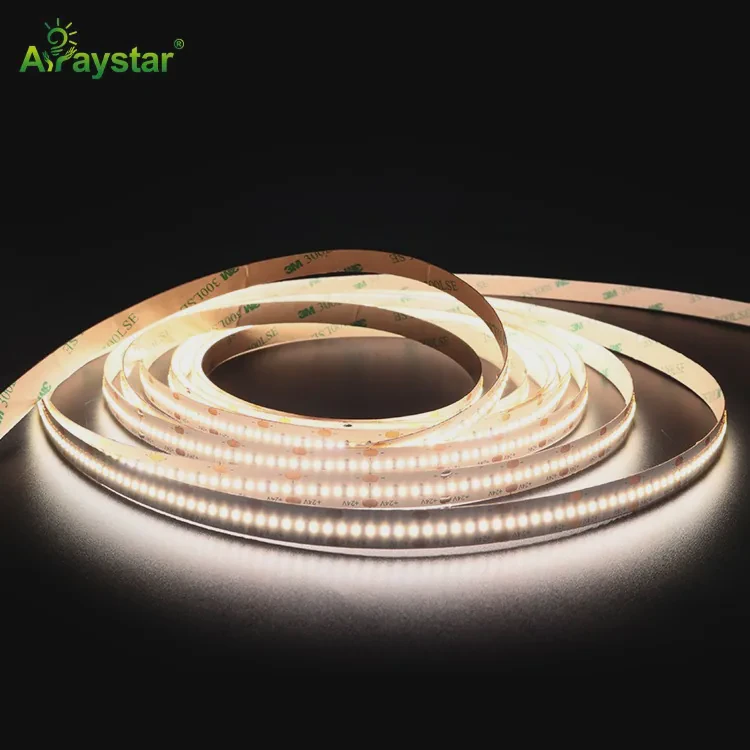
| Density | 120-240 LEDs/m or COB | Prevents visible dots at close range |
| Color temperature | 2700-3000K ambient, 4000K task | Warm kitchen feel with accurate task colors |
| CRI | Ra 90+ | True food and surface colors |
| Voltage | 24V | Less dimming across long cabinet runs than 12V |
Wiring, dimming and hiding the driver
Two installation styles are common. Hardwired gives a clean switched finish; plug-in is faster and renter-friendly.
Hardwired
AC driver connected to a switched wall circuit, hidden inside or on top of a cabinet. Controlled by the wall switch and optional dimmer.
Plug-in
Driver plugs into a nearby outlet with an inline dimmer or remote. Quick to install and easy to remove.
Installation and connecting cabinet runs
Plan the runs
Measure each cabinet and mark returns. Plan one driver location and the route of low-voltage wire.
Mount channels
Fix shallow surface channels under the front lip, or clean the surface for bare strips.
Connect sections
Use snap connectors and corner jumpers between cabinets. Check polarity on every joint.
Wire and test
Connect to the driver, test color and dimming before pressing the covers shut.
Recommended strips and accessories
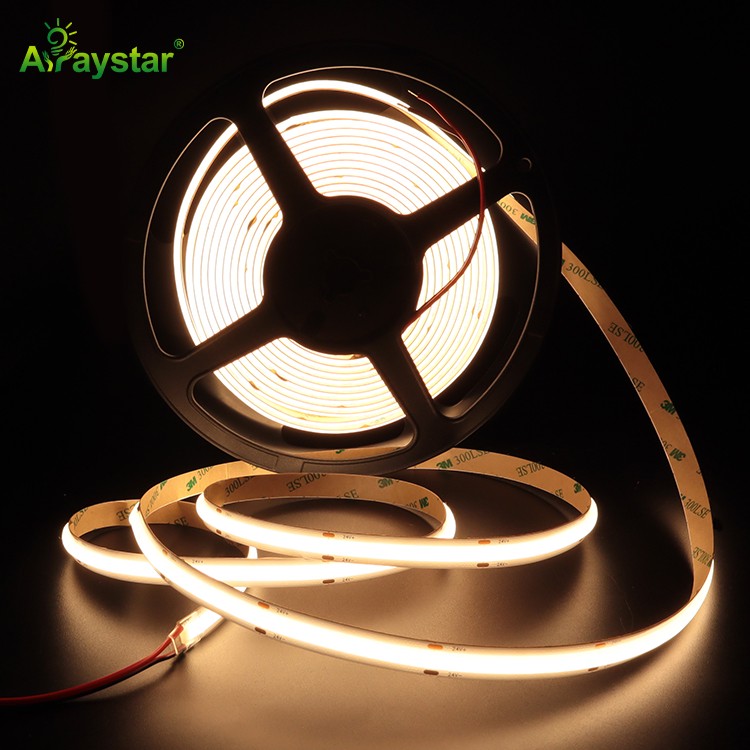
COB and high-density SMD are the default under-cabinet choices, with solderless connectors for joins and a low-profile channel.

Frequently asked questions
Planning kitchen or furniture lighting?
Send us the cabinet layout and total run length. We will recommend density, driver size and connectors, and supply a cut-to-length sample kit.
Request a sample kit