Setting the Hold-On Delay So Cabinet Light Stays On After You Leave
- 2026-11-26 18:02
- /
- Alan
The sensor off-delay should match how the space is used: a short timeout for cupboards, a longer one for wardrobes and passages, balancing comfort against wasted light.
Cabinet and passage lights triggered by a PIR or door sensor stay on for a set time after the last movement. Set the delay too short and the light cuts out while the door is still open; too long and the strip burns on in unused rooms.
Match the delay to the action
A cupboard opened to grab one item needs only a few seconds after the door closes. A wardrobe where someone changes clothes, or a passage crossed slowly, benefits from a longer hold-on so the light does not cut out mid-action.
Think about the typical dwell time in each space rather than applying one global timeout. A delay set for a wardrobe will waste light in a pantry; one set for a pantry will cut out in a changing area.
Where short delays fit
- Under-shelf and pantry cupboards: a short delay after the door closes.
- Small drawers and niche displays where the action is brief.
- Spaces where the light being on all day would be noticeable or wasteful.
Where longer delays fit
- Wardrobes and changing areas where the door stays open while items are chosen.
- Hallways and landings where movement stops at the far end.
- Stairs and safety routes where a sudden dark cut-out is uncomfortable.
Delay versus sensor type
A door-mounted sensor usually triggers on opening and times from closure, which suits cupboards and wardrobes. A PIR motion sensor times from the last detected movement, so it can hold the light on while someone remains in the room but also keep it on if movement continues at the edge of its range.
Choose the sensor type to match the action, then set its delay to that action. A door switch is precise for cabinets; a PIR suits passages and open spaces where the trigger is movement rather than a door.
Tune and verify in real use
Set the delay as a starting point, then observe the room over a few days. If the light goes out while the door is still open, lengthen the delay; if it stays on after the space is empty, shorten it. Sensors aimed into a traffic path may also pick up passing movement that keeps the light on.
Remember the delay interacts with the night ramp: a gentle fade after the timeout is easier on the eye than an abrupt switch-off, especially in bedrooms and passages used at night. Pair the timeout with a soft fade-out so the last seconds of light do not feel like a sudden cut.
Installation Checklist
- Confirm the strip voltage, per-metre load and total run length before sizing the supply or controller.
- Check the mounting position for moisture, heat, clearance and any obstruction before fixing the run.
- Test the sensor, receiver or controller in the finished position, with doors and panels closed.
- Keep drivers, joints and receivers reachable so the run can be serviced without reopening the finish.
Recommended Products
For this detail, the following Arraystarled products are listed in our current catalogue and can be matched to the run after the supply, enclosure and control requirements are confirmed:
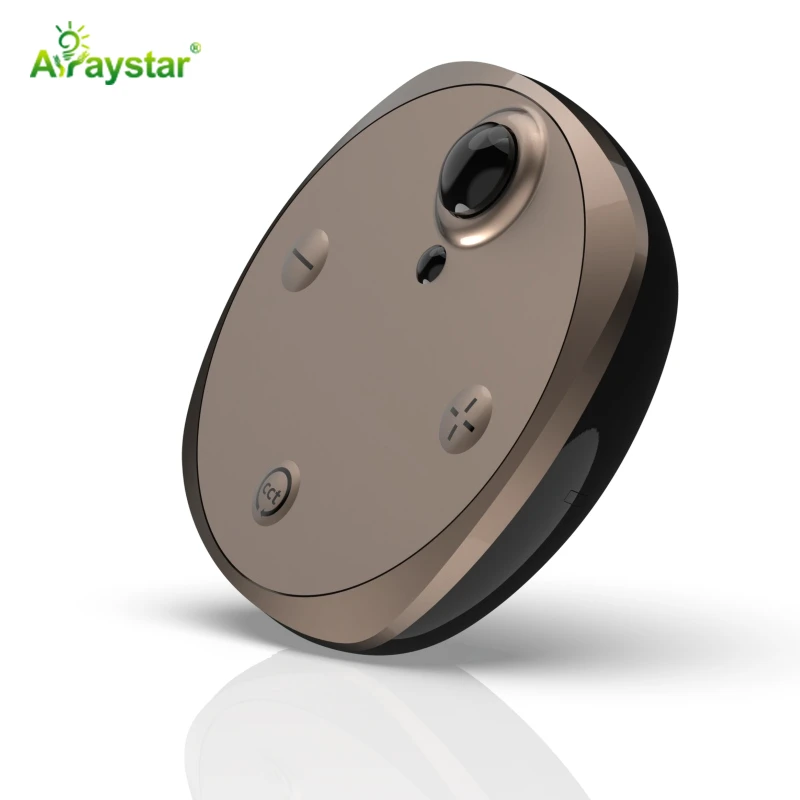
- Wireless PIR Motion Sensor Switch (2.4G Remote Control)
- LED Cabinet Sensor Switch ART-5048M2
- 10mm Pluggable Cylindrical Sensor Switch ART-S108X
PIR and cabinet sensor switches in the range support on/off and dimming control; match the sensor type and delay to the reach and use of the cupboard or passage it guards.
Talk to our application team with your strip length, voltage and ambient condition; we will match the supply, controller or sensor to the actual run rather than a generic rule.