Hand-Wave Switch When Your Hands Are Full: Positioning the Sensor
- 2026-11-26 18:02
- /
- Alan
A hand-wave switch is meant for moments when hands are full or wet, but it works only when the gesture range, detection angle and mounting position match how the user actually reaches for it.
Kitchen and cabinet installs use a wave sensor so the light can be triggered without touching a switch when hands are occupied, greasy or wet. Poor placement turns it into a switch that nobody can operate reliably.
Natural gesture range
The wave sensor should sit where a full hand reaches comfortably — beside the shelf or under the cabinet edge, at a height the user's arm raises to naturally. A sensor mounted too high or too far inside the cabinet forces an awkward reach every time.
Consider the hand that carries items; the gesture side should match the working side of the cabinet, not the opposite edge.
Detection angle and range
- Keep the sensing window facing the approach path, not sideways into the cabinet.
- Leave clearance in front so the hand can enter the detection zone without brushing the panel.
- Avoid placing the sensor where a passing arm sweeps through all day, which causes false triggers.
- Check the detection distance against the cabinet depth; a deep shelf may hide the sensor from the gesture.
False triggers from passing movement
A wave sensor near a walkway can trigger whenever someone passes, not only when they reach for the cupboard. Aim the beam into the working zone rather than out into the room, and position it away from high-traffic edges.
If the sensor responds to near-misses, adjust its aim or sensitivity; a gesture should register on an intentional wave, not a shoulder brushing past.
Test the real gesture
Before the panel or shelf is finished, stand in the normal working position and wave with full, wet or loaded hands as the situation demands. Confirm the light responds every time from the natural stance, and that it does not fire on casual movement.
Pair the wave trigger with a short hold-on delay so the light stays on for the task rather than blinking off as the hand moves away. Keep the sensor clear of dishware, handles and hanging items that could swing into the detection zone and set off the light accidentally.
Installation Checklist
- Confirm the strip voltage, per-metre load and total run length before sizing the supply or controller.
- Check the mounting position for moisture, heat, clearance and any obstruction before fixing the run.
- Test the sensor, receiver or controller in the finished position, with doors and panels closed.
- Keep drivers, joints and receivers reachable so the run can be serviced without reopening the finish.
Recommended Products
For this detail, the following Arraystarled products are listed in our current catalogue and can be matched to the run after the supply, enclosure and control requirements are confirmed:
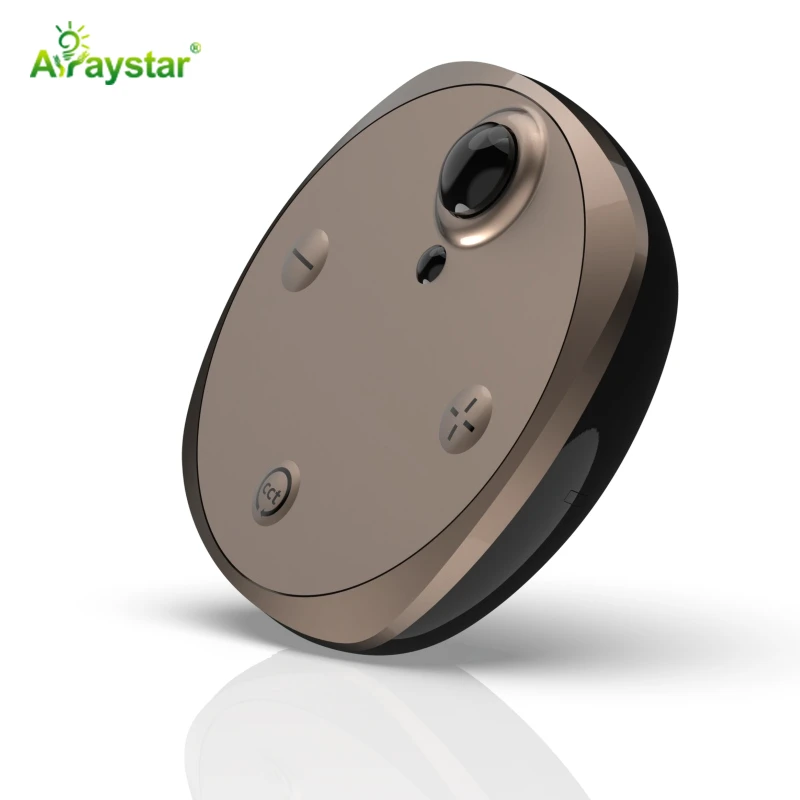
- Wireless Hand Wave Sensor Switch (2.4G Remote Control)
- Touch Dimmer Sensor Switch 12-24V 5A
- LED Cabinet Sensor Switch ART-5048M2
Hand-wave and touchless sensor switches in the range suit kitchen and cabinet use; position the detection window at a natural hand height and test the gesture before fitting the panel.
Talk to our application team with your strip length, voltage and ambient condition; we will match the supply, controller or sensor to the actual run rather than a generic rule.