PWM Frequency and Camera Flicker in Commercial Interiors
- 2026-11-23 16:32
- /
- Alan
Human vision integrates light over about 10 ms. A camera samples in microseconds. A 400 Hz PWM strip is perfectly steady to the eye and a stripe generator on a 1/1000 s shutter.
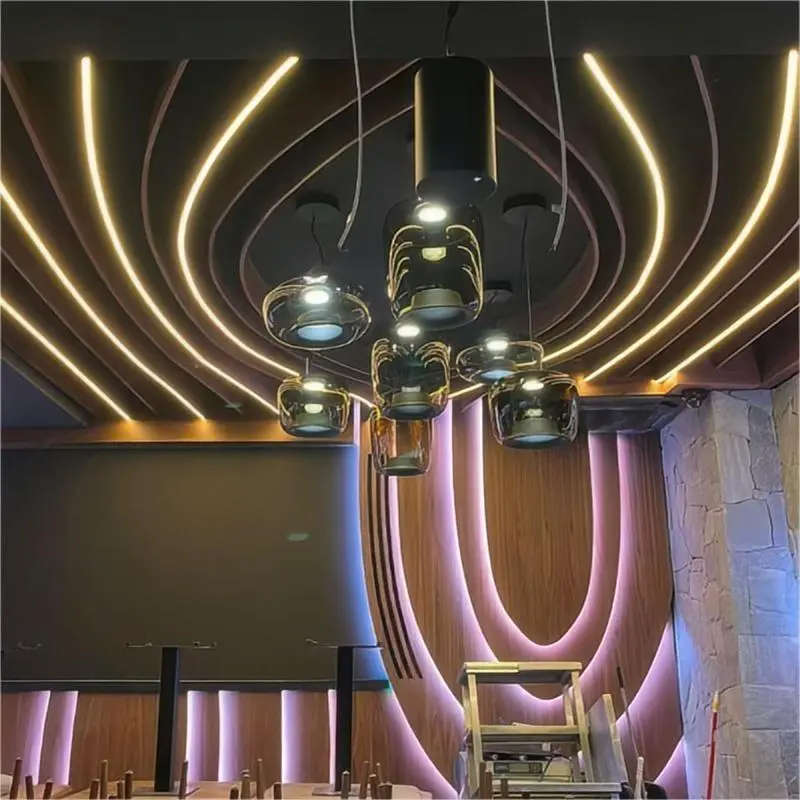
A retail client shot a campaign in a newly lit store and found horizontal bands across every wall with cove lighting. The strip was a standard dimmable 24V COB on a PWM controller. Nothing was faulty; the camera was sampling the dimming.
The relationship that matters
Banding appears when the camera's exposure time is shorter than, or not a multiple of, the PWM period. At 400 Hz the period is 2.5 ms. A shutter of 1/1000 s (1 ms) sees only part of a cycle, so brightness varies frame to frame and across a rolling shutter sensor.
Higher PWM frequency shortens the period and makes the artefact finer, often invisible. Frequencies above about 3 kHz are usually safe for casual video; above 8 kHz is where high-speed and slo-mo work becomes comfortable.
What to check before changing hardware
- Is the flicker visible to the eye, or only on camera? Camera-only points to PWM, not supply.
- Does it change with dim level? PWM dimming artefacts usually worsen at low duty.
- Does it disappear at 100%? Then the controller is the source.
- Is the camera set to 50 or 60 Hz anti-flicker? Matching mains frequency helps with ripple, not with PWM.
Practical fixes
Use a high-frequency PWM dimmer or a constant-current driver with ripple-free output. Many 0-10V and DALI drivers for architectural work switch at several kHz; check the datasheet rather than assuming.
Set the camera shutter to a multiple of the PWM period if the shoot is planned. For a 1 kHz controller, 1/500 s or 1/250 s exposures integrate whole cycles.
Where the space is a permanent film set, specify flicker-free drivers from the start. Retrofitting controllers after the fact is possible but costs a site visit per zone.
Ripple is a different problem
Low-frequency ripple from a cheap power supply produces banding that is visible to the eye as a shimmer and appears at twice mains frequency. That is a PSU issue, fixed with better smoothing or a different driver, not with PWM frequency.
Distinguish by looking at the pattern: PWM banding is fine and stable in position relative to the frame; ripple shimmer moves and is visible to the eye on a moving object.
One more distinction is worth making: banding that only appears in a phone preview but not in the recorded file is usually a rolling-shutter preview artefact, not a lighting fault. Check the recorded footage before ordering new drivers.
Specification note
For hotels, flagship retail and any space likely to be photographed, we ask for dimming above 3 kHz and a driver with low output ripple. It is a line in the specification that costs little and prevents a reshoot. Our controller range lists PWM frequencies, and the COB strips are happy on any of them.