LED Strip for TV Backlight: Bias Lighting Setup Guide
- 2026-09-18 15:31
- /
- Arraystar
Quick Answer
For TV bias lighting, use a 12V or 24V low-voltage strip mounted on the back perimeter of the set, 2–5 cm in from the edges, so the glow bounces softly onto the wall. Choose warm white (2700K–4000K) at about 10–20% of screen brightness for movie eye comfort, or an RGBW strip for ambient-sync gaming effects. Add a WiFi controller and a correctly sized driver — never mains-voltage strip near the TV.
📑 Table of Contents
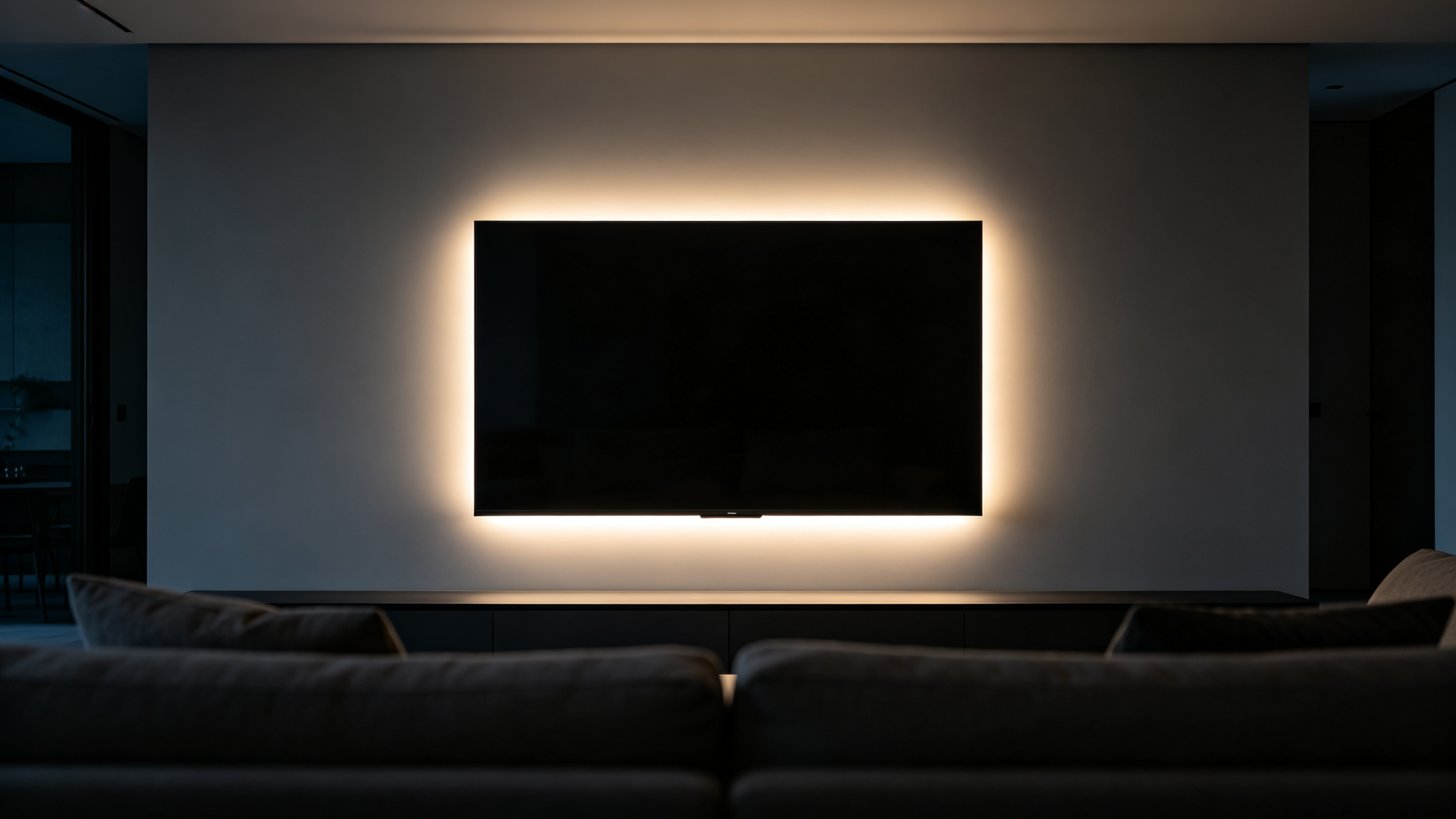
A soft bias halo behind the TV relaxes the contrast between screen and room.
What Bias Lighting Actually Does (and Why Your Eyes Need It)
A bright screen in a dark room forces your irises to constantly re-adjust to the luminous patch in front of you and the black void around it. That contrast is the root cause of the eye strain people feel after a movie marathon. Bias lighting — a soft, diffused glow mounted behind the television — lifts the surrounding wall to a gentle middle brightness so your eyes no longer travel between pure white and pure black. The result looks less like staring at a floating glowing rectangle and more like watching a screen that belongs in the room.
Done right, bias light is so subtle that guests do not notice it — they simply notice that the picture feels easier on the eyes and colors look more saturated. The trick is to make the glow dim, even and neutral: bright enough to rest the eyes, but never bright enough to compete with the image.
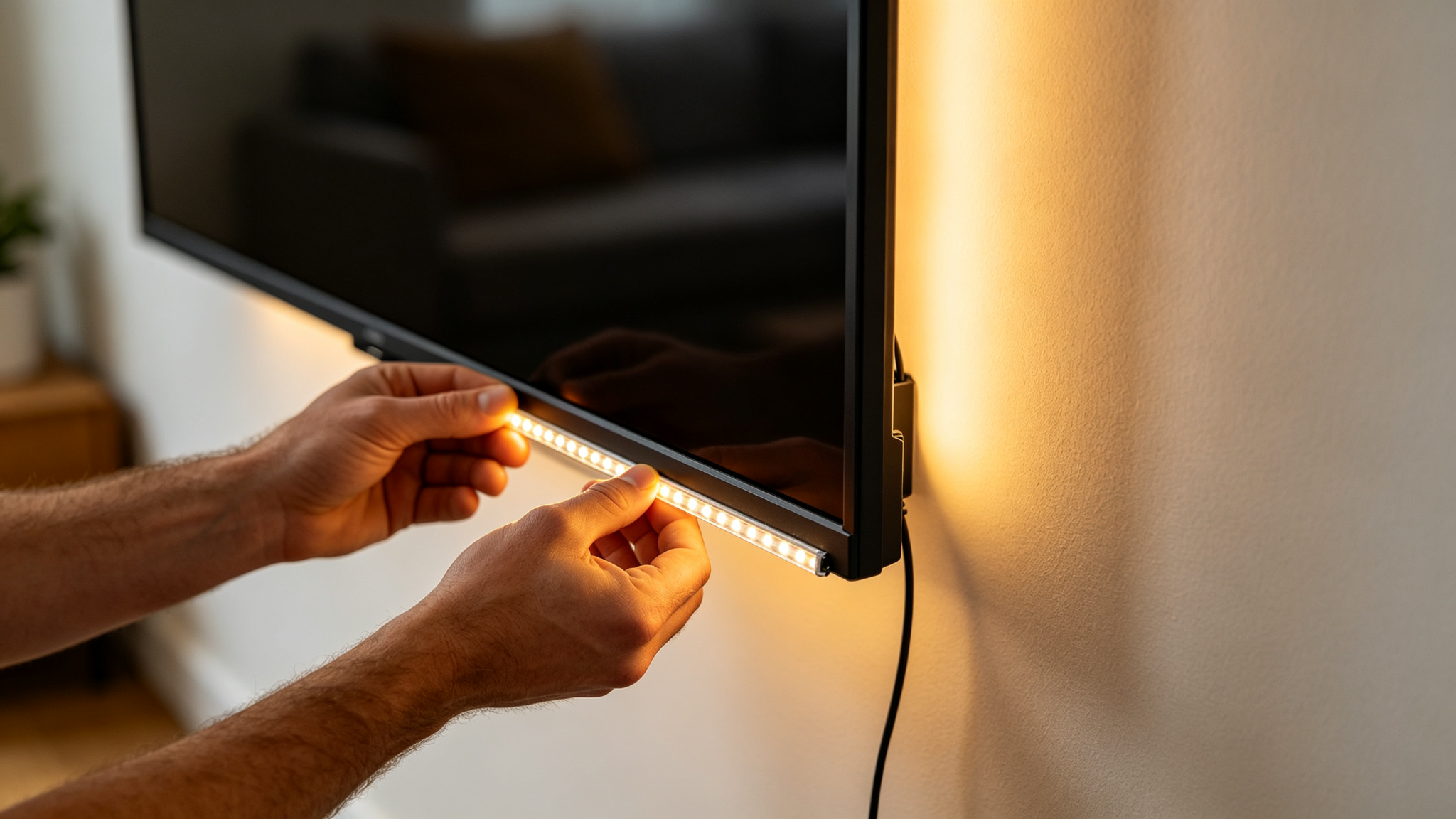
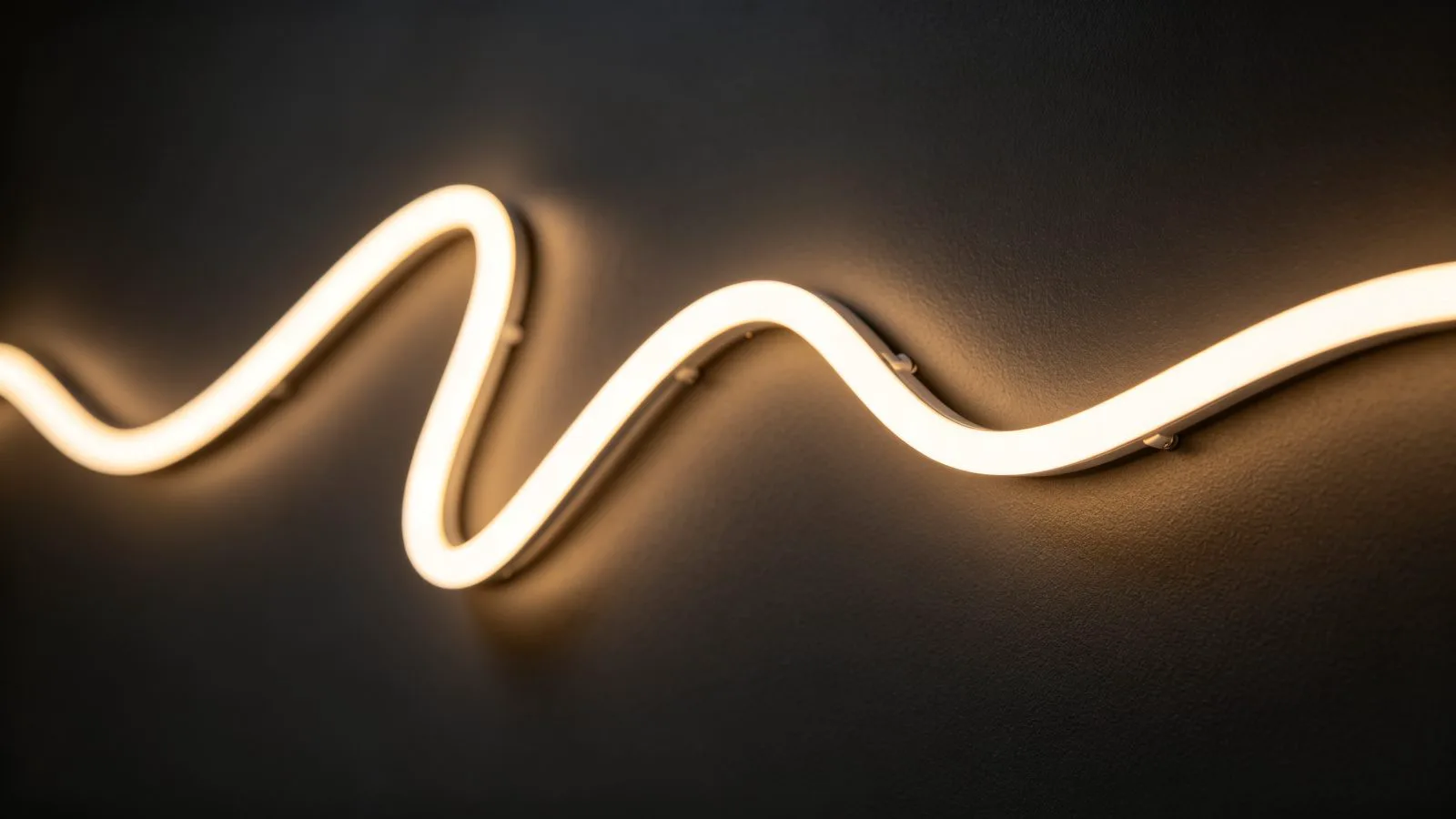
Most bias setups use a self-adhesive strip applied to the back perimeter of the TV.
Spec Comparison: Bias LED Strip Options for TV Backlighting
Not every strip makes a good bias light. The fields below are the ones that actually change the result on your wall.
| Feature | 24V RGBW COB | 12/24V SMD 5050 RGBW | Single-color 2835 | Smart RGB strip |
|---|---|---|---|---|
| Look on wall | Smooth, dot-free wash | Visible dots close up | Smooth warm glow | Dots visible; colorful |
| Best CRI | Ra 90+ | Ra 80 | Ra 80–90 | Ra 80 |
| Color | Tunable white + RGB | RGBW | 2700K–4000K | Full RGB + effects |
| Typical width | 8–12 mm | 10–12 mm | 8 mm | 10–12 mm |
| Run per feed | ~5 m (24V) | ~5 m (12V) / ~10 m (24V) | ~10 m | ~5 m |
| Best for | TVs 55″+, clean look | Budget bias + accents | Pure warm bias | Gaming / room sync |
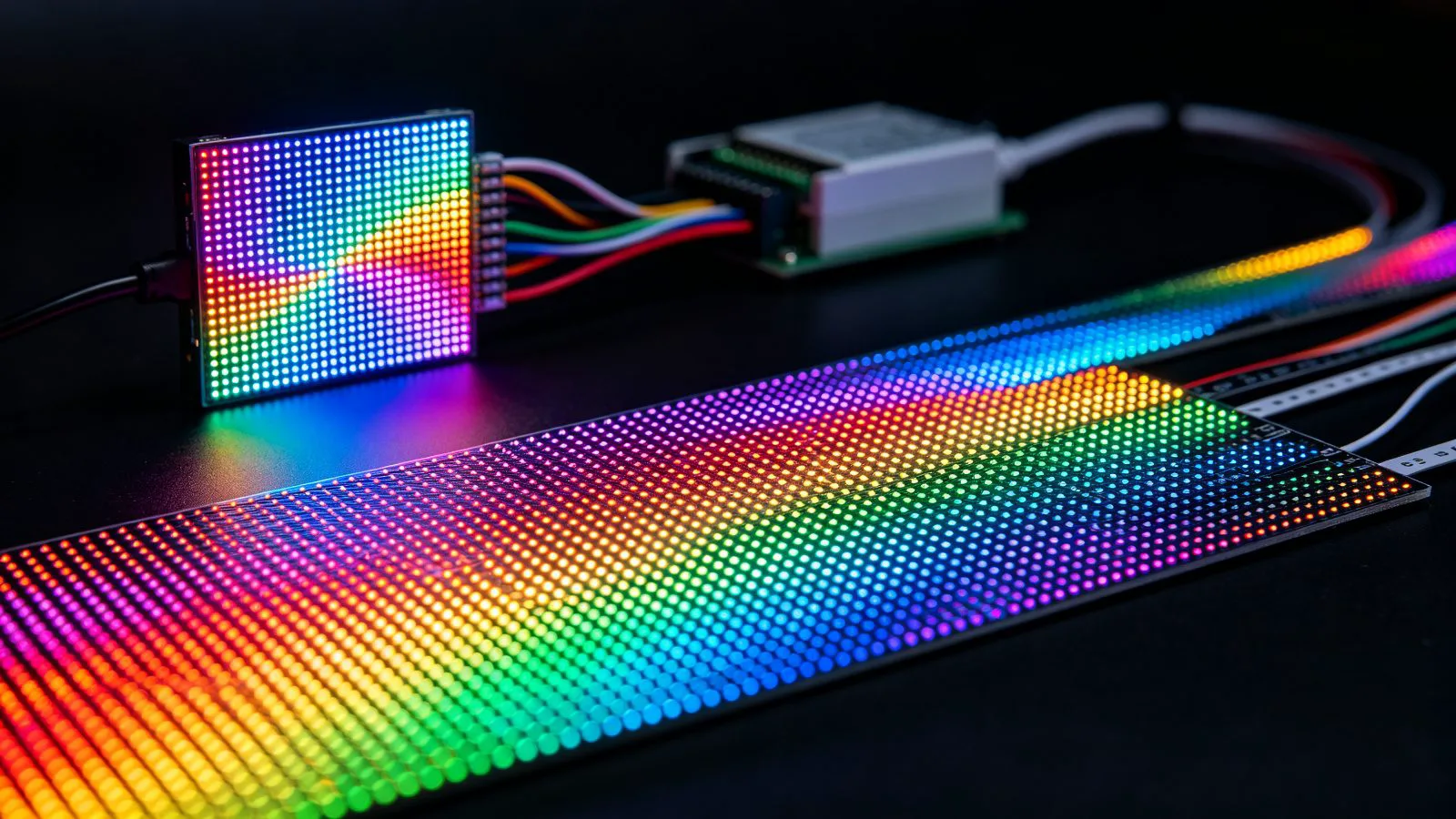
For a 55″ or larger set, a 24V RGBW COB strip is the sweet spot: it produces a seamless halo with no visible LEDs and can shift between warm white and subtle color. For smaller screens or a tighter budget, a single-color 2835 strip in 2700K–3000K is perfectly adequate.
Mounting the Strip: Distance, Height and Even Wash
The single biggest mistake is mounting the strip too close to the wall edge. If the strip sits flush against the wall (TV directly on the wall), the light has nowhere to spread and you get four hot corners instead of a soft glow. Leave a gap:
- On a wall-mounted TV, run the strip along the back perimeter, 2–5 cm in from the edges, so the light bounces back to the wall.
- On a TV on a stand, mount the strip facing the wall behind it or onto a narrow rear lip.
- Keep the glow roughly 10–20% of screen brightness — a dim room, a whisper of light.
- Use a diffused profile or milky-coated strip on high-density COB to kill any dot pattern.
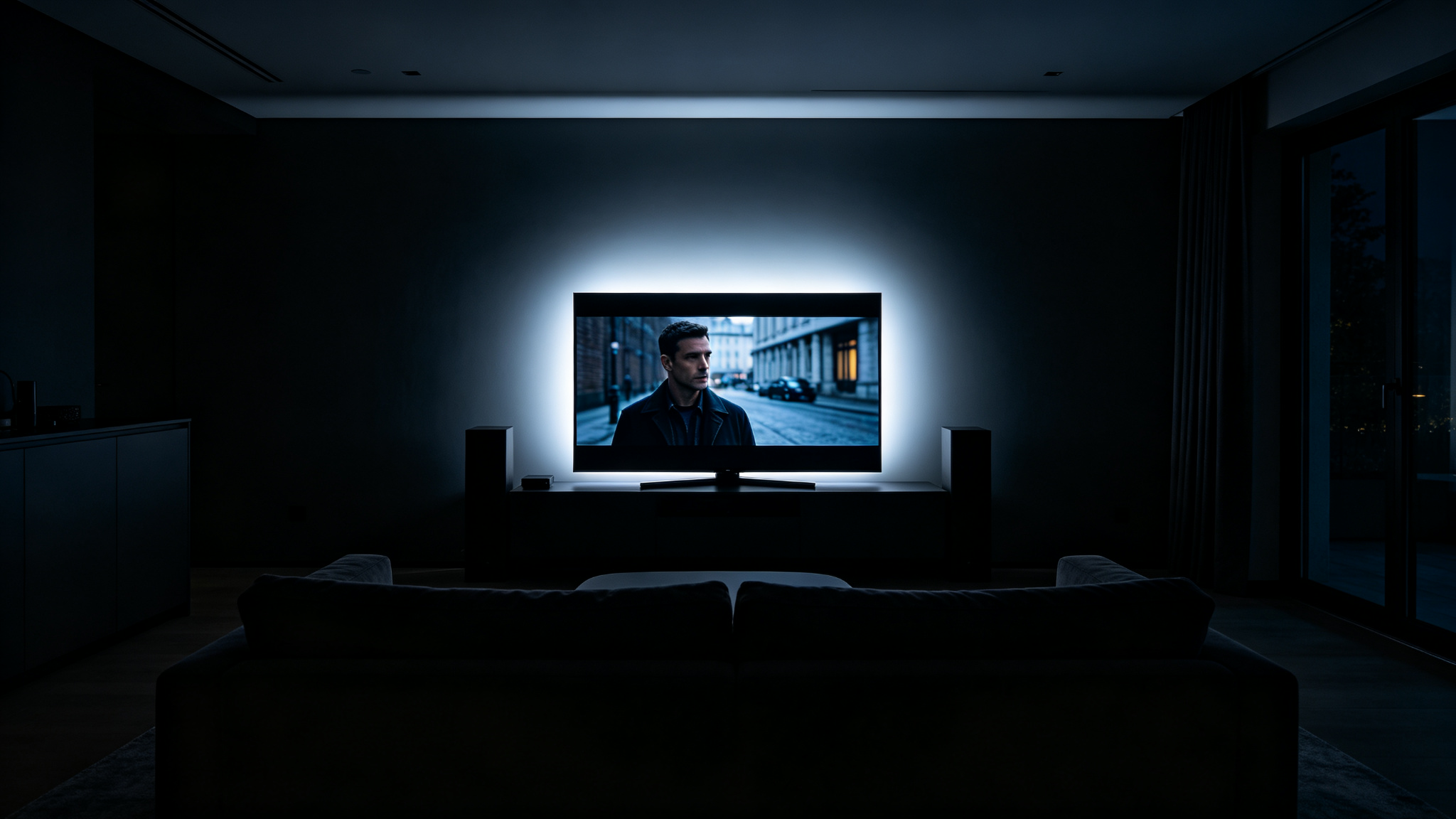
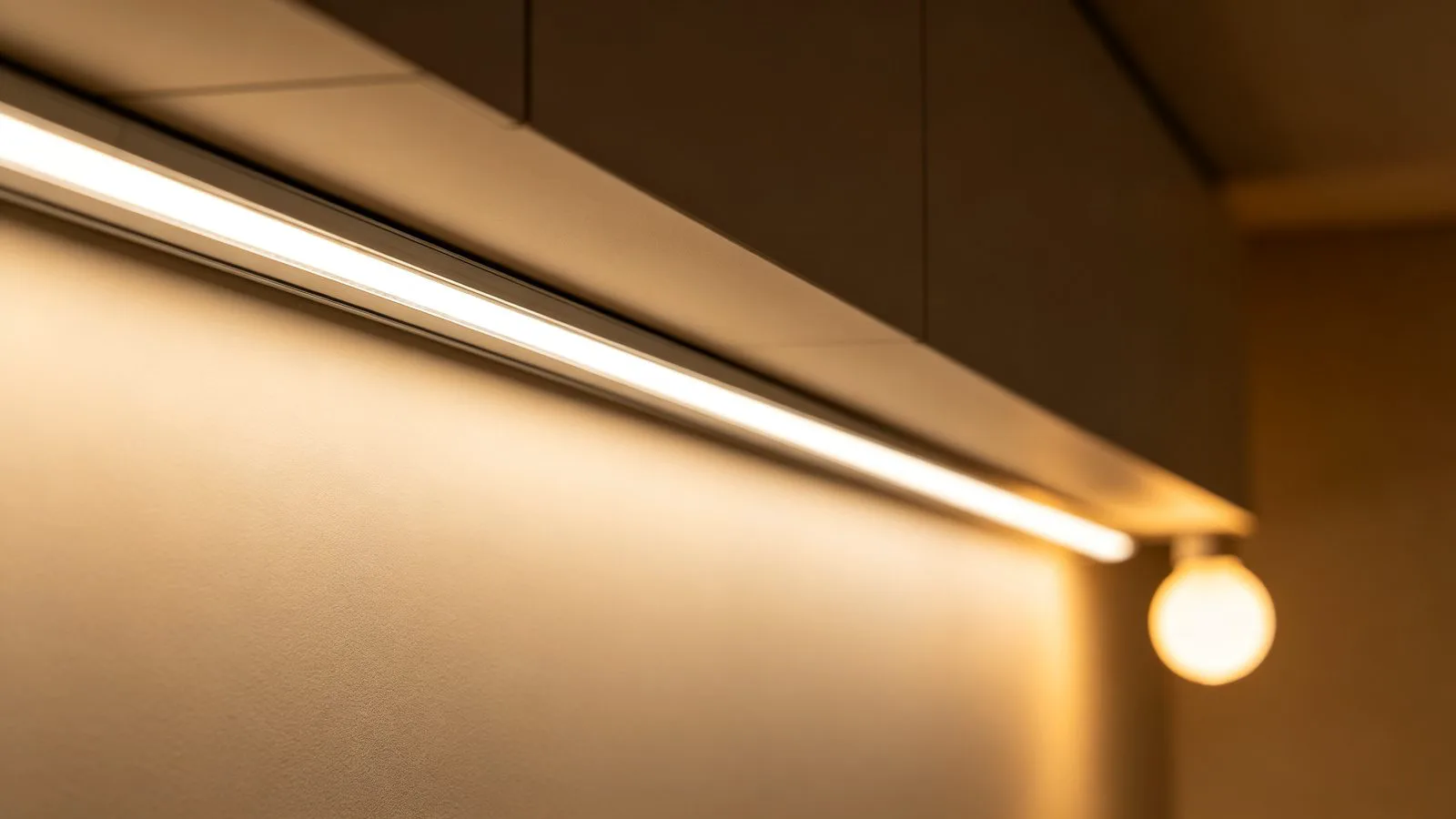
Even bias lighting lowers the screen-to-room contrast that causes eye fatigue.
Rule of thumb: the wall glow should be visible only when you squint at the wall, never as a bright rectangle. Aim for roughly 50–100 lux on the wall behind the TV — well below the screen itself.
Color Temperature and RGB Bias: Warm White vs Ambient Sync
For movies and TV, choose a neutral-to-warm white, around 2700K–4000K. A 6500K cool halo makes the picture look sickly; a warm 2700K glow feels natural after dark. For calibrated home theaters, some purists prefer 6500K to match D65 white point, but for everyday viewing warm is easier on the eyes.
RGB bias strips (see our RGB vs RGBW vs CCT guide) open up “ambient sync”: the controller samples the on-screen colors and bleeds them onto the wall — great for gaming and movies, less accurate for serious viewing. Pair color with a WiFi or Bluetooth controller and keep a white-only preset for neutral bias.
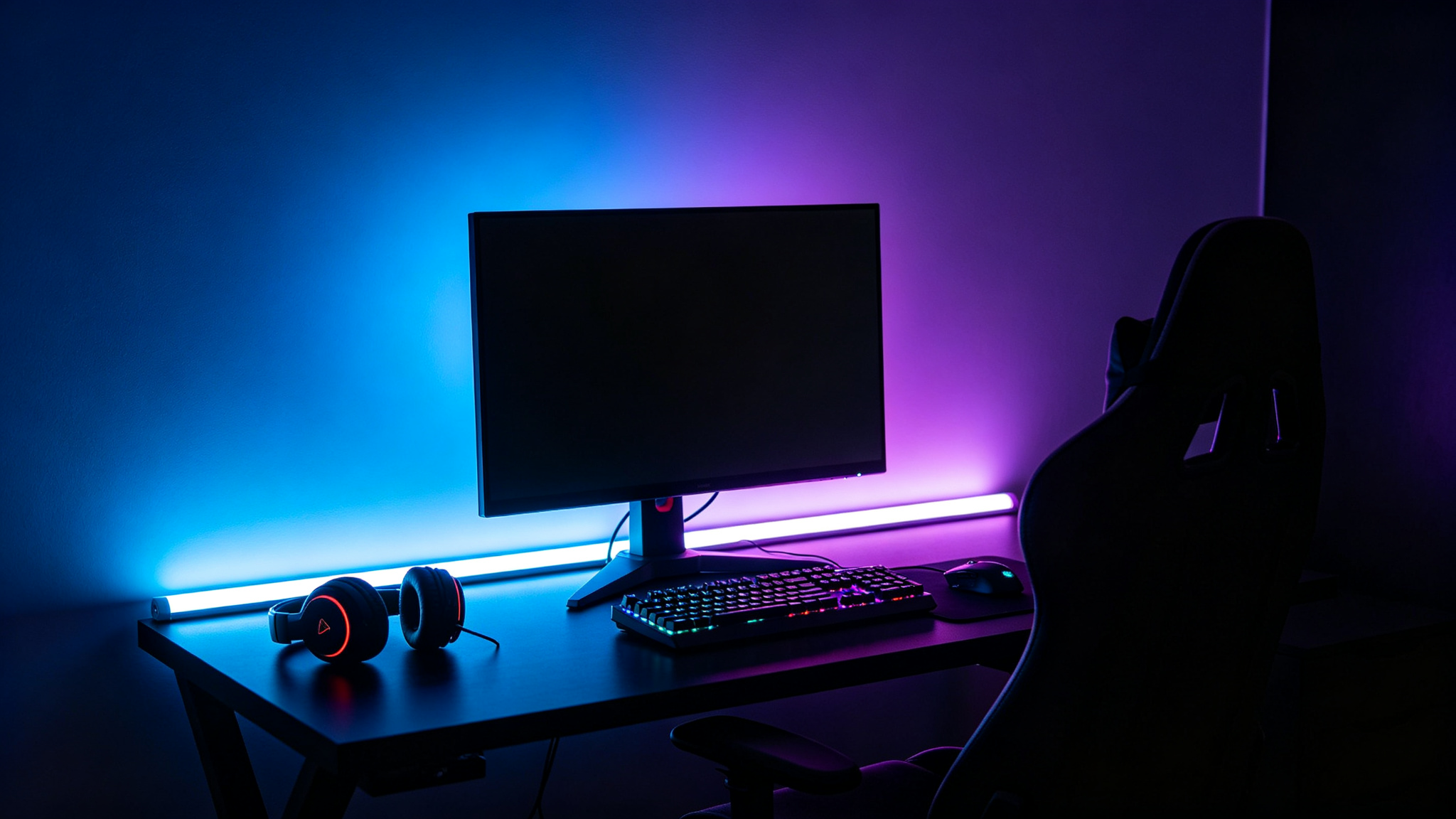
RGB bias shines for gaming and room-sync effects; warm white wins for movies.
Power, Wiring and Control
Bias strips run on safe 12V or 24V DC from an external driver. Measure your strip’s watts-per-meter, multiply by length, then add a 20–30% safety margin — our power supply sizing calculator does the math. Keep the driver behind the TV or in a nearby cabinet, and hide wires in a raceway. For dimming and scenes, a WiFi/RF controller tucked behind the set lets you adjust from the sofa without reaching behind the TV.
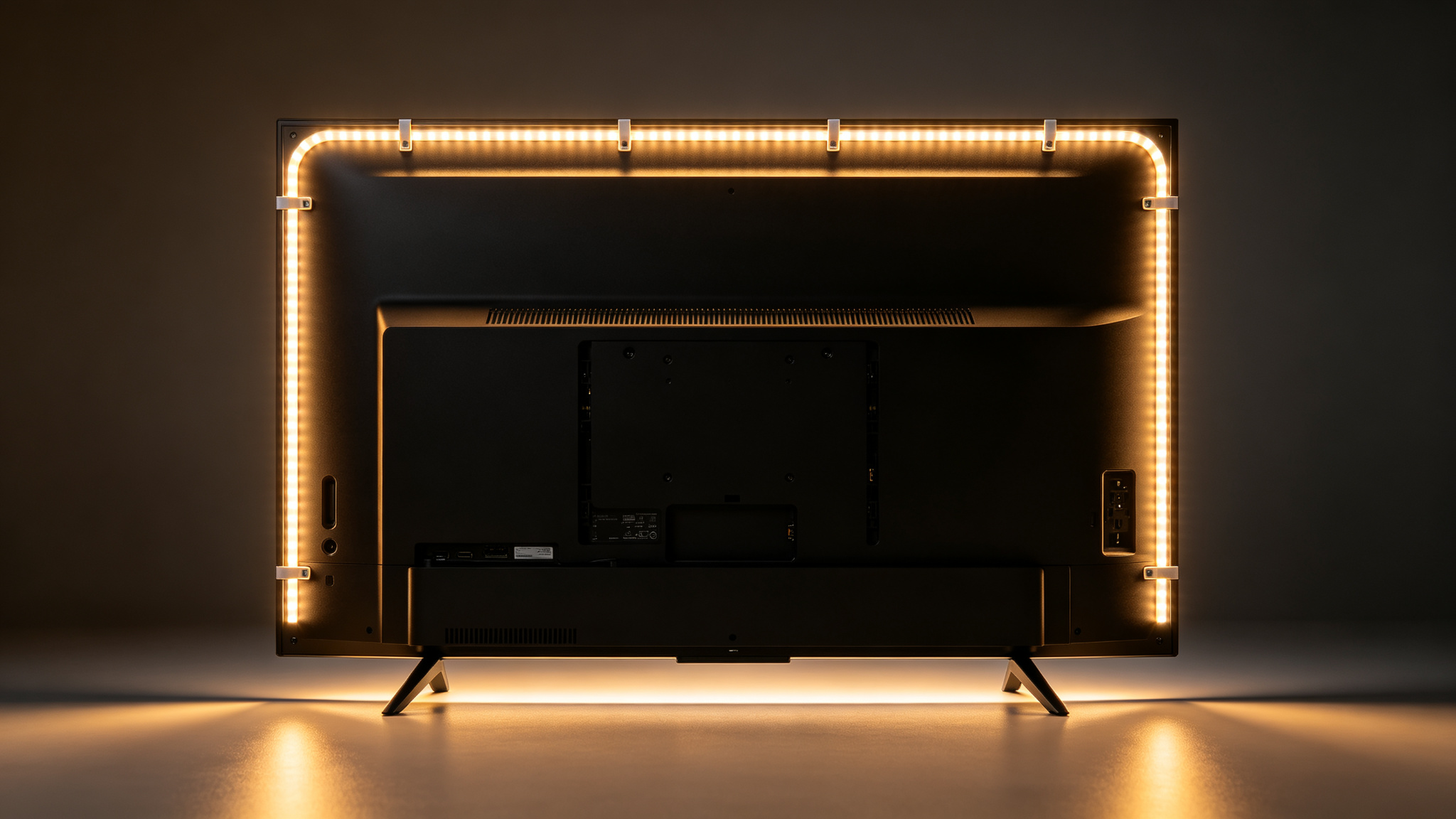
Running the strip around the full rear perimeter gives the most uniform halo.
The 30-second decision
1) Movies & eye comfort → 24V RGBW or warm-white COB at 2700–3000K. 2) Gaming / party → RGB(W) strip + WiFi ambient-sync controller. 3) Small room, budget → single-color 2835 in warm white. Always size the driver 20–30% over your wattage.
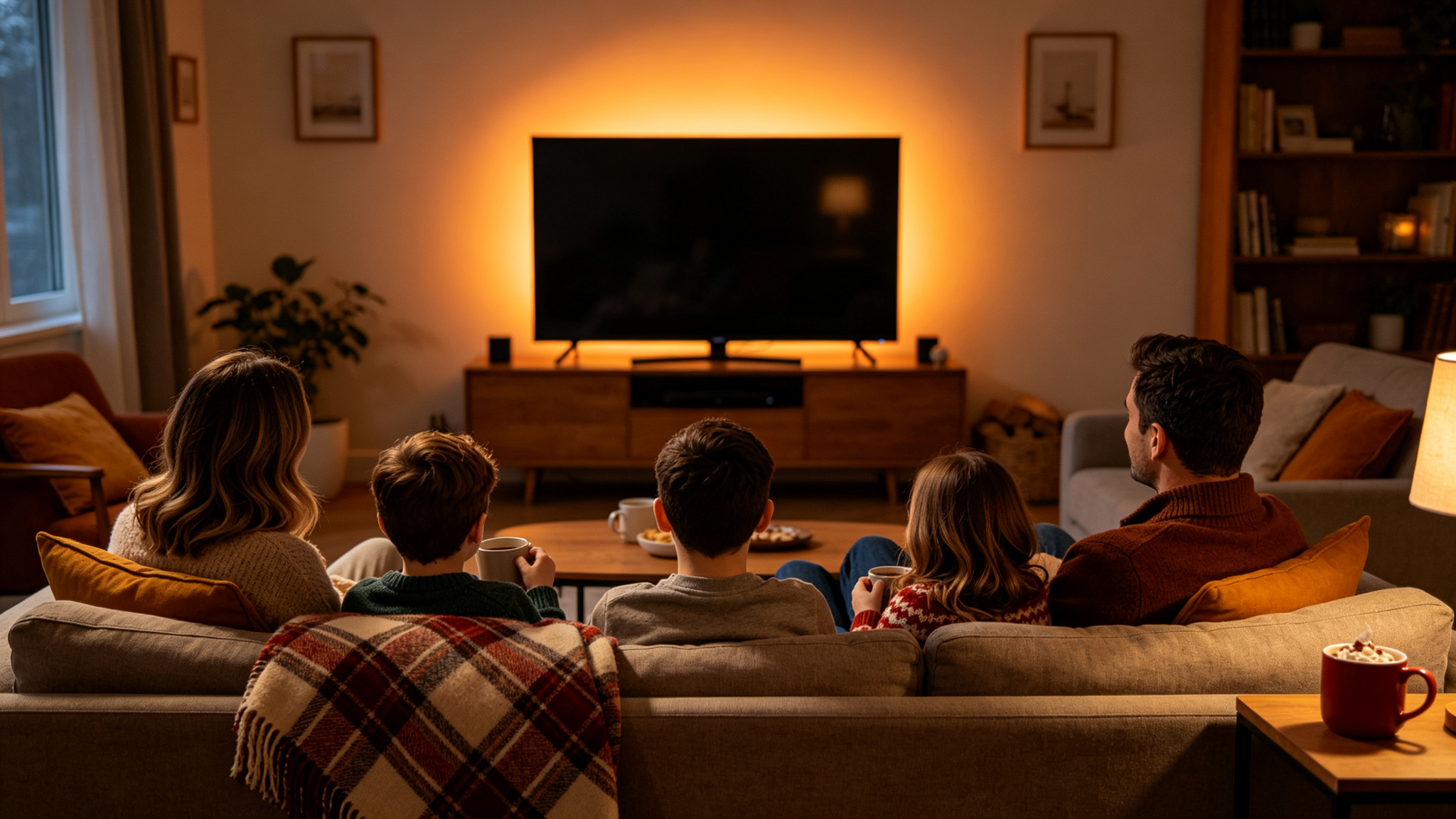
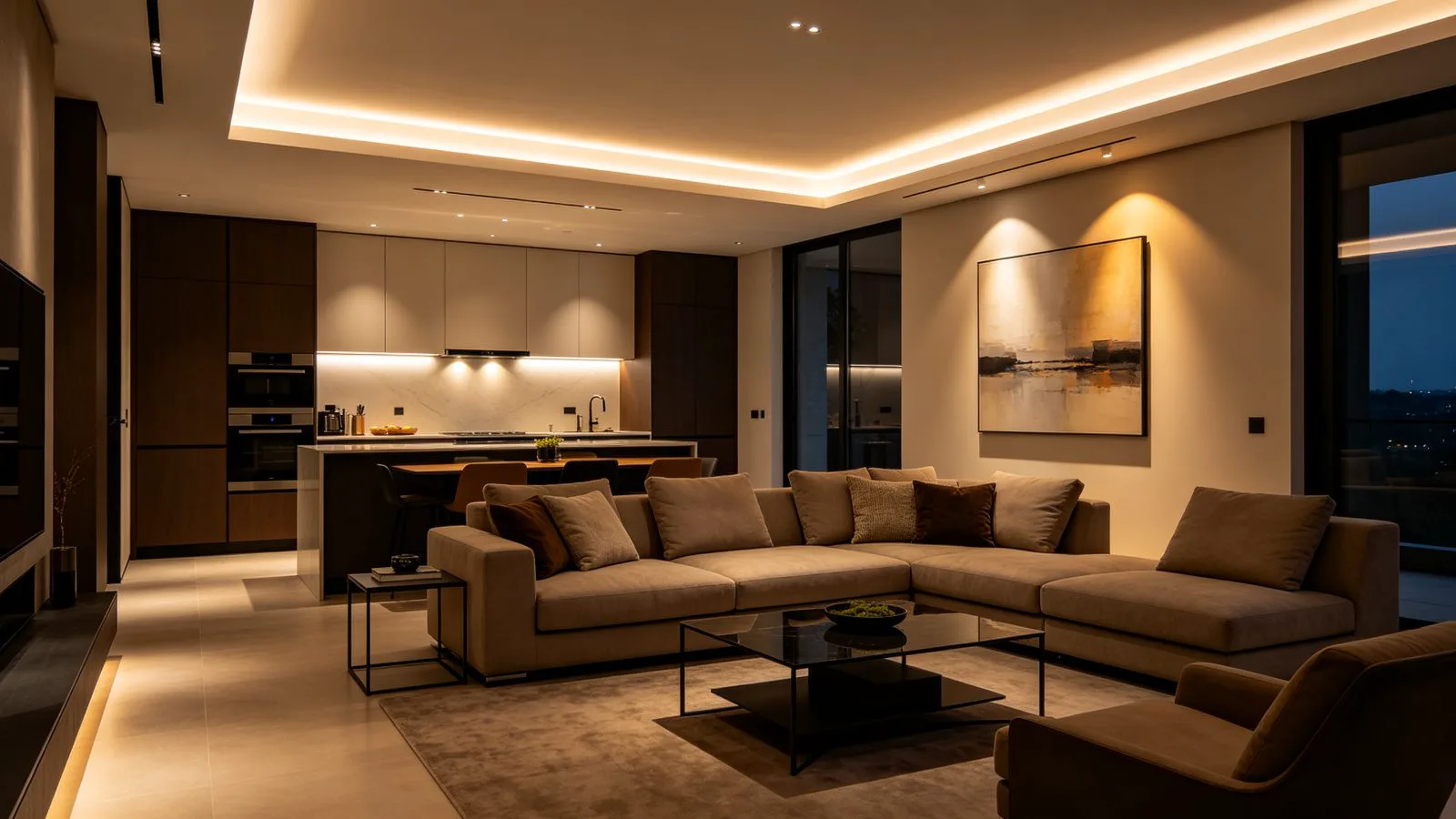
The whole room feels calmer when the wall around the screen glows softly.
Recommended Products


Frequently Asked Questions
What color temperature is best for TV bias lighting?
For movies and everyday viewing, 2700K–4000K warm to neutral white is easiest on the eyes and complements most content. Hardcore home-theater calibrators sometimes use 6500K (D65) to match the screen white point. Avoid cool blue light in a dark room — it strains the eyes and washes out warm scenes.
How bright should TV bias lighting be?
Bias light should be subtle: roughly 10–20% of screen brightness, about 50–100 lux on the wall behind the set. It should lift the room’s mid-brightness so your eyes stop jumping between black and white, never glow as a bright rectangle or compete with the picture.
Do I need RGB bias lighting, or is warm white enough?
Warm white is enough for comfortable movie watching and looks the most natural. RGB only adds value for gaming, ambient-sync effects or parties where you want the wall to match on-screen color. Keep a white-only preset so you can return to neutral bias at any time.
Can I stick an LED strip directly on the back of my TV?
Yes — most bias strips use a self-adhesive backing and mount on the rear perimeter of the TV, 2–5 cm in from the edges so the light bounces to the wall. Use 12V or 24V low-voltage strip (never mains voltage), keep it clear of ventilation slots, and use a properly sized driver.
Building an indoor LED strip project?
Get factory-direct pricing, free layout advice, samples and a custom quote within 24 hours.
Get a Quote