Side-Bend vs Top-Bend Neon Flex: What's the Difference?
- 2026-09-22 11:55
- /
- Arraystar LED
Here's a detail that catches even experienced sign makers: neon flex only bends in one plane. Order the wrong orientation and your letters or shapes simply won't curve the way the design intended — you'll be fighting the strip on every corner. It's a tiny spec decision that saves a lot of swearing. Let me explain the difference and how to choose.
The two bend directions
Top-bend (also called front-bend or horizontal-bend)
The strip curves so the light bends toward or away from the lit face — imagine forming an arch that rises up from the table, or letters that curve in the vertical plane while mounted flat. The bending happens across the width of the strip in the plane facing the viewer.
Side-bend (also called vertical-bend)
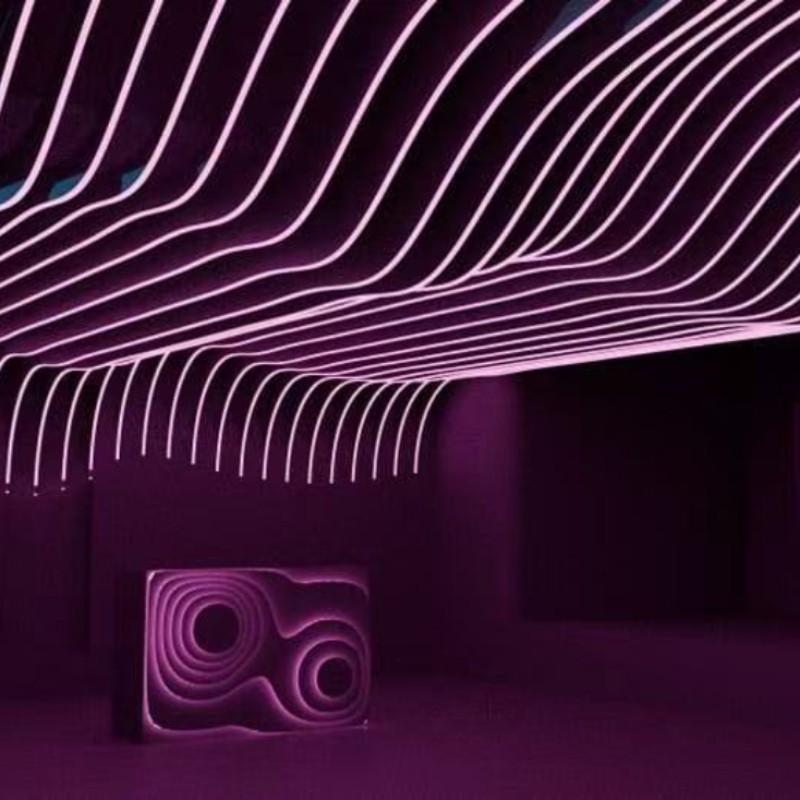
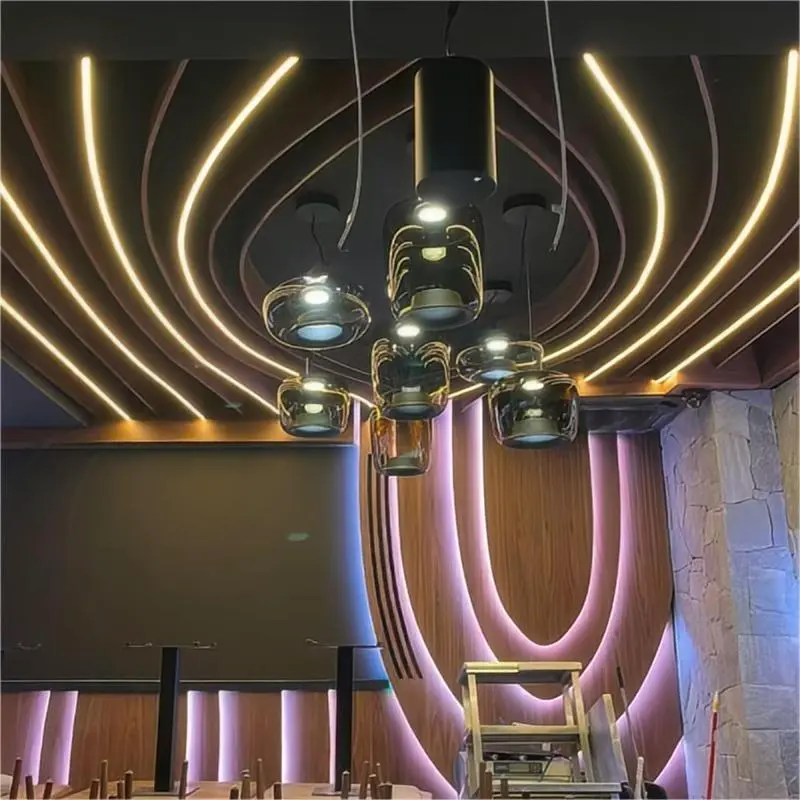
The strip curves left and right along its edge — like bending it around a corner when it's standing on its side, or tracing shapes that snake horizontally on a wall while the strip faces forward.
The LEDs and PCB are arranged so the flexible points only flex one way; try to bend the wrong plane and the strip resists, stressing the solder points instead of following the curve.

How to work out which you need
Look at your design and ask which way the strip curves relative to the surface it's mounted on:
- If the strip is mounted flat against a wall/board and the shape curves left/right across that surface (most channel letters, logos, outlines) — you generally want side-bend.
- If the strip wraps over edges, forms arches, or curves up and away from the surface — you want top-bend.
The cleanest trick: lay a sample in the exact mounting orientation and trace the shape with your hand before ordering. Once you see it physically, the right orientation is obvious.
When a design needs both
Complex 3D signs sometimes curve in both planes — for example letters on a wall that also wrap around a corner. In that case use the matching orientation for each section and join them, or choose a 3D/bendable neon rated to flex in multiple directions (check the model's stated bend planes; standard neon flex is single-plane only). Don't force a single-plane strip into a compound curve — that's what cracks solder joints and kills segments.
Bending and mounting tips- Bend gently to the minimum radius in the spec; never kink sharply at the LED points.
- Use the pre-cut notches/cut marks for corners rather than forcing a curve where the board is rigid.
- Fix with the matching clips or channels so the strip can't spring back.
- Seal cut ends properly on outdoor installs.
FAQ
Can I just bend top-bend neon sideways if I need a side curve?
Not reliably — it'll resist and stress the joints, leading to dead segments. Use the correct orientation for the curve you're forming.
Which bend type do channel letters usually need?
Most flat-mounted letters and logos that curve across the board use side-bend, but confirm against your mounting orientation and a physical sample.
Is there neon flex that bends both ways?
Some 3D or multi-directional flex is rated for it; standard neon flex is single-plane, so check the model before assuming.
Send me the sign design or describe how the strip curves and I'll confirm side- or top-bend and match the model, cut points, and mounting clips for the install.