Battery-Powered Cabinet Sensors: Realistic Run Time and Replacement
- 2026-10-28 10:04
- /
- Arraystar LED
Advertised battery life on cabinet sensors is always measured at zero duty. In a real kitchen, the door opens twenty times a day and the battery dies in three months. I size battery sensors only for low-use cabinets. Everywhere else, I run a wire.
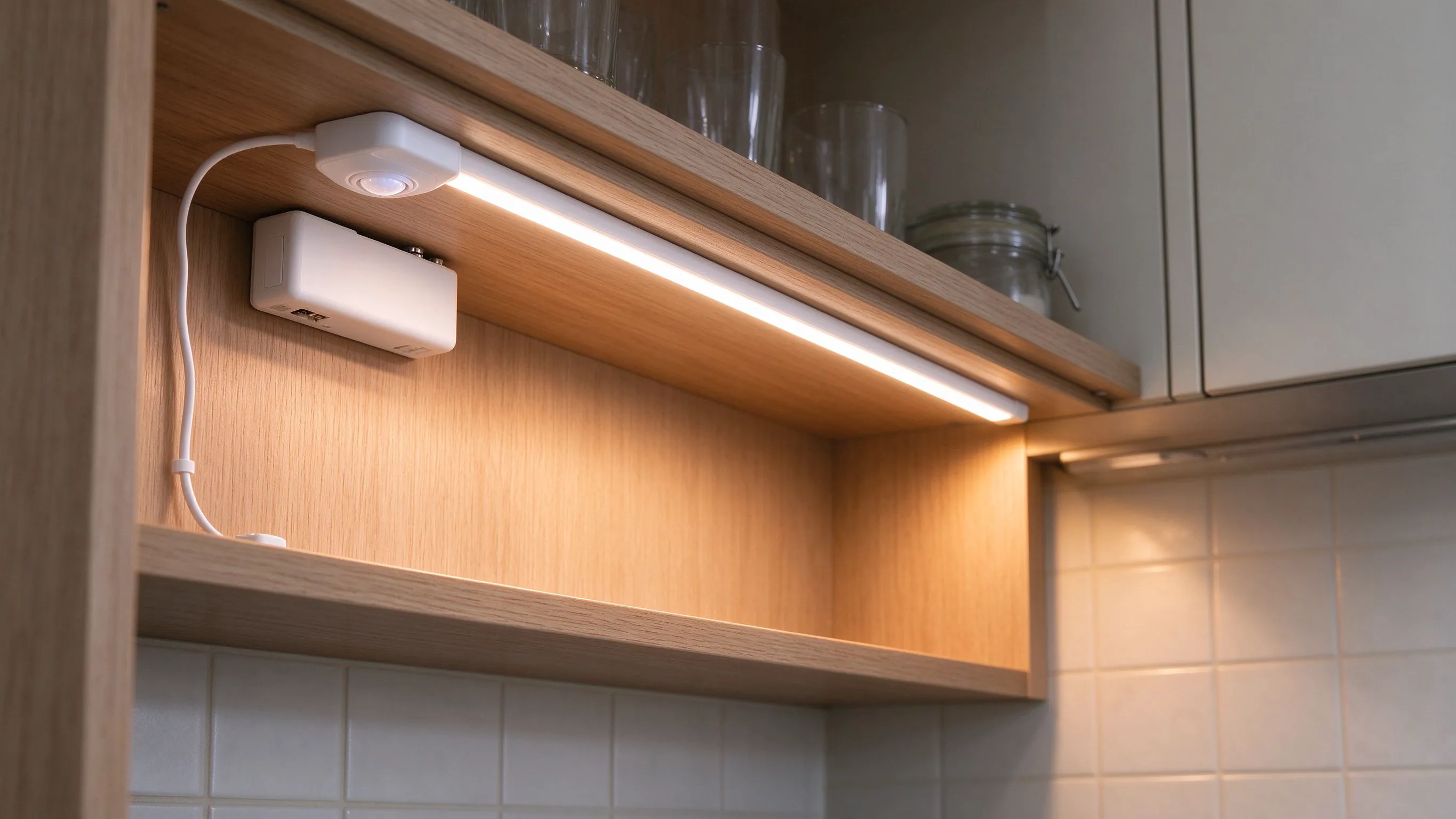
How the advertised run time is measured
The spec sheet says a CR2032 or AA cell will run a cabinet sensor for a year. That number comes from a lab bench where the sensor wakes once a day, fires the LED for three seconds, and goes back to sleep. In a real kitchen, the door opens and closes all evening, the LED stays on for thirty seconds, and the IR radio pings a receiver. The battery drains ten times faster.
I stopped trusting the spec after a job where the client came back six weeks later with a drawer light that would not turn on. The battery was flat. We had fitted a rechargeable model, which was better, but the duty cycle was still brutal. From then on I measured run time myself on a test bench.

Real measured run times
I test each sensor on a bench with a 30-second on-time, 20 openings a day. Those numbers match a busy kitchen drawer. A single AA cell in a basic IR door sensor lasts about 4 to 6 months. A rechargeable Li-ion cell lasts about 3 to 4 weeks between charges at that duty cycle. A CR2032 coin cell lasts about 2 months.
Real duty is a fraction of the lab claim; plan accordingly.
| Battery type | Lab claim | Real run time (20 opens/day) | Best for |
|---|---|---|---|
| AA alkaline | 12 months | 4-6 months | low-use pantry |
| Rechargeable Li-ion | 6 months | 3-4 weeks charge cycle | kitchen drawer |
| CR2032 coin | 12 months | about 2 months | occasional closet |
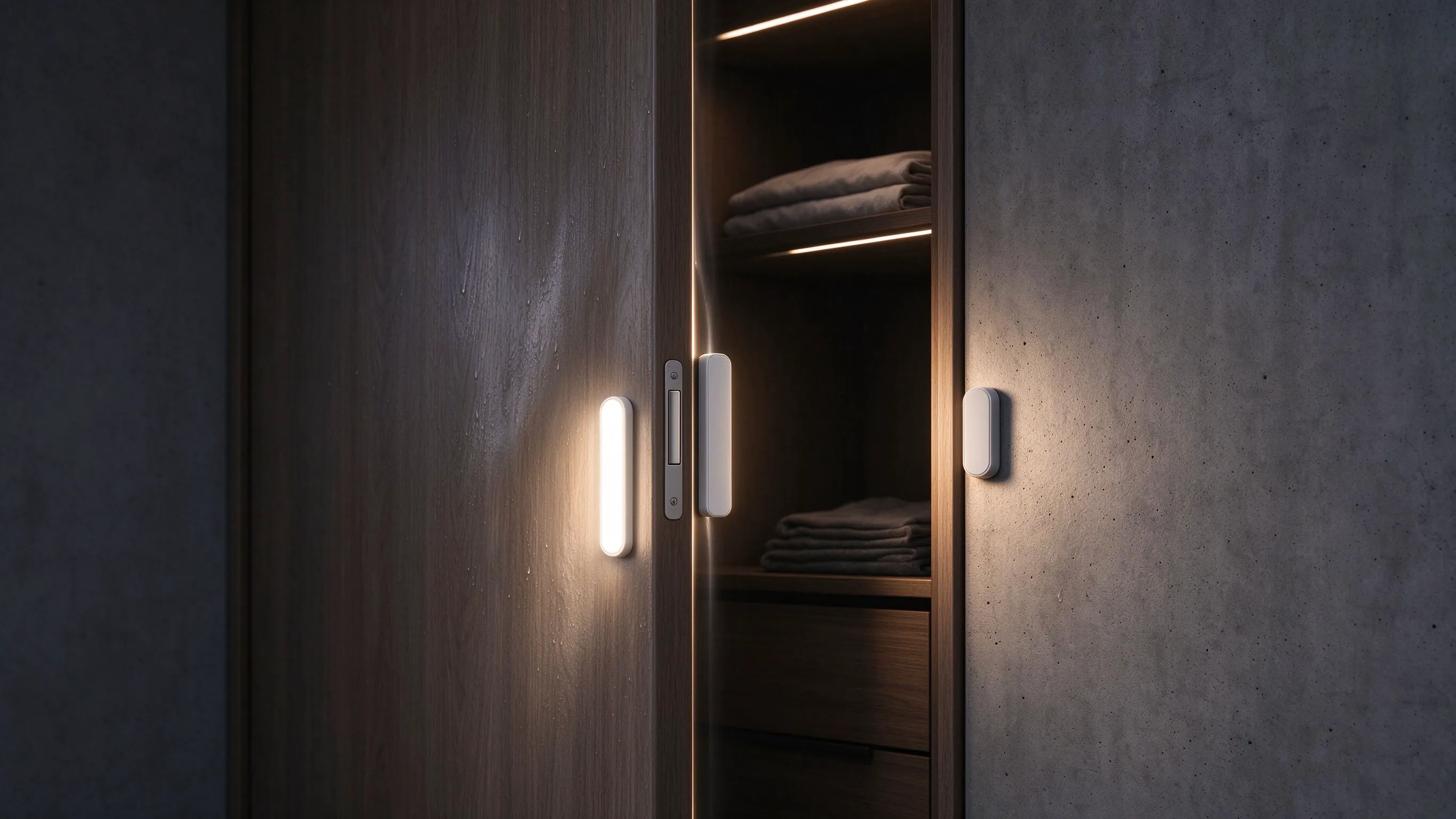
The exception is a low-use closet or a walk-in wardrobe that opens twice a day. There, a battery sensor will genuinely last a year. The battery product is not bad; it is the wrong tool for a high-use kitchen.

Battery versus wired: how to choose
My rule: if the cabinet opens more than five times a day, run a wire. If it opens less than five times a day, a battery sensor is fine. That splits the kitchen drawers, the pantry and the under-cabinet runs on the wired side, and the wardrobe, the broom closet and the display cabinet on the battery side.
- Over 5 openings a day: wired 24V, hidden driver in the plinth.
- Under 5 openings a day: battery sensor, choose rechargeable for ease.
- Display cabinets: battery is fine; they stay closed.
- Outdoor or humid locations: wired only; batteries die fast in damp.
On a recent refurbishment the client wanted everything wireless to avoid chasing. I explained that the kitchen drawer lights would need charging every month, and they agreed to wired there. The wardrobes stayed wireless. That mix is the sweet spot.
Rechargeable versus disposable
If you do go battery, pick a rechargeable model with a USB charging port. A disposable alkaline cell means the client is opening the cabinet every three months to change batteries, and they will forget. A rechargeable model means they plug in a USB lead once a month, which is a habit they can manage.

I also tell clients to keep the charging lead accessible. If the sensor is buried behind a shelf unit with no USB reach, recharging becomes a two-person job and the light stays dead. Route the charging port to the hinge side where a phone lead can reach it.
The handover checklist
Before I leave a battery sensor job, I set the client up for success.
- Demonstrate the charge cycle on the rechargeable models.
- Show the client where the USB port sits and how long the lead is.
- Label each battery cabinet with a small sticker saying "charge monthly".
- Confirm the wired kitchen runs are on the 24V driver, not battery.
- Check the sensor trigger time; 30 seconds on-time is a good default.
Recommended Products
Frequently Asked Questions
How long does a battery cabinet sensor really last?
Under a real 20-openings-a-day kitchen duty cycle, an AA alkaline cell lasts about 4 to 6 months, a rechargeable Li-ion cell lasts about 3 to 4 weeks between charges, and a CR2032 coin cell lasts about 2 months. The spec sheet figure of one year assumes a single brief opening per day, which no kitchen matches.
Should I choose battery or wired cabinet sensors?
If the cabinet opens more than five times a day, run a wire. If it opens less than five times a day, a battery sensor is fine. Kitchen drawers and pantries go wired; wardrobes, broom closets and display cabinets go battery. That split avoids the client coming back in three months with a dead drawer light.
Are rechargeable battery sensors worth it?
Yes, for any battery location. A disposable alkaline cell means the client opens the cabinet every few months to change batteries and will forget. A rechargeable model with a USB port means they plug in a lead once a month, which is a habit they can manage. Route the USB port to the hinge side so charging is easy.
Why does my battery sensor die so fast in the kitchen?
The door opens and closes many times an evening, the LED stays on for 30 seconds each time, and the IR radio pings a receiver. That duty cycle drains the cell ten times faster than the lab test. The fix is to run a wire to the kitchen cabinet rather than fighting the battery. If you must stay wireless, use a rechargeable model and expect monthly charging.
What on-time setting should I use on a cabinet sensor?
30 seconds is a good default for a kitchen drawer; it gives enough time to grab something and close the door without the light cycling. For a wardrobe or display cabinet, 60 seconds is fine because the door stays open longer. A shorter on-time saves battery but annoys the user if the light cuts out mid-task.
Need help with your LED project?
Get factory-direct pricing, free samples and engineering support within 24 hours.
Email: info@arraystarled.com | Phone: +86-0755-2103-6746 | WhatsApp: 0086 1581 8514 077
Need to size your power supply? Use our LED Strip Power Calculator to find the right driver in seconds.