Handwave Sensors with Gloves or Wet Hands: Detection Tuning
- 2026-10-28 10:04
- /
- Arraystar LED
Handwave sensors miss gloved or wet hands not because they are broken, but because the sensing zone is tuned for a bare palm at room temperature. I have spent hours in kitchens tuning these. The fix is sensitivity, placement and a backup touch switch.
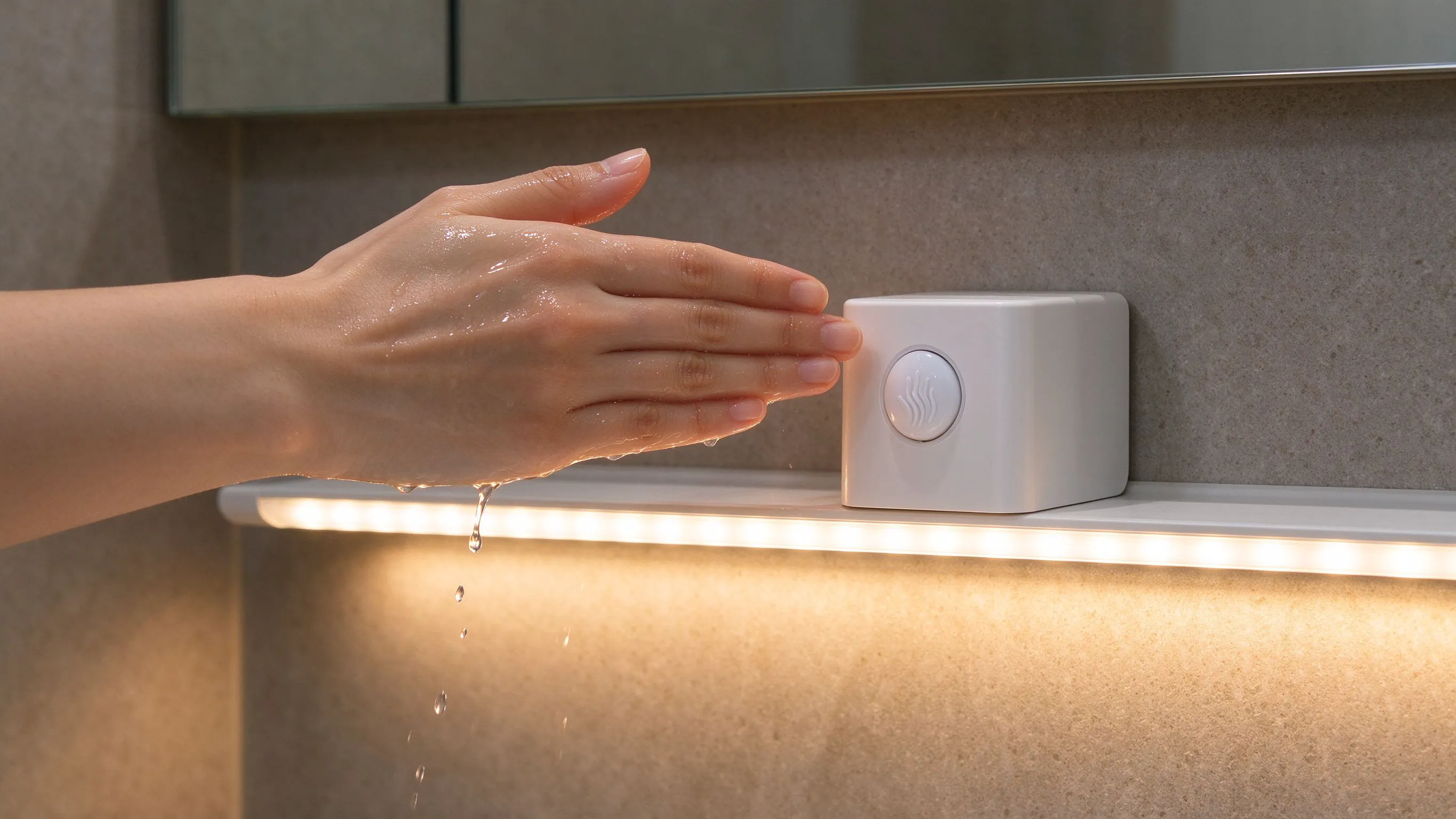
How a handwave sensor actually works
A handwave sensor is an infrared proximity switch. It emits a small IR beam and measures the reflected energy. A bare palm at 30 cm reflects a lot of IR. A rubber glove, a wet hand, or a stainless steel pot in front of the sensor changes that reflection, and the switch either triggers too early or not at all.
The sensor is not a camera and it cannot see you. It is measuring reflected light. That means the background behind the sensing zone matters. If the sensor looks at a white tile wall, the wall already reflects a lot of IR, and the hand has to break that baseline to trigger. If it looks at a dark cabinet, the hand triggers easily.
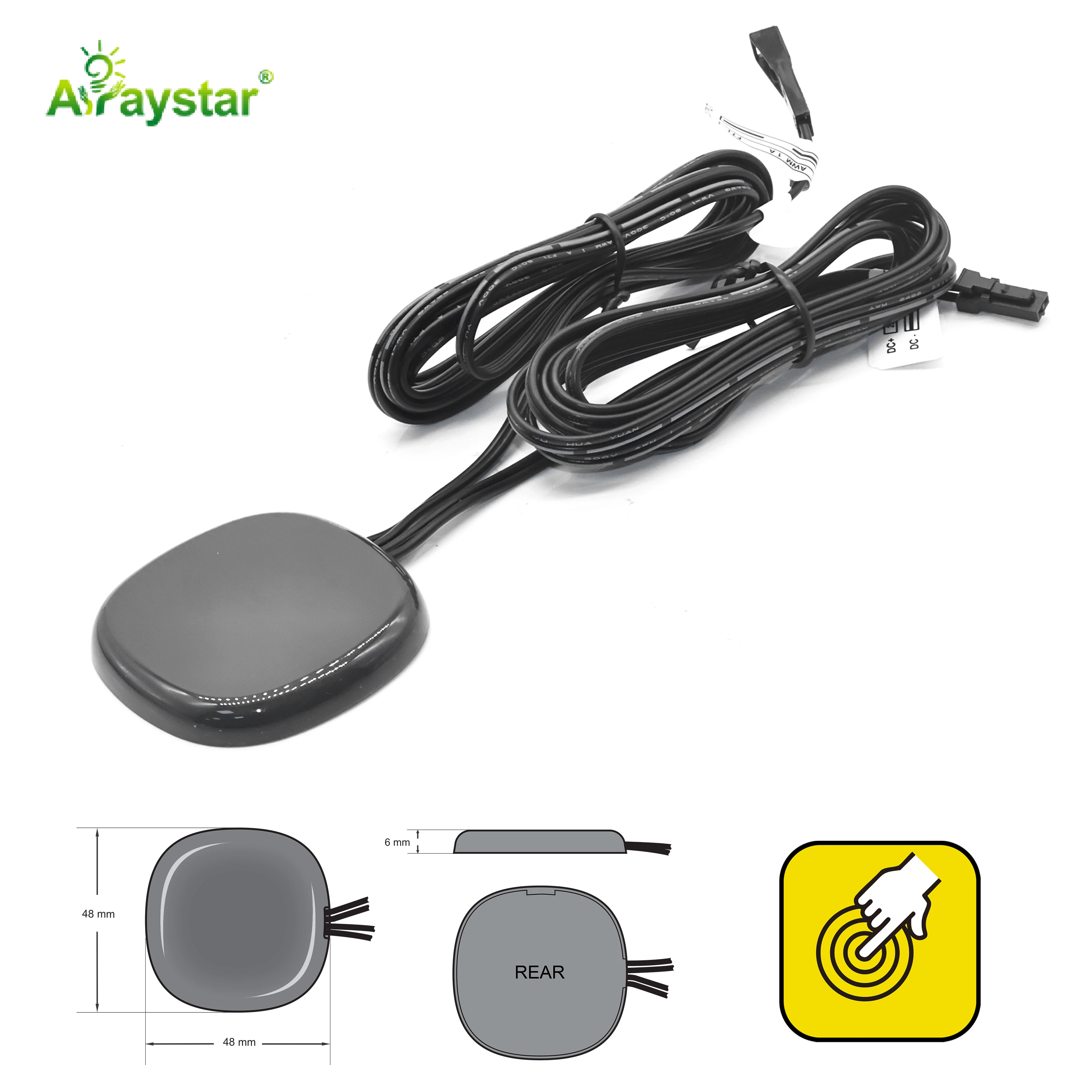
Why gloves and wet hands fail
A rubber or latex glove absorbs more IR than bare skin, so the reflected energy is weaker. Wet skin also reflects differently because the water film scatters the beam. In both cases, the sensor sees a smaller change than it is tuned to expect, and it ignores the hand. The fix is to increase the sensitivity threshold so weaker reflections still register.
Gloves and wet hands need more sensitivity; dark backgrounds need less.
| Hand condition | Typical trigger | Sensitivity needed |
|---|---|---|
| Bare dry palm | Triggers easily | factory default |
| Rubber glove | Misses often | increase 30-50% |
| Wet hand | Triggers erratically | increase 20% + clean lens |
| Dark sleeve in front | False trigger | lower sensitivity |
On a commercial kitchen job, the chef wore nitrile gloves and the sensor missed every time. We turned the trimmer up 40 percent and it worked. The cost was a few false triggers from the stainless counter, which we solved by repositioning the sensor to look at a dark backsplash.
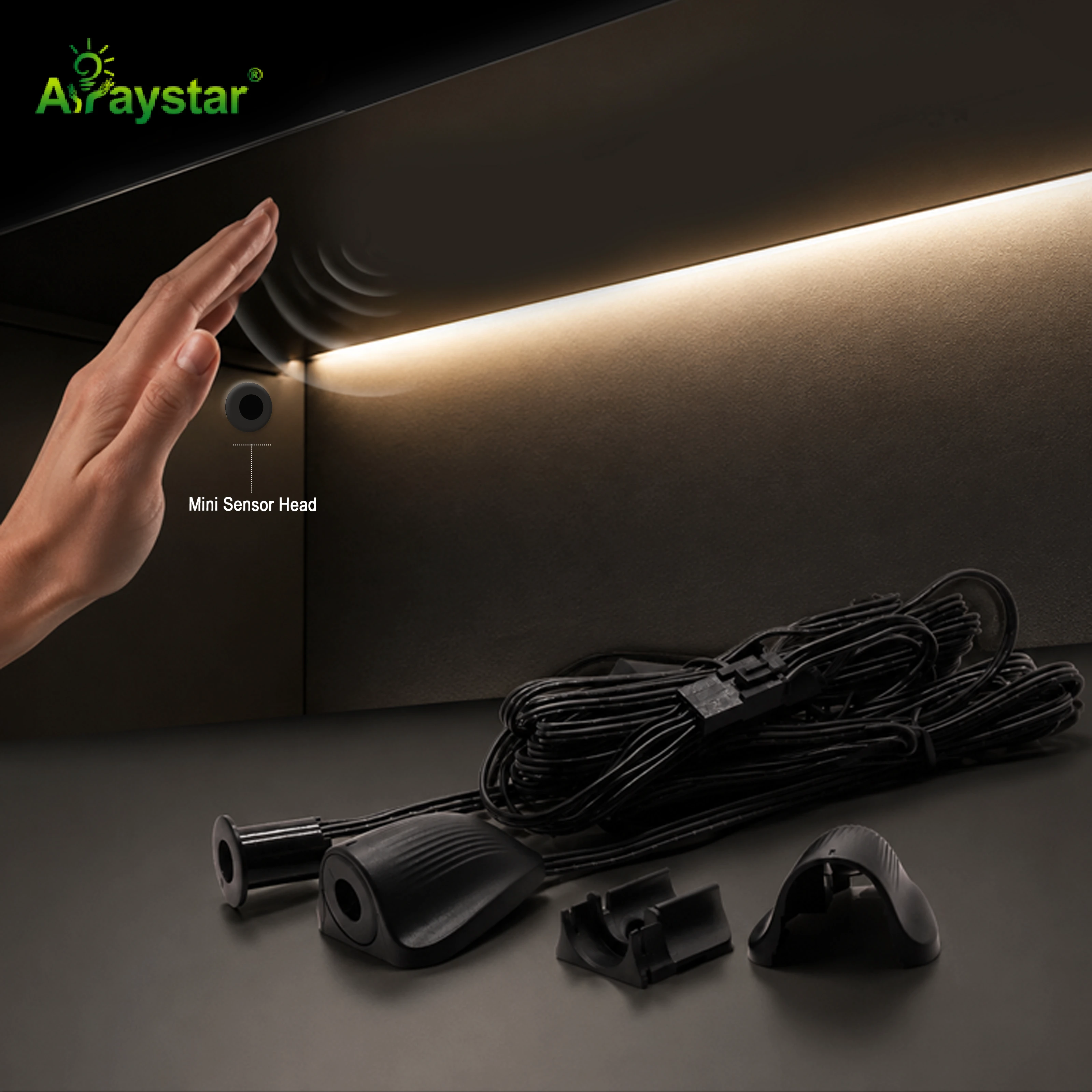
Placement beats sensitivity
Before I touch the sensitivity trimmer, I move the sensor. The sensing zone should be in open space, not pointed at a wall, a cupboard door, or a dish rack. If the sensor sees a bright background, the hand has to work harder to register. Aim it at a dark, matte surface and the hand triggers easily even with gloves.
- Aim the sensor at a dark matte surface, not a bright tile wall.
- Keep the sensing zone 5 to 10 cm clear of any door or object that swings.
- Mount it 30 to 40 cm above the work surface; lower and pots block the beam.
- Clean the lens with a dry cloth; grease film reduces range.
I had a job where the sensor was mounted directly above a stainless prep bench. The bench reflected IR constantly and the sensor would not trigger. We moved it 15 cm sideways to look at the dark cabinet side and it worked with no sensitivity change.
Touch backup and run time
Even with perfect tuning, I always specify a touch dimmer or a physical switch as backup. There is a day when the chef has oven mitts on, or the sensor lens is greasy, and the handwave simply will not work. A touch switch on the cabinet rail gets the light on without a ladder.
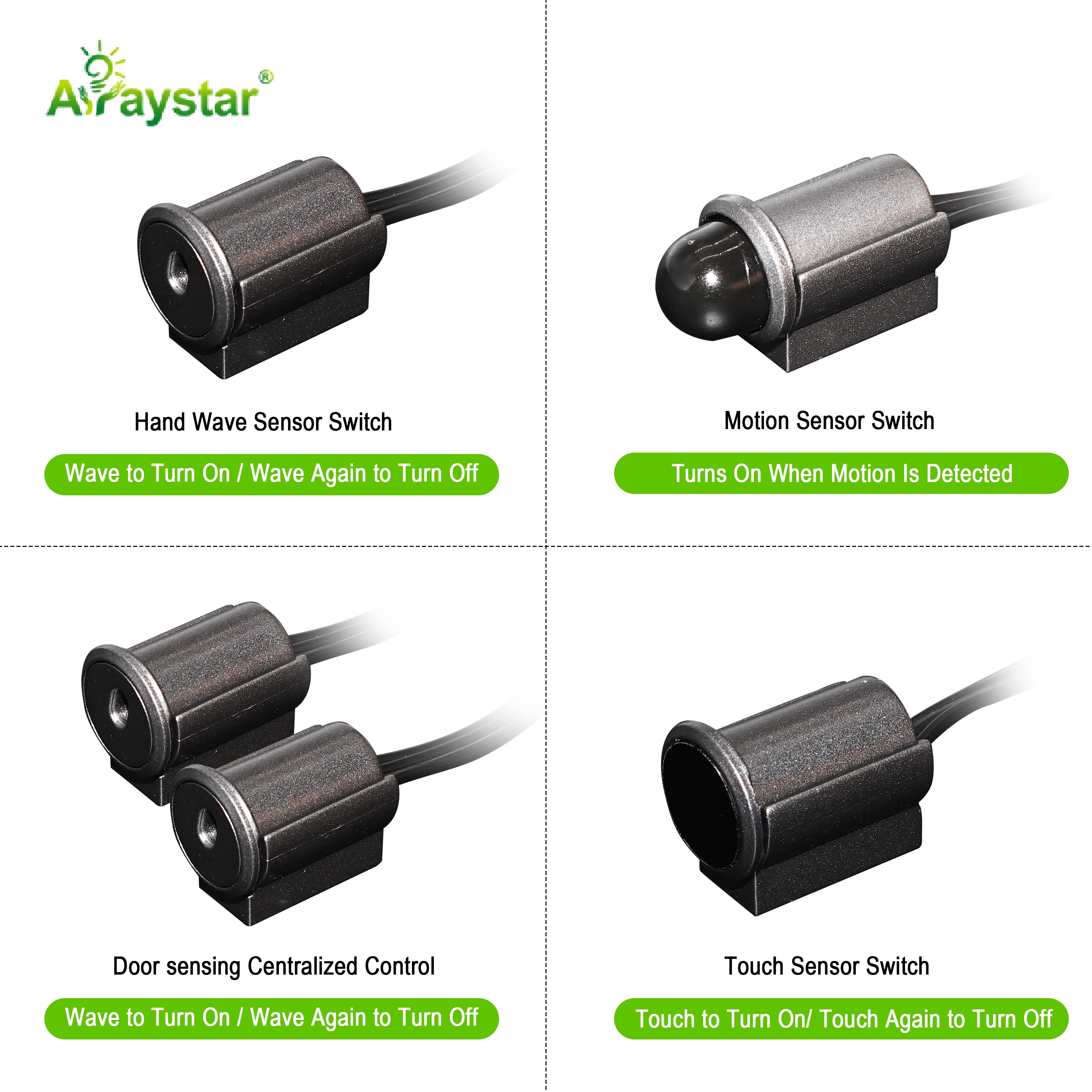
I also set the sensor to toggle rather than momentary. A momentary sensor keeps the light on only while the hand is in the beam, which is frustrating in a kitchen. Toggle means one wave turns it on, one wave turns it off. That is the setting people actually want.
The commissioning walk-through
After I fit a handwave sensor, I test it the way the user will actually use it, not the way I would use it.
- Test with a bare dry hand at the working height.
- Put on a rubber glove and wave; adjust sensitivity if it misses.
- Wet the hand under the tap and wave; clean the lens if it is erratic.
- Open and close the nearby cabinet door; confirm no false triggers.
- Confirm the touch backup works with a wet hand.
Recommended Products
Frequently Asked Questions
Why does my handwave sensor miss gloved hands?
A rubber or nitrile glove absorbs more infrared than bare skin, so the reflected energy is weaker. The sensor is tuned to expect a bare palm and ignores the weaker signal. Turn the sensitivity trimmer up 30 to 50 percent. If you still get misses, reposition the sensor so it looks at a dark matte background, not a bright wall.
Why does a wet hand make the sensor erratic?
Water on the skin scatters the infrared beam differently than dry skin, so the reflected energy jumps around. The sensor sees a weak, unstable signal and either triggers randomly or not at all. Clean the lens of grease film, then raise sensitivity about 20 percent. If it still misbehaves, add a touch switch as backup.
Where should I aim a handwave sensor in a kitchen?
Aim it at a dark matte surface, not a bright tile wall or a stainless bench. A bright background already reflects a lot of IR, so the hand has to work harder to register. Mount the sensor 30 to 40 cm above the work surface and keep the sensing zone 5 to 10 cm clear of any swinging door or dish rack.
Should I use toggle or momentary mode?
Use toggle mode. One wave turns the light on, one wave turns it off. Momentary mode keeps the light on only while your hand stays in the beam, which is frustrating in a kitchen where you need both hands free. Toggle is the setting people actually want, even if they do not know it yet.
Do I need a backup switch with a handwave sensor?
Yes. Spec a touch dimmer or a physical switch on the cabinet rail. There will be a day when the user has oven mitts on, the sensor lens is greasy, or the handwave fails for any reason. The backup gets the light on without a ladder and keeps the install from becoming a call back.
Need help with your LED project?
Get factory-direct pricing, free samples and engineering support within 24 hours.
Email: info@arraystarled.com | Phone: +86-0755-2103-6746 | WhatsApp: 0086 1581 8514 077
Need to size your power supply? Use our LED Strip Power Calculator to find the right driver in seconds.