LED Strip Heat Dissipation: Thermal Management for Long Life
- 2026-09-18 18:14
- /
- Arraystar
Quick Answer
LEDs lose about 70% of their energy as heat. To keep an LED strip bright for its rated life, mount it on an aluminum channel or thermally conductive surface, use good double-sided thermal tape, never seal it in an insulated box, and choose a strip with enough PCB area — overheating is the #1 cause of early lumen loss and color shift.
📑 Table of Contents
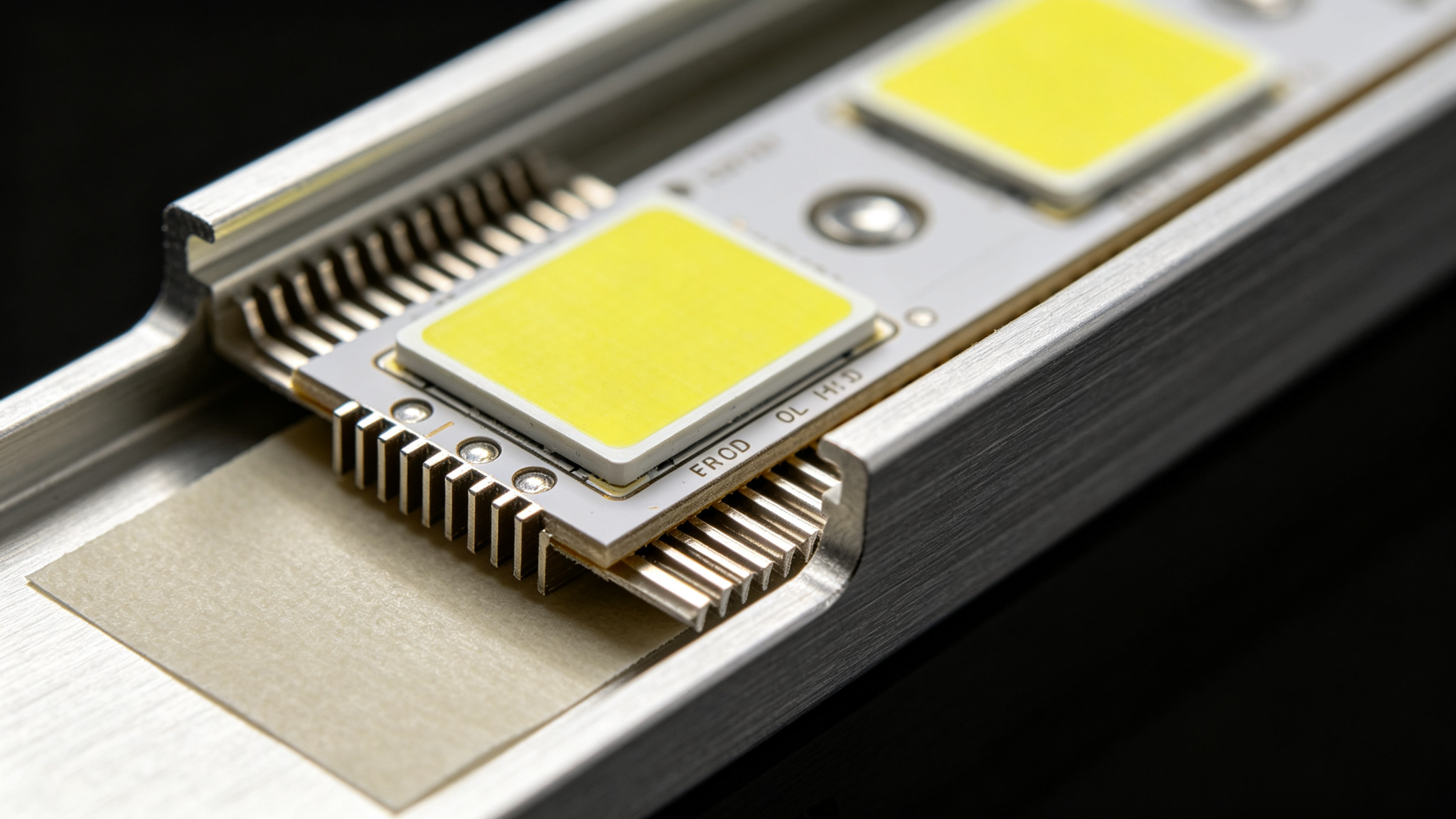
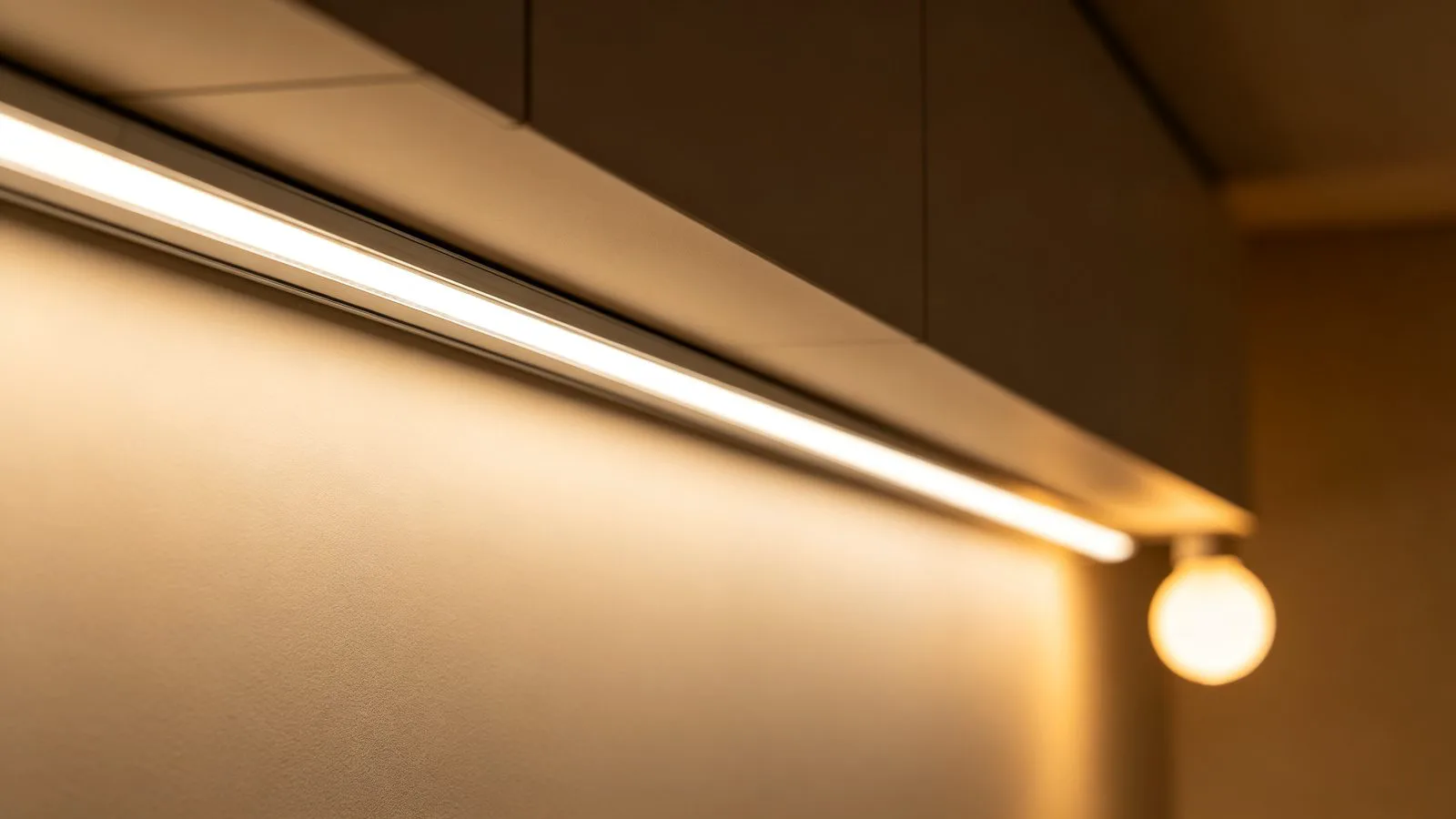
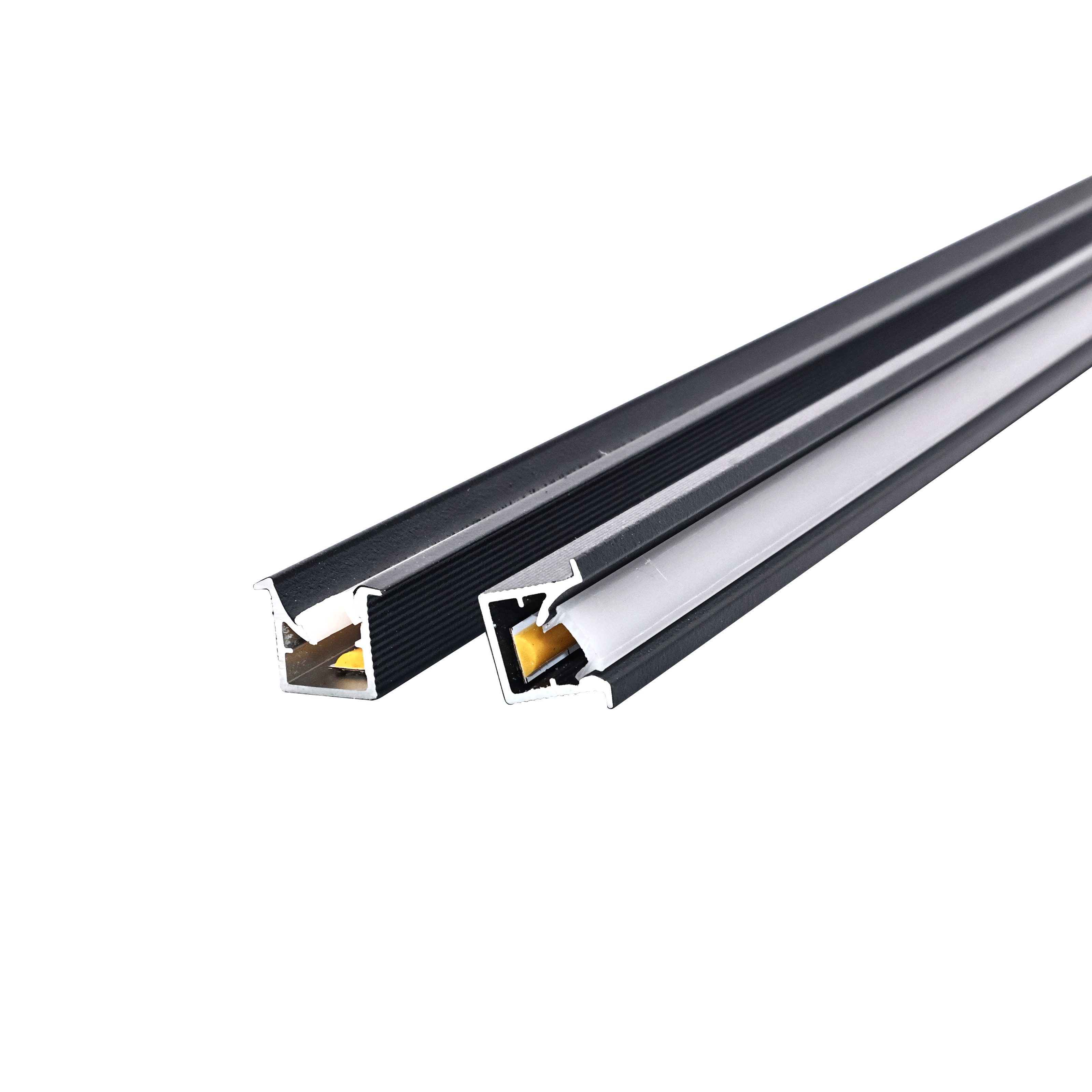
An aluminum channel does double duty — it hides the strip and acts as a heatsink that extends its life.
Why Heat Is the Enemy of LED Strip Life
People buy LEDs for their long life, but that 50,000-hour rating is measured at a controlled junction temperature. Every extra 10°C of operating temperature roughly halves the expected lifetime. A strip stuck directly to a warm, non-conductive surface — wood, painted plaster, foam — has nowhere to dump its heat, so the chips cook, dim and shift color years early. The good news: thermal management is mostly about giving the heat somewhere to go.
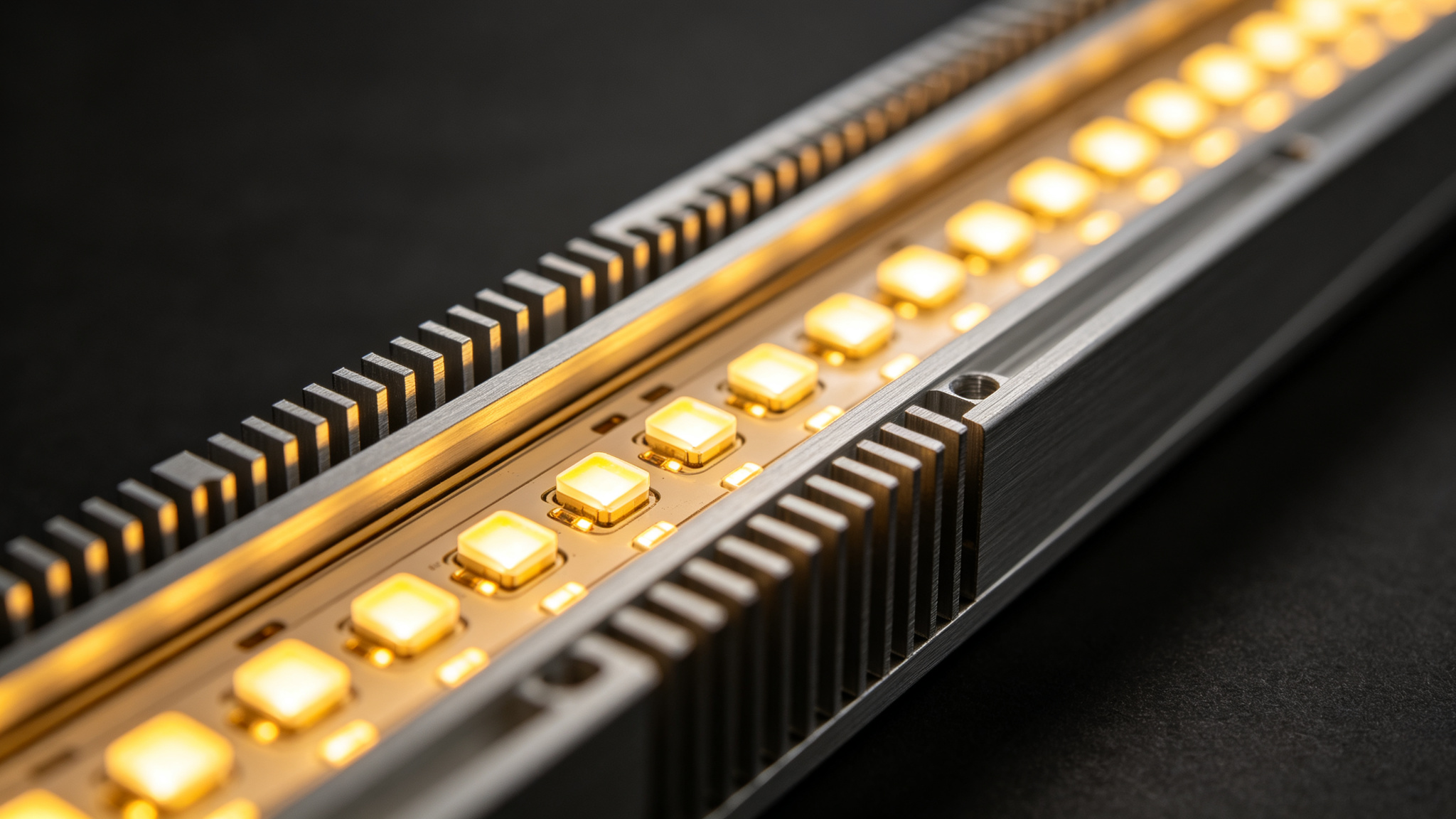
The aluminum body conducts heat away from the PCB and spreads it across a large surface area.
How Heat Damages LEDs: the Mechanism
Heat accelerates three failure modes: phosphor degradation (white LEDs shift blue or green), solder and bond-wire fatigue (intermittent flicker and dead dots), and PCB delamination. You see it first as a subtle drop in brightness and a color shift toward cool blue, then as flickering. The fix is upstream: lower the junction temperature in the first place. For lifespan expectations under real conditions, see LED strip lifespan.
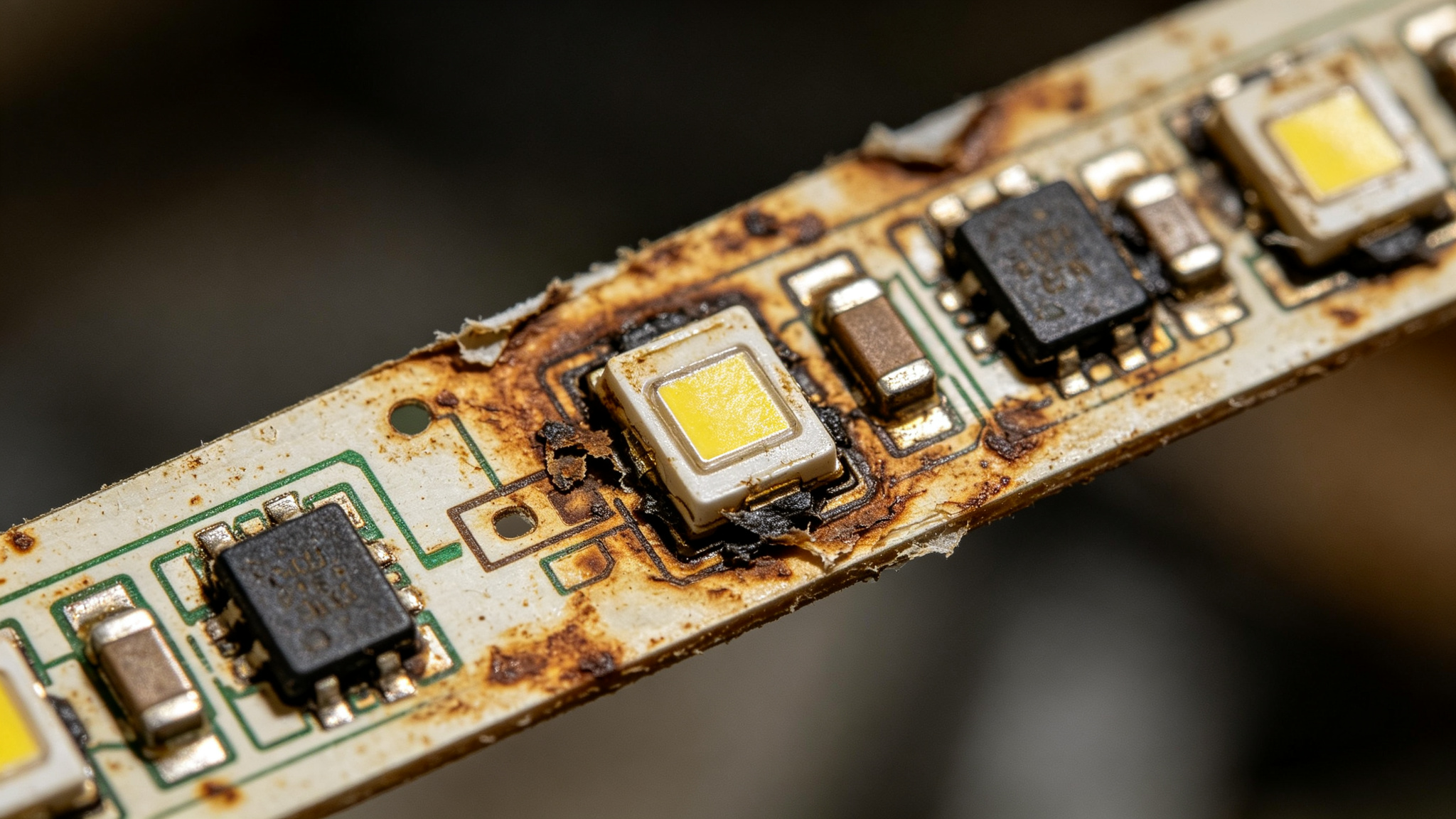
The failure end-state: browned, brittle PCB where heat had no escape. Avoid this with proper mounting.
Aluminum Channels vs Bare PCB: Comparison
| Factor | Bare LED Strip (no channel) | In Aluminum Channel |
|---|---|---|
| Heat dissipation | Poor — only the small PCB area | Good — aluminum spreads heat |
| Expected life | Reduced on warm surfaces | Near rated 30–50k hours |
| Optics / dots | Visible LED dots | Diffused — seamless line |
| Protection | Prone to damage and dust | Covered, protected, cleanable |
| Aesthetics | Visible tape / solder | Finished, professional look |
Rule of thumb: high-density COB and high-wattage-per-meter strips (15–20 W/m) almost always need an aluminum channel. Low-density, low-wattage strips on metal surfaces can run bare, but a channel still improves life and looks.
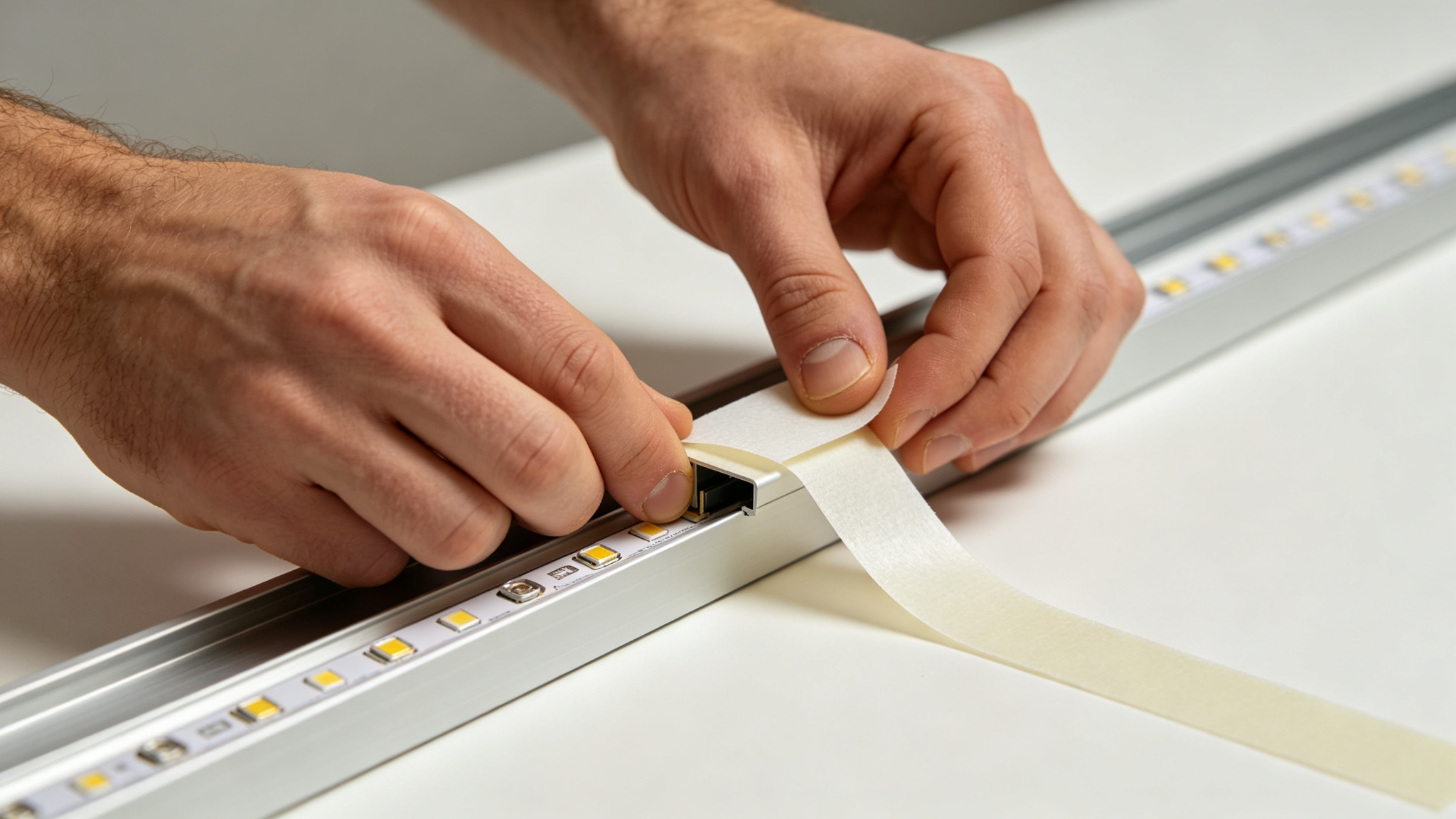
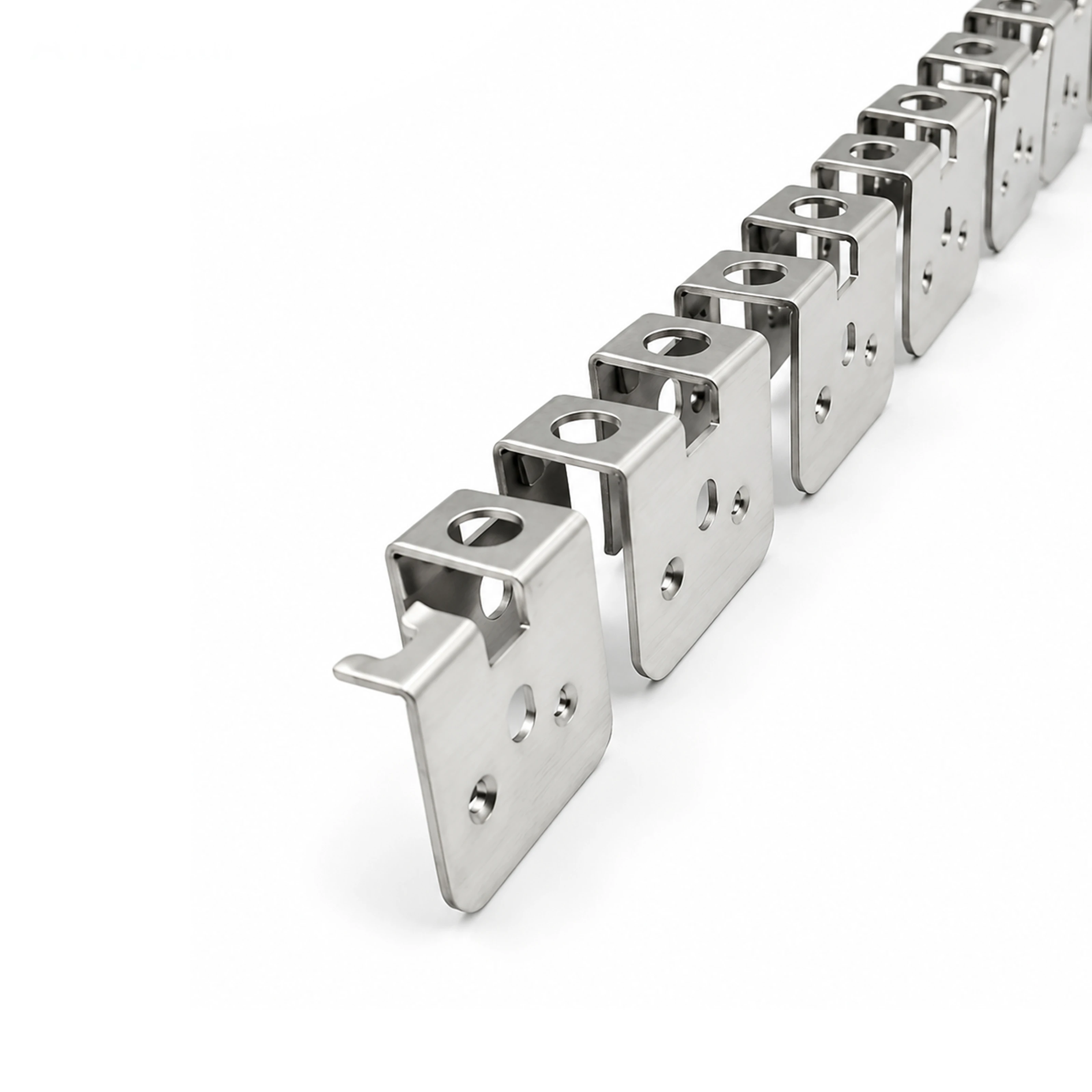
Use the strip’s own 3M thermal tape for full contact — gaps kill conduction. For fabrication detail see the aluminum channel guide.
Thermal Management Best Practices
- Maximize contact: press the strip fully onto a flat, clean metal surface; avoid bridging over uneven patches.
- Right channel size: pick a channel with a wide base and adequate internal height — it is a heatsink as much as a housing.
- Do not over-encapsulate: sealing a hot strip inside an insulated, air-tight box traps heat.
- De-rate power: running a strip below max wattage cuts heat dramatically and extends life.
- Watch ambient: attic, soffit and summer installations run hotter — add margin.
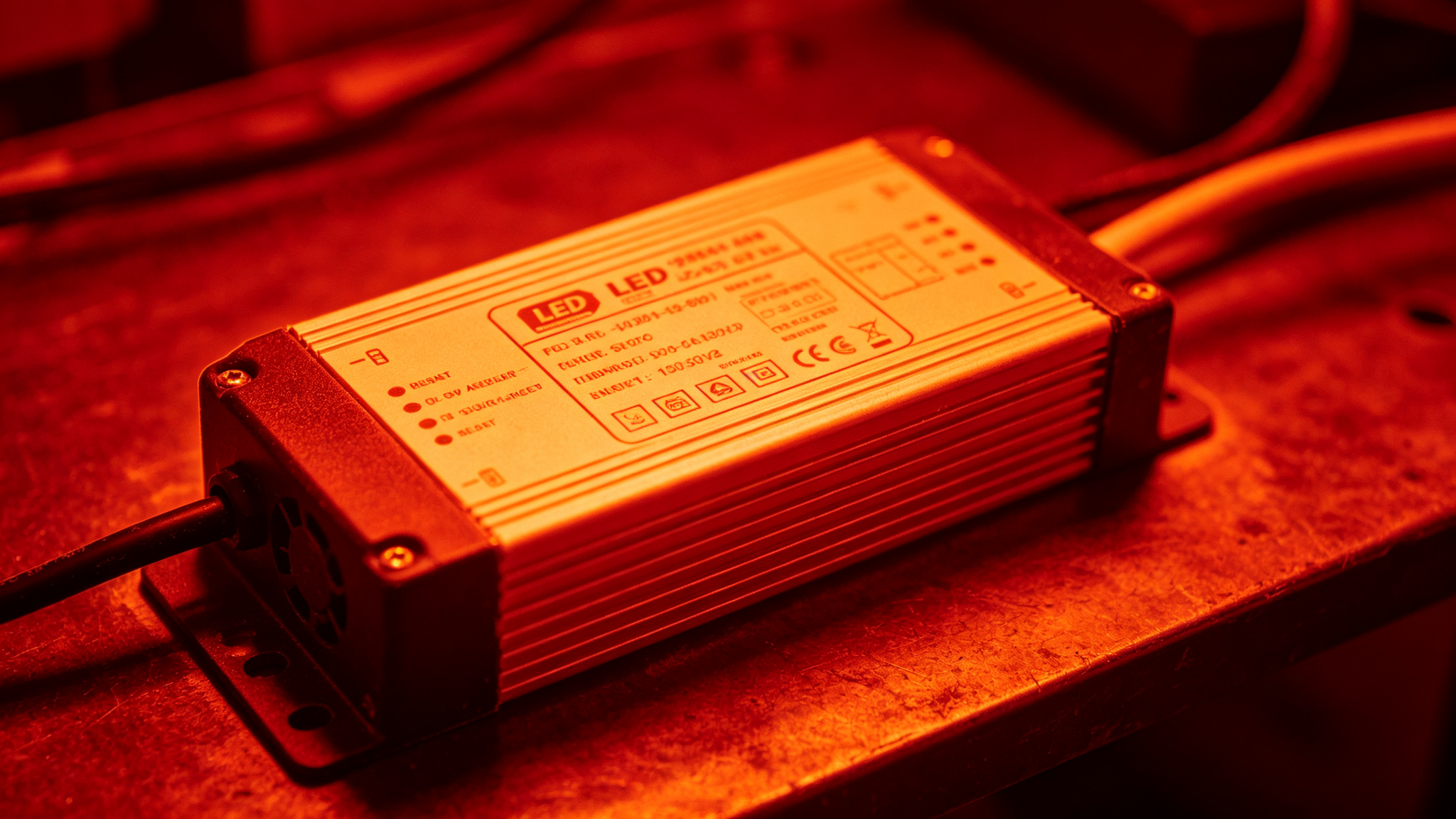
Thermal imaging makes overheating obvious — the hottest driver in a bank is usually the one failing first.
Driver Cooling and Ventilation
The driver generates heat too, and it is even more sensitive to high temperatures than the strip. Install drivers in ventilated, accessible locations — never buried in a sealed cavity. Leave clearance around the casing, keep them out of direct summer sun, and size them at 80–90% load so they run cool. Pair this with correct wiring from the power supply guide.
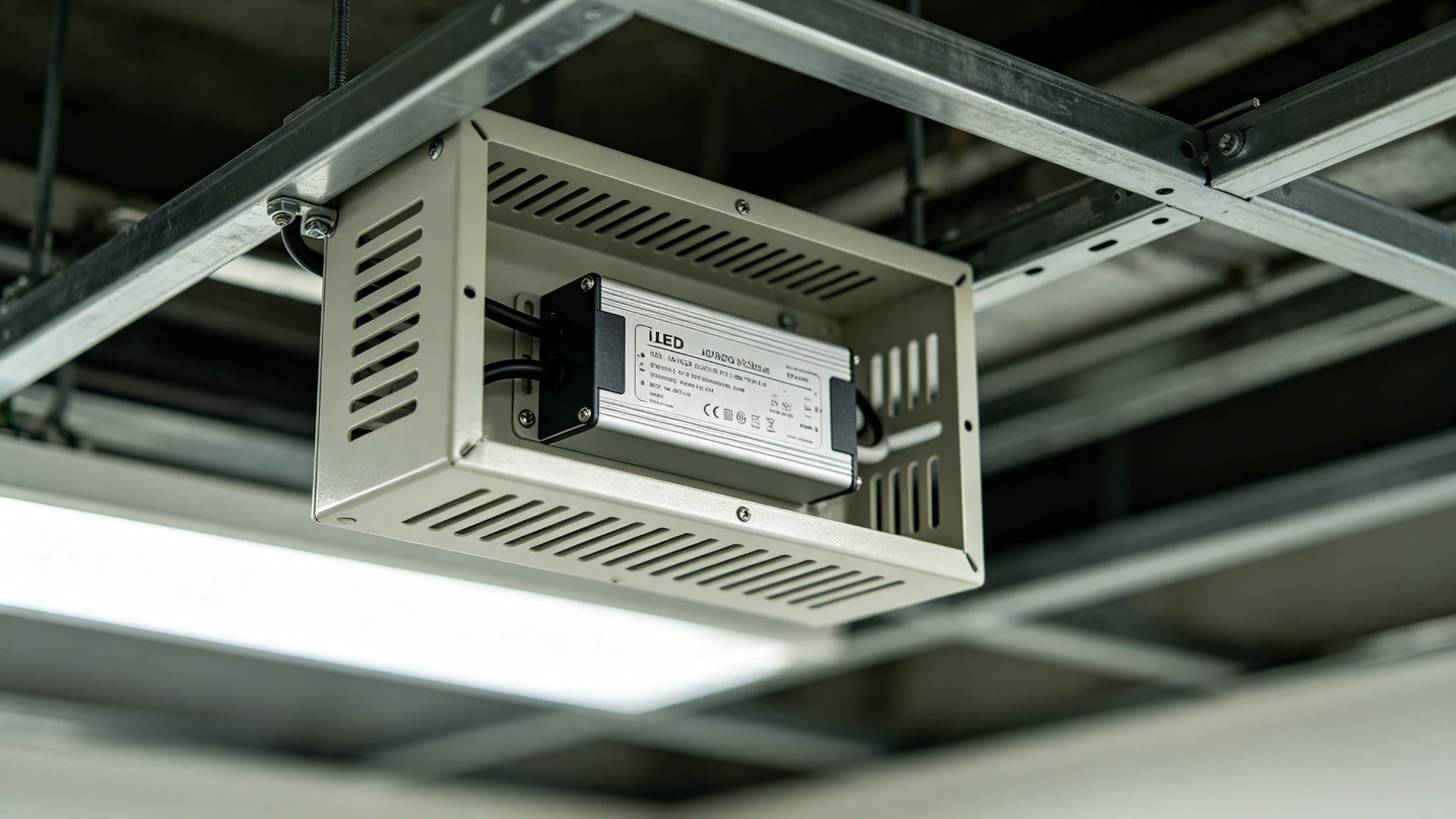
A ventilated enclosure lets the driver breathe — cool drivers last years longer than hot ones.
Recommended Products
Frequently Asked Questions
Do LED strips need an aluminum channel to last?
Low-density, low-wattage strips on metal surfaces can run bare, but high-density COB and high-wattage-per-meter strips should be in an aluminum channel. Without a heatsink, heat builds, accelerates lumen loss and color shift, and cuts lifespan well below the rated figure.
How hot should an LED strip get?
The strip should feel warm but comfortable to touch. If you cannot hold your hand on it for several seconds, it is too hot — improve mounting, add a channel, or de-rate the wattage. Driver surfaces may run warmer, but should not be scorching.
Does sticking LED strip on wood cause problems?
Wood is an insulator, so heat cannot escape into it. A strip on bare wood runs hotter and ages faster. Use an aluminum channel between the strip and the wood, or choose a low-wattage strip with plenty of margin.
Can heat make LED strips change color?
Yes. Overheating degrades the phosphor in white LEDs, making them drift toward cool blue or green over time. Keeping the junction temperature low — via channels, ventilation and de-rating — preserves color consistency.
Specifying channels and drivers for a long-life install?
Get factory-direct thermal-matched profiles and drivers, plus a custom quote within 24 hours.
Get a Quote