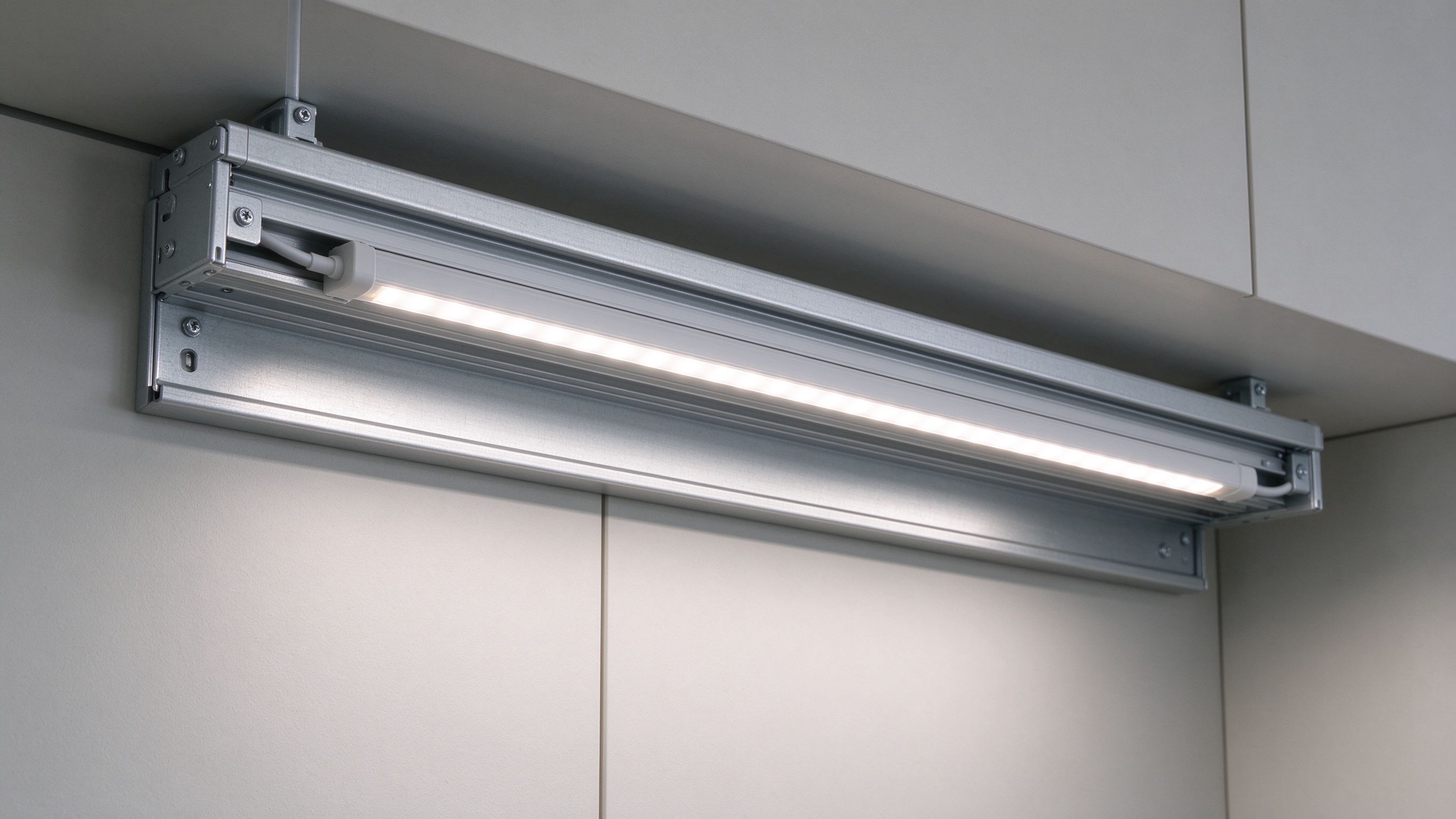
LED Strip Control Options Compared: Remote, Phone App, Voice and Wall Panel
- 2026-09-30 17:38
- /
- Arraystar LED
Most people don't actually want to learn a lighting control protocol - they want the lights to respond to the remote they're holding, the phone in their pocket or a voice command across the room. The confusion is that RF remotes, WiFi/app controllers and voice integration are three different tiers that solve different jobs, and mixing them blindly creates a system that's hard to pair and flaky to use. Match the control tier to who uses the space and how, verify the output type (PWM vs SPI, channels) fits your strip, and 'smart' lighting becomes genuinely convenient instead of a troubleshooting hobby.
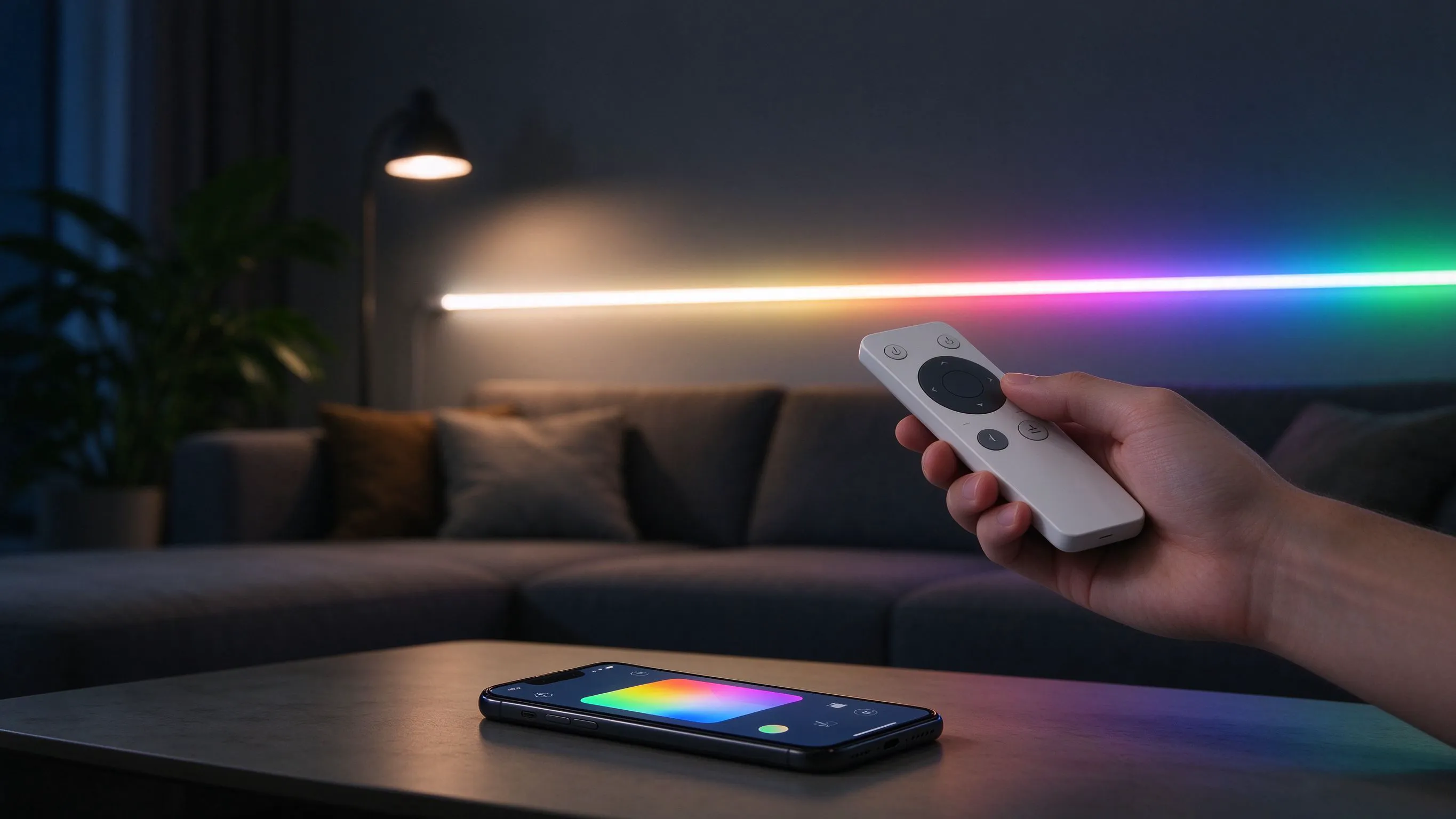
Three Control Tiers, Three Different Jobs
When you start shopping LED controllers you're immediately drowning in acronyms - RF, WiFi, Bluetooth, SPI, PWM, Zigbee, voice, gateway - and it's easy to buy the wrong thing. Strip it back and there are really three user tiers: a handheld RF remote for instant local control, a WiFi/app controller for phone and scheduling control, and voice/smart-platform integration for hands-free and whole-home scenes.
They aren't mutually exclusive - many installs combine them - but they solve different problems. A remote is reliable and needs no network; an app gives scenes, timers and remote access; voice adds hands-free control but depends on a smart-home ecosystem and usually a gateway. Start from who uses the room and what they already own, not from the most feature-packed controller on the listing.
RF Remote Control: Simple, Instant, Network-Free
For bedrooms, kitchens, retail counters and rentals where someone just wants to pick brightness or color without opening an app, a dedicated RF remote is still the most reliable option. A 433MHz wireless dimmable remote controller pairs to a receiver at the strip and works instantly, with no WiFi password, no account and nothing to fail when the internet is down.
The 433MHz wireless dimmable remote is the right call for single-zone dimming and basic control where simplicity and reliability beat features. RF also works through walls (unlike IR line-of-sight remotes), so the receiver can be hidden in a cabinet while the remote works from across the room. It's the tier I default to whenever the client doesn't actually need phone control.
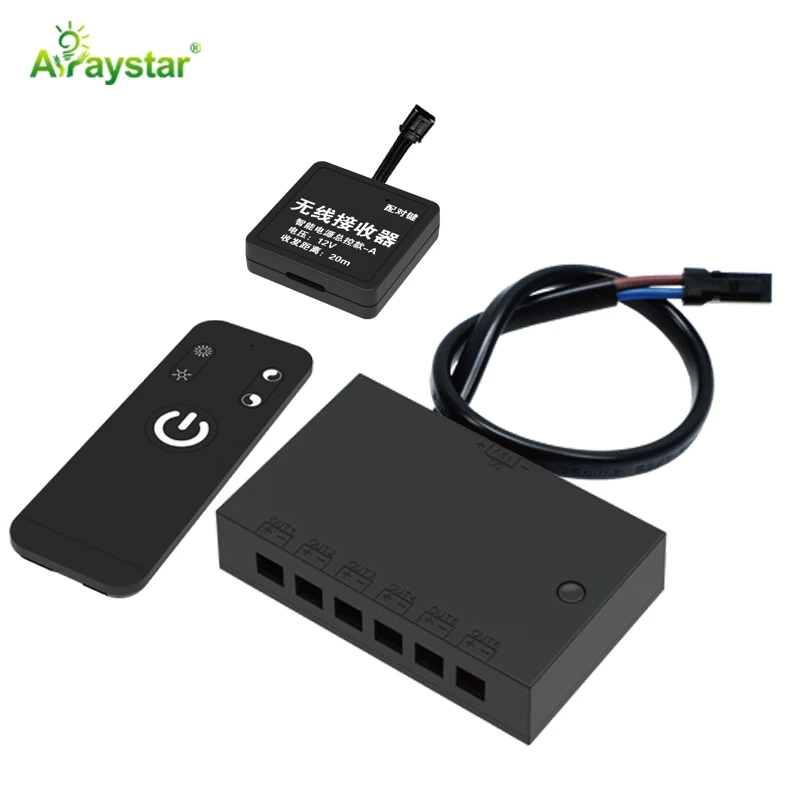
WiFi/App Control for Scenes, Scheduling and SPI Strip
Phone control earns its place when you want scenes, timers, music reactivity, remote access away from home, or when you're driving addressable SPI pixel strip that needs more processing than a simple remote offers. A WiFi/IoT controller puts the strip on the network and exposes it through an app.
The SP530E is an SPI plus 5-channel PWM all-in-one IoT controller, which is the versatile choice when a single project mixes addressable pixel strip (SPI data) and constant-voltage single-color/CCT/RGB tape (PWM channels) - one controller handles both instead of two separate boxes. Confirm the controller's output type and channel count match the strip: SPI for addressable, PWM channels for conventional tape.
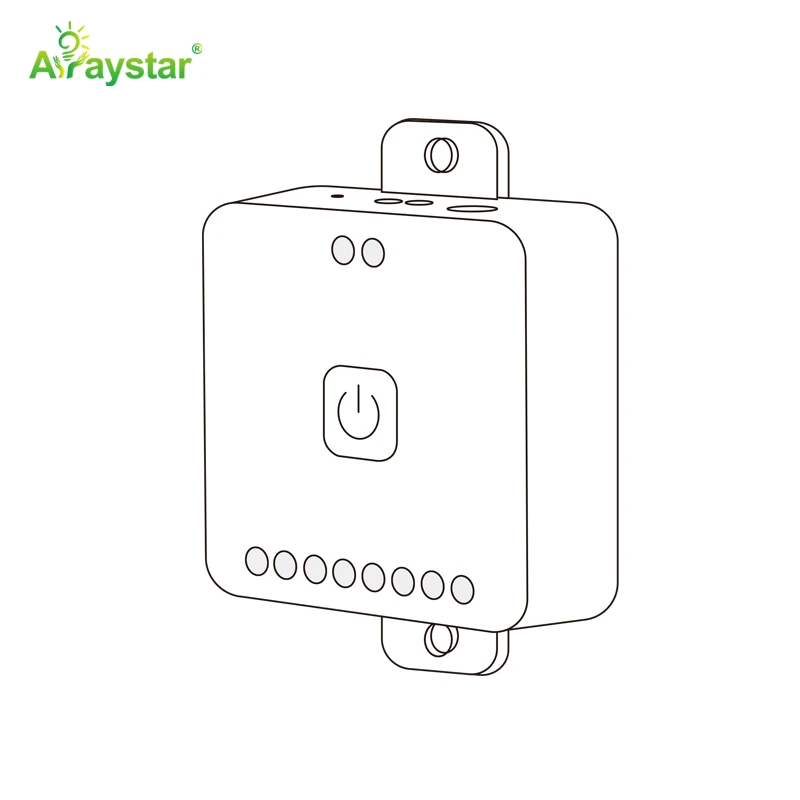
Matching controller tier to the actual need.
| Need | Controller tier | Example output |
|---|---|---|
| Instant local dim, no network | 433MHz RF remote + receiver | PWM single/CCT/RGB |
| App scenes, timers, remote access | WiFi/IoT controller | PWM and/or SPI |
| Mixed pixel + plain tape | SPI + multi-channel PWM all-in-one | SP530E type |
| Simple CCT tunable white | WiFi & RF 2CH controller | 2-channel PWM |
| Hands-free voice | App controller + smart gateway/platform | Via ecosystem |
Voice Control and Smart-Home Integration
Voice control - 'set the kitchen to warm and dim' - doesn't connect directly to the strip in most cases; the WiFi controller has to be exposed to a smart platform (through native support, a gateway hub, or a bridge) that the voice assistant recognizes. That dependency is the part people underestimate.
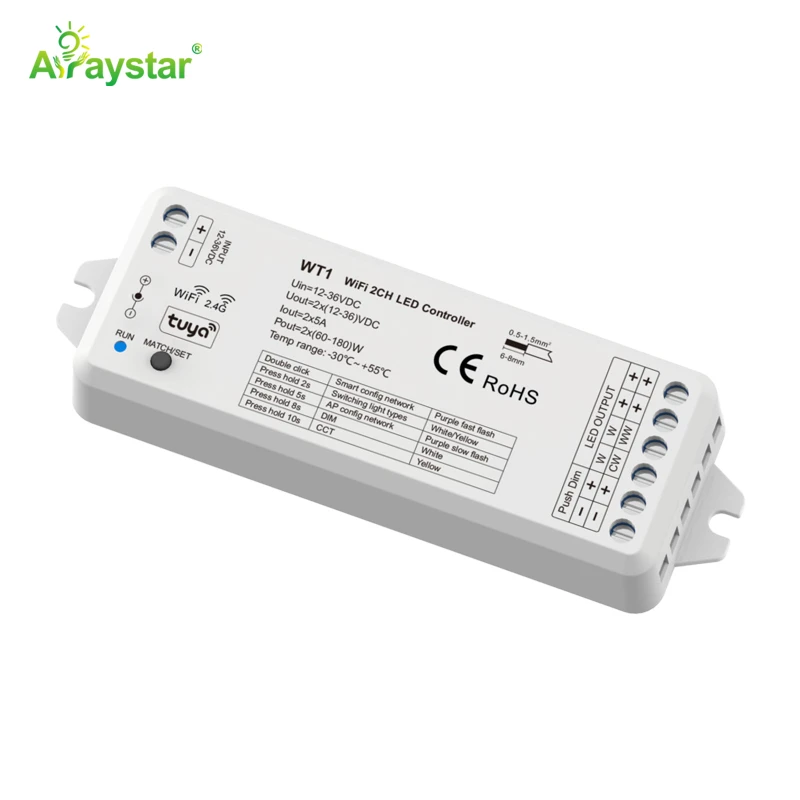
A WiFi & RF 2-channel LED controller like the WT1 covers tunable-white CCT strip with both app and RF remote control and can be integrated into common smart platforms for voice scenes. The practical recipe: choose a controller that works with the ecosystem already in the home (or be prepared to add a gateway), keep an RF remote as a backup for when voice/app is inconvenient, and put voice control where hands-free genuinely helps - kitchen, bathroom, bedside - rather than everywhere.
Pairing, Range and Reliability Pitfalls
- Match output type before buying: SPI for addressable pixels, PWM channels for plain tape.
- Count channels: single-color=1, CCT=2, RGB=3, RGBW=4 - under-channeling won't work.
- Keep RF receivers within range; WiFi controllers need a solid network signal.
- Voice needs platform support or a gateway - confirm compatibility, don't assume it.
- Always keep a physical/remote fallback for when the network or phone is unavailable.
- Power the controller and strip per specs; controllers don't generate power.
The most common failures aren't the hardware - they're mismatched output types (SPI controller on plain PWM tape or vice versa), too few channels for RGBW, weak WiFi at the controller location, and buying a 'voice' controller that doesn't actually integrate with the household's platform. Verify those four before ordering and smart lighting is painless.
Recommended Products
Frequently Asked Questions
What's the difference between RF, WiFi/app and voice LED control?
RF remotes pair to a local receiver and work instantly through walls with no network; WiFi/app controllers put the strip on your phone for scenes, timers and remote access and can drive addressable SPI strip; voice control routes through a smart platform/gateway connected to a WiFi controller for hands-free commands. They're often combined, with an RF remote kept as backup.
Do I need a WiFi LED controller or is a remote enough?
A 433MHz RF remote is enough - and more reliable - for simple local dimming/color where nobody needs phone control. Choose a WiFi/app controller when you want scheduling, scenes, remote access, music reactivity, or you're running addressable SPI pixel strip that needs the extra processing. Don't pay for WiFi if a remote covers the use case.
What controller do I need for addressable pixel and plain strip together?
An all-in-one controller with both SPI output for the addressable pixels and multiple PWM channels for constant-voltage single-color/CCT/RGB tape, such as the SP530E (SPI + 5-channel PWM). This runs mixed strip from one box instead of separate controllers; just confirm channel count covers your RGB/RGBW tape.
How do I control LED strip lights with voice?
Use a WiFi controller (for example the WT1 for tunable white) that integrates with your existing smart platform - natively or through a gateway hub - then the voice assistant can control it. Verify compatibility before buying, keep an RF remote as a backup, and prioritize voice in genuinely hands-free spots like the kitchen and bedside.
Why won't my LED controller work with my strip?
Usually an output mismatch: SPI controllers drive addressable pixels while PWM controllers drive constant-voltage tape, and you need the right channel count (1 single, 2 CCT, 3 RGB, 4 RGBW). Other causes are insufficient range/WiFi signal, no platform integration for voice, or power sized for the strip but not the controller. Verify output type, channels and signal before ordering.
Need help with your LED project?
Get factory-direct pricing, free samples and engineering support within 24 hours.
Email: info@arraystarled.com | Phone: +86-0755-2103-6746 | WhatsApp: 0086 1581 8514 077
Need to size your power supply? Use our LED Strip Power Calculator to find the right driver in seconds.