My Channel Click and Ticks at Night: Thermal Expansion Noise
- 2026-11-02 15:55
- /
- Arraystar LED
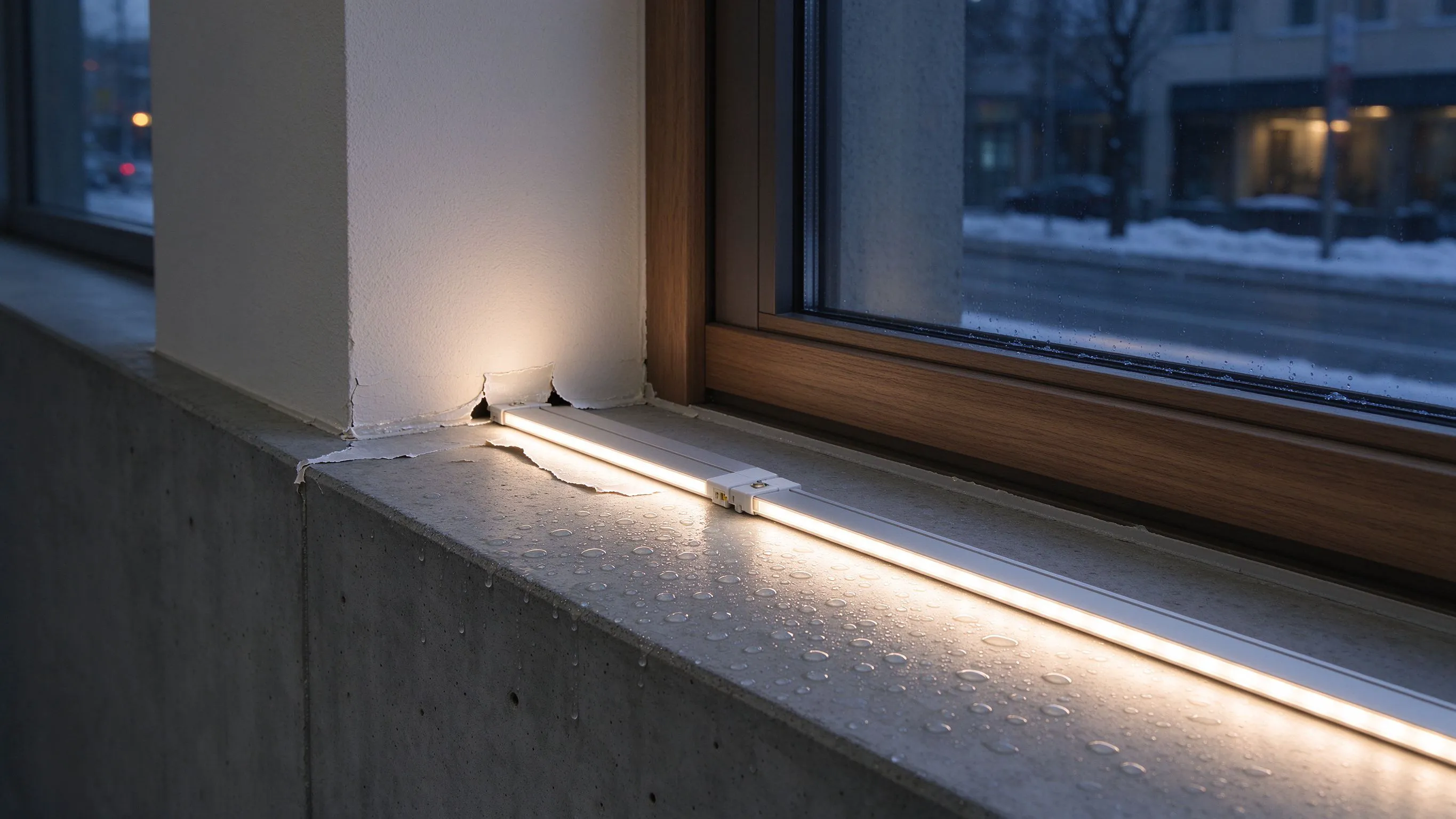
The clicks at night are not an electrical fault. A long aluminium channel clamped dead still on both ends expands when the strip warms and contracts when it cools, and it slides against every tight clip. I leave expansion clearance at one end and use a sliding clip on the rest.
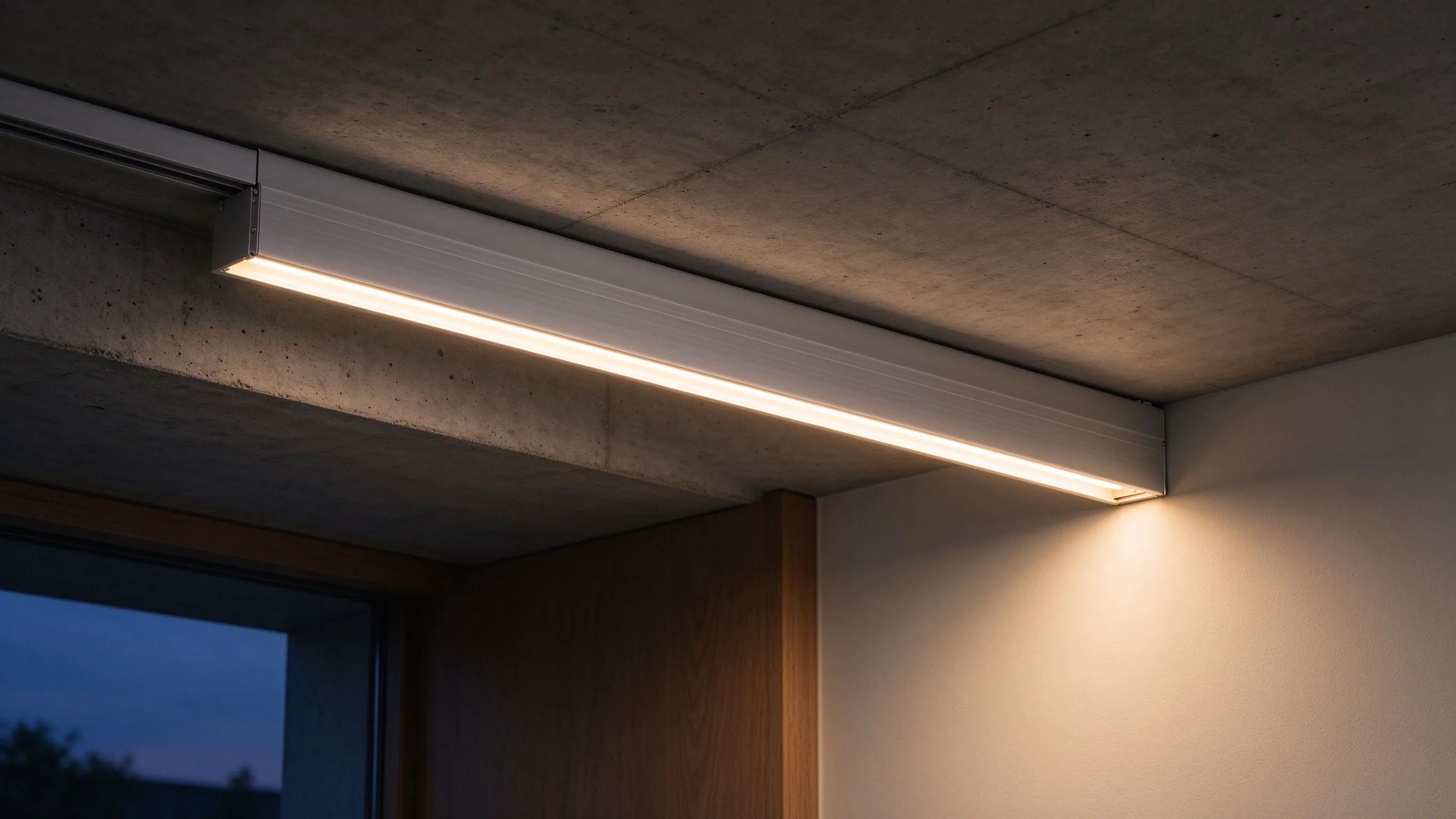
The click that starts ten minutes after switch-off
It is always the same story: the lights are on, everything is quiet, you turn them off to go to sleep, and ten minutes later the ceiling starts ticking. Once, twice, then a dozen small clicks over half an hour. People check the driver, the controller, the ceiling rose, and find nothing. The sound is the aluminium channel itself, sliding against its mounting as it cools.
Aluminium expands about 0.023 millimetres per metre per degree Celsius. A 3 m channel that swings from 25 C room temperature to 55 C under the lights wants to grow by about 2 mm. If both ends are screwed tight, it cannot grow, so it bends or the clips creak. When the lights switch off and it cools back down, it contracts, and that is the click you hear.
Why only some channels click
Clicking is worst when the channel is mounted on a hard, smooth surface like plaster, glass, or painted plasterboard, where the aluminium slides cleanly with no give. On a carpeted or textured wall, the friction is higher and the movement is absorbed quietly. It is also worse on long runs over 3 m, where the total expansion is large enough to overcome the static friction.
The noise comes from sliding, not from bending; give the channel a place to slide.
| Setup | Click risk | Why |
|---|---|---|
| Both ends screwed tight | High | Channel cannot expand or contract |
| One end fixed, other slotted | Low | Free end slides without noise |
| Clips every 300 mm tight | Medium-high | Many friction points |
| Bed on silicone, clips loose | Low | Silicone absorbs the micro-movement |
The fix: one fixed end, one sliding end
How I mount a noisy channel
- Screw the first clip at one end tight, so that end is the fixed reference.
- Leave every other clip finger-tight, or use a slotted clip that lets the channel slide.
- At the far end, do not screw the last clip at all; let the channel float in it.
- Bed a 0.5 mm bead of neutral-cure silicone under the channel to damp the micro-movement.
- Leave 5 to 10 mm of empty channel at the free end for expansion.
On a 3 m run I expect about 2 mm of total travel over a 30-degree temperature swing. The free-end clip has a slot about 10 mm long, so the channel has room to move. The fixed end stays put, and the noise disappears because the aluminium is no longer fighting the mount.
What clips to use
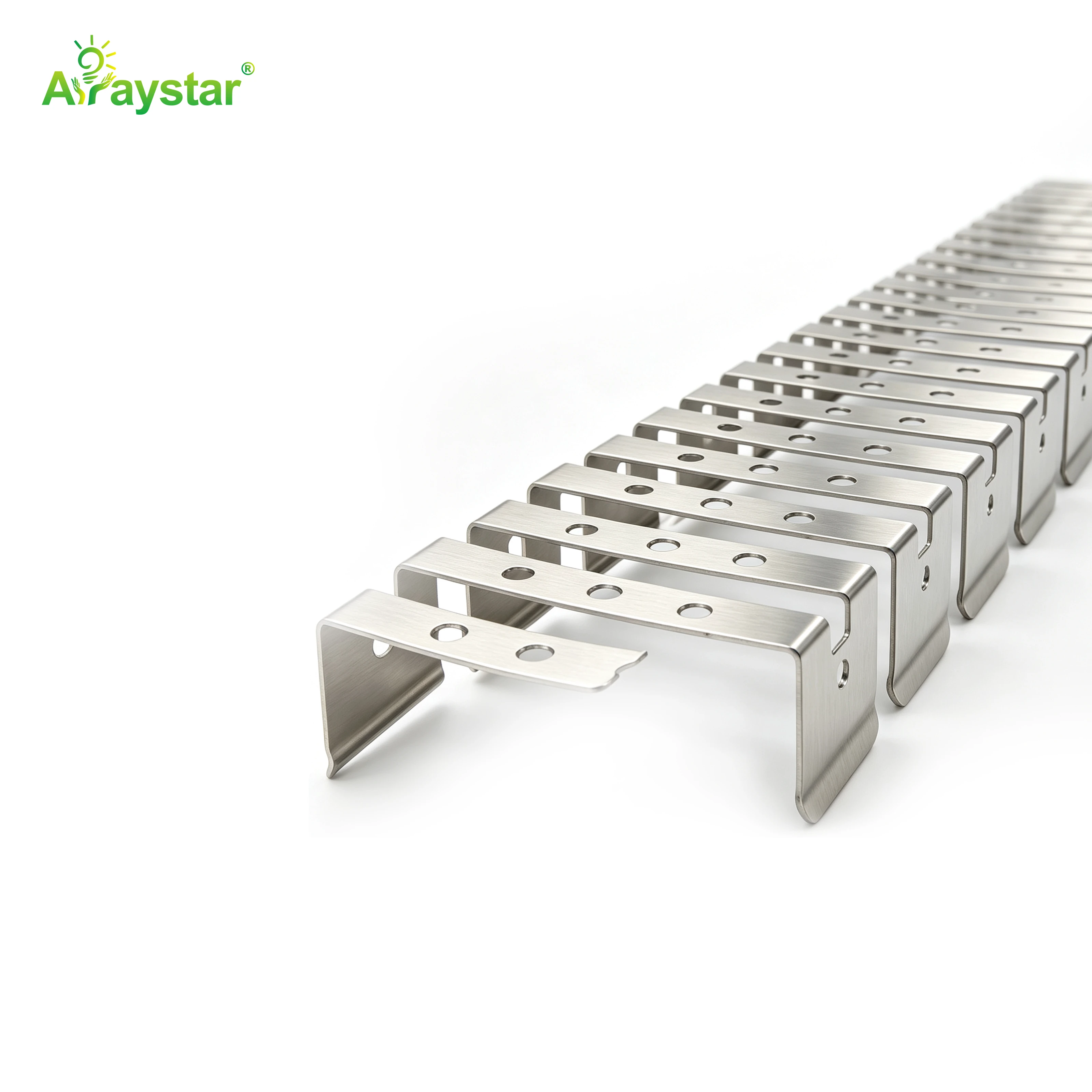
Standard U-clips hold the channel snugly and are the main culprit. Flexible stainless clips that wrap under the channel and leave the top free are better, because they grip the aluminium without locking it. On a long run I mix: a rigid clip at the fixed end, flexible clips every 400 mm along the run, and no clip at the last 200 mm.
If you already have the channel installed and it clicks, the quickest relief is to loosen every clip by half a turn. Do not remove them, just back them off. The channel will still be held, but it will be able to slide a fraction of a millimetre, which is all the difference between clicking and quiet.

When the click is not thermal
Once in a while a click really is electrical. A driver switching at 20 kHz can produce an audible ring, especially on cheap magnetic drivers. That sound is a constant high-pitched whine while the lights are on, not a sequence of isolated clicks after switch-off. If the noise is continuous and on, it is the driver. If it is a sequence of clicks cooling down, it is the channel.

- Clicks after switch-off = thermal expansion in the channel.
- Continuous hum while on = driver coil or transformer whine.
- Clicks only on dimming = dimmer resonance, not the channel.
- Knocking when wind moves a facade run = mechanical sway, fix the standoffs.
Recommended Products
Frequently Asked Questions
Why do my LED lights click when they turn off?
The aluminium channel contracts as it cools. It expands a few millimetres while the strip is on, and contracts back when it goes off. If both ends are clamped tight, the channel slides against every clip as it shortens, producing a sequence of small clicks. It is mechanical, not electrical.
How much does aluminium expand with temperature?
About 0.023 mm per metre per degree Celsius. A 3 m channel swinging 30 C wants to grow by roughly 2 mm. That sounds tiny, but if the channel is clamped at both ends, that 2 mm has to go somewhere, and it comes out as a click or a creak as the aluminium slides against a clip.
Should I screw both ends of an LED channel tight?
No. Screw one end tight as the fixed reference, and leave the other end free to slide. Use a slotted clip at the free end or just leave the last 200 mm unclamped. On runs over 3 m, this is the single fix for thermal clicking. If both ends are locked, the channel will click every time it heats and cools.
Can I loosen the clips on an already installed channel?
Yes, and it is the fastest relief. Back every clip off by half a turn, leave one end tightened as the reference, and leave the far end loose. The channel will still be held, but it can slide a fraction of a millimetre as it expands and contracts. You should hear the clicks stop on the first cooling cycle after the adjustment.
How do I tell thermal clicking from a noisy LED driver?
Timing. Thermal clicking happens after switch-off, as a sequence of small pops over 10 to 30 minutes. Driver whine is a continuous high-pitched hum or buzz while the lights are on, and it changes with brightness. If the noise is on when the lights are on, it is the driver. If it starts after you switch off, it is the channel.
Need help with your LED project?
Get factory-direct pricing, free samples and engineering support within 24 hours.
Email: info@arraystarled.com | Phone: +86-0755-2103-6746 | WhatsApp: 0086 1581 8514 077
Need to size your power supply? Use our LED Strip Power Calculator to find the right driver in seconds.