Gaming Room & Desk RGB LED Strips: Sync Color to Games, Music and Your PC
- 2026-09-30 17:37
- /
- Arraystar LED
A good gaming setup uses RGB as controlled ambient and bias light that boosts immersion without trashing your eyes or washing out the monitor - not a seizure of maximum-brightness color pointed at your face. Use smooth RGB COB for the desk back and shelving, addressable tape behind the monitor for effects and screen-reactive bias, and a Bluetooth music controller so it animates in-game and on-beat without needing a PC running. Match brightness to the room and the effects stop being a gimmick and become part of the experience.
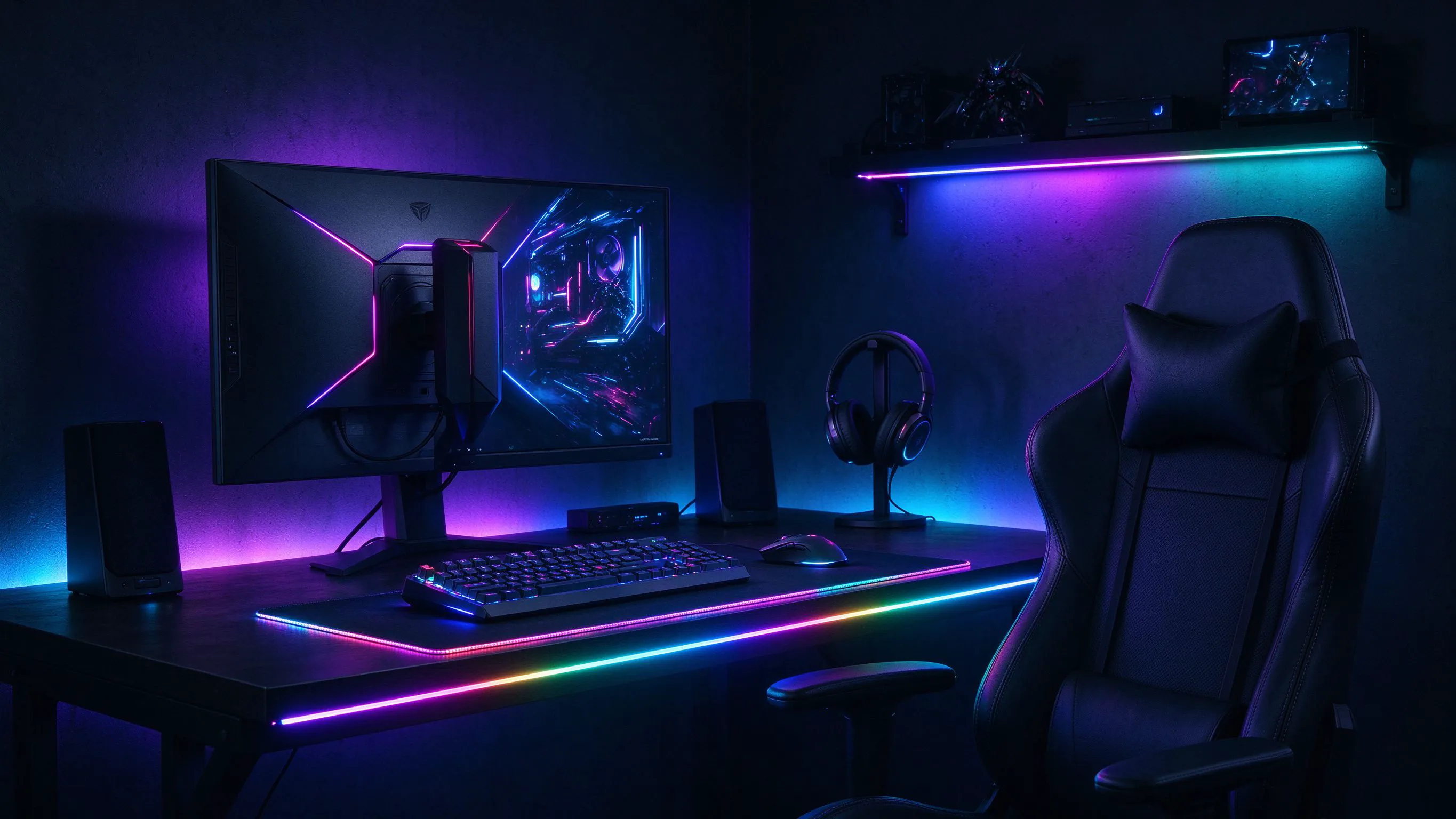
RGB Done Right Is Ambient, Not a Flashlight
A lot of 'gaming room' lighting is awful - maximum-saturation strips stuck on the wall at full blast, reflecting in the monitor and killing the picture. When RGB is used well it's indirect: behind the desk and monitor, along shelving and coves, where it creates a colored halo that extends the screen into the room.
The goal is immersion plus comfort. Bias and ambient color makes the screen feel bigger and reduces harsh contrast in a dark room, while addressable effects let the room react to games, music and on-screen action. The products split into smooth ambient RGB and individually addressable pixel tape.
Smooth RGB COB for Desk and Shelf Glow
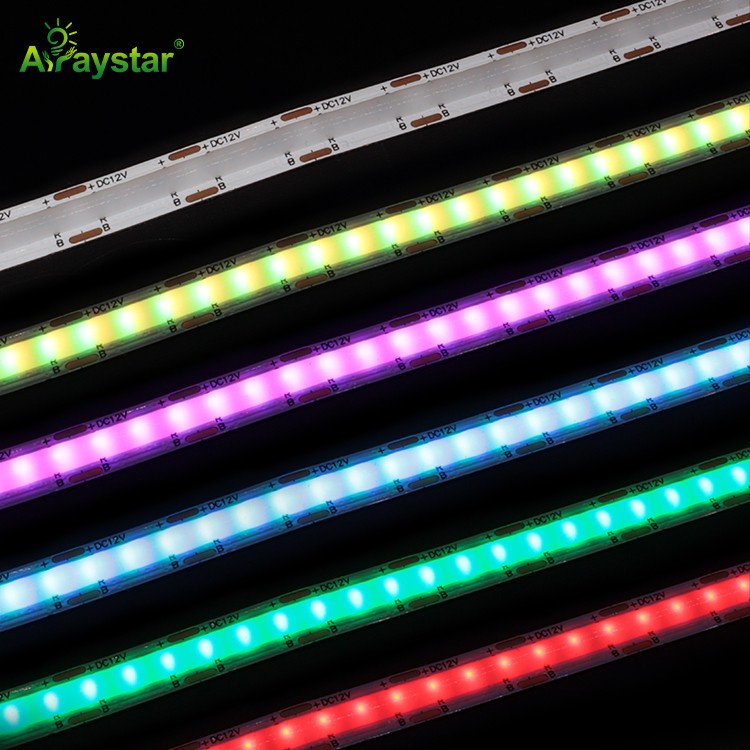
For the desk back edge, under-desk and shelving where you want smooth, even color washes (not chasing dots), RGB COB is the modern choice. A 630-LED RGB COB blends the red, green and blue emitters densely enough to produce genuinely smooth, dot-free color - a big step up from old 5050 tape where you could count individual LEDs.
Run it along the rear edge of the desk facing the wall, behind shelving and up cable channels. Keep brightness moderate and use saturated but not blinding colors; deep blues, purples and teals read as premium, while full-bright red on a white wall floods the room. Diffuse it or bounce it off the wall for a soft halo.
Addressable Tape for Effects and Screen Reactivity
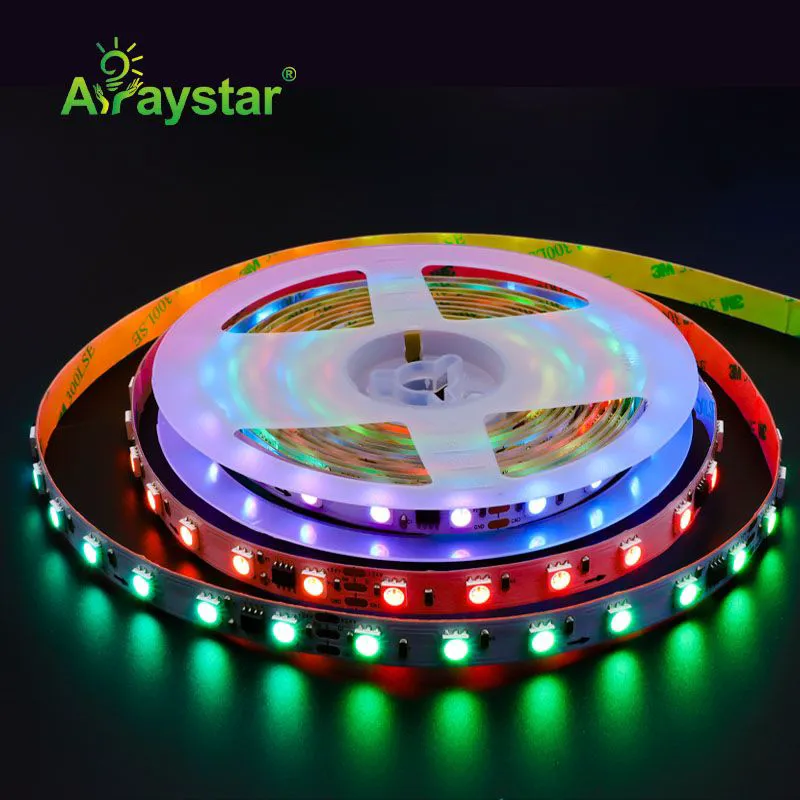
Smooth RGB changes the whole strip one color at a time. For chasing effects, rainbow waves, per-segment animation and screen-reactive bias that matches what's happening on the monitor, you need individually addressable strip where each LED (or small group) is controlled separately.
WS2811-addressable 5050 strip behind the monitor and along the desk runs dynamic chasing and color-flow effects and pairs with screen-sync or ambient-light software so the wall behind the display follows in-game colors and explosions. It's the difference between static mood lighting and a room that responds to the game.
- Use addressable tape where you want motion; use smooth RGB COB for static ambient washes.
- Inject power on long pixel runs - addressable RGB draws heavily on full white.
- Mind data direction (arrows on the strip) and add a signal amplifier past ~5-10m.
- Keep effects behind/around the screen, not pointed into your eyes or onto the display.
Bluetooth Music Control, No PC Required
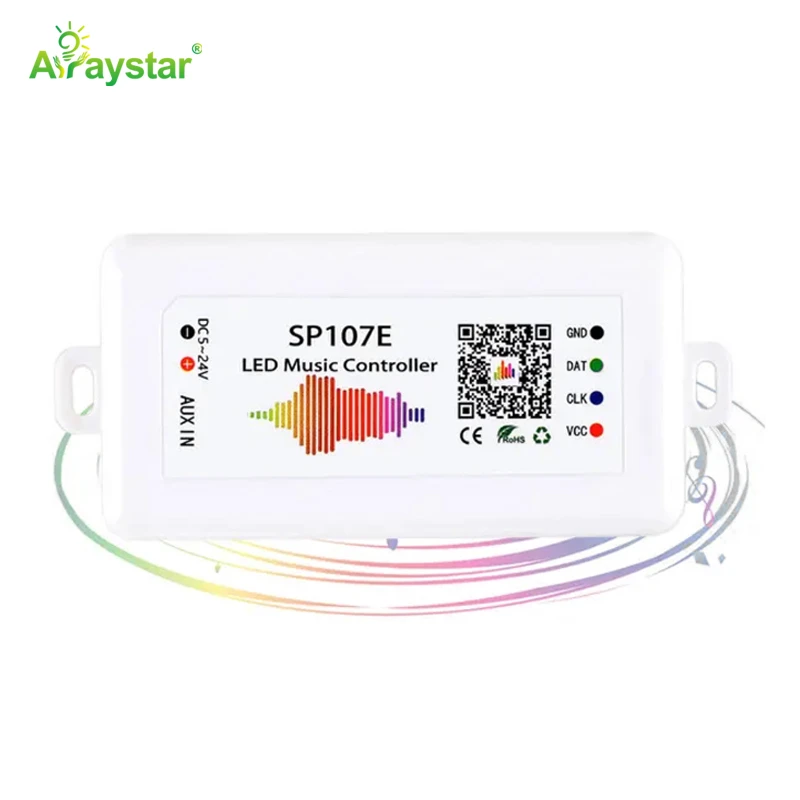
You don't want to boot software every time you want the lights to react to music or change scene. A stand-alone Bluetooth music controller drives addressable strips straight from your phone, with built-in music-reactive modes, dozens of effects and color picking - no always-on PC, no complex wiring.
The SP107E Bluetooth music controller is a popular choice for exactly this: pair a phone, pick an effect or a music-reactive mode, and the desk lights pulse and flow with game audio or a playlist. It keeps working even when the PC is off (e.g. console or movie nights), and frees you from being locked into one ecosystem's software.
Power, Brightness and Keeping It Comfortable
Gaming-room lighting cheat sheet.
| Element | Recommendation |
|---|---|
| Ambient RGB | RGB COB along desk back/shelves, wall-bounced, moderate brightness |
| Effects | Addressable WS2811 behind monitor for chasing/screen-sync |
| Control | Bluetooth music controller for phone-driven, PC-free effects |
| Bias | Dim color bias to reduce screen contrast during dark-room play |
| Power | Oversize driver; inject power on long/full-white pixel runs |
| Comfort | Avoid bright color reflecting onto the monitor or in eyes |
A note on full white: addressable RGB at full brightness draws a lot of current and dims over long runs without power injection. Size the driver generously and feed power at both ends or every few meters, and you'll avoid the classic 'effects look great but white turns pink at the far end' problem.
Recommended Products
Frequently Asked Questions
What LED strips are best for a gaming room or desk?
Use smooth RGB COB (such as 630-LED) for even ambient glow along the desk back and shelving, and addressable WS2811 5050 tape behind the monitor for chasing and screen-reactive effects. Drive them with a stand-alone Bluetooth music controller like the SP107E so they react to games and music without a PC running.
How do I make my desk lights react to music or games?
Use individually addressable strip (WS2811/WS2812 type) with a music-capable controller. A Bluetooth controller like the SP107E has built-in sound-reactive modes driven from your phone and works without a PC; for screen-matched reactions, run ambient/screen-sync software from a PC or compatible controller and place the strip behind the monitor.
Should gaming LED lights go behind the monitor or on the wall?
Primarily behind the monitor and along the desk's back edge facing the wall, so the color acts as bias/ambient light that extends the screen and reduces dark-room contrast. Avoid bright strips pointed at your face or reflecting onto the display - RGB works best as an indirect halo, not direct light.
Why do my RGB strips turn pink or dim at the far end on white?
Voltage drop and insufficient power: full-white addressable RGB draws heavy current, and long runs dim and lose color balance (often toward pink) away from the feed. Use an oversized driver, inject power at both ends or every few meters, and add a signal amplifier for data on runs past roughly 5-10 meters.
Is RGB lighting behind a monitor good for your eyes?
At moderate brightness, yes - dim color bias behind the screen raises background luminance and reduces the contrast that causes fatigue in a dark room, similar to normal bias lighting. Problems only appear when the RGB is too bright, pointed at your eyes, or reflecting on the screen, so keep it dim and indirect.
Need help with your LED project?
Get factory-direct pricing, free samples and engineering support within 24 hours.
Email: info@arraystarled.com | Phone: +86-0755-2103-6746 | WhatsApp: 0086 1581 8514 077
Need to size your power supply? Use our LED Strip Power Calculator to find the right driver in seconds.