Home Office & Desk LED Strip Lighting: Reduce Eye Strain With Flicker-Free Task Light
- 2026-09-30 17:37
- /
- Arraystar LED
Eye strain after a day at the screen is usually a contrast problem: a bright monitor in a dark room forces your pupils to constantly adjust. The fix isn't a brighter desk lamp pointed at your work - it's layered, flicker-free light: a wide even task bar, a soft bias glow behind the monitor to bring the wall up closer to screen brightness, and a controller that dims genuinely smoothly to almost zero for evening work. Build the task bar from dense COB in a proper channel and your eyes (and your neck) will thank you by 5pm.
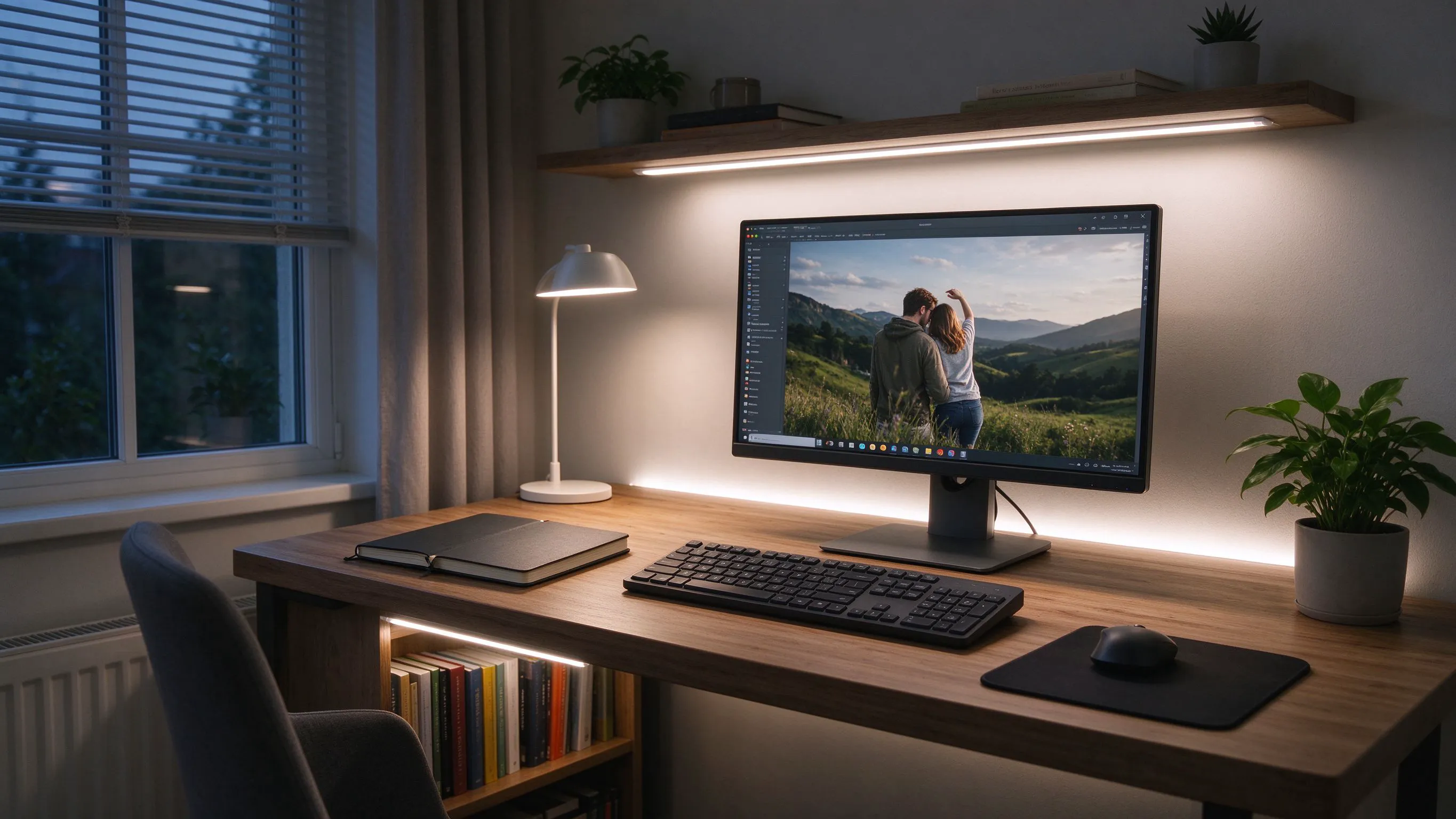
Screen Fatigue Is Mostly a Lighting Contrast Problem
If your monitor is a bright rectangle floating in a dim room, your eyes are working overtime - the pupil adapts to the dark wall, then gets hit by the bright screen, over and over as your gaze moves. Add glare and flicker and a few hours at the desk means dry eyes, headaches and lost focus.
Ergonomic lighting guidance is consistent on the fix: raise the ambient and surround brightness so the contrast between screen and wall is moderate, put even task light on documents and the keyboard, and eliminate flicker and glare. LED strips let you build all three layers cheaply and unobtrusively.
A Wide, Even Task Bar Beats a Spot Desk Lamp
A single adjustable desk lamp creates a bright pool and a dark surrounding, which is the same contrast problem on the desk surface. A continuous linear bar across the back of the desk or above it gives wide, even illumination over the keyboard, notebooks and the whole work area.
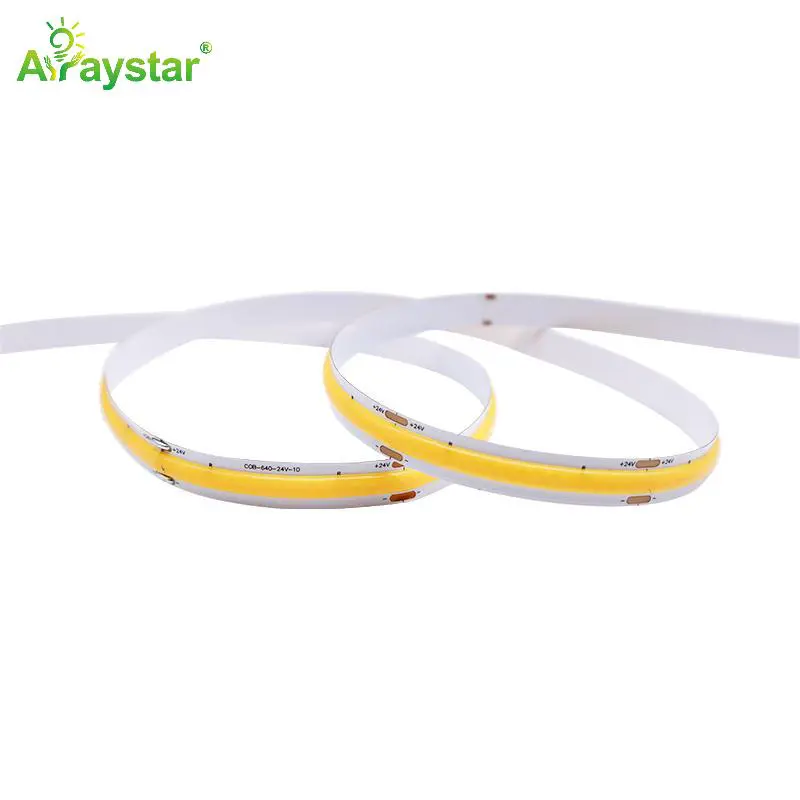
A 512 LEDs/m 10mm COB strip produces a wide, seamless, dot-free source that diffuses into a perfectly even bar - ideal for task lighting where you're looking at paper and keys for hours. Build it into a channel and mount it along a desk shelf, the back edge of the desk, or under a wall cabinet above the work surface.
Monitor Bias Light: the Highest-Value, Lowest-Cost Upgrade
Bias lighting - a soft strip behind the monitor glowing onto the wall - lifts the background luminance so the screen no longer floats in darkness. It measurably reduces eye strain in dim rooms and makes dark scenes on screen easier to watch without cranking monitor brightness. It's the single most effective cheap upgrade in a home office.
- Run a warm-neutral or tunable strip along the back edge/top of the monitor or desk.
- Keep bias light dimmer than the screen - it should ease contrast, not outshine content.
- For color-critical photo/video work, bias at a neutral 6500K D65 reference.
- For general evening work, warm the bias to 2700-3000K to reduce blue-light exposure.
Building the Bar With a Proper Channel
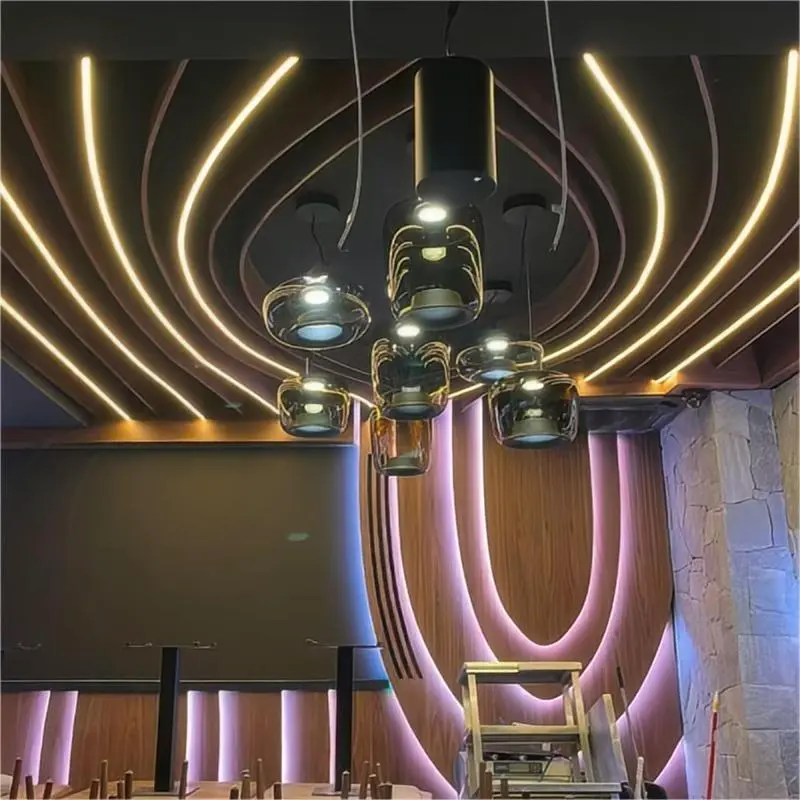
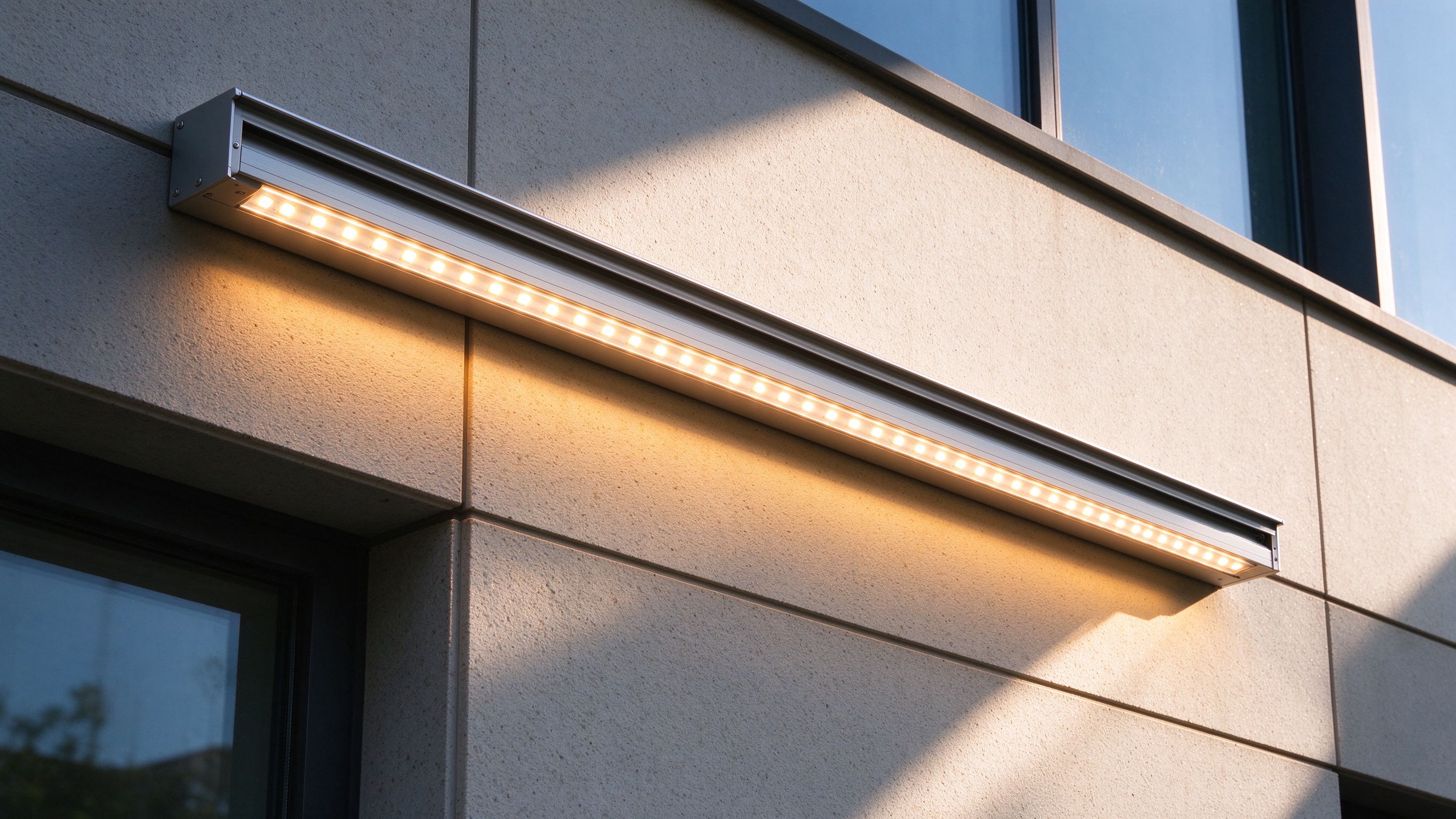
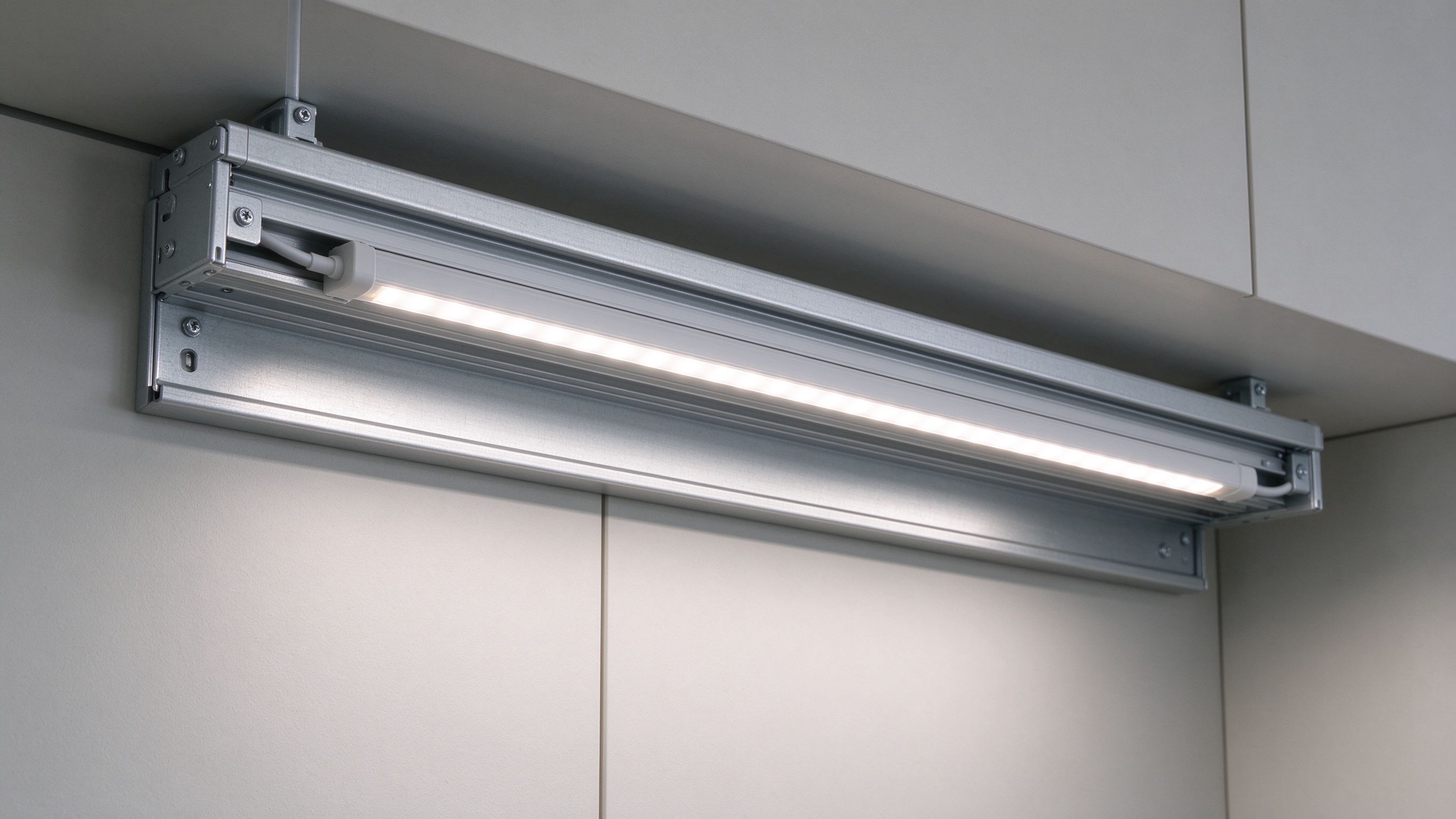
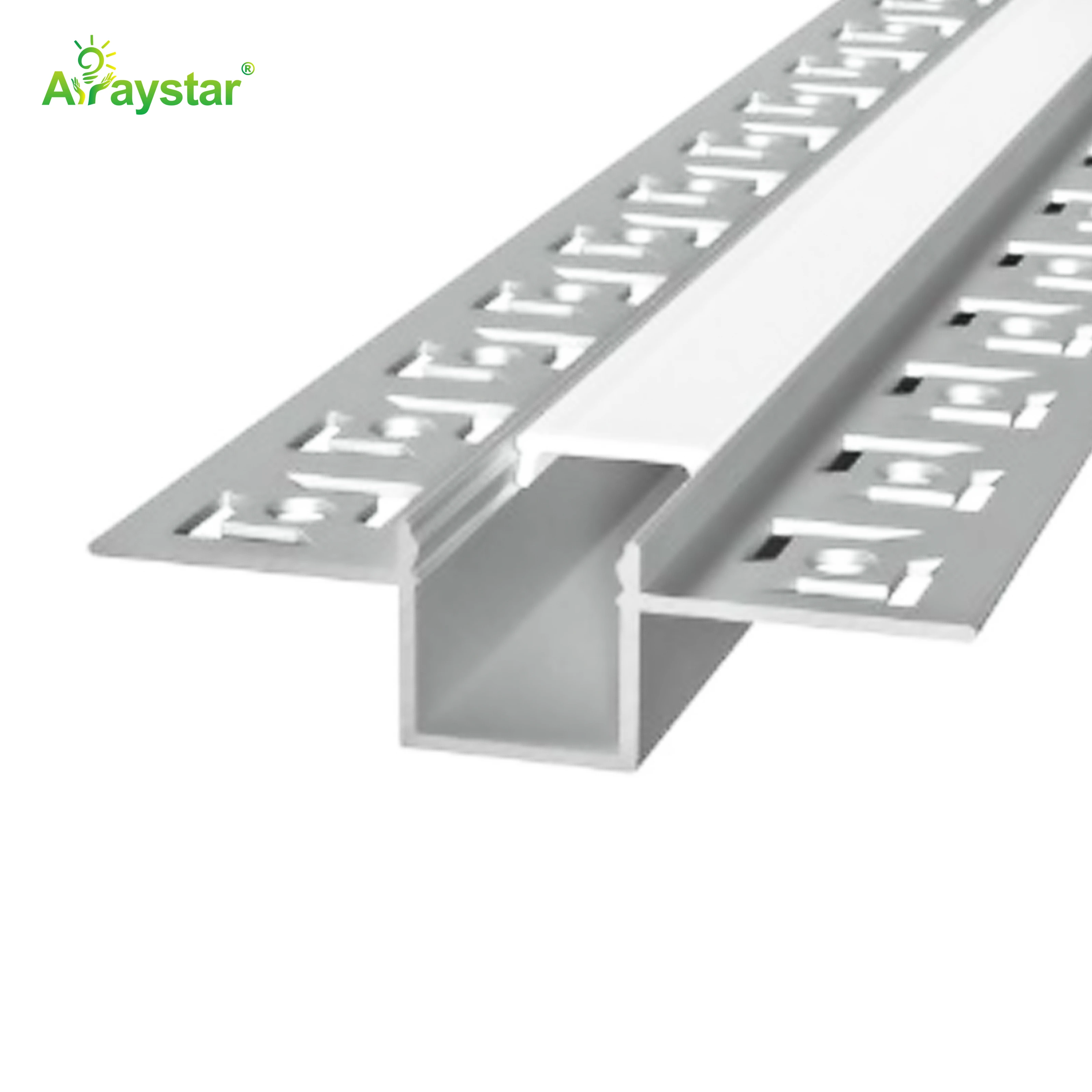
Loose tape draped along a desk looks temporary and glares. A purpose-built channel turns the strip into a fixture: it hides the dots, angles the light, acts as a heatsink and protects the tape from desk clutter. The 2009 channel with a cover is well suited to desk shelves and under-cabinet office mounting - slim, rigid and clean.
Mount the bar at the back of the desk or under a shelf so the light falls across the work surface but the glowing diffuser isn't directly in your eyes when you face the monitor. A slight downward tilt from a channel with an angled lens is ideal.
Smooth Dimming to Near-Zero for Evening Work
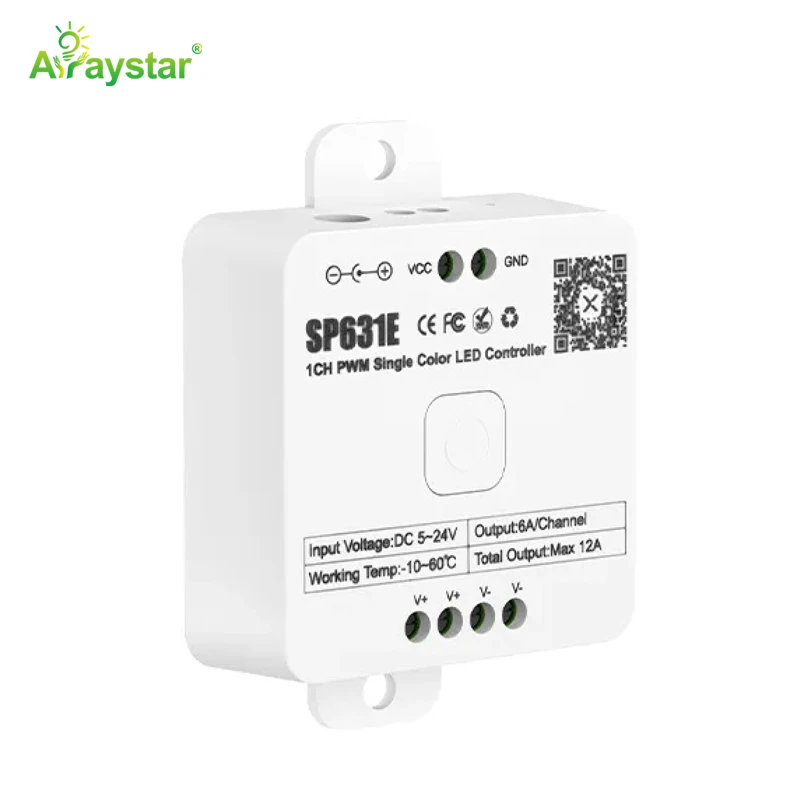
Office light needs to follow the day - bright and neutral while you work in daylight, warm and low in the evening. Cheap dimmers and controllers cause the strip to step, buzz or switch off abruptly at low levels, which is exactly the range you want for night work. A quality PWM controller solves it.
The SP631E single-channel PWM controller dims single-color COB smoothly and continuously down to almost zero without banding or flicker, so the evening bias and task light can get genuinely low and warm rather than snapping off. Pair it with a flicker-free driver and, ideally, tunable or warm-dim strip for the day/night shift.
Recommended Products
Frequently Asked Questions
What is the best lighting for a home office to reduce eye strain?
Layered, flicker-free light: a wide even COB task bar over the desk, a soft dim bias strip behind the monitor to reduce screen-to-wall contrast, and moderate ambient, all on smooth dimming you can warm and lower in the evening. Avoid a single bright desk lamp in a dark room, which recreates the contrast problem.
Does LED bias lighting behind a monitor actually help?
Yes. A soft strip behind the monitor raises the wall brightness so the screen isn't a bright rectangle in a dark room, reducing the pupil adaptation that causes eye fatigue. Keep it dimmer than the screen; use neutral 6500K for color-critical work and warm 2700-3000K for general evening use.
What color temperature is best for working from home?
Bright neutral 4000-5000K during the day for alertness and accurate color, warming to 2700-3000K and dimming low in the evening to reduce blue light. Tunable or warm-dim strip on a smooth PWM controller lets one setup follow the day rather than locking the office to a single temperature.
How do I make an LED task light for my desk?
Mount a dense dot-free COB strip (around 512 LEDs/m) inside an aluminum channel with an opal cover - such as the 2009 - along a desk shelf, the desk's back edge or under a wall cabinet, angled to wash the keyboard and documents without shining in your eyes. Power it through a flicker-free driver and a smooth PWM dimmer.
Why do my LED office lights flicker or cut out when dimmed low?
Usually a cheap dimmer or controller with poor low-end PWM, or an under-loaded driver. The strip steps or switches off because the hardware can't maintain a stable low signal. A quality single-channel PWM controller like the SP631E dims smoothly to near zero, and matching the driver to the load prevents dropout and buzz.
Need help with your LED project?
Get factory-direct pricing, free samples and engineering support within 24 hours.
Email: info@arraystarled.com | Phone: +86-0755-2103-6746 | WhatsApp: 0086 1581 8514 077
Need to size your power supply? Use our LED Strip Power Calculator to find the right driver in seconds.