Hand-Wave Sensor Switches for Touchless Cabinet Lighting
- 2026-10-09 18:41
- /
- Arraystar LED
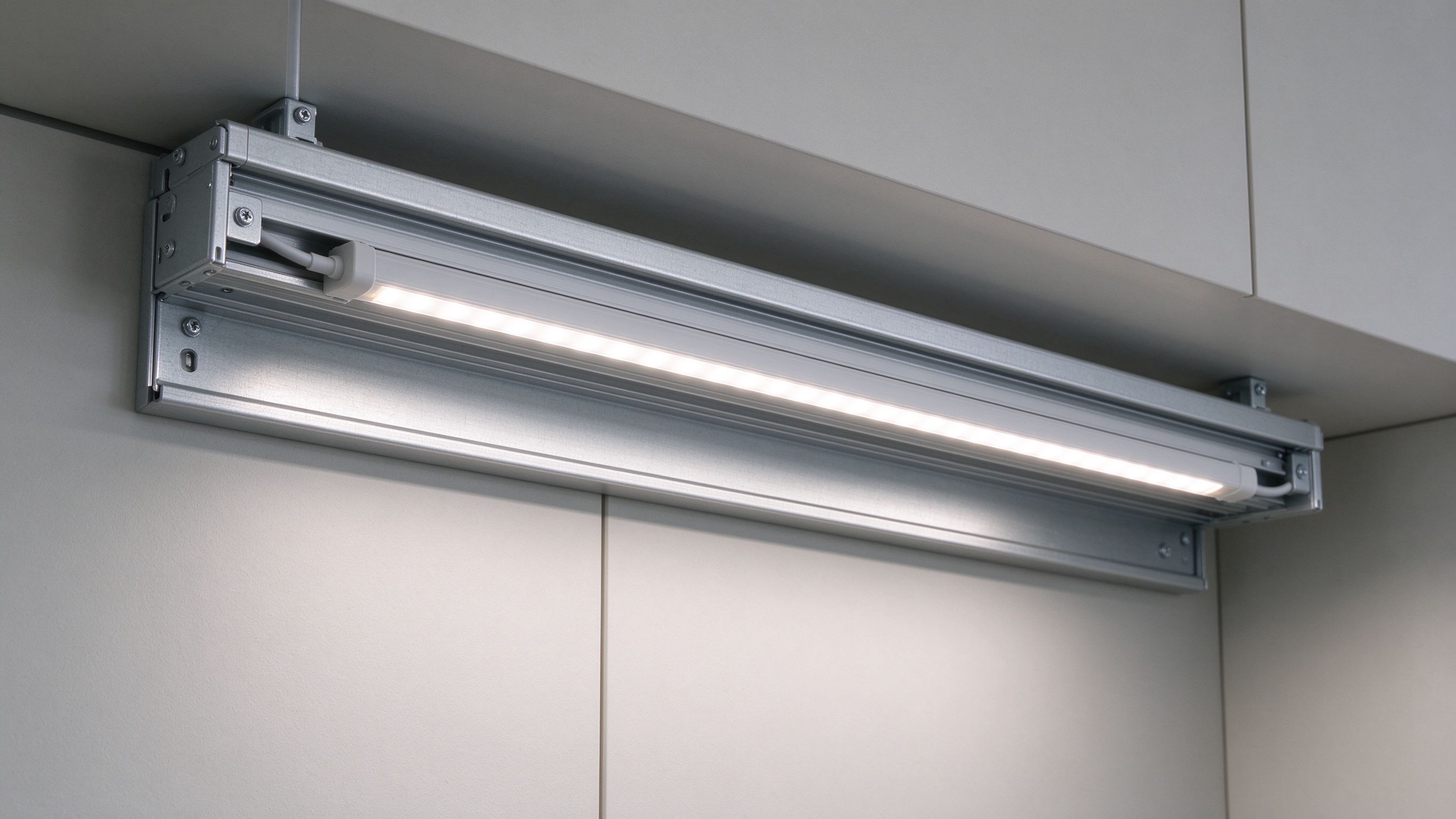
In kitchens and wardrobes, hands are often wet, dirty or full, and a physical switch is unhygienic or awkward. A wireless hand-wave sensor switches the cabinet light with a simple gesture near the sensor, giving touchless on/off and often dimming control without mounting a visible switch or running a control wire across the furniture.
Why Cabinets Need Touchless Control
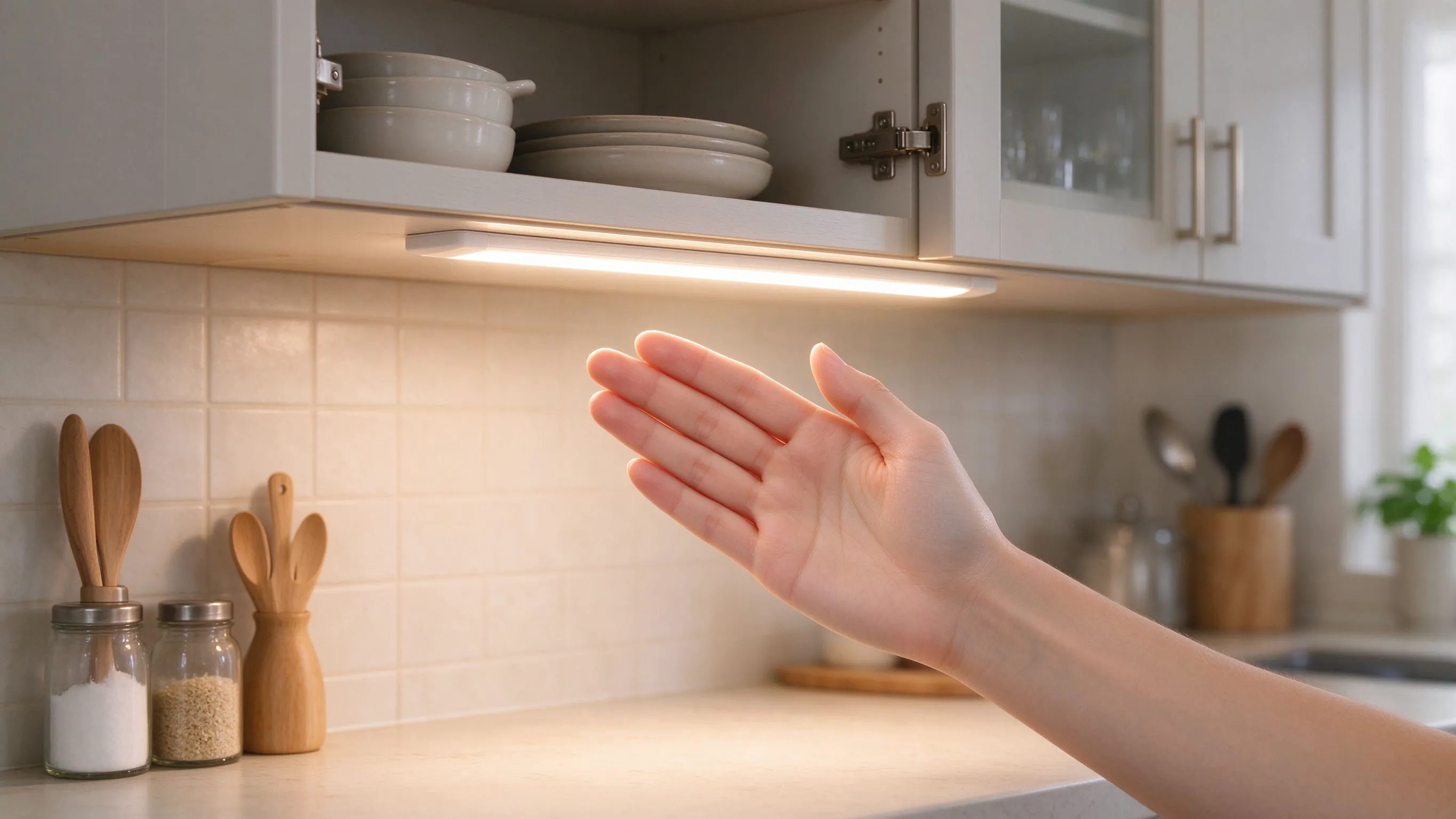
Think about the moments people actually reach for cabinet lighting: hands wet at the kitchen sink, covered in flour while cooking, carrying armfuls of clothes from a wardrobe, or holding a plate at a pantry shelf. In every case, finding and pressing a small physical switch is inconvenient, and a greasy or wet finger on a switch is unhygienic and hard to keep clean.
A hand-wave sensor removes the contact entirely: a simple gesture in front of a small sensor head turns the light on or off, with no touch and often no visible switch at all.
What a Wireless Hand-Wave Sensor Does
- Switching by a wave of the hand near the sensor head.
- Touchless operation for wet, dirty or full hands.
- Wireless sender, so no control wire runs across the cabinet.
- Often supports hold-to-dim with a sustained gesture.
- Small, discreet sensor head that tucks into the furniture.
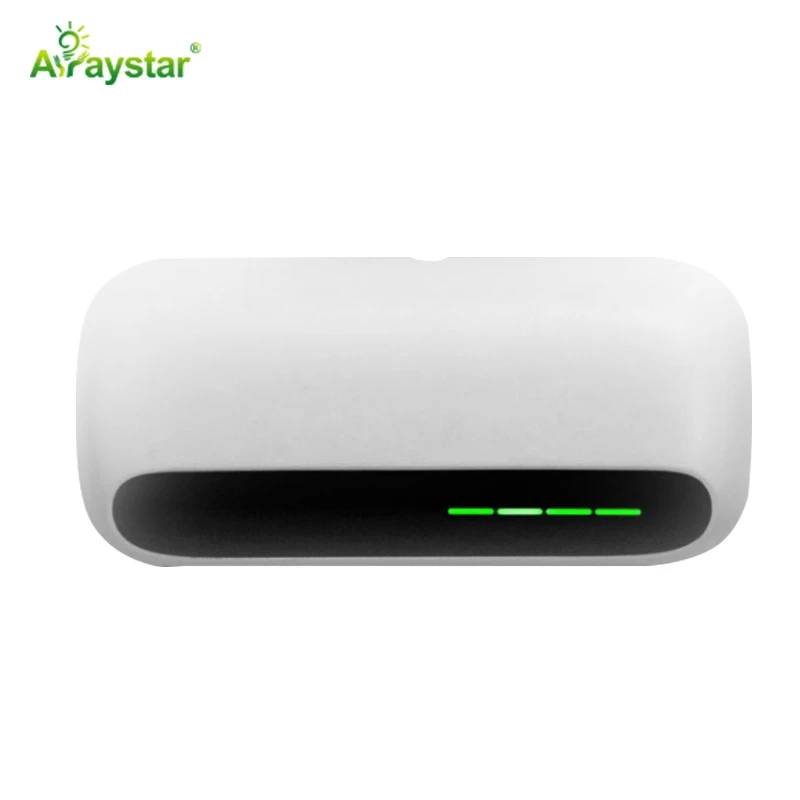
For kitchen and wardrobe cabinet light I use the wireless hand-wave sensor. It gives touchless control without the wiring a conventional switch requires.
Sensor Types for Cabinet Lighting
Choose the trigger that matches how the storage is actually used.
| Sensor | Trigger | Typical use |
|---|---|---|
| Hand-wave | Gesture near sensor | Kitchen, pantry, wardrobe task light |
| Door | Opening a door | Wardrobe and cabinet auto-light |
| PIR motion | Detecting a person | Approach-activated rooms and shelves |
| Touch | Capacitive contact | Deliberate dimming at a fixed point |
Where Hand-Wave Control Fits Best
- Kitchen wall and base cabinets, especially near the sink and prep area.
- Pantries and larders where hands carry food and containers.
- Wardrobes and walk-in storage with frequent armfuls.
- Utility and laundry cabinets used with wet or busy hands.
- Display cabinets where a visible switch would spoil the look.
Installing and Positioning the Sensor
The sensor head needs to sit where a natural gesture passes in front of it without triggering accidentally during normal movement. I mount it just under the cabinet front edge or beside the shelf opening, aimed at where a hand naturally reaches, and I avoid positions where passing bodies or hanging clothes constantly cross the detection zone. With a wireless sender the control signal reaches the receiver at the LED supply, so the head can be placed for ergonomics rather than where a wire can conveniently run.
- Place the head where a wave is natural, not where movement is constant.
- Avoid detection zones crossed by hanging clothes or passers-by.
- Keep the sensor face clean and unobstructed.
- Locate the receiver at the LED driver within wireless range.
Range, False Triggers and Dimming
I tune the sensing range to the cabinet so the light responds to an intentional wave but not to every movement in the room; most quality sensors allow sensitivity adjustment. Where the sensor supports hold-to-dim, a sustained hand sets brightness, which is useful for matching under-cabinet task light to the time of day. I demonstrate the gesture to clients once, because a sensor that nobody knows how to dim effectively becomes a basic on/off switch.
Battery Life and Wireless Reliability
A wireless sender runs on a small battery, so I position it for easy occasional battery access and advise clients that a sensor that starts missing gestures usually needs a battery rather than a replacement. I keep the wireless path between sender and receiver short and free of metal shielding, and I verify pairing and response after the cabinet is fully assembled, since metal furniture or crowded shelving can attenuate the signal if the receiver is poorly placed.
Specifying Touchless Cabinet Light
Send the cabinet type, where hands will be when light is needed, whether you want dimming, the construction materials and the LED load. I will confirm the hand-wave sensor, receiver and driver setup, sensor placement and battery access. We supply the wireless hand-wave sensor and recommend testing trigger position and sensitivity on the actual cabinet before final fixing, because the ideal gesture zone depends on the furniture's geometry.
Designing a Touchless Run Across a Whole Kitchen
A single sensor under one cabinet is easy, but clients usually want touchless light across a whole run of wall cabinets, and that is where planning matters. On a recent kitchen we had wall cabinets over the sink, prep zone and hob, each used differently, and treating the run as one giant switched zone would have lit the entire kitchen whenever anyone washed a single glass.
- Group cabinets into zones by task rather than switching the whole run at once.
- Place one hand-wave head per zone at the front edge where the hands naturally reach.
- Pair each zone's receiver with its own driver so wet-hand tasks light only that area.
- Set the sink zone slightly more sensitive, since hands there are wet and moving quickly.
- Keep the heads visually aligned along the run so the gesture points feel consistent.
We divided the run into three sensor zones. The sink head sat just under the cabinet above the basin and lit only the washing area, which was the zone used most often with dripping hands and the one where touchlessness mattered most. The prep zone got its own head with hold-to-dim enabled so the client could raise the light for detailed chopping and wind it down for evening plating. The hob cabinets, used less for direct task light, shared a gentler zone. Because each sender was wireless, none of the heads needed a control wire trailing back through the cabinet carcass, which kept the retrofit clean and avoided any work near the sink's plumbing. We spent the final commissioning waving at each head with wet hands, floury hands and arms full of plates to confirm the gestures felt natural, and we reduced sensitivity on one head that fired whenever the client opened an adjacent drawer. The finished kitchen lights exactly the area in use without the client ever touching anything greasy or wet, and the sensor heads read as small deliberate details rather than switches. The project is my standard reference for why whole-kitchen touchless control should be zoned by task and tested with real hands, not specified as a single on/off blanket across the cabinets.
Recommended Products
Frequently Asked Questions
How does a hand-wave sensor switch work?
A small sensor head detects a hand gesturing within its sensing zone and sends a control signal, wirelessly in this model, to a receiver at the LED supply, switching the cabinet light on or off without any physical contact. Many also support holding a hand near the sensor to dim up or down.
Where is a hand-wave sensor better than a door or PIR sensor?
Use a hand-wave sensor where the cabinet is open shelving or used with wet, dirty or full hands and you want deliberate touchless control, such as kitchen prep areas and pantries. Door sensors suit hinged wardrobes that should light on opening, while PIR sensors suit approach-activated spaces triggered simply by someone being present.
How do I stop a hand-wave sensor triggering by accident?
Position the sensor head where an intentional wave is natural but ordinary movement does not constantly cross the zone, avoid hanging clothes or passers-by in front of it, and reduce the sensing range or sensitivity to suit the cabinet. Test the position with the cabinet fully stocked and during normal use before final fixing.
Does a wireless hand-wave sensor need wiring?
The sender head is wireless and battery-powered, so no control wire has to run across the cabinet or through a hinge; the receiver sits at the LED supply within wireless range. Keep the signal path clear of metal shielding, verify pairing after assembly, and plan occasional battery access for the sender.
Why has my hand-wave sensor stopped responding reliably?
The most common cause is a low battery in the wireless sender rather than a failed sensor; replace it and retest. Other causes are a blocked or dirty sensor face, sensitivity set too low, or a receiver shielded by metal furniture or moved out of wireless range, so check the signal path and pairing after the cabinet is assembled.
Need help with your LED project?
Get factory-direct pricing, free samples and engineering support within 24 hours.
Email: info@arraystarled.com | Phone: +86-0755-2103-6746 | WhatsApp: 0086 1581 8514 077
Need to size your power supply? Use our LED Strip Power Calculator to find the right driver in seconds.