K1000C SD-Card Pixel Controllers for Standalone Shows
- 2026-10-09 18:41
- /
- Arraystar LED
Many permanent signs and decorative features must run the same pixel show all day with no computer, no app and no operator present. An SD-card pixel controller such as the K1000C stores the program on a memory card and auto-starts it on power-up, delivering fully standalone, unattended playback that survives reboots and needs no network at all.
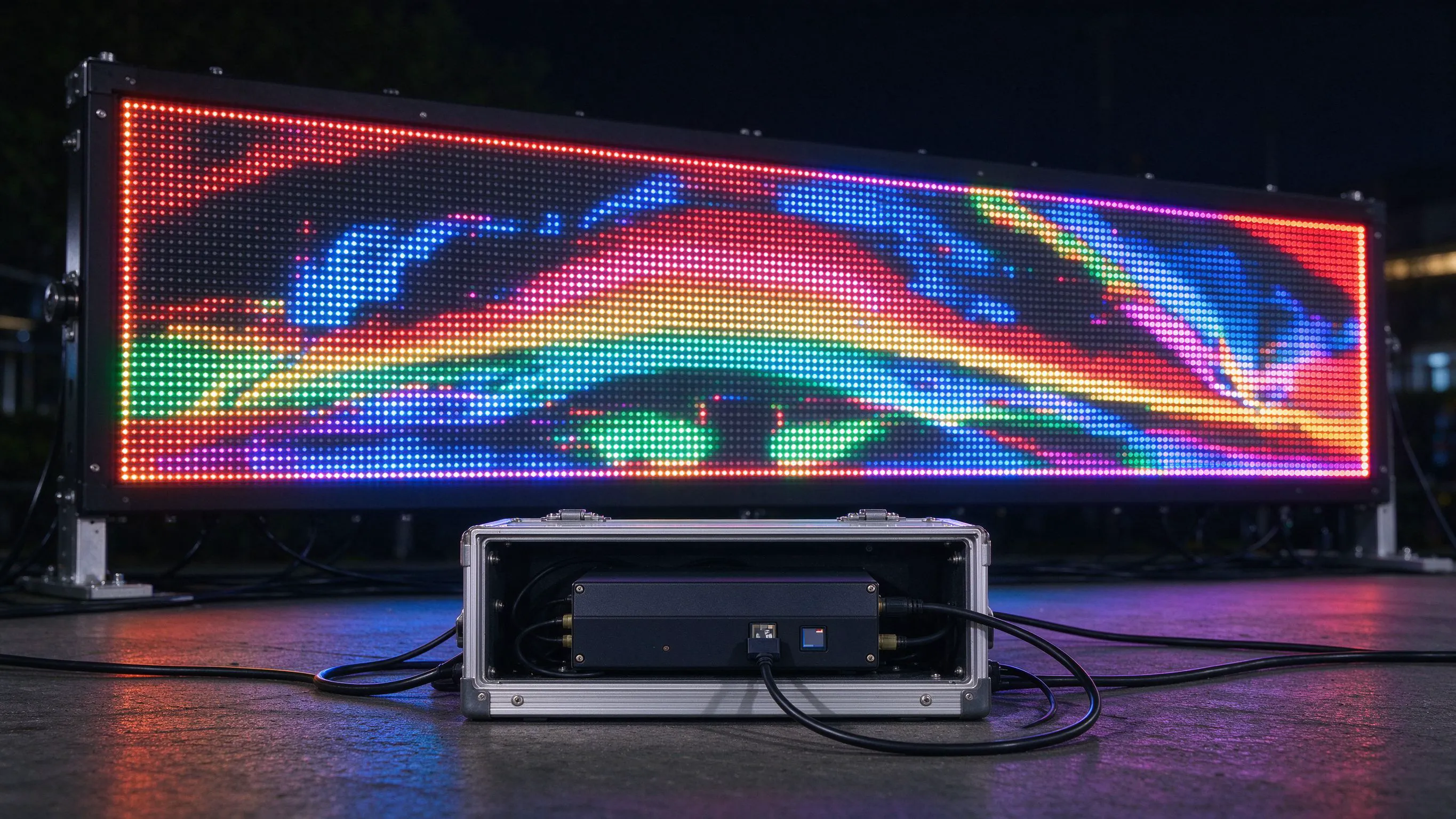
When the Show Must Run With No One There
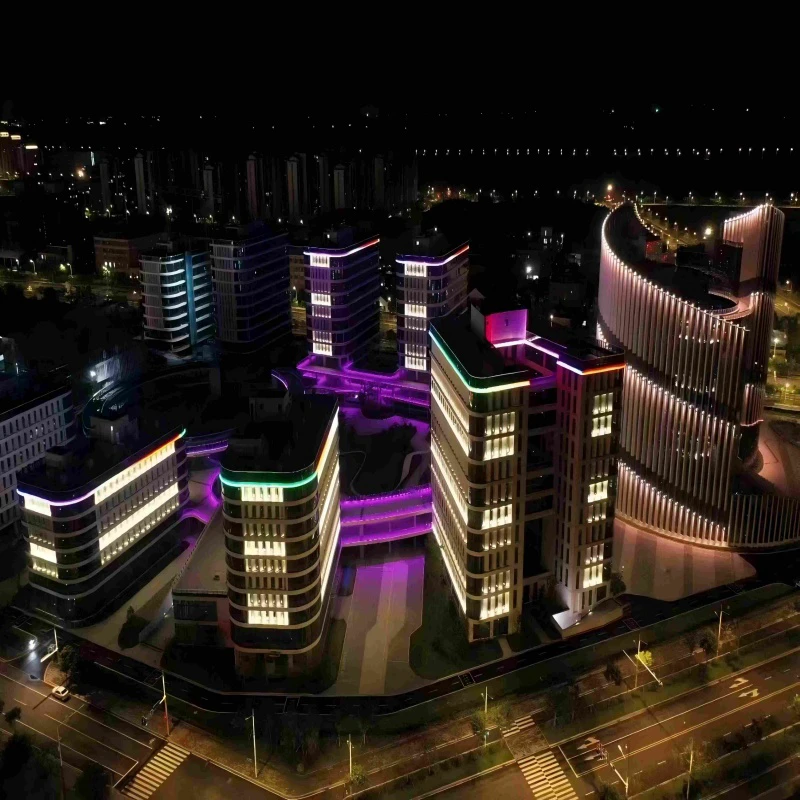
A retail window sign, a hotel feature wall, an attraction display or a decorative architectural run often repeats a fixed lighting program every day. There is no DJ, no VJ and no one to open an app or leave a PC running. App and software-driven controllers are the wrong fit because they depend on a phone, computer or network being present and active.
These features need a controller that stores the show internally, plays it on its own and restarts automatically whenever power is applied after a scheduled switch or an outage.
What the K1000C SD-Card Controller Does
- Plays pixel programs stored on an SD card.
- Auto-starts the show on power-up, no operator needed.
- Runs fully standalone, no phone, PC or network required.
- Supports large pixel counts for signage and features.
- Survives power cycles and returns to the programmed show.
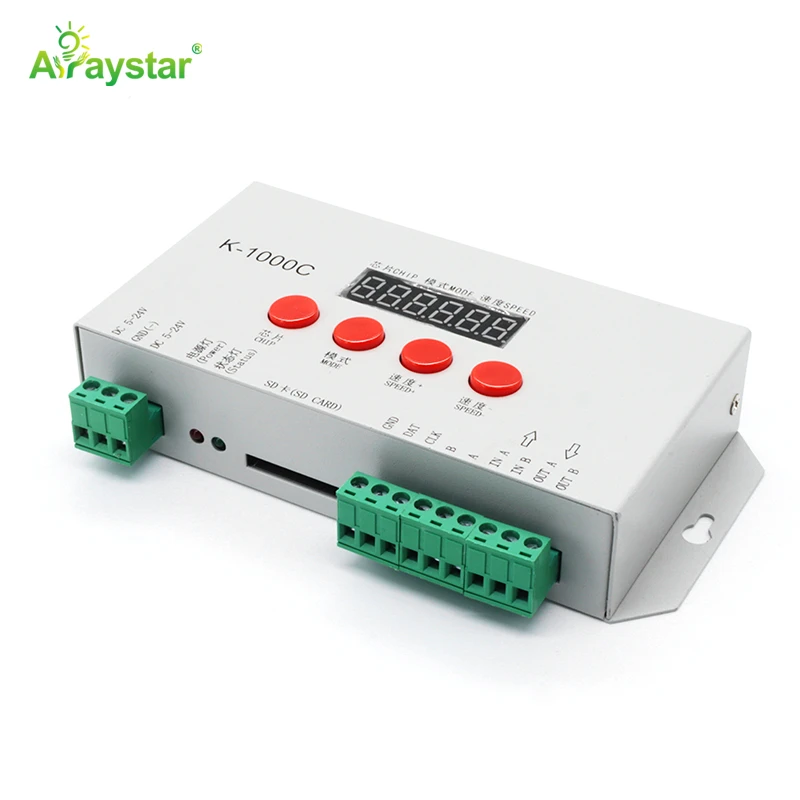
For unattended, repeat-every-day pixel signage I use the K1000C. Once the program is loaded on the card, the installation looks after itself.
Standalone vs App vs ArtNet Control
Choose SD-card playback when the show is fixed and nobody is present.
| Controller type | Needs present | Best for |
|---|---|---|
| App (SP108E/SP107E) | Phone / interaction | Attended, changeable zones |
| ArtNet (SP801E/EN-508) | PC / network / media server | Live or facade content |
| SD-card (K1000C) | Nothing after setup | Unattended fixed shows |
Where Standalone SD Playback Wins
- Retail window and fascia signs on a timed schedule.
- Hotel, mall and attraction features running a fixed loop.
- Remote or difficult-to-access installations with no network.
- Holiday and seasonal displays that repeat automatically.
- Any site where leaving a PC running 24/7 is impractical.
Preparing and Loading the Program
The workflow is offline: the show is authored or exported in the controller's programming software on a computer, configured for the correct IC type, colour order and pixel count, saved to the SD card in the required file format, and the card is then inserted into the controller. I verify the program on the bench, confirming the layout mapping and that the file is set to loop and auto-start, before installing, because editing a show means updating the card rather than changing a live setting.
- Author/export the show with the correct IC, order and pixel count.
- Save to the SD card in the controller's required format.
- Set the file to loop and auto-start on power.
- Bench-test the full program before installation.
- Keep the source file so the card can be updated later.
Scheduling Power and Show Changes
Because playback starts with power, daily scheduling is often handled simply with a timer on the mains supply: power on at dusk, the show auto-starts, power off late at night. For seasonal or campaign updates, the SD card is replaced or rewritten, which is a deliberate offline change rather than a live remote update. I advise clients who need frequent remote content changes that a networked controller suits them better, while clients with a stable long-running show benefit most from the SD approach's simplicity and independence.
Reliability and the No-Network Advantage
The strongest feature of SD playback is everything it does not depend on: no WiFi to drop, no app to disconnect, no computer to crash or reboot, no network configuration. Once installed, the failure surface is small, which is why it suits remote and inaccessible locations. I still power the strip from correctly sized drivers, protect the controller and card from moisture, and keep a backup copy of the program card so a replacement takes minutes.
Specifying a Standalone Sign
Send the sign or feature dimensions, total pixels, IC type, the desired loop content, the operating schedule and whether any remote updating is needed. I will confirm the K1000C capacity, program preparation, timer-based scheduling and power. We supply the K1000C and recommend loading and bench-running the finished SD program, including a simulated power cycle, before installation so auto-start behaviour is proven.
Updating Standalone Shows Across Multiple Sites
Retail chains and seasonal attractions often run the same standalone pixel show in many locations, and the SD-card workflow changes slightly at that scale. A single store updating one card is trivial, but a chain rolling out a new campaign to dozens of sites needs a repeatable process or the displays drift out of sync and some locations keep running the previous season's content.
- Master one approved program file in the office and never edit shows on site.
- Flash identical SD cards in batches, labelling each with the campaign and version date.
- Send a replacement card per site with a one-page swap instruction, or have local staff swap cards.
- Keep the previous version's card as an instant rollback if the new show has a fault.
- Maintain a simple register of which site is running which campaign version.
For a national retailer's Halloween and Christmas windows we prepared two master shows, batch-flashed and labelled cards for every store, and shipped them in dated campaign packs with a diagram showing which controller slot held the card. Store staff swapped the card as part of the seasonal changeover, powered the window and confirmed the show auto-started, with the old card returned in the same pack as a rollback. No networking, remote access or technical visit was required, which mattered because many stores had no reliable connectivity behind their windows and staff had no AV training. The few issues that occurred were traced to cards not being fully seated or the wrong season's card being left in, both resolved over the phone using the labelled packs. This is the operational discipline that makes SD-card control work at multi-site scale: treat the program as a versioned, centrally produced asset, make the physical swap foolproof, and always carry the previous version for instant recovery. Where a client instead needs every site updated instantly and remotely on the same day, that requirement signals a networked controller rather than an SD workflow, and I set that expectation before the first sign is installed rather than trying to retrofit remote updates onto an offline system later.
Recommended Products
Frequently Asked Questions
What is a K1000C SD-card pixel controller?
It is a standalone controller that plays addressable pixel programs stored on an SD card and automatically starts the show when power is applied, with no phone, computer or network required. It is designed for unattended signage and decorative features that repeat a fixed loop and must recover on their own after power cycles.
When should I choose SD-card playback over app or ArtNet control?
Choose it when the show is fixed and runs unattended with no operator, phone, PC or reliable network, such as retail signs, hotel features and remote installations. Use app control for attended changeable zones and ArtNet/media controllers for live, frequently changing or building-scale content.
How do I load a show onto the K1000C?
Author or export the program in the controller's software with the correct IC type, colour order and pixel count, save it to the SD card in the required file format set to loop and auto-start, insert the card, and bench-test the full show before installing. Updating content means rewriting or replacing the card, so keep the source file.
How does a standalone sign turn on and off each day?
Commonly with a timer on the mains supply: power comes on at dusk and the K1000C auto-starts the show, then power is cut late at night. Because playback begins with power, no operator or network is needed. Seasonal or campaign content is changed offline by updating the SD card rather than live over a network.
Is SD-card control reliable for remote installations?
Yes, and that is its strength: it depends on no WiFi, app, computer or network, so the failure surface is small and it suits inaccessible locations. Still power the strip from correctly sized drivers, protect the controller and card from moisture, and keep a backup program card so a replacement can be restored in minutes.
Need help with your LED project?
Get factory-direct pricing, free samples and engineering support within 24 hours.
Email: info@arraystarled.com | Phone: +86-0755-2103-6746 | WhatsApp: 0086 1581 8514 077
Need to size your power supply? Use our LED Strip Power Calculator to find the right driver in seconds.