LED Strip Flicker: Percentage, Flicker Index & Eye Safety
- 2026-09-18 19:04
- /
- Arraystar
Quick Answer
Flicker percentage and flicker index measure how much an LED strip’s brightness cycles with its driver. Cheap drivers rectify AC poorly or use low-frequency PWM, producing visible 100/120 Hz flicker that strains eyes and shows on camera. Look for a flicker percentage under ~10% (ideally < 5%), high-frequency PWM (> 1 kHz) and a quality constant-current/constant-voltage driver. For offices, schools, hospitals and filming, specify flicker-free drivers and strips.
📑 Table of Contents

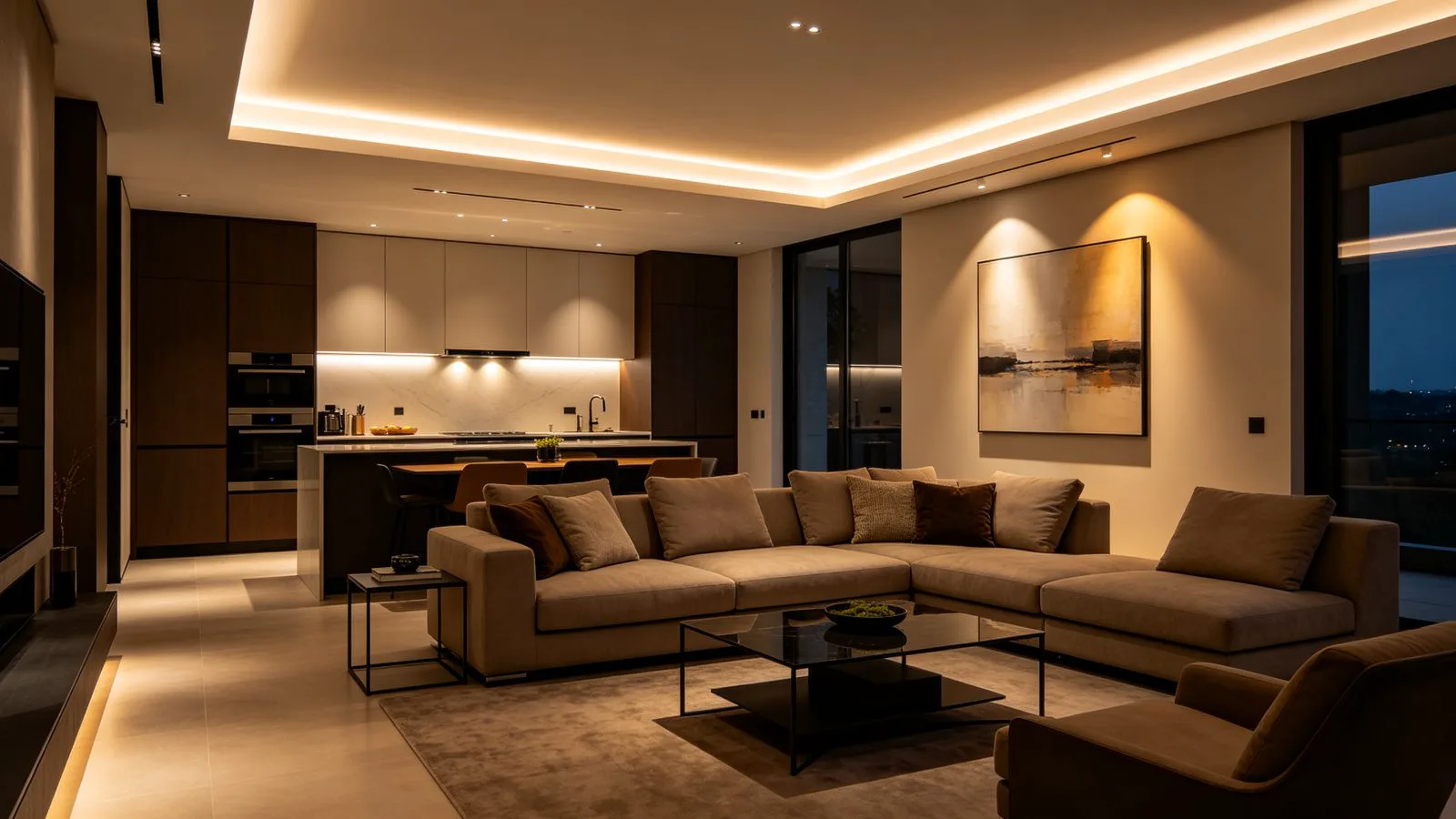
Long-hours spaces need flicker-free light: comfortable to the eye and clean on camera.
What Flicker Percentage and Flicker Index Mean
Mains AC cycles 50 or 60 times per second, and a cheap driver can leave that ripple in the light output. Two standard numbers describe it:
- Flicker percentage — (max−min)/(max+min) of brightness. Below ~10% most people cannot see it; under 5% it is effectively invisible.
- Flicker index — 0 to 1, weighting how much of the cycle is dim. < 0.01 is flicker-free; > 0.1 is problem territory.
- PstLM / SVM — newer human-factors metrics used in standards; PstLM < 1 is low-flicker.
Note that a strip itself does not inherently flicker — the driver does. A great strip on a poor driver still flickers. For existing problems, our LED strip flickering troubleshooting guide covers diagnosis.
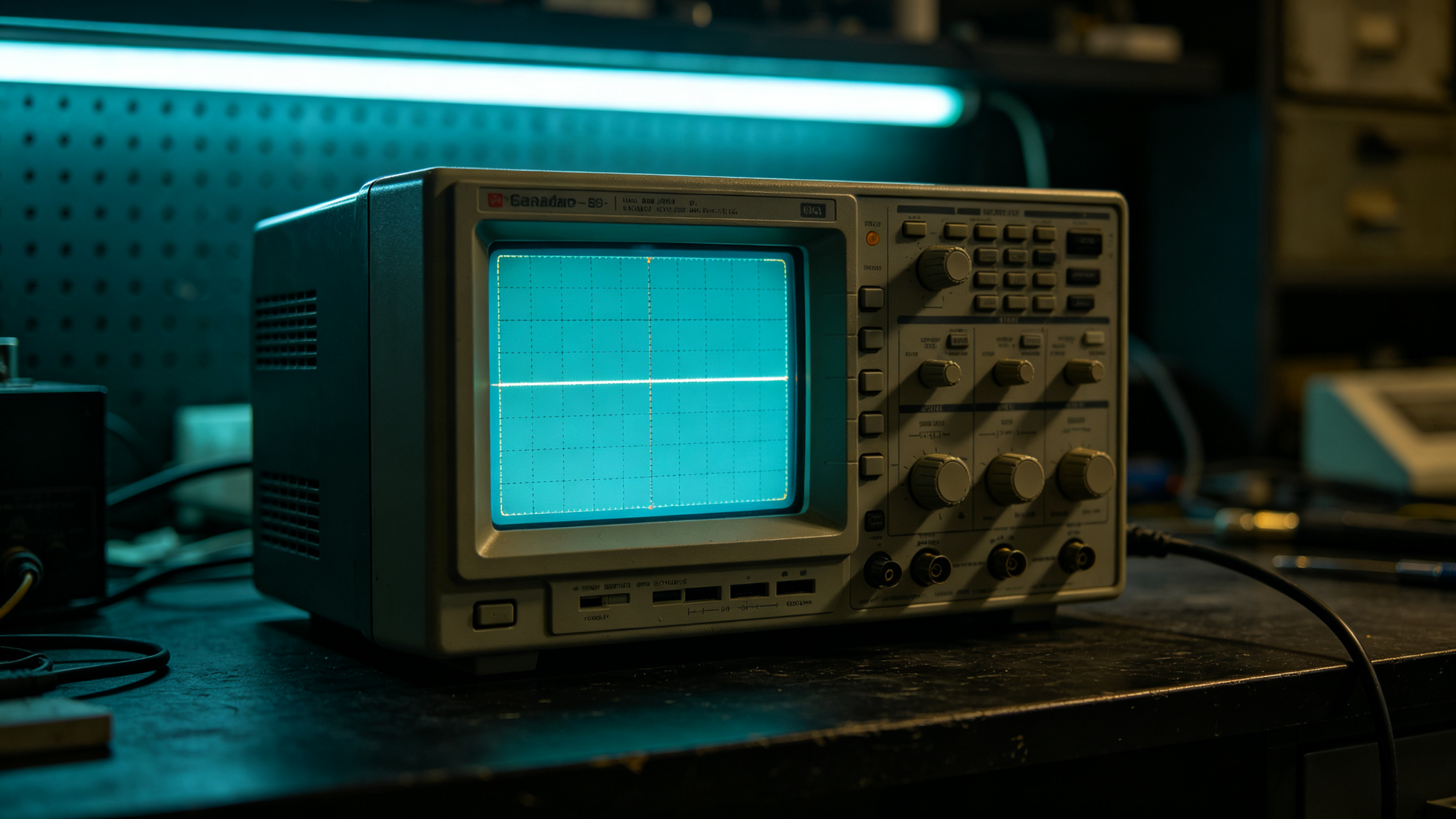
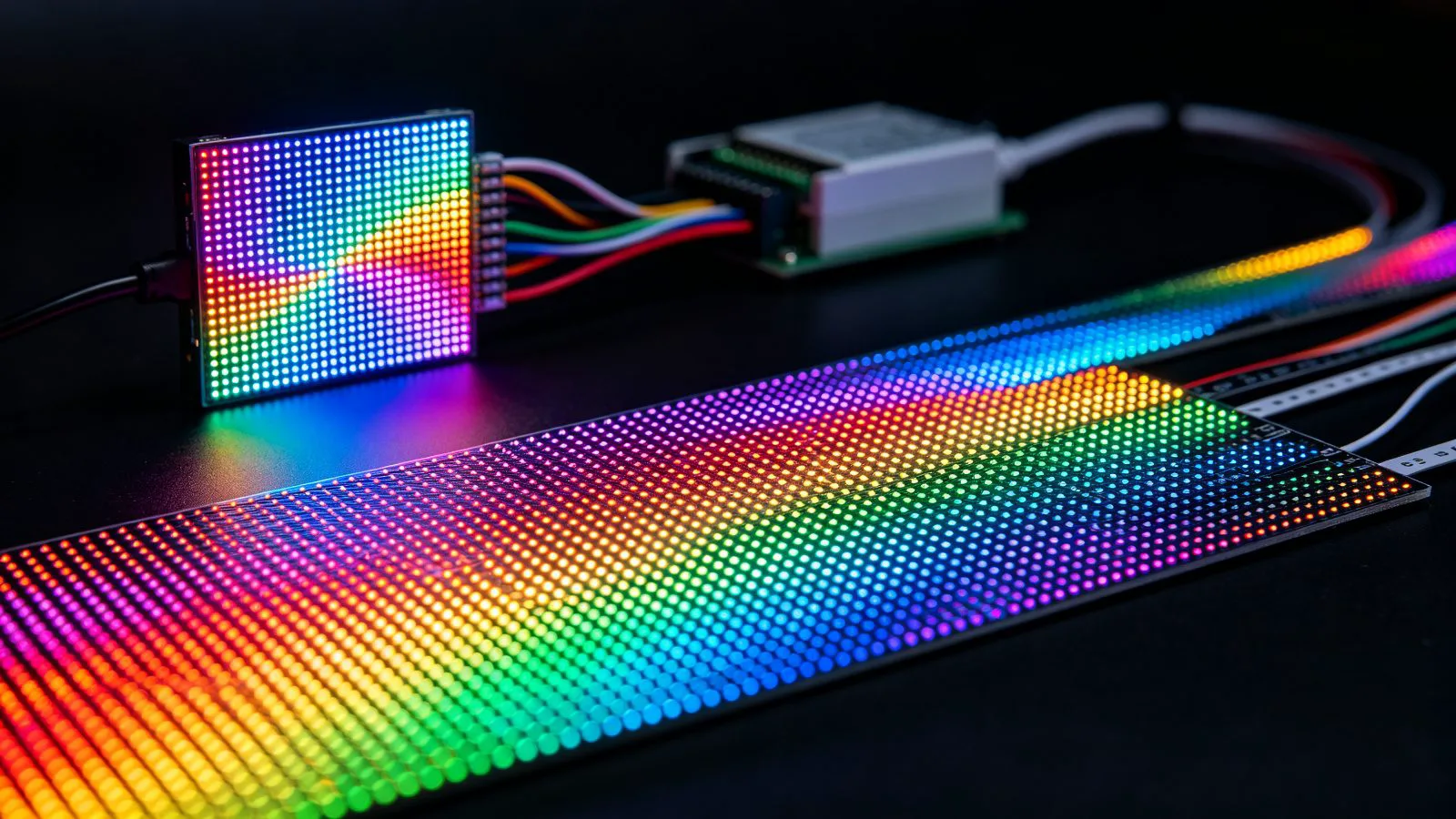
A flat, ripple-free waveform on an oscilloscope is the technical signature of flicker-free drive.
Why LED Strips Flicker
Flicker comes from the power conversion, not the LEDs:
- Poor AC rectification: cheap drivers ripple at 100/120 Hz, visible as a fast buzz in brightness.
- Low-frequency PWM dimming: dimming by switching the LEDs on/off at, say, 200 Hz can be perceived, especially in peripheral vision.
- Under-sized or failing drivers: ripple grows as capacitors age.
- Mismatched dimmers: TRIAC dimmers on non-dimmable drivers produce visible strobing.

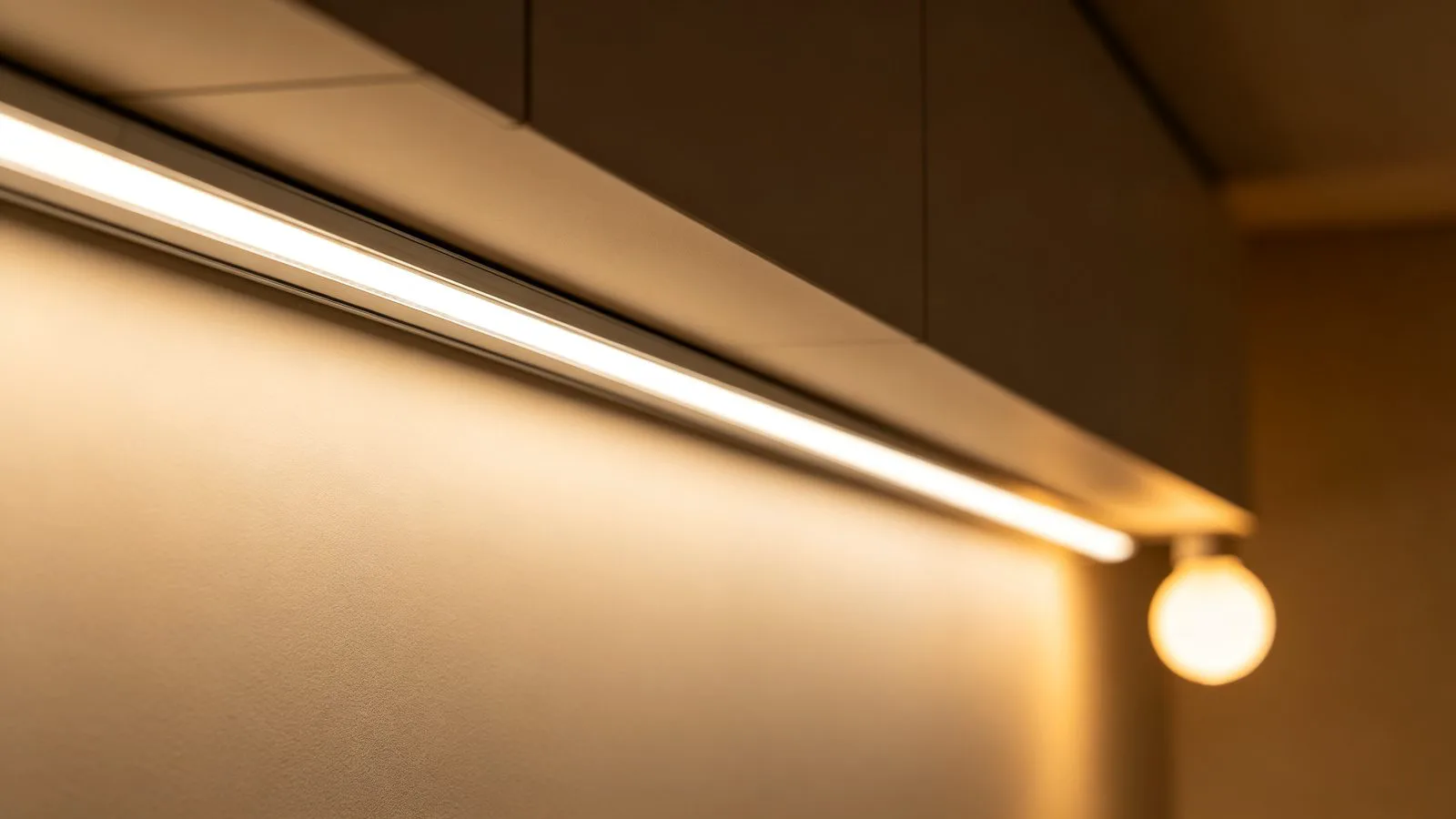
Comfortable home-office lighting must be flicker-free, especially during long screen sessions.
Flicker Metrics: Comparison Table
| Metric | Problem Range | Acceptable | Flicker-Free Target |
|---|---|---|---|
| Flicker percentage | > 20% (visible) | 10–20% | < 5% |
| Flicker index | > 0.1 | 0.05–0.1 | < 0.01 |
| PWM frequency | 200 Hz–1 kHz | 1–5 kHz | > 10 kHz (or DC) |
| PstLM | > 1.0 | 0.4–1.0 | < 0.4 |
| Visible to eye | Yes, in peripheral | Borderline | No |
| Safe for camera filming | No banding | Risky | No banding |

Schools and classrooms are high-risk for flicker — children read for hours and on camera.
Flicker, Eyes and Cameras
Even when you cannot consciously see flicker, the eye and brain keep tracking it — associated with eye strain, headaches and fatigue during long tasks. The problem is unmistakable on a phone or camera: high-frequency PWM shows as dark rolling bands across the frame. For studios, restaurants filming, vlogging kitchens and any on-screen content, low or zero flicker is mandatory.
Rule of thumb: for any space where people work long hours or where a camera might point — offices, schools, medical, studios, hospitality filming — ask for a driver with < 5% flicker, > 10 kHz PWM or DC drive, and test a sample on your phone camera.
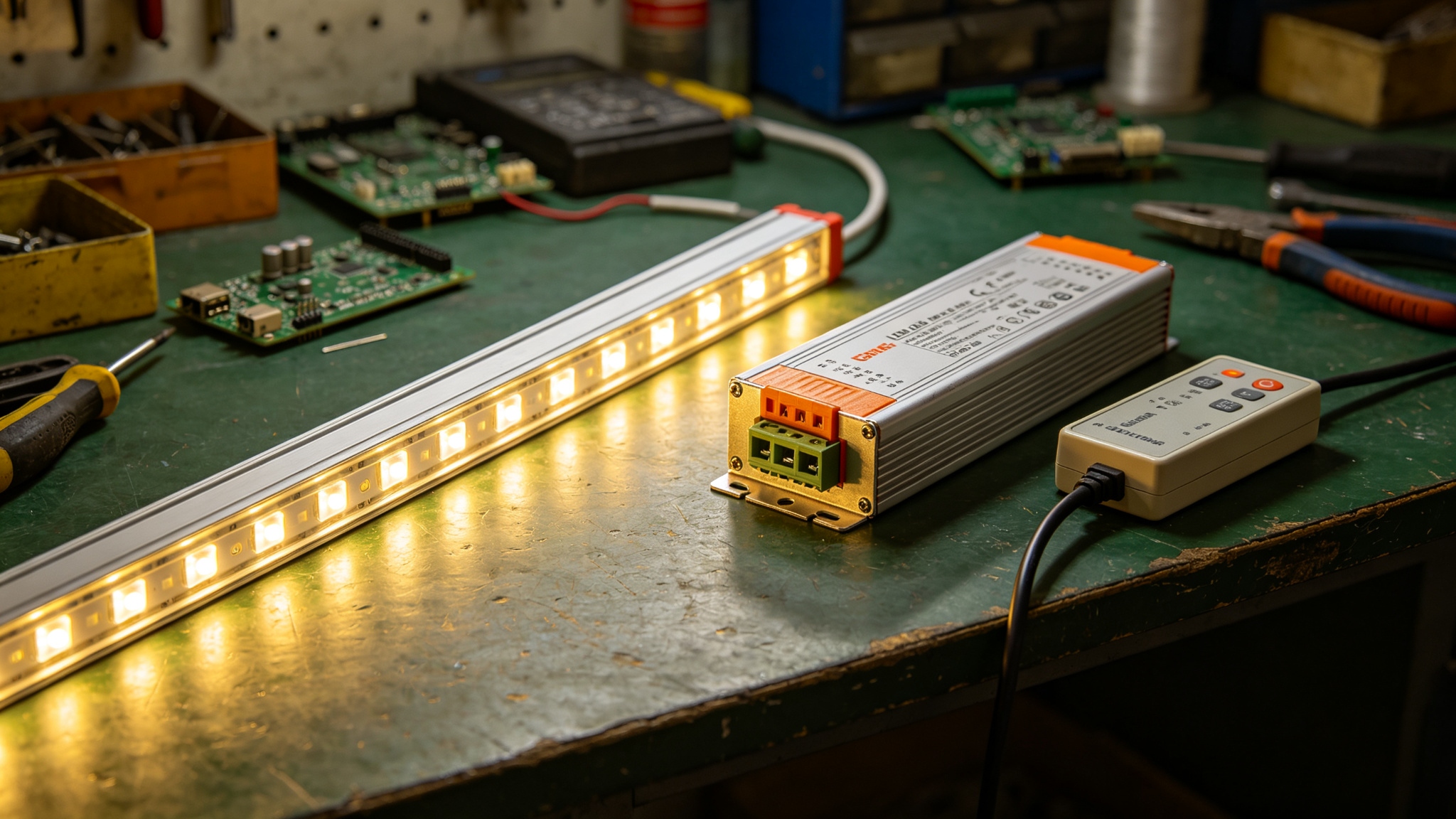
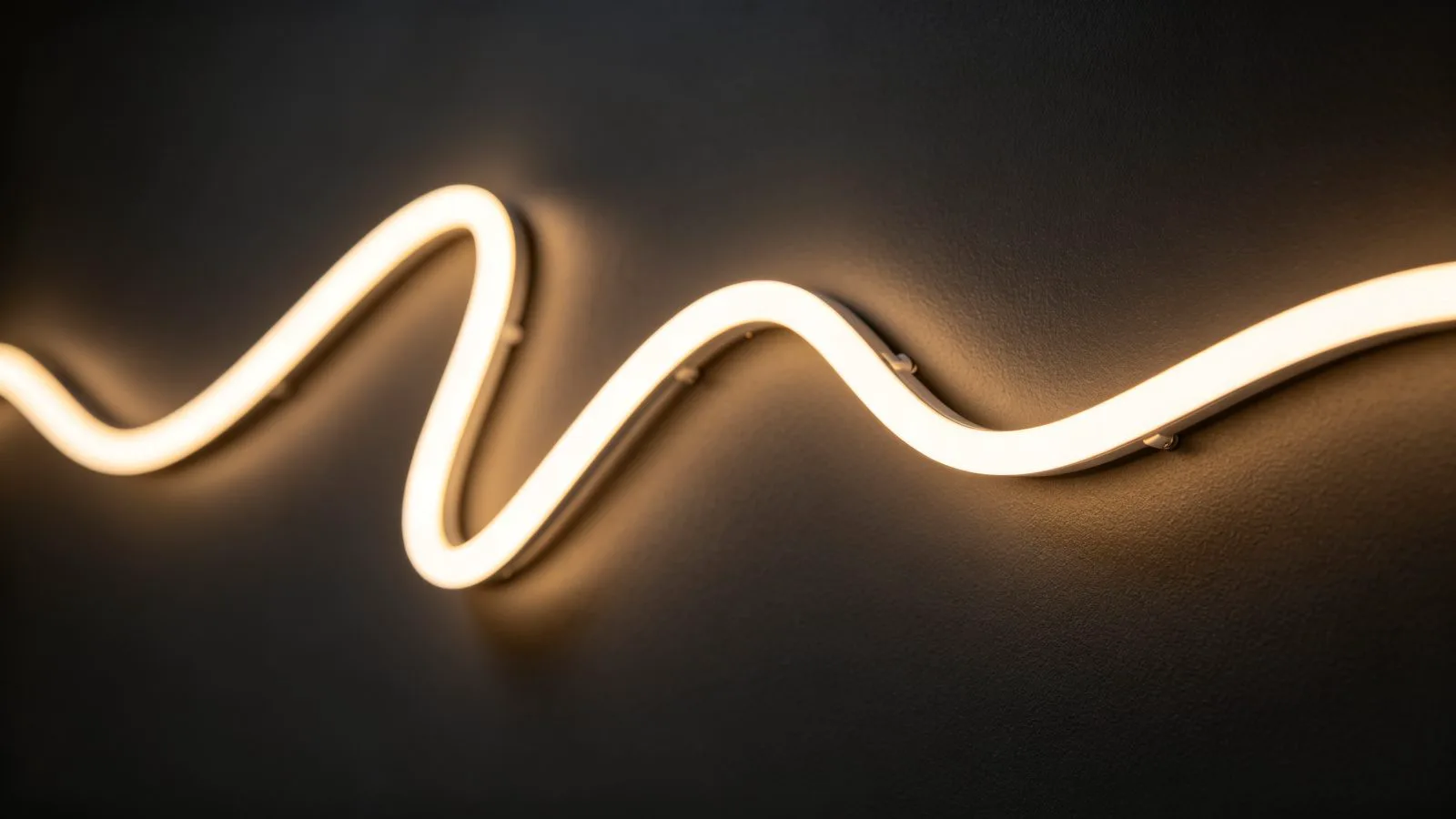
The driver — not the strip — decides flicker. Choose a quality constant-voltage dimmable driver.
How to Choose a Flicker-Free Strip
- Buy a recognised dimmable constant-current/constant-voltage LED driver, matched to your wattage (use the power supply calculator guide).
- Specify high-frequency PWM (> 1 kHz, ideally > 10 kHz) or “no flicker” / “DC drive” products.
- Match the dimmer type to the driver (TRIAC, 0–10V, DALI or PWM) — see the dimming guide.
- Test before install: point a phone camera at the strip while dimming — no rolling bands means it is clean.
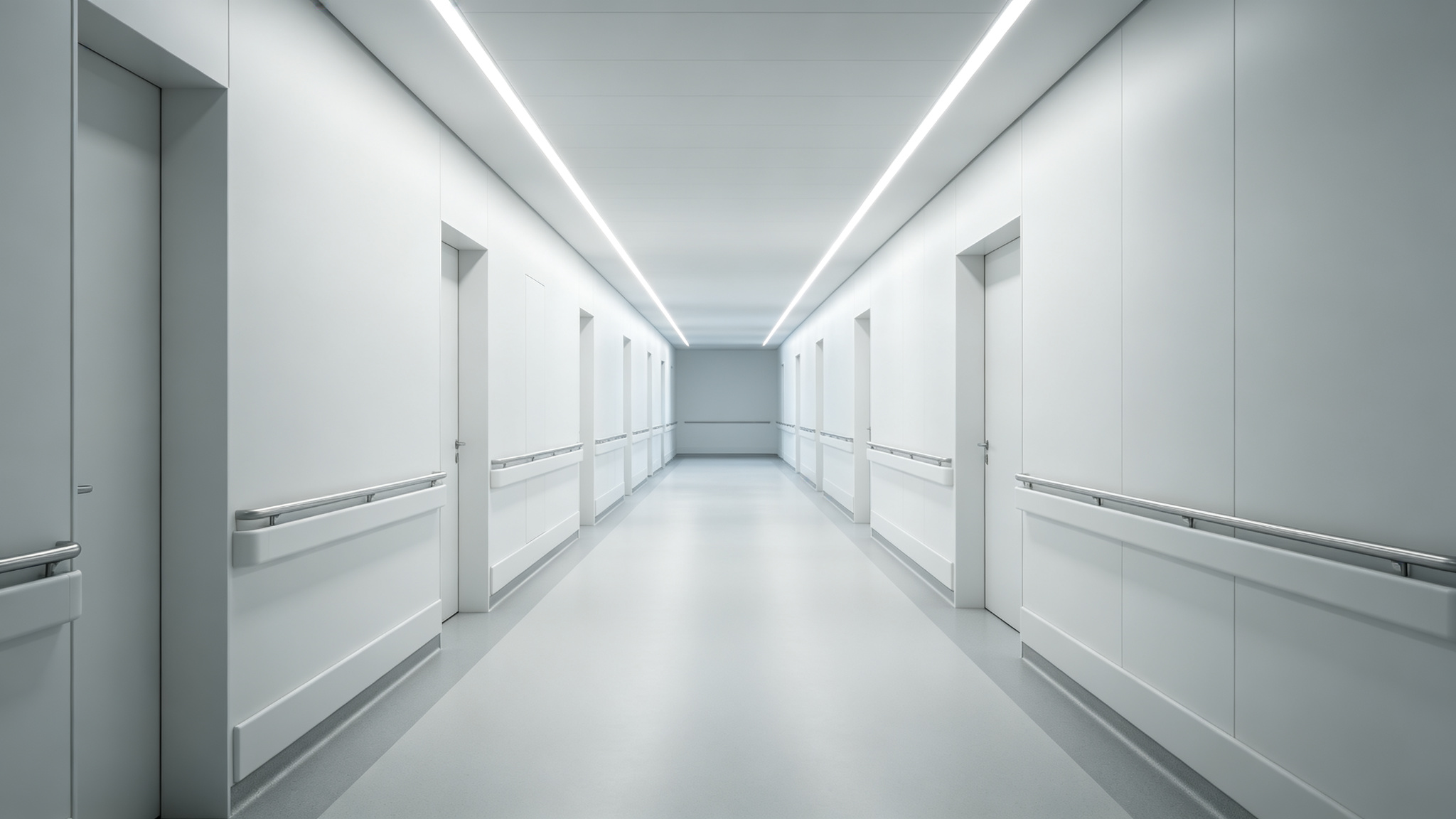
Healthcare lighting must be flicker-free: patients rest for long periods and staff work shifts.
The 30-second decision
Home accent lighting → a decent driver is enough. Offices, schools, medical, studios or anywhere filmed → specify < 5% flicker, > 10 kHz PWM and verify with a phone camera.
Recommended Products
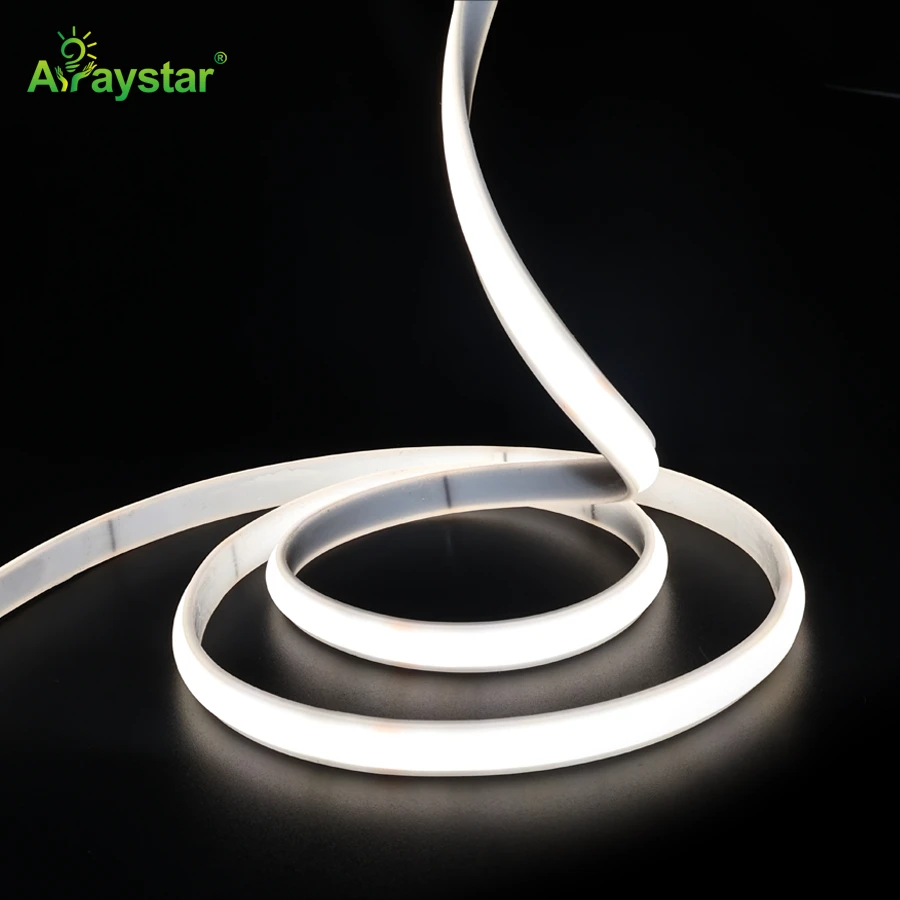
220V AC No-Flicker High-Voltage SCOB LED Strip
High-voltage SCOB with built-in flicker suppression for long outdoor/commercial runs where low-ripple drive is essential.
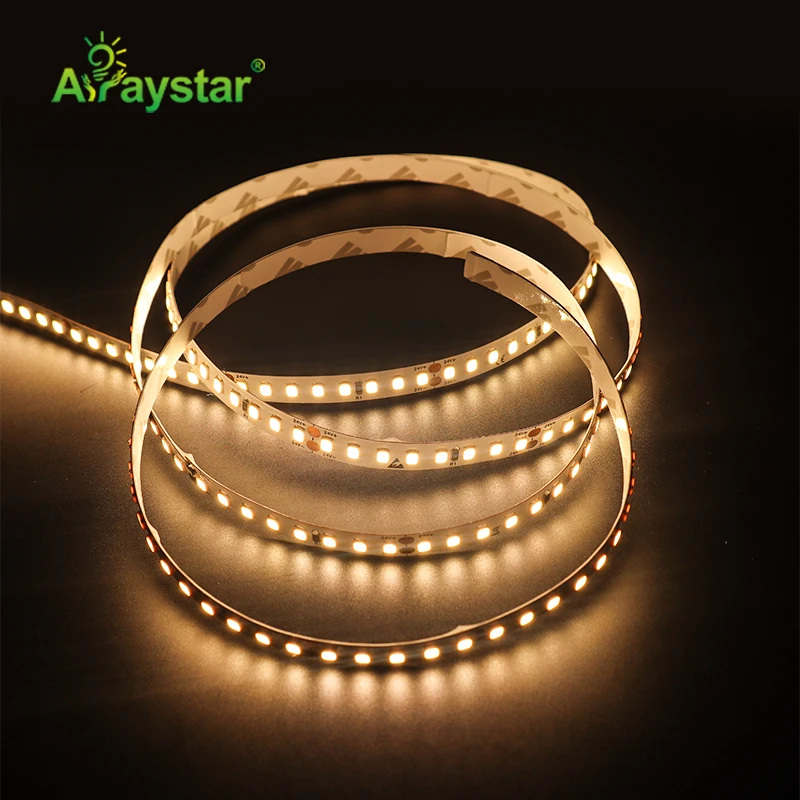
High Efficiency 2835 LED Strip, 168 LEDs/m
Efficient strip designed for use with high-frequency dimmable drivers for flicker-free interior lighting.
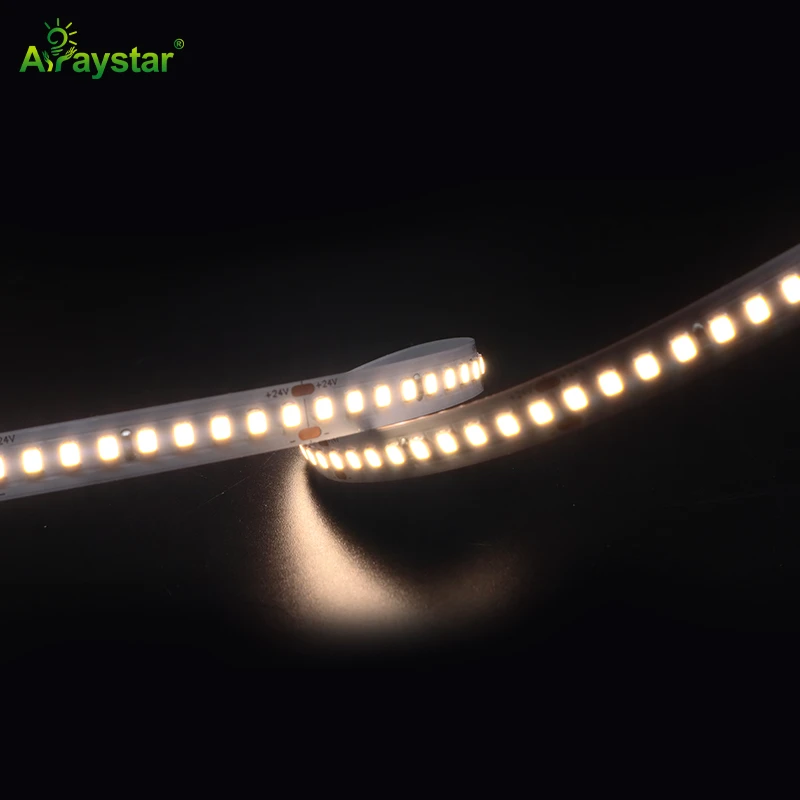
ERP Listed 2835 LED Strip, 180 LEDs/m
ERP-compliant efficient strip, well suited to offices and commercial spaces requiring steady, low-flicker output.
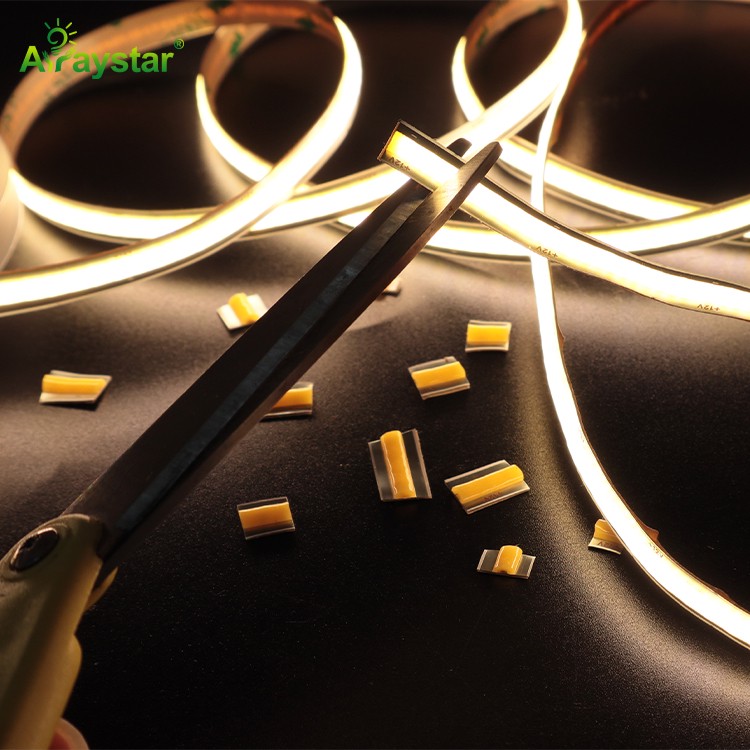
Free Cut COB LED Strip, 400 LEDs/m, 8 mm
Smooth COB line that pairs with quality constant-voltage drivers for flicker-free cove and display lighting.
Frequently Asked Questions
What is a safe flicker percentage for LED strips?
Keep flicker percentage below 10% for general use and below 5% for offices, schools, medical and filming. A flicker index below 0.01 and high-frequency PWM above 10 kHz (or true DC drive) are the technical signs of a flicker-free system.
Why can I see flicker on my phone camera but not with my eyes?
Phone cameras sample light on a fast rolling shutter, which reveals high-frequency PWM flicker as moving dark bands even when human eyes cannot perceive it. If bands appear on camera, the lighting is not truly flicker-free — upgrade the driver or PWM frequency.
Does the LED strip itself cause flicker?
Rarely. The LEDs simply follow the current they are given. Flicker almost always comes from the driver or rectification, low-frequency PWM dimming, an undersized or ageing driver, or a dimmer that is incompatible with the driver.
What driver do I need for flicker-free LED strips?
Use a quality constant-voltage (or constant-current) LED driver rated for dimming, with high-frequency PWM operation, matched correctly to the strip wattage and to a compatible dimmer (TRIAC, 0-10V, DALI or PWM). Test the installed result on a phone camera before sign-off.
Need high-CRI, color-consistent LED strips for your project?
Get factory-direct pricing, free samples and a tailored quote within 24 hours.
Get a Quote