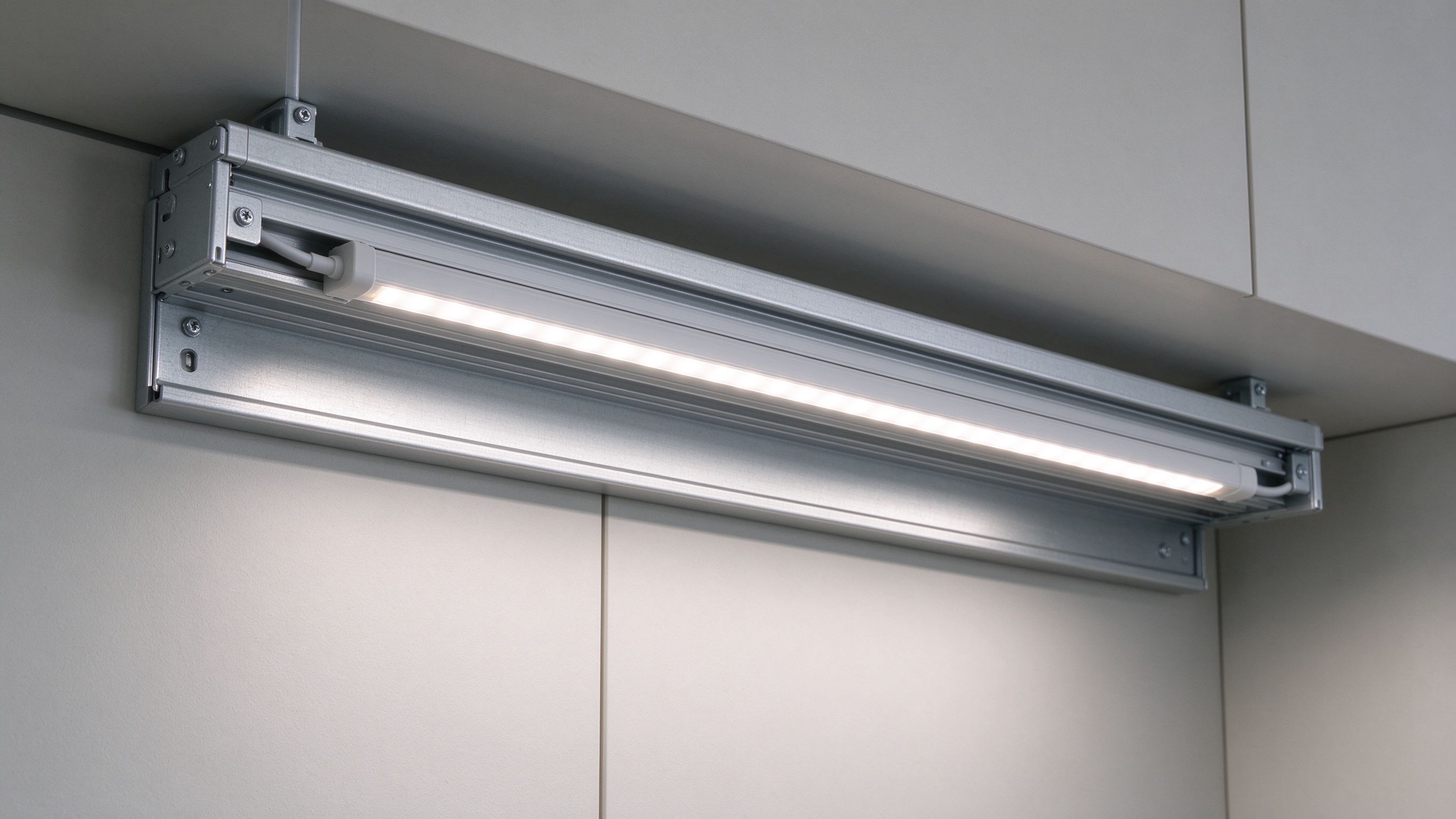
Why Your LED Strip Is Flickering (and How I Fix It): A Troubleshooting Flowchart
- 2026-10-08 17:37
- /
- Arraystar LED
Most flickering LED strip is not a faulty strip. In my experience it is one of four things, in this order: an overloaded or dying driver, a dimmer that does not match the driver, voltage drop or a bad connection, or cheap high-ripple electronics. Replacing the reel first is the most expensive guess you can make. Grab your phone camera, a multimeter and a dimmer you know works, then walk the chain from the mains to the last metre. Fix the supply and control side first, prove the strip on a clean bench driver, and only then touch the tape itself. The flowchart below is the exact sequence I use on call-outs, and it clears the large majority of flicker complaints without a single new strip.
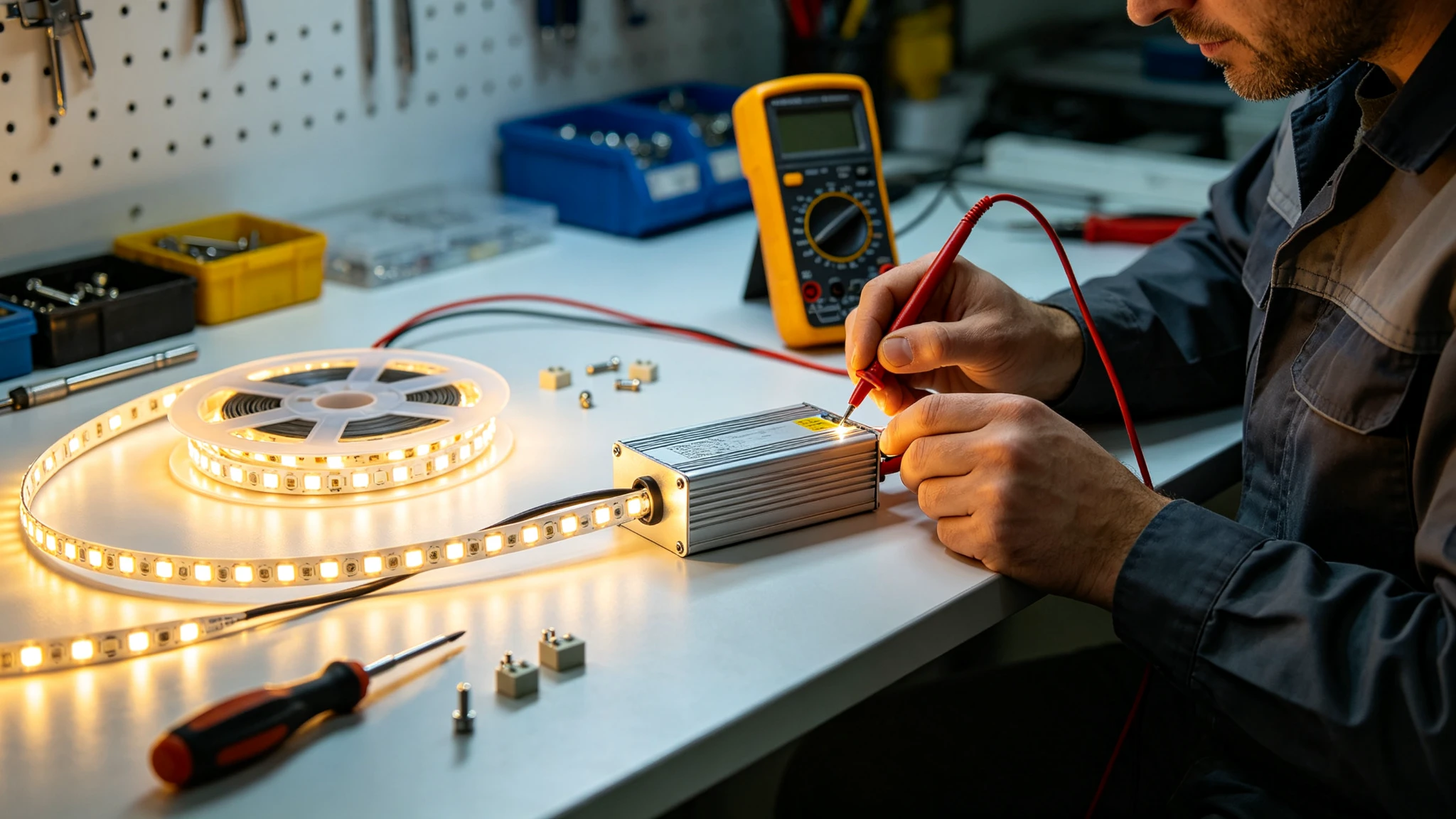
Start With the 30-Second Phone-Camera Test
Before you unplug anything, point your phone camera at the lit strip and slowly pan along it. The naked eye is bad at seeing fast flicker, but a camera sensor turns PWM dimming and low-frequency ripple into dark rolling bands marching across the screen. If the bands are wide and slow, you are usually looking at low-frequency PWM from a dimmer. If the whole strip strobes hard even at full brightness, the problem is more often the driver or an overload.
Do the same test at 100% brightness and again dimmed to about 20%. Flicker that only appears while dimmed is a PWM/dimmer issue. Flicker at full power is almost always power delivery. That single distinction tells you which half of the circuit to open up first and saves an hour of guessing.
The Order I Troubleshoot In
I always work from the wall toward the tail of the run. The component closest to the mains handles the most current and fails most often, so that is where the evidence is. Here is the decision tree I follow.
Match the symptom before you replace anything.
| What you see | Most likely cause | First thing to check |
|---|---|---|
| Strobe at full brightness | Overloaded/failing driver, AC ripple | Driver rated watts vs actual load |
| Bands only when dimmed | Dimmer/driver mismatch, low PWM | Dimmer type and minimum load |
| Far end dims and shimmers | Voltage drop, thin wire, long run | Voltage at start vs far end |
| Random single-section flash | Loose connector, cold solder | Connectors and solder joints |
| Whole install pulses on/off | Breaker/protection cycling, inrush | Total inrush and wire terminations |
| Visible on camera only | High-ripple or low-freq PWM | Driver ripple / PWM frequency |
Print that table or keep it on your phone. The point is to form a hypothesis from the symptom, test one variable, and confirm before moving on. Electricians who swap three parts at once never actually learn which one was bad, and the fault often comes back a week later.
Cause 1 - An Overloaded or Dying Driver
This is the number-one culprit. A driver rated 100W driving 110W of strip will run hot, its output sags, and the protection circuit starts cutting in and out - which looks exactly like flicker. Drivers also lose capacitance as they age, especially cheap ones in a hot ceiling void, so a two-year-old supply that used to be fine can start rippling.
- Add up the real watts per metre across every metre on that driver, including any spare length you coiled up.
- You should be using no more than 80% of the driver's rated watts continuously; a 100W driver feeds at most ~80W of strip.
- Feel the driver case after 20 minutes - too hot to hold means overload or poor ventilation.
- Bench-test the strip on a known-good, correctly sized driver. If the flicker vanishes, the old driver was the fault.
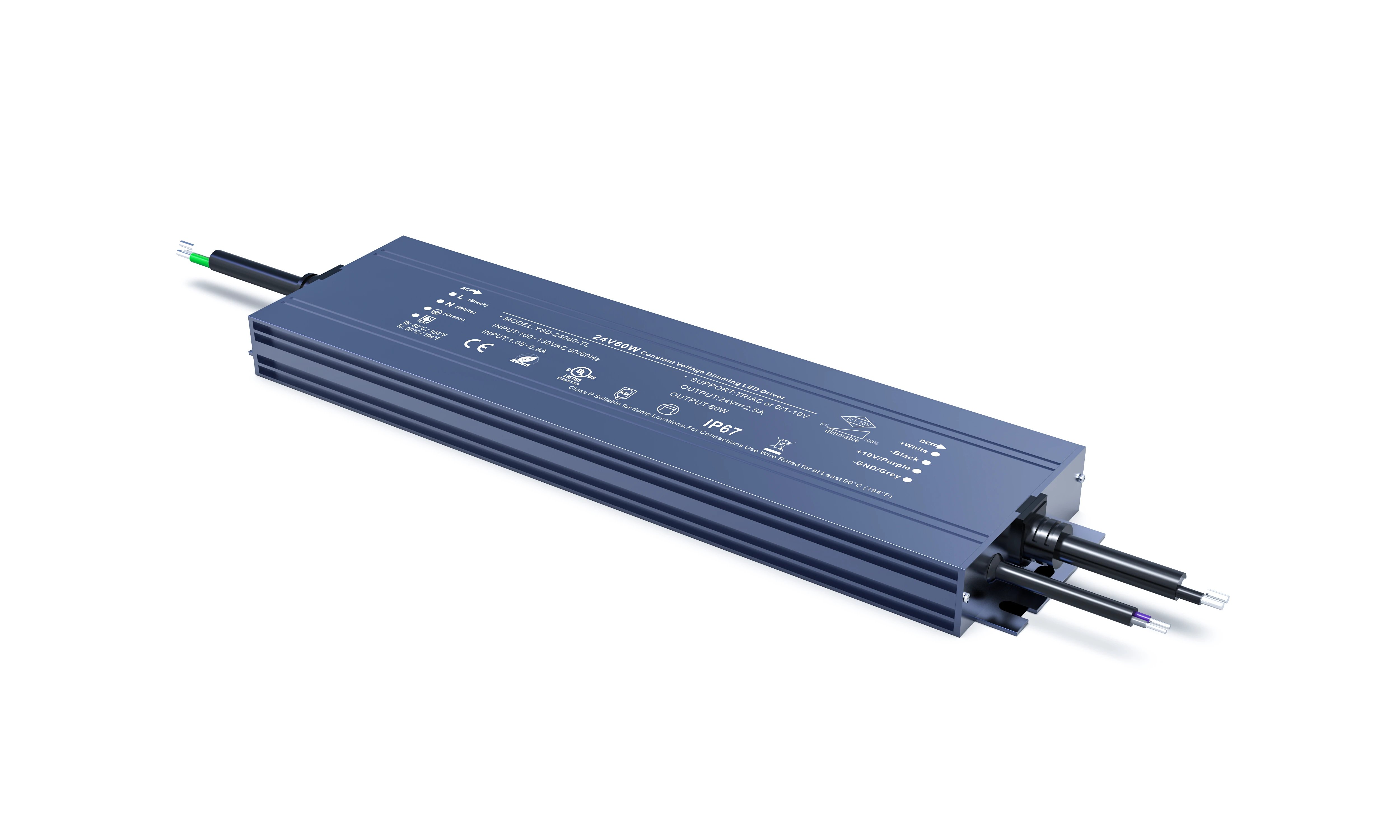
For a clean replacement I often spec a dimmable waterproof constant-voltage supply with genuine headroom rather than another borderline unit. The 60W-300W dimmable waterproof range lets me match the driver to the real load with the 20% margin built in, and it is sealed enough for bathroom, kitchen and outdoor ceilings where drivers tend to cook.
Cause 2 - Dimmer and Driver That Were Never Compatible
A dimmable driver is not the same as a driver that works with your dimmer. TRIAC (ELV/MLV) dimmers expect a certain minimum load and a phase-cut driver; 0-10V and DALI use a completely different control signal; cheap remote receivers generate their own PWM. Mix them and you get pop-on, drop-out, buzzing and slow strobing at the bottom of the dimming range.
The classic complaint is 'it is fine bright but strobes below 30%.' That is the dimmer hitting the driver's minimum load or PWM frequency falling into the range your camera - and eventually your eye - can see. Raising the PWM frequency and widening the dimming range usually clears it, which is controlled by the dimmer/receiver, not the strip.
The minimum-load trap
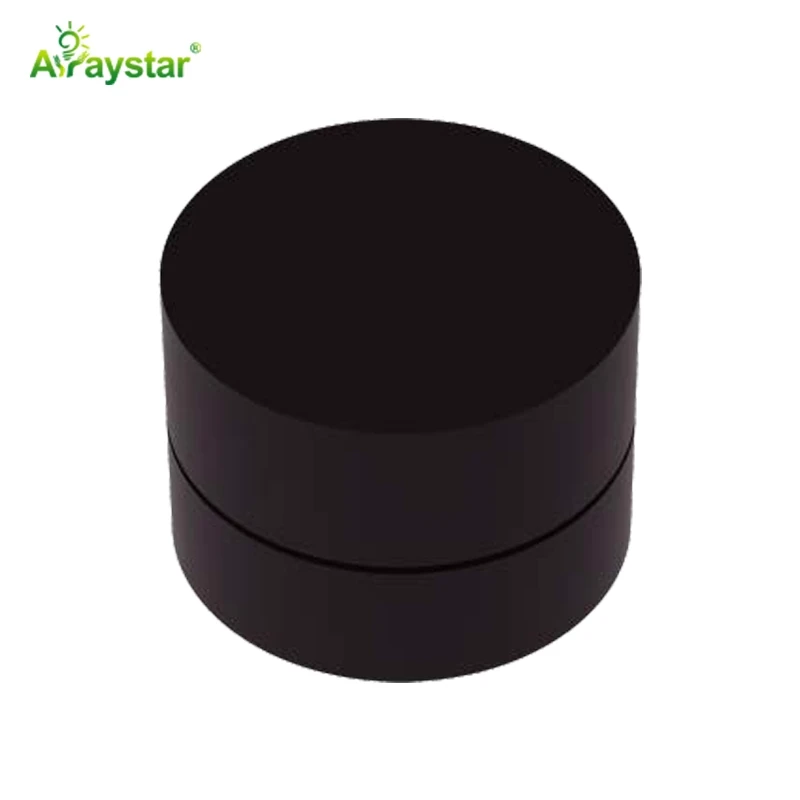
A short 2-metre run on a 150W TRIAC driver often flickers because there is not enough load for the dimmer to latch. You fix that by adding a dummy-load module, using a driver rated for low-load dimming, or moving short runs onto a low-voltage PWM dimmer like the rotary controller above instead of mains phase-cut. Match the control protocol on both ends and most dimming flicker disappears.
Cause 3 - Voltage Drop, Thin Wire and Bad Connections
When a run is fed from one end and the wire is too thin, voltage sags along the length. The far end runs under-voltage, draws current unevenly, and on dimmable systems the tail starts to shimmer or shift warm while the head is steady. A loose screw terminal or a cold solder joint does the same thing locally - you get a single flickering section rather than the whole run.
- Measure DC voltage at the driver and at the last metre. More than about 0.5-1V difference means voltage drop.
- Feed long runs from both ends (or the centre), step up to 48V strip, or use thicker cable between driver and tape.
- Re-seat every screwless connector and re-tighten terminals; these are the most common intermittent faults.
- Check that coil after coil was not daisy-chained through tiny PCB traces - add parallel feed wires for long lines.
Cause 4 - High Ripple and When No-Flicker Strip Matters
Cheap switch-mode supplies leave a large 100/120Hz ripple on the DC output, and the LEDs follow it. You see this as a fast buzz on camera and, in offices and workshops where people concentrate for hours, as eye strain and headaches. A genuine flicker-free driver with low output ripple (and a high PWM frequency when dimmed) solves it. On camera-critical and high-bay commercial jobs I stop chasing the cheapest driver and specify low-ripple or explicitly no-flicker product from the start.
For very long architectural runs where distributing many small class-2 drivers is awkward, a high-voltage no-flicker SCOB strip removes a lot of the dimming and voltage-drop variables at once. It is marketed specifically as flicker-free and runs from mains voltage, so there is no long low-voltage tail to sag. It is not the right answer for low-voltage indoor cove work, but for continuous high-bay and outline lighting it removes an entire failure category.
Keep this next to the driver while you test.
| Source | Typical flicker signature | Fix |
|---|---|---|
| Overloaded driver | Full-power strobe, hot case | Right-size to 80% load |
| TRIAC mismatch | Strobe below 30%, buzz | Match protocol / add load |
| Voltage drop | Far-end shimmer, color shift | Center feed / 48V / thicker wire |
| High ripple | Fast camera bands, headaches | Low-riple flicker-free driver |
| Loose joint | One section flickers | Re-seat connector / re-solder |
The Permanent Fix Checklist
- Size every driver at 1.25x the actual connected wattage and keep it ventilated.
- Use one matched dimmer-and-driver family; never assume 'dimmable' means compatible with your switch.
- Feed runs over 5m from both ends or the centre, and spec 48V for genuinely long lines.
- Specify low-ripple, high-PWM (or no-flicker) drivers anywhere there are cameras, screens or desks.
- Bench-test a sample reel on a clean driver before installing, so a manufacturing defect never reaches the ceiling.
Walk that list on the next flickering job and you will usually have the cause nailed before you take the first fitting down. The strip is rarely the problem.
Recommended Products
Frequently Asked Questions
Why does my LED strip flicker only when I dim it?
That is almost always PWM and minimum-load behaviour rather than a faulty strip. The dimmer is either mismatched with the driver's control protocol (TRIAC vs 0-10V vs PWM receiver) or the load is below the dimmer's minimum, so the PWM frequency drops into the visible range at low brightness. Use a matched dimmable driver, add load or a low-load driver, and raise the PWM frequency.
Will a bigger power supply stop LED flicker?
Only if the current supply is overloaded or failing. If your connected wattage is above 80% of the driver rating, or the driver is hot and old, upsizing with 20% headroom usually clears full-power strobing. If the flicker only happens when dimmed or only at the far end of a long run, a bigger supply will not help - the cause is the dimmer or voltage drop instead.
What causes rolling dark bands on camera but not to my eye?
The camera sensor reveals high-frequency ripple or low-frequency PWM that your eye does not consciously see. Wide slow bands point to low-frequency PWM from a dimmer; a fast fine flicker points to output ripple from a cheap driver. A low-ripple flicker-free driver and a high-PWM dimmer remove the bands, which matters in any space filmed for video.
Why does only one section of my LED strip flicker?
Localised flicker usually traces to a single bad connection - a loose screwless connector, a cold solder joint, or a damaged section where the strip was bent or pinched. Re-seat the connectors either side of the flickering section, check the solder pads, and confirm the voltage feeding that section is stable. Whole-strip flicker is a driver problem; one-section flicker is a connection problem.
Is flicker from LED strip harmful?
Visible or high-amplitude flicker at around 100-120Hz can trigger eye strain, headaches and, in a small number of photosensitive people, more serious reactions, which is why standards like IEEE 1789 recommend low-flicker lighting. Low-riple flicker-free drivers and high-frequency PWM keep modulation well below the risk thresholds. It matters most in offices, schools and anywhere people work under the light for hours.
Need help with your LED project?
Get factory-direct pricing, free samples and engineering support within 24 hours.
Email: info@arraystarled.com | Phone: +86-0755-2103-6746 | WhatsApp: 0086 1581 8514 077
Need to size your power supply? Use our LED Strip Power Calculator to find the right driver in seconds.