LED Strip Power Supply Overload: Symptoms and Prevention
- 2026-09-18 18:20
- /
- Arraystar
Quick Answer
An overloaded LED power supply shows tell-tale signs: the strip flickers, dims or buzzes, the driver runs hot, its protection cycles on and off, and lights cut out after warming up. Prevent it by sizing the driver to at least 1.2× the total LED wattage, leaving headroom, and never chaining extra strips onto a supply that is already at its limit.
📑 Table of Contents
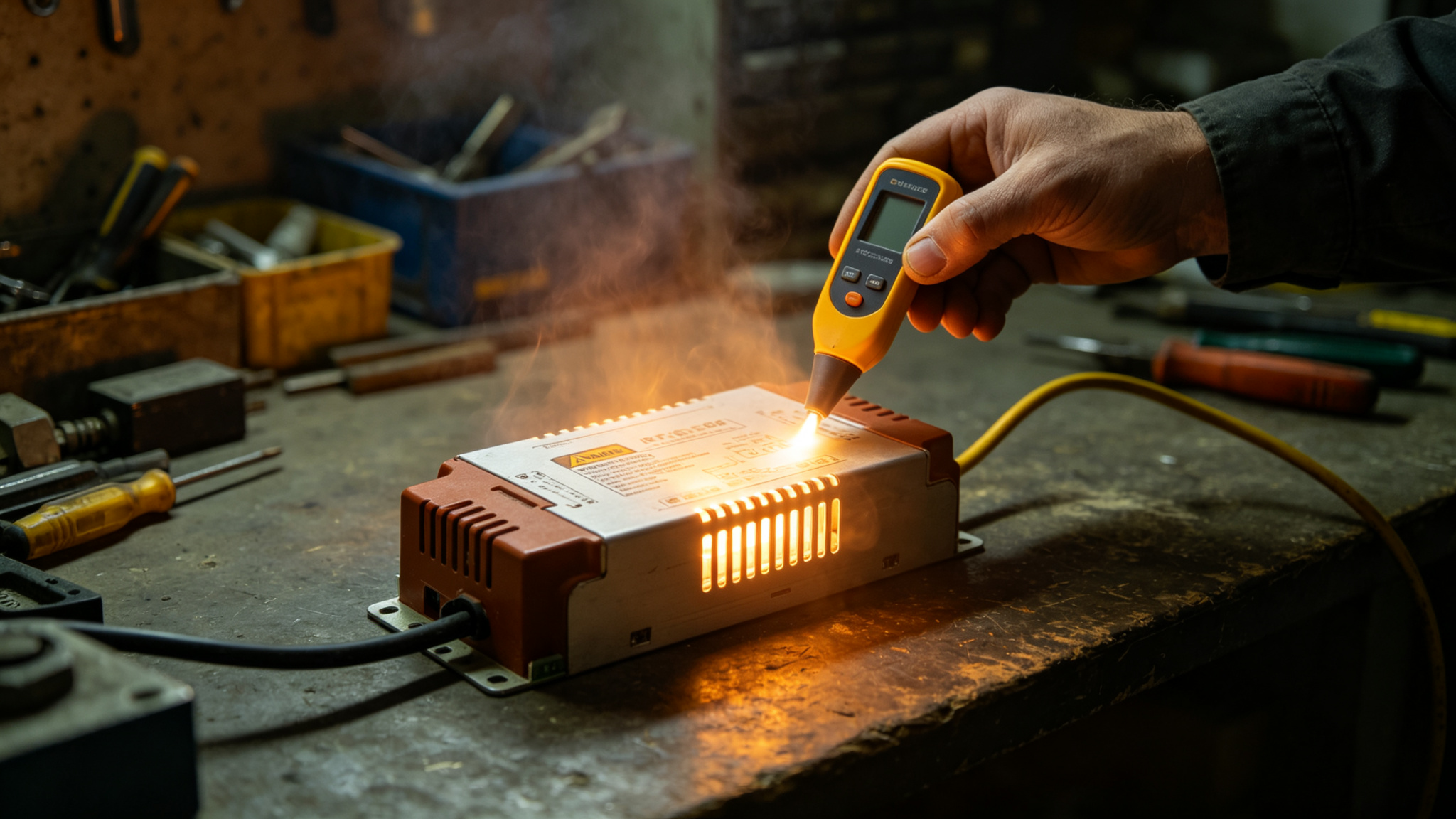
A driver running at its absolute limit rarely fails gracefully — it flickers, buzzes and shuts down.
What Does Power Supply Overload Look Like?
An LED power supply (driver) has a maximum wattage. Connect more wattage of strip than it can deliver and it does not simply dim — it hits its protection limits. Good drivers shut down, restart, reduce voltage, or buzz. Because the strip’s symptoms are subtle, overload is often misdiagnosed as a bad strip, a bad dimmer or a loose wire. In reality, the driver is screaming that it is over its limit. For the core math, see how to size a power supply.
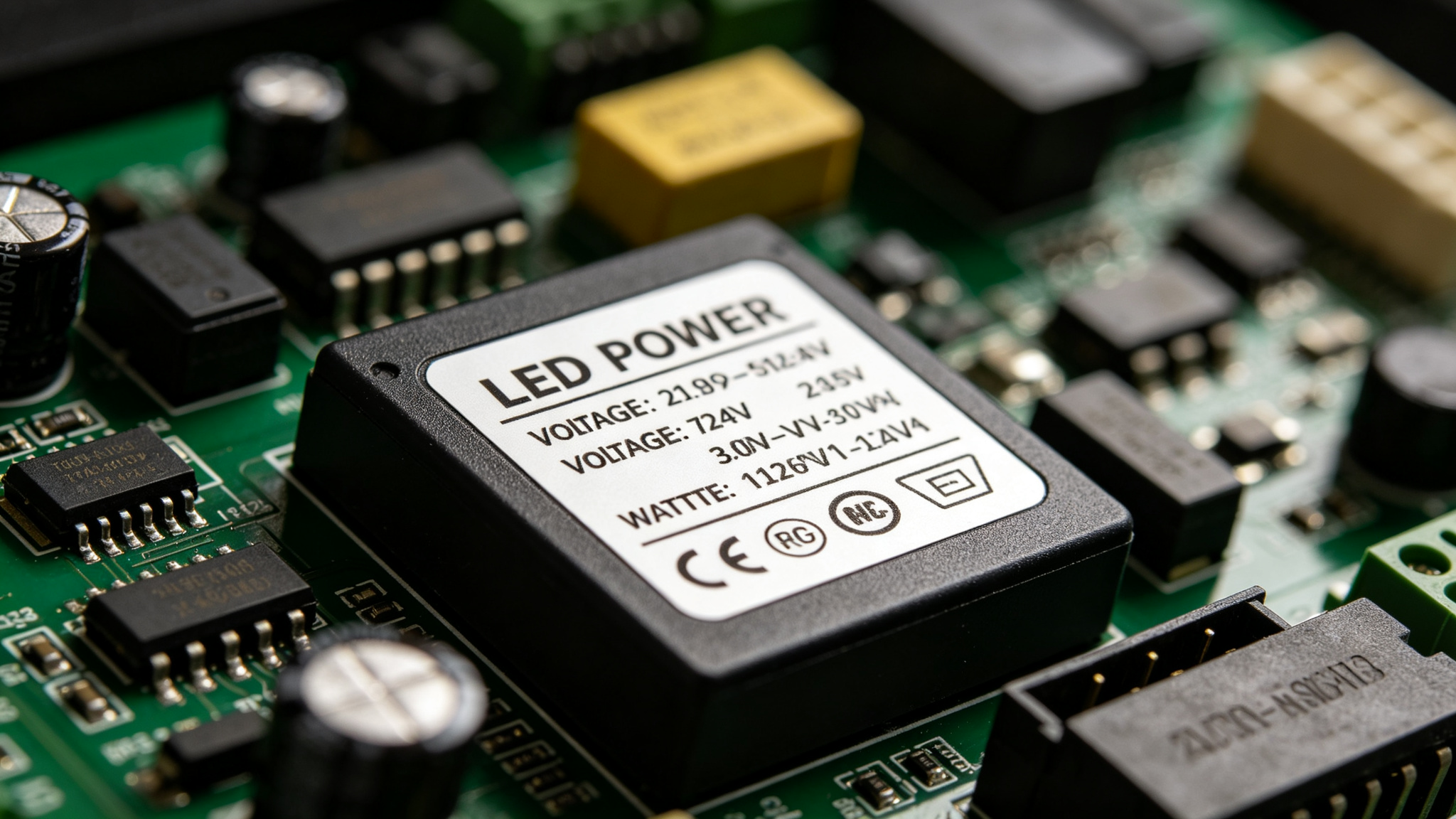
The nameplate tells the truth — total strip watts must stay under the driver’s rated output, with margin.
The Symptoms, Listed
- Flickering or pulsing that you cannot link to a dimmer — the driver cycling in and out of protection.
- Dimming that worsens over a minute as the driver heats and throttles back.
- A high-pitched buzz or whine from the driver under heavy load.
- The lights cut out after warming up, then come back when cool — thermal shutdown.
- A very hot casing you cannot hold your hand on.
- Uneven brightness combined with other signs — overload plus voltage drop.
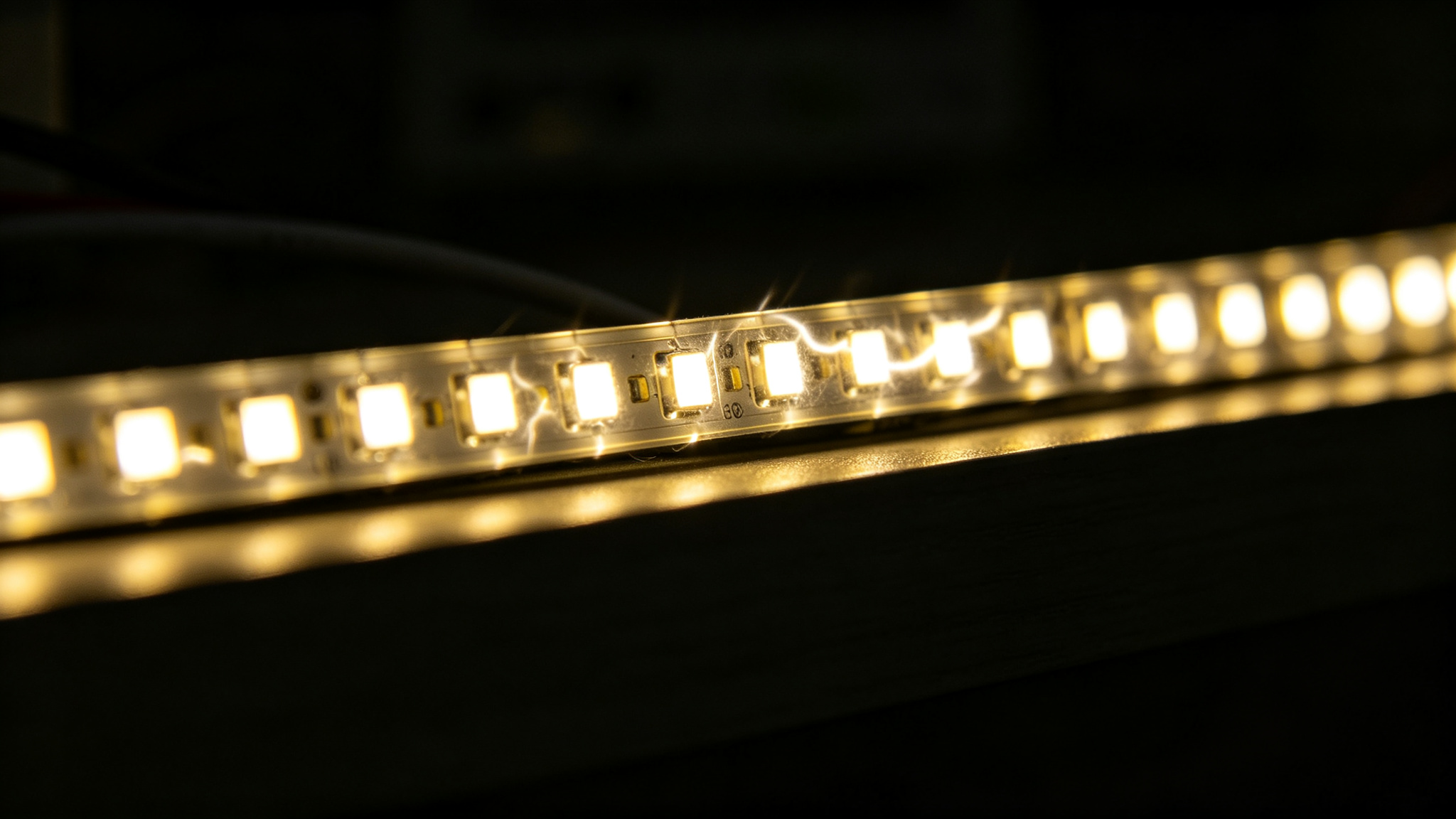
Flicker that follows a load spike is often the driver, not the strip. Also check our LED strip flickering guide.
Rule of thumb: total LED watts ≤ 80% of driver rated watts. Running a 100 W driver at 100 W leaves no margin for inrush, heat and aging — size up to 120–150% of the real load.
Why Drivers Protect Themselves (and Why You Should Too)
Quality drivers include over-current, short-circuit and over-temperature protection — they cycle off rather than catch fire. That is a safety feature, but it masks the real problem. If you ignore it and keep adding strip, the protection wears, components cook, and one day the driver fails outright. A cleanly sized driver barely warms, never buzzes, and lasts the life of the installation. Heat and longevity are linked — read more in our lifespan guide.
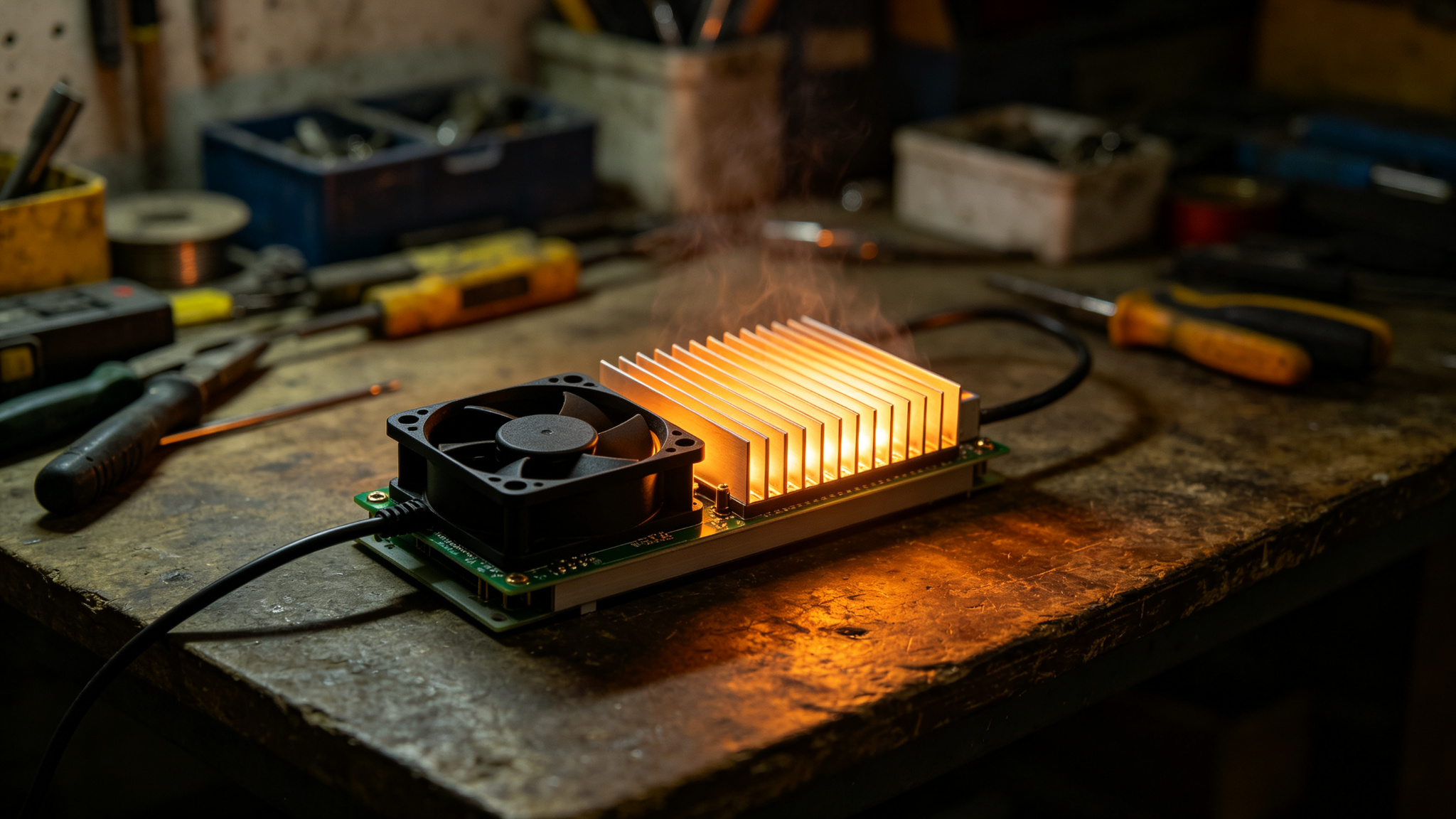
A glowing-hot heatsink means the driver is pushing past its design limit — add load and it will protect or fail.
How to Size a Driver to Avoid Overload
- Add up total strip watts: watts per meter × total meters across all branches.
- Divide by supply volts to confirm the current your cables and fuse must carry (see the wattage calculator).
- Multiply total watts by 1.2–1.5× for headroom.
- Choose the next driver size up — e.g. a 96 W load → 150 W driver.
- Re-check after any change — adding a run later is how overload creeps in.
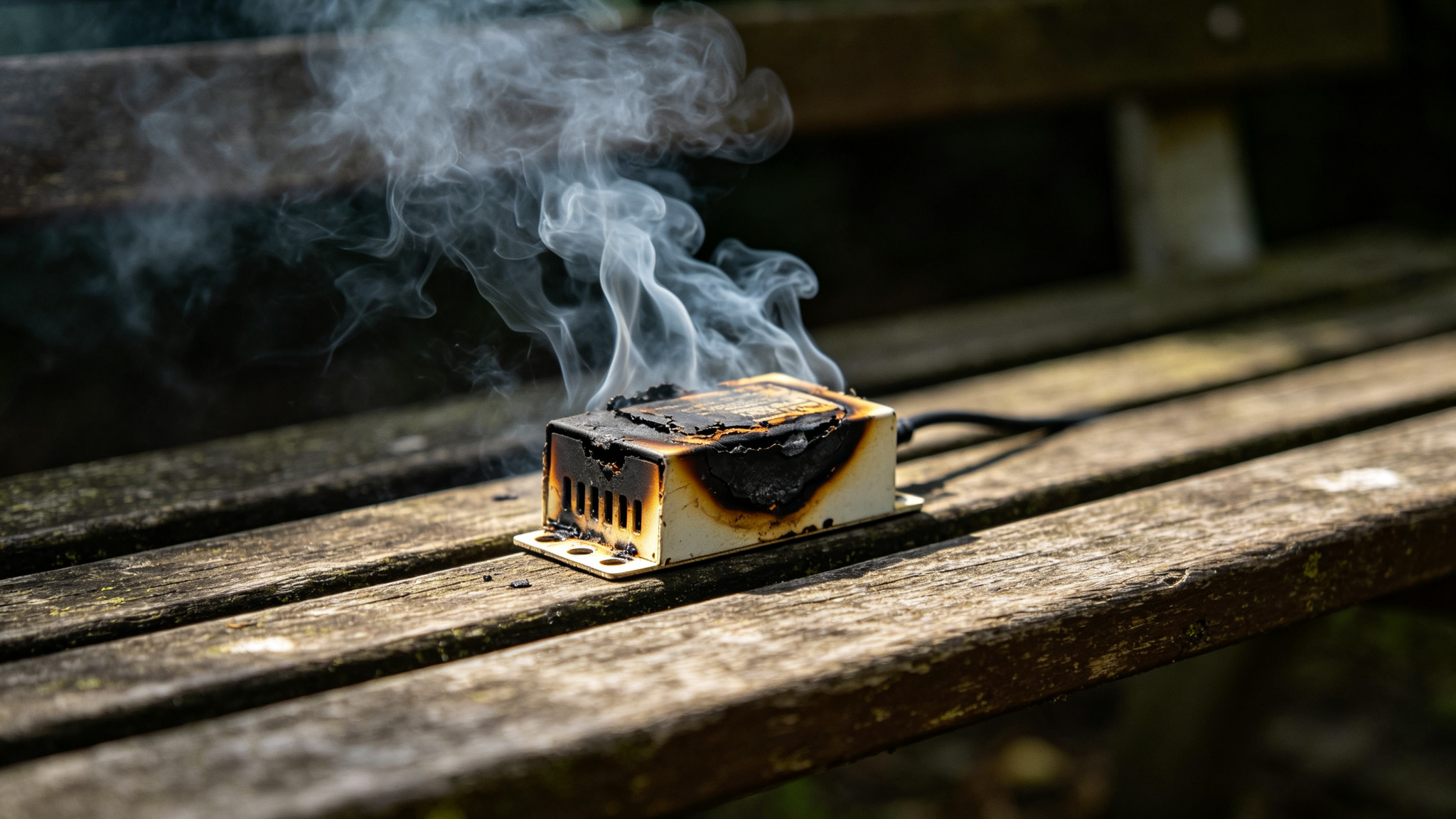
The failure end-state: a driver run hot and overloaded until it burns. Margin is cheap insurance against this.
When to Use a Bigger Driver vs a Second One
If the load is small and local, one larger driver is simplest. If the strips are physically spread out — two coves far apart, outdoor branches — a second driver near each group also shortens cable runs and cuts voltage drop. Either way, never run a driver above its rating, and keep the drivers ventilated. For wiring layout, see voltage drop.
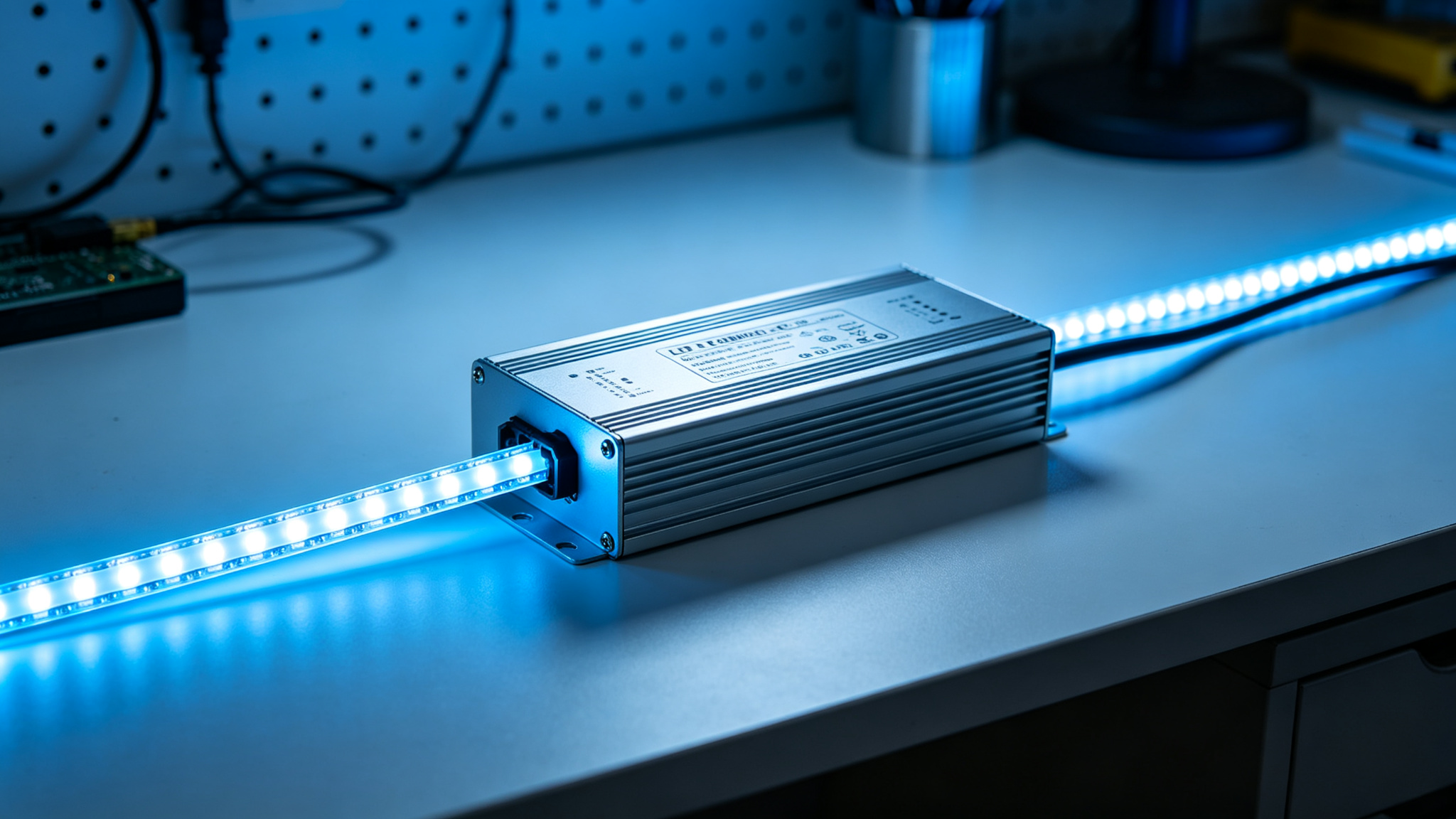
The goal: a driver that runs cool, quiet and steady — correctly sized, ventilated and never at its limit.
Recommended Products
Frequently Asked Questions
What are the signs of an overloaded LED power supply?
Look for flickering or pulsing that is not caused by a dimmer, lights that dim as the driver warms up, a high-pitched buzz, the strip cutting out after a few minutes and recovering when cool, and a casing too hot to hold. Any combination means the driver is overloaded.
How much headroom should I leave on an LED driver?
Keep the actual LED load at or below about 80% of the driver’s rated wattage — in other words, choose a driver rated at 1.2–1.5× your real load. This covers inrush current, heat buildup and aging, and keeps the driver quiet and cool.
Can an overloaded LED driver damage the strip?
Usually the driver protects itself before the strip is harmed, but repeated thermal cycling and voltage instability shorten the life of both. A correctly sized driver removes the stress entirely and is far cheaper than replacing strips or a failed driver.
Is it better to use one big driver or two smaller ones?
One larger driver is simplest for a single local load. If strips are spread across a long distance, two drivers placed near their groups also shorten cable runs and reduce voltage drop. Either way, each driver must stay comfortably within its wattage rating.
Want a driver sized exactly for your load?
Get factory-direct driver selection, free load calculation and a custom quote within 24 hours.
Get a Quote