Lighting Bookshelves with SMD Strip: Evenness Without Hotspots
- 2026-10-28 10:03
- /
- Arraystar LED
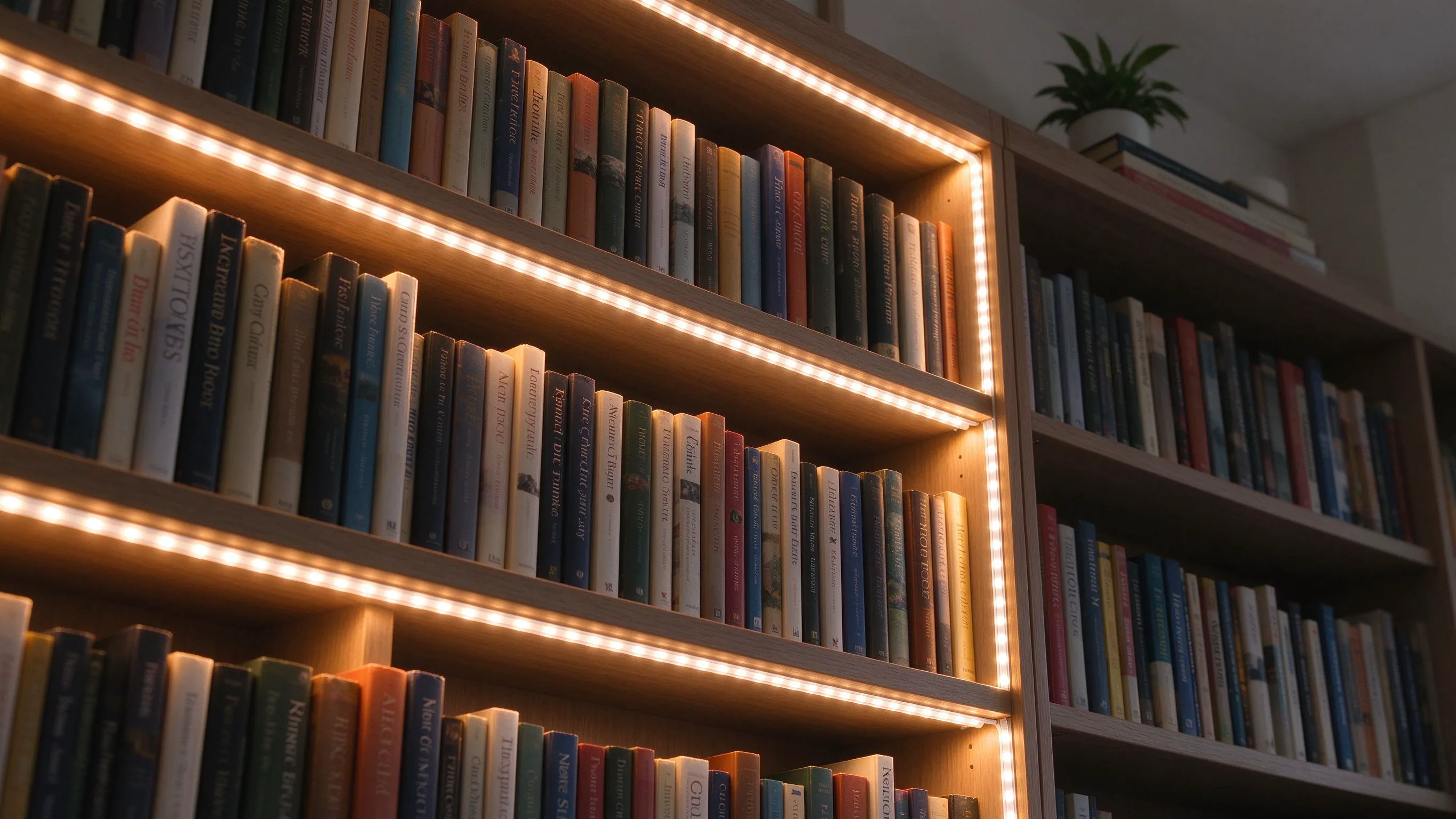
A cheap strip on a bookshelf shows a row of bright dots over every third book, and it looks terrible. I stopped fitting bare strips and started either spacing them with diffusion or using a high-density addressable strip where the dots blur into one even line. Hotspots are a density problem, not a diffuser problem.
Why cheap shelf strips show dots
A 60-LED-per-metre strip on a pale shelf under white light shows individual emitters as bright spots, especially on book spines. The fix people try first is a diffuser cover, which softens but also loses 30 to 40 percent of the light. The real fix is density: a 120 or 240 LED strip blurs the dots into a line before any diffusion.
On a dark timber shelf the dots hide better; on white laminate they glare. I adjust density to the shelf finish, not to a standard spec. A milky diffuser on a 60 LED strip just makes the dots bigger and softer, not gone; you still see a faint regular pattern if you look close. Density is the honest fix.
- Use 120 LEDs per metre as a minimum on pale shelves.
- Add a milky diffuser channel as a second layer.
- Position 50 mm back from the front lip.
Position along the shelf depth
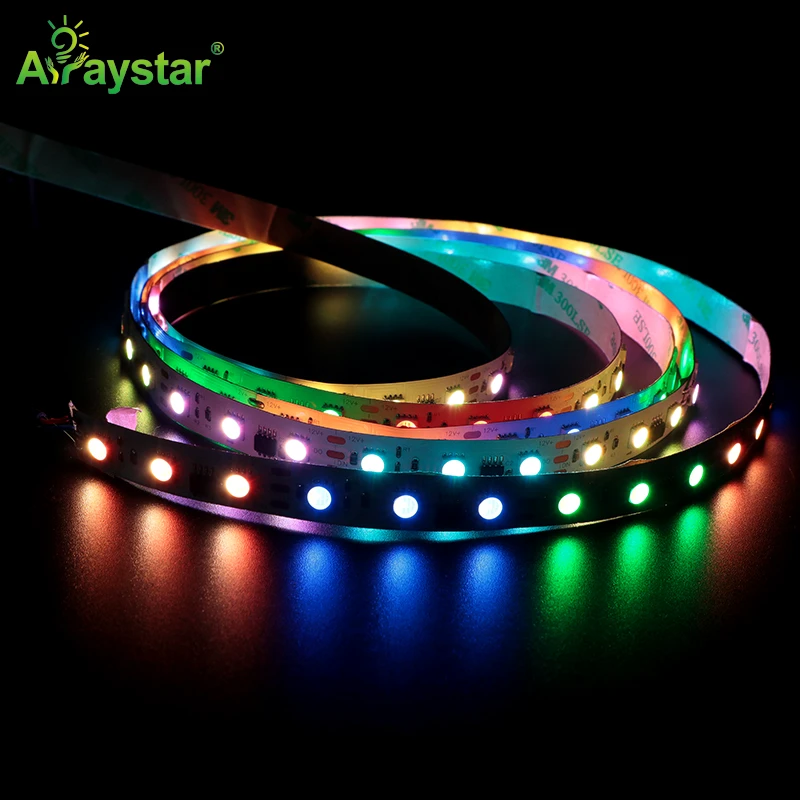
I run the strip 50 mm back from the front lip, facing straight down. If you put it right at the front edge, the light falls on the floor below and the book spines stay in half-shadow. If you push it to the very back, the books themselves cast shadows. Fifty millimetres back puts a band of light across the front third of each shelf, which is where the titles sit.
50 mm back puts the light where the titles sit.
| Position from lip | Light on spines | Hotspots |
|---|---|---|
| Front edge | Weak, on floor below | Visible |
| 50 mm back | Even on titles | Minimal |
| 100 mm back | Shadowed | Hidden |
On shelves deeper than 300 mm, run a second strip at the back edge aimed forward so the back of the book row is not dark. On an adjustable bookcase where shelves move, I fit the strip into a clip-on aluminium rail rather than sticking it down, so the client can reposition without peeling the adhesive off the laminate.
Avoiding voltage drop down a tall bookcase
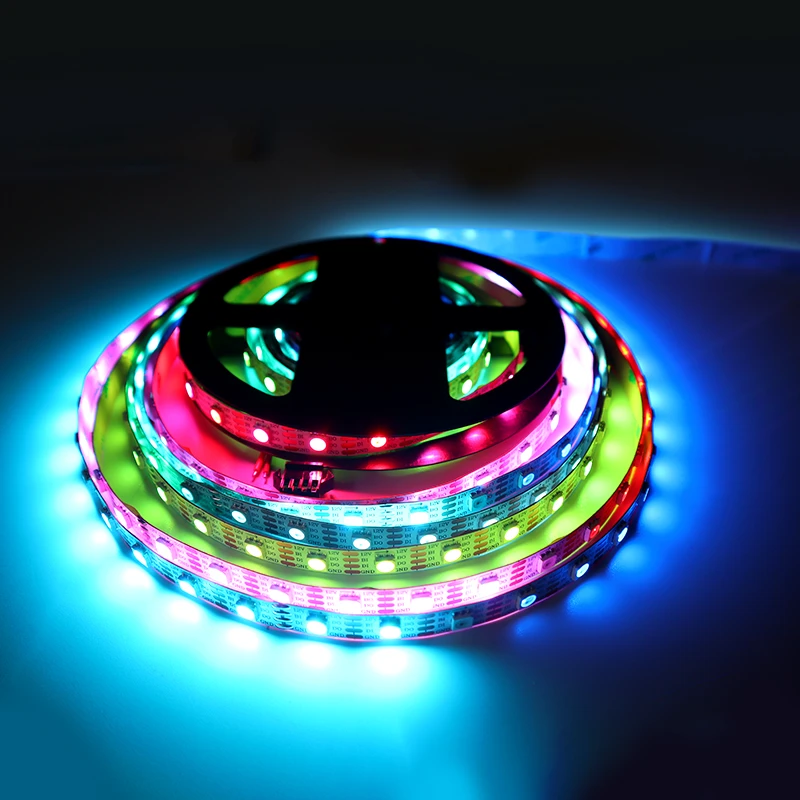
A floor-to-ceiling bookcase can need 3 to 4 metres of strip across five shelves. A 12V strip fed at the bottom browns off by the top shelf. I run 24V, feed each shelf independently, or use an addressable SPI strip with a data line and a separate power injection at the midpoint of the run. The top shelf must match the bottom in brightness.
- Feed each shelf from a common 24V bus, not a daisy chain.
- Inject power at the middle of tall runs.
- Keep the controller at eye height for easy access.
On a long bookcase over 2 metres wide, feed the strip from both ends of each shelf. The middle shelf otherwise looks dimmer than the sides. I also label each shelf feed on the driver, because a client rearranging books will pull a wire and come back to a dark middle shelf; labelled feeds make the fix a two-minute job.
Colour choice for displaying books
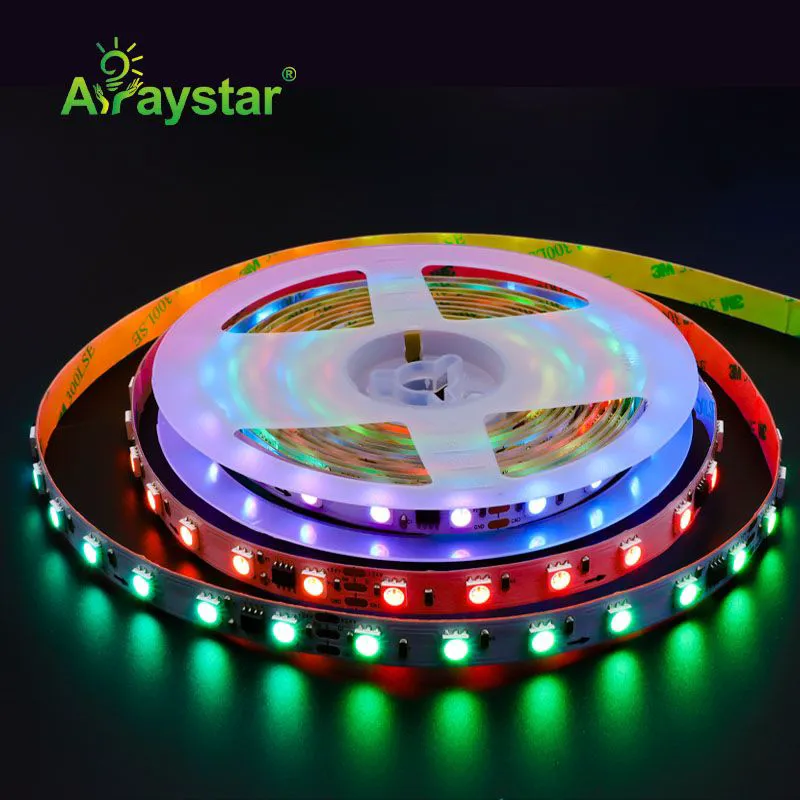
For a bookcase, warm white 3000K flat is the safest display colour. Addressable RGB strips are tempting, but cycling colours make book spines look muddy and distract from the books themselves. I use an SPI strip only if the client wants a slow warm-white wash, or a subtle effect for evening hours; otherwise a fixed 3000K strip is the better job.
Keep CRI above 90 if the shelf holds art prints or photos. A cheap strip makes skin tones on a framed print look green. For a shelf of leather-bound classics, warm white at 2700K warms the spines nicely; for a shelf of modern art books, 3500K keeps the print colours honest.
The evenness walk-through
I stand back three metres from the finished bookcase and squint. If I can pick out individual emitters, the strip is too sparse or the diffuser is missing.
- Check top shelf brightness matches bottom.
- Look for hotspots on white spines.
- Sit in the reading chair; the light should not glare.
Recommended Products
Frequently Asked Questions
Why do my LED strips show bright dots on the books?
Because the strip density is too low. A 60 LED-per-metre run on a pale shelf shows individual emitters as spots over every book spine. Move to a 120 or 240 LED strip so the dots blur into a continuous line, and add a milky diffuser channel as a second layer. A diffuser alone without higher density just dims the dots rather than removing them.
Where should I put the strip along the shelf depth?
Fifty millimetres back from the front lip, facing straight down. At the very front edge the light falls on the floor below and the spines stay dim; at the back the books themselves cast shadows. Fifty millimetres back puts the band of light across the front third of the shelf, which is exactly where the titles sit.
How do I stop the top shelf looking dimmer than the bottom?
Run 24V rather than 12V, feed each shelf independently from a common bus, and inject power at the midpoint of tall runs. On a bookcase over two metres wide, feed each shelf from both ends. A daisy-chained 12V strip will always brown off by the top shelf, and that tells immediately in the finished job.
Should I use RGB or warm white on a bookshelf?
Warm white 3000K for a bookcase. RGB cycling makes navy spines look purple and greys look green, and it distracts from the books themselves. Use an addressable SPI strip only if the client wants a subtle slow warm wash in the evening, and even then default back to fixed warm white for day-to-day reading.
What CRI do I need for lighting books and prints?
Keep CRI above 90 if the shelf holds framed art, photos or collectibles. A cheap CRI 70 strip makes skin tones on a print look green and colours look washed. For a pure bookcase of paperbacks, CRI 80 is fine, but anything displayed behind glass deserves a higher-CRI strip and the small price jump is worth it.
Need help with your LED project?
Get factory-direct pricing, free samples and engineering support within 24 hours.
Email: info@arraystarled.com | Phone: +86-0755-2103-6746 | WhatsApp: 0086 1581 8514 077
Need to size your power supply? Use our LED Strip Power Calculator to find the right driver in seconds.