SP108E WiFi Addressable Controller: App Setup and Limits
- 2026-10-09 18:41
- /
- Arraystar LED
The SP108E is the common WiFi controller that lets a phone app drive addressable WS2812/SK6812-style strip, making it the usual starting point for app-controlled pixel projects. It is affordable and easy to set up, but it has real limits in pixel count, standalone capability and multi-device control, so understanding its setup and boundaries prevents it being specified into jobs it cannot handle.
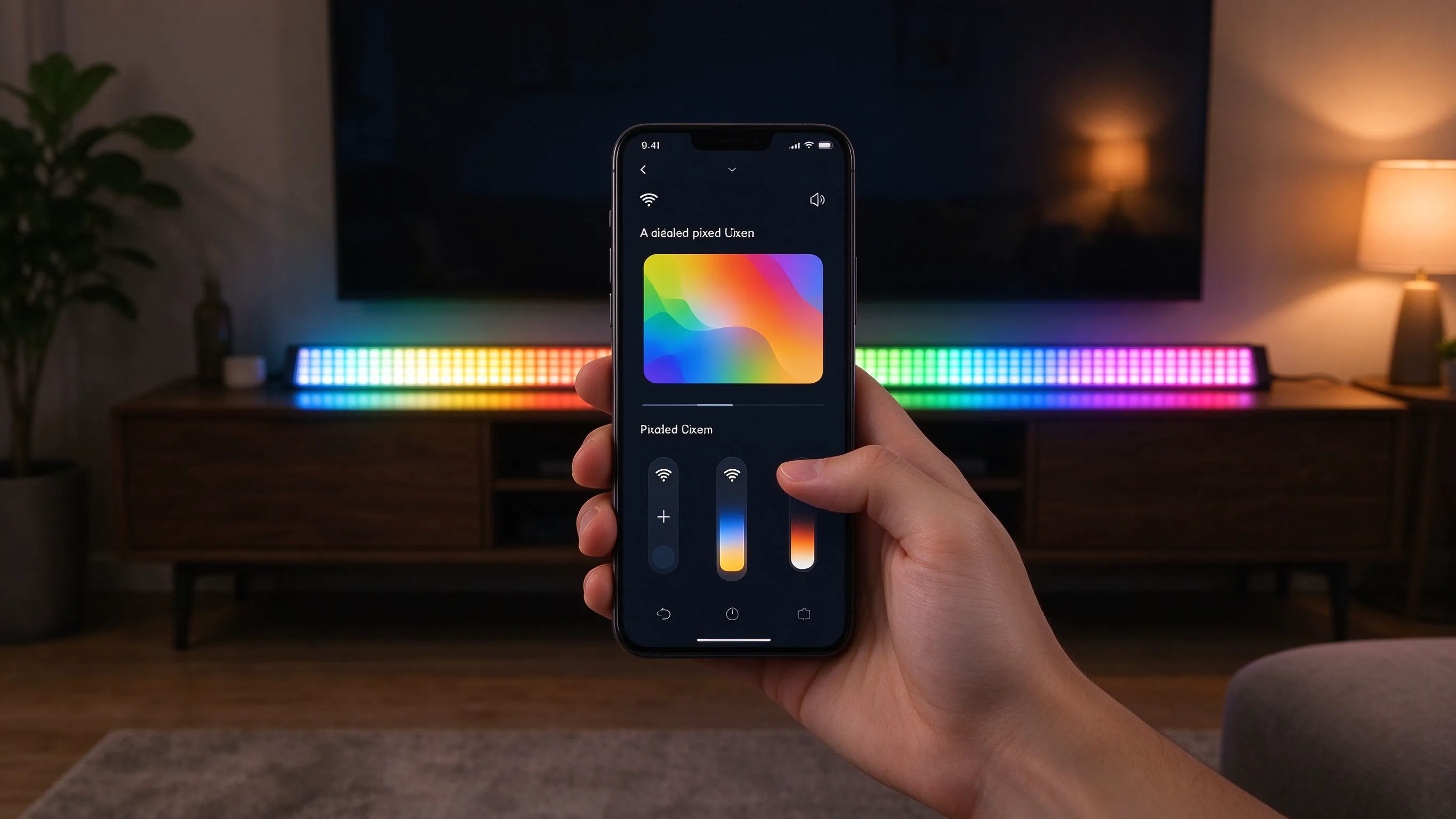
Why the SP108E Is So Common
For makers, small bars, home feature walls and light retail displays, the appeal of addressable strip is controlling it from a phone, picking colours, effects and brightness without a lighting console or a PC always attached. The SP108E WiFi controller sits between the phone and the strip and does exactly that at a low price, which is why it appears in so many pixel projects.
It is a genuine entry point to app-based pixel control, but it is a small device with defined limits that are worth understanding before designing around it.
What the SP108E Provides
- WiFi control from a phone app over common addressable protocols.
- Onboard effects, colour and brightness selection.
- Support for many pixel IC types and RGB/RGBW ordering.
- Configurable pixel count and segment settings.
- Low-cost, compact hardware for small to medium runs.
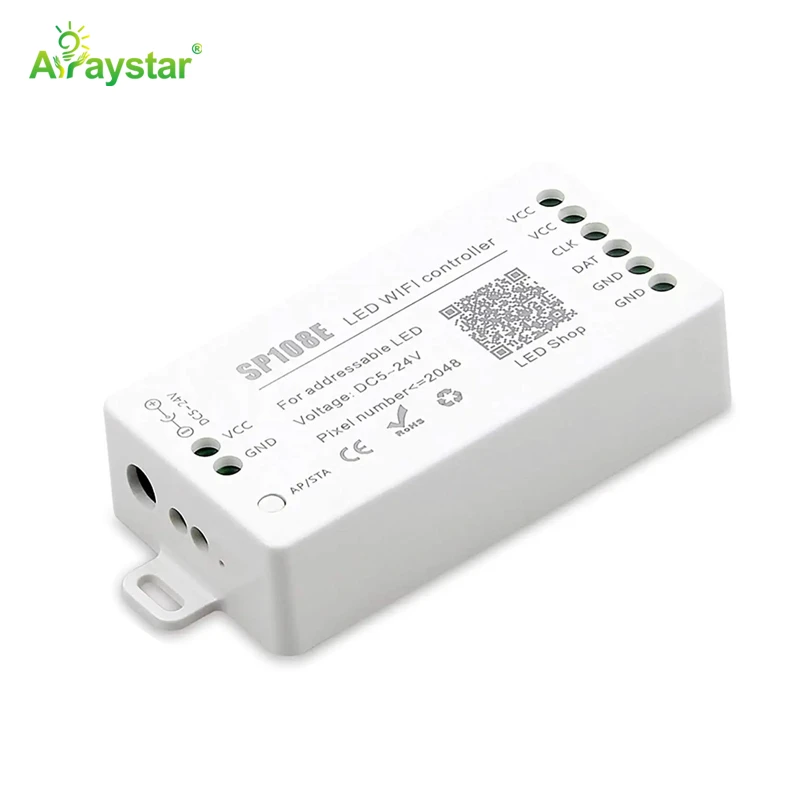
For app-driven pixel projects at a modest scale I use the SP108E. It is the fastest way to get phone control onto addressable strip without a console.
Typical Setup Steps
Correct IC type and channel order are the settings most often missed.
| Step | Action |
|---|---|
| 1 | Wire strip data, power and ground to the controller |
| 2 | Power the strip from a suitably sized separate driver |
| 3 | Connect the phone to the SP108E WiFi signal |
| 4 | Open the app and select the matching IC type |
| 5 | Set RGB/RGBW order, pixel count and segments |
| 6 | Choose effects, colour, speed and brightness |
The single most common setup error is selecting the wrong IC model or colour channel order in the app, which produces wrong colours or no response even though the wiring is correct. I set the IC type to match the strip exactly, confirm red/green/blue order using the app's colour test, and enter the true pixel count before judging the effect.
Where the SP108E Fits Best
- Home feature walls, bedrooms and small ambient installations.
- Small bars, cafes and retail displays with one or a few runs.
- Maker and hobby projects needing easy phone control.
- Single-zone effects that do not need console-grade synchronisation.
- Budget app-controlled pixel setups.
Knowing the Limits
- Pixel count cap: very long dense runs exceed its capacity or refresh.
- Power handling: it signals the strip but does not power large loads; use an external driver.
- Standalone behaviour: confirm whether chosen effects run without the app connected.
- Multi-device sync: coordinating many controllers tightly needs higher-grade hardware.
- Network dependence: app connection relies on the controller's WiFi setup.
I treat the SP108E as a single-zone controller. When a project needs hundreds of dense pixels, frame-accurate synchronisation across many zones, scheduled standalone shows or integration with a building control system, I step up to Art-Net/sACN controllers or dedicated players rather than stretching the SP108E beyond its design.
Power Wiring: Controller Is Not the Driver
A frequent failure is expecting the SP108E to supply the strip's power directly. It provides the data signal and control; the LEDs are powered from a separate constant-voltage driver sized for the strip's current, with common ground between controller and strip so the data reference is shared. I size the driver for full-white load, inject power on longer runs, and keep the controller's logic supply stable to avoid glitches and random resets.
When to Move Up From the SP108E
The signs that a project has outgrown an entry WiFi controller are predictable: total pixels beyond the cap, multiple zones that must stay frame-synchronised, shows that must run reliably on a schedule without a phone, or integration with DMX/Art-Net stage systems. Recognising these at specification time avoids an installed SP108E being replaced later. For a single decorative zone controlled casually from a phone, however, it remains hard to beat for simplicity and cost.
Specifying App-Controlled Pixel Lighting
Send the strip IC type, total pixel count, number of zones, whether shows must run standalone or synced, and your preferred phone or system control. I will confirm whether the SP108E covers the project or whether an Art-Net, DMX or standalone player controller is required, plus the separate driver sizing. We supply the SP108E and recommend configuring the IC type and channel order on a short test strip before wiring the full installation.
Troubleshooting Common SP108E Problems
Most SP108E support calls trace to a short list of setup issues rather than faulty hardware, and working through them in order solves the majority. I keep the sequence simple because the controller is usually installed by people without a lighting-control background.
- Wrong or garbled colours: the RGB/RGBW channel order is set incorrectly in the app; use the colour test to remap the order until red, green and blue display correctly.
- No response at all: the IC type selected in the app does not match the strip, or data and ground are miswired; confirm the exact IC and check common ground.
- Only part of the run lights: the pixel count is set too low, or power is dropping beyond an injection point; enter the true count and add power feeds.
- Glitches, resets or flickering: the controller logic supply is unstable or the LEDs are drawing through the controller; power the strip from a separate driver with shared ground.
- Cannot connect via app: the phone is not on the controller's WiFi, or a previous device still holds the connection; rejoin the SP108E network and close other sessions.
Two habits prevent most of these. First, configure the IC type, channel order and pixel count on a short known-good test strip before wiring the full installation, because chasing a wrong-setting problem across a mounted run wastes hours. Second, never treat the SP108E as the power supply; it is a data and control device, and a large share of random resets and flicker disappear the moment the LEDs are fed from a properly sized separate driver with common ground. When the symptoms are instead frame stutter on a very long dense run, inability to synchronise several zones, or shows failing to run after the phone disconnects, the problem is not a setting but a specification limit, and the honest fix is moving to a higher-capacity Art-Net or standalone controller rather than repeatedly resetting an SP108E that was never designed for that scale.
Recommended Products
Frequently Asked Questions
What is the SP108E WiFi LED controller?
It is a compact, low-cost WiFi controller that drives common addressable WS2812/SK6812-style strip from a smartphone app, offering colour, brightness, speed and built-in effects with configurable IC type, channel order and pixel count. It is the usual entry point for app-controlled pixel projects at modest scale.
How do I set up an SP108E?
Wire the strip data, power and ground, supply the LEDs from a separate sized driver, connect the phone to the controller's WiFi, open the app, select the exact IC type, set the RGB/RGBW channel order and true pixel count, then choose effects. Wrong IC type or colour order is the most common cause of wrong colours or no response.
Does the SP108E power the LED strip?
No. It provides the data and control signal; the LEDs must be powered from a separate constant-voltage driver sized for the strip's full-white current, with common ground shared between the controller and strip. Inject power on longer runs and keep the controller's logic supply stable to prevent glitches.
What are the limits of the SP108E?
It has a finite pixel count and refresh capability, so very long dense runs exceed it; it is best treated as a single-zone controller; tight multi-device synchronisation, scheduled standalone shows and building-control integration are limited; and app control depends on its WiFi connection. Use higher-grade Art-Net/sACN or standalone players for those needs.
When should I upgrade from an SP108E?
Move up when total pixels exceed its cap, multiple zones need frame-accurate sync, shows must run reliably on a schedule without a phone, or the system must integrate with DMX or Art-Net stage control. For a single decorative zone controlled casually from a phone, the SP108E remains simple and cost-effective.
Need help with your LED project?
Get factory-direct pricing, free samples and engineering support within 24 hours.
Email: info@arraystarled.com | Phone: +86-0755-2103-6746 | WhatsApp: 0086 1581 8514 077
Need to size your power supply? Use our LED Strip Power Calculator to find the right driver in seconds.