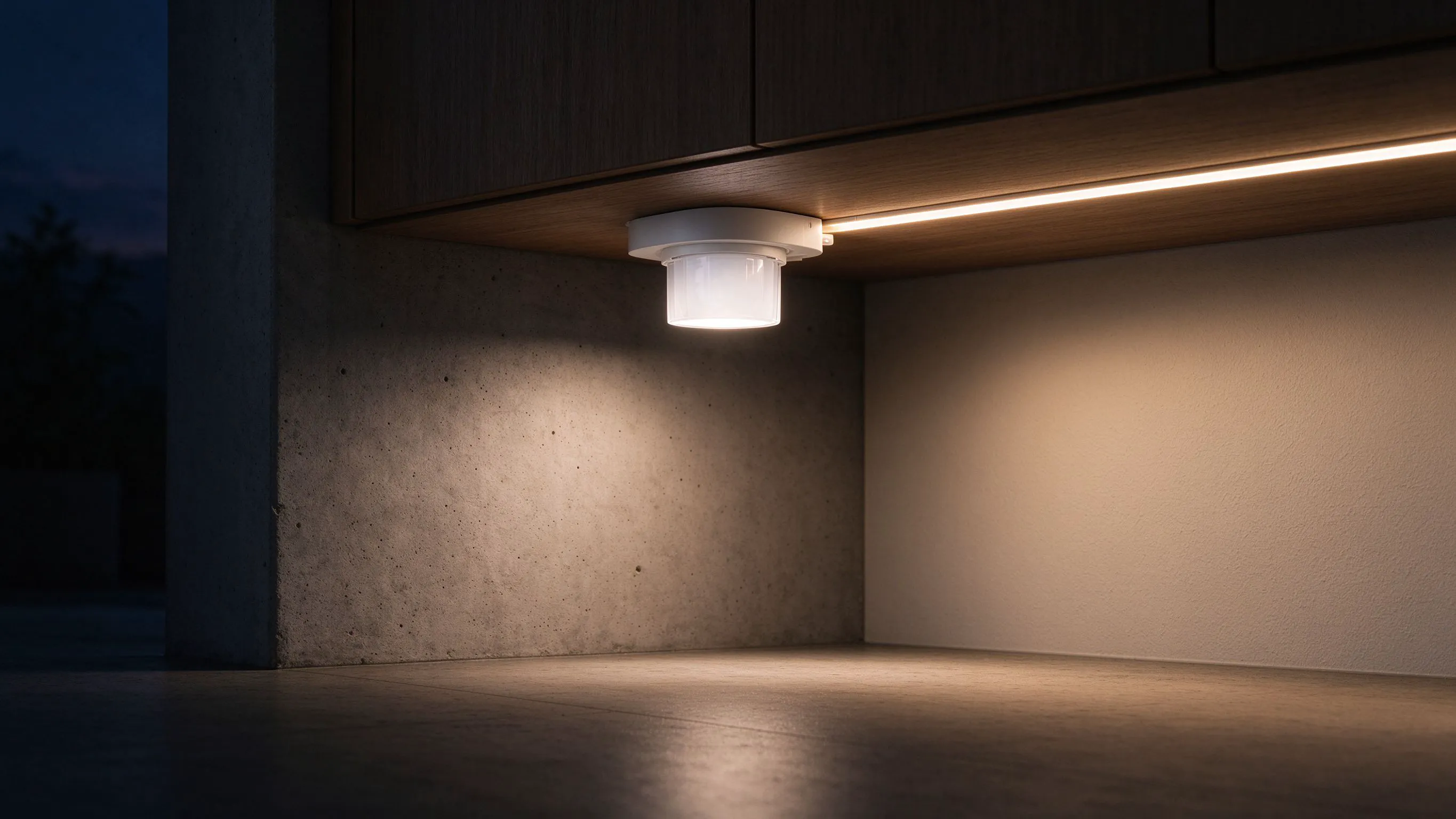
Mounting Touch Sensors Under Cabinets: Avoid the Accidental Switch-On
- 2026-10-28 10:04
- /
- Arraystar LED
A touch pad where the kettle or the washing-up brush keeps bumping it is an annoyance, not a fault. I move the pad off the working path, set a hold time, and use a through-panel sensor behind a non-conductive door, so brushing past never switches the light.
How a capacitive touch pad actually triggers
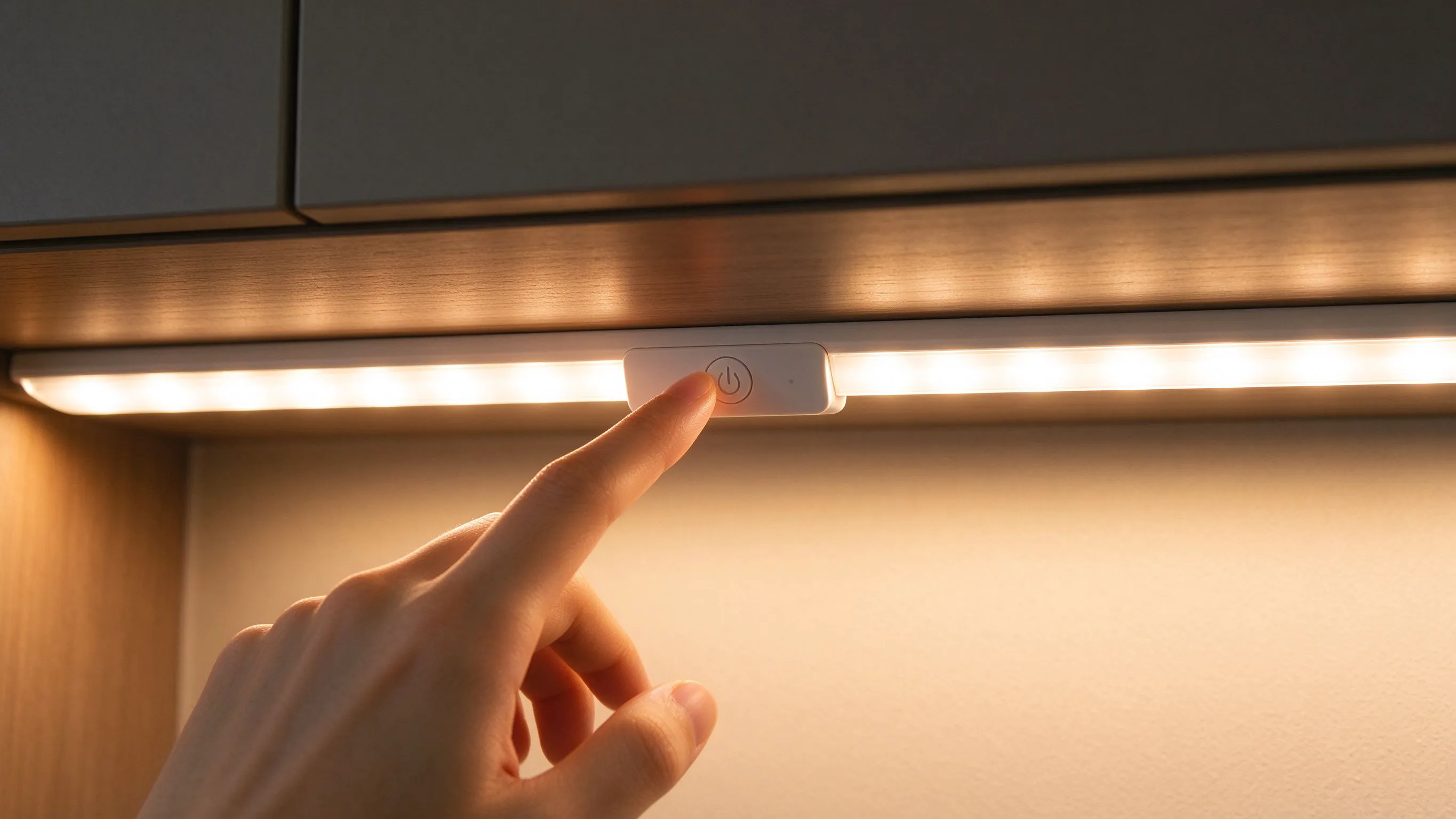
A touch sensor works by sensing the change in electric field when a finger, or anything conductive and warm, comes near the pad. A damp cloth, a metal kettle, a hand reaching past a cupboard door, or even a wet dish brush can disturb that field just enough to register as a touch. The sensor is not faulty; it is simply too close to the everyday traffic of the kitchen or bathroom. The fix is placement and tuning, not a different pad.
I once fitted a touch pad on the underside of a kitchen cabinet exactly where the client rested the edge of the work bowl. Every time she put the bowl down, the lights flicked on and off. Moving the pad 15 cm away from the bowl rest solved it in two minutes. She had assumed touch switches were all unreliable.
Common accidental triggers
- A metal kettle, toaster or bowl resting against the panel.
- A damp cloth or wet hand brushing the pad.
- A body passing close under a low cabinet.
- A thick conductive backsplash right behind the sensor.
Placement: keep the pad off the working path
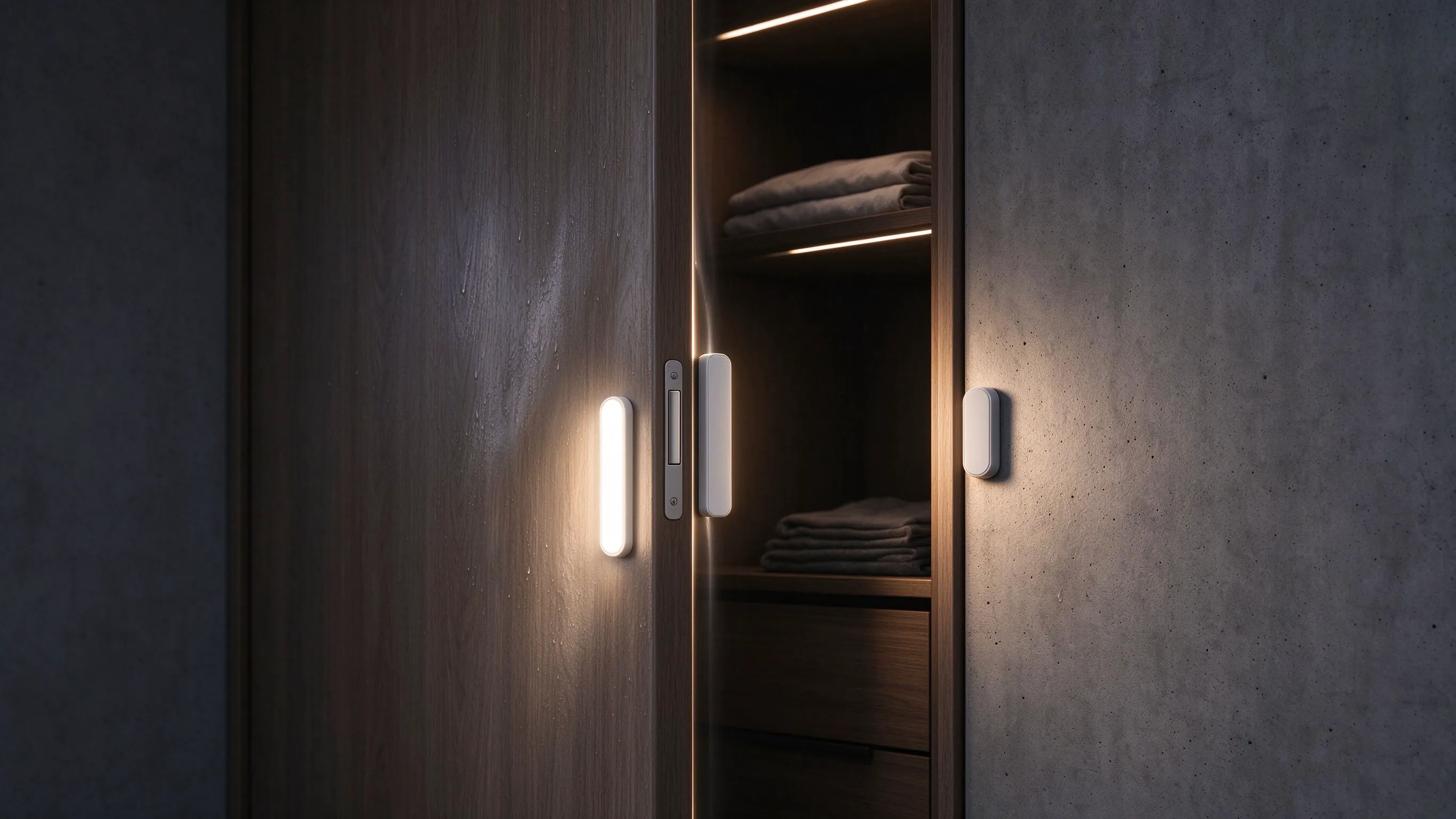
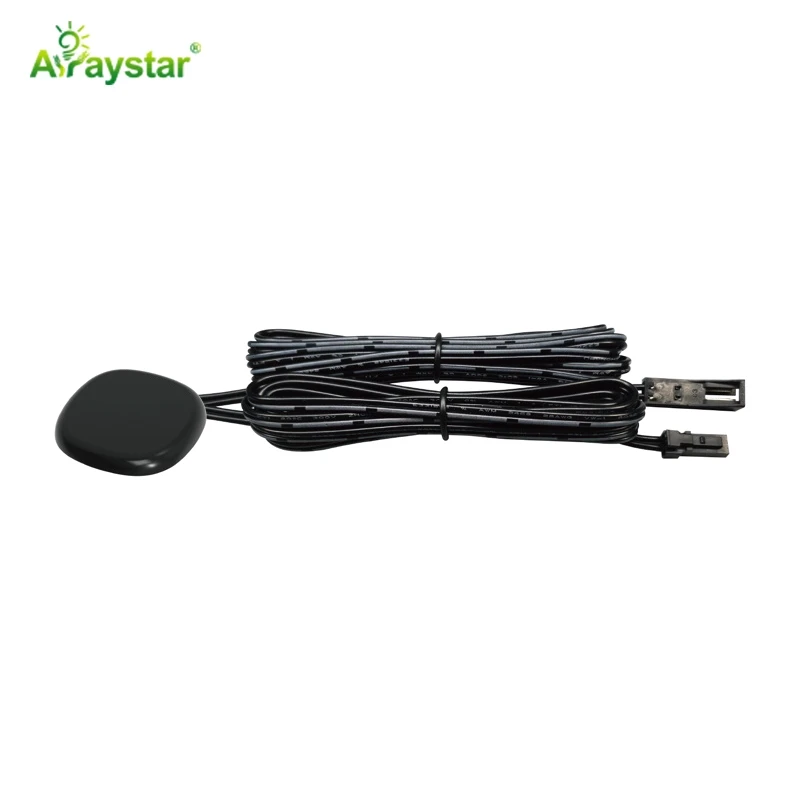
The single best fix is to mount the pad where hands do not brush it. On under-cabinet lighting I put the pad on the end panel rather than the front rail, or beside the work zone rather than over it. If the client wants a hidden switch, I use a through-panel type behind a 3 to 5 mm non-conductive door or splashback, so the touch happens on a deliberate spot rather than wherever the arm swings. Never mount the pad where a kettle, a board or a knife block will sit against it.
A pad off the working path beats a pad tuned to be fussy.
| Mount position | Accidental trigger risk | Best for |
|---|---|---|
| Under cabinet front rail | High | Deliberate taps only |
| End side panel | Low | Most kitchens |
| Through-panel behind door | Lowest | Hidden clean look |

Tuning sensitivity and hold time
Most touch sensors have a sensitivity trim and some have a deliberate press duration. I turn the sensitivity down so a firm, deliberate touch is needed rather than a near-contact. Where the unit allows it, I require a touch of half a second rather than an instant contact, which stops a passing sleeve or a damp cloth counting. The difference between a switch that feels responsive and one that is annoying is usually a quarter turn of a screwdriver on the sensitivity pot.
- Lower sensitivity until a firm touch is required.
- Use a press-and-hold or longer touch if the unit offers it.
- Keep the pad clear of metal objects within 20 mm.
Behind panels: conductive backsplash traps
A through-panel sensor behind a stainless steel or brass splashback will never work, because the metal shields the field completely and can also pick up stray body capacitance from across the room. I mount hidden sensors behind glass, acrylic, timber or plastic panels of 3 to 5 mm, and I test the panel material before I commit. A tile with a metal mesh backing is another trap; the mesh acts as a screen and makes the pad fire unpredictably.

The accidental-trigger walk-through
After every touch install I act out the kitchen. I make a cup of tea, wash a pan, lean on the counter and open the cupboard, exactly as the client will. If the light changes at any of those normal moves, I move the pad or turn the sensitivity down before I leave. A touch switch that switches itself off mid-cooking is a call-back, and it is always avoidable on the day.
- Re-enact normal kitchen moves near the pad.
- Place the kettle and bowls where they actually live.
- Confirm a deliberate touch still works after tuning.
Recommended Products
Frequently Asked Questions
Why does my touch light switch itself off when I wash up?
A wet hand, a damp cloth or a wet dish brush near the pad changes the electric field just like a finger. Lower the sensitivity, require a longer deliberate touch, and move the pad away from the sink splash zone. A waterproof embedded sensor on the end panel is more reliable than a pad under the washing-up path.
Can I put a touch sensor behind a stainless steel panel?
No. Metal shields the capacitive field almost completely, so a through-panel touch sensor behind stainless steel either fails to respond or triggers unpredictably from body contact elsewhere on the panel. Use the hidden type behind 3 to 5 mm of glass, acrylic, timber or plastic instead. Test the actual panel material before you commit the install.
How do I stop the kettle setting the light off?
Move the pad off the spot the kettle occupies, and keep at least 20 mm of air gap around it. A metal body close to the pad keeps the field permanently disturbed. On under-cabinet lights I mount the touch pad on the end side panel rather than directly above the work counter. If the layout is fixed, lower the sensitivity until only a deliberate hand touch registers.
Do touch switches work through thick wood?
Within reason. Most through-panel sensors work through 3 to 5 mm of timber, acrylic or glass. Beyond about 8 mm the signal gets weak and you need to raise the sensitivity, which then invites accidental triggers. For thick oak or stone, use a small exposed touch button or a detachable module rather than fighting the capacitance through a heavy panel.
Why is my touch pad getting less responsive over time?
Dirt, grease and a damp film on the panel slowly change the baseline the sensor measures, and it drifts into a less reliable trigger zone. Clean the surface and power-cycle the unit so it re-learns the idle field. A permanent grime film under a hidden panel means the sensor is judging through a layer of cooking grease, and a fresh reset restores the response.
Need help with your LED project?
Get factory-direct pricing, free samples and engineering support within 24 hours.
Email: info@arraystarled.com | Phone: +86-0755-2103-6746 | WhatsApp: 0086 1581 8514 077
Need to size your power supply? Use our LED Strip Power Calculator to find the right driver in seconds.