Sensor SMD Strip in a Closet: Placement So It Triggers on the First Step In
- 2026-10-28 10:03
- /
- Arraystar LED
A closet strip that only triggers after the door has shut on you is useless. I stopped trusting the sensor on the strip itself and started thinking about door geometry: where you stand, what you break first, and what height catches that first step.
The trigger problem no spec sheet shows
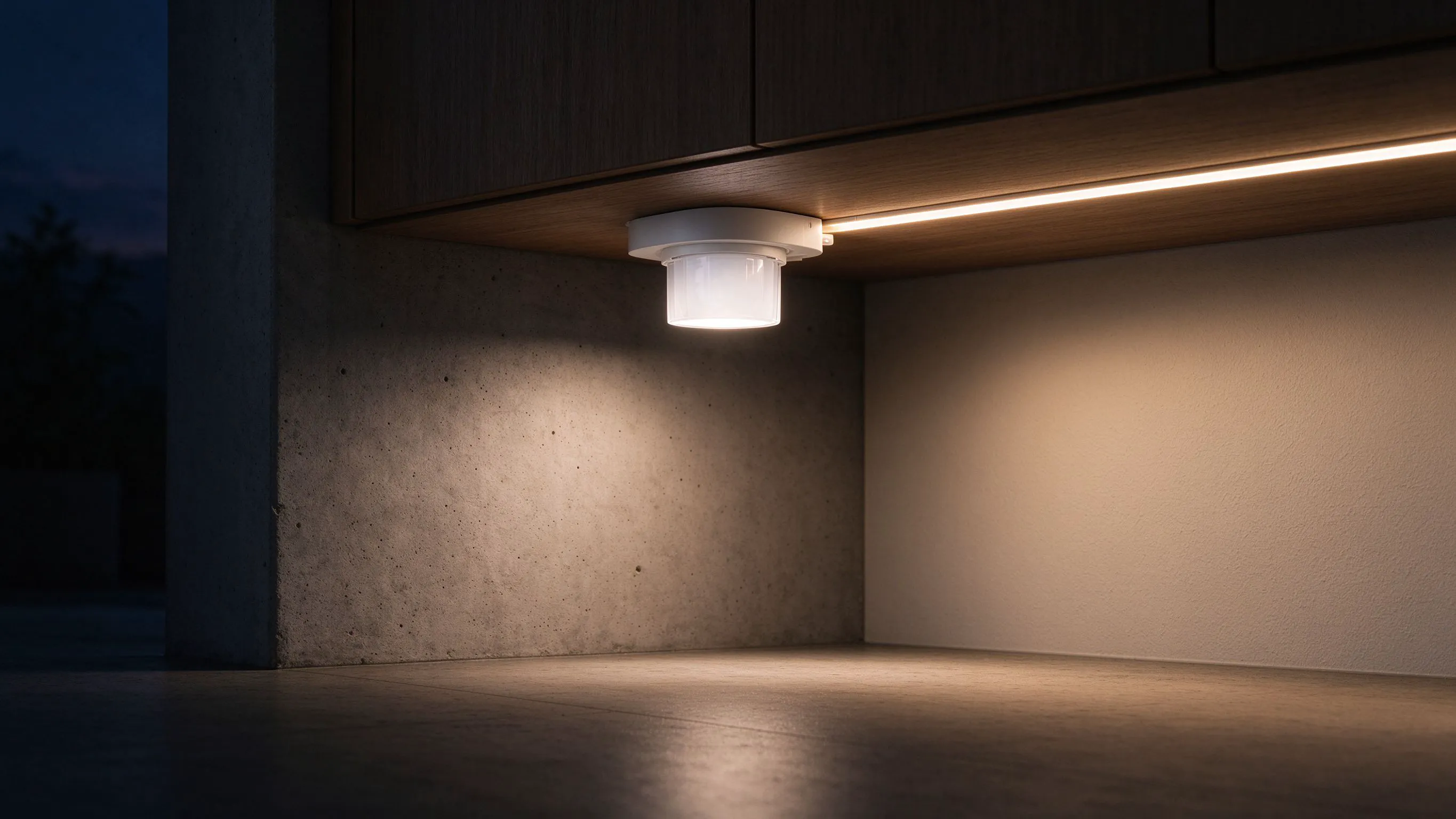
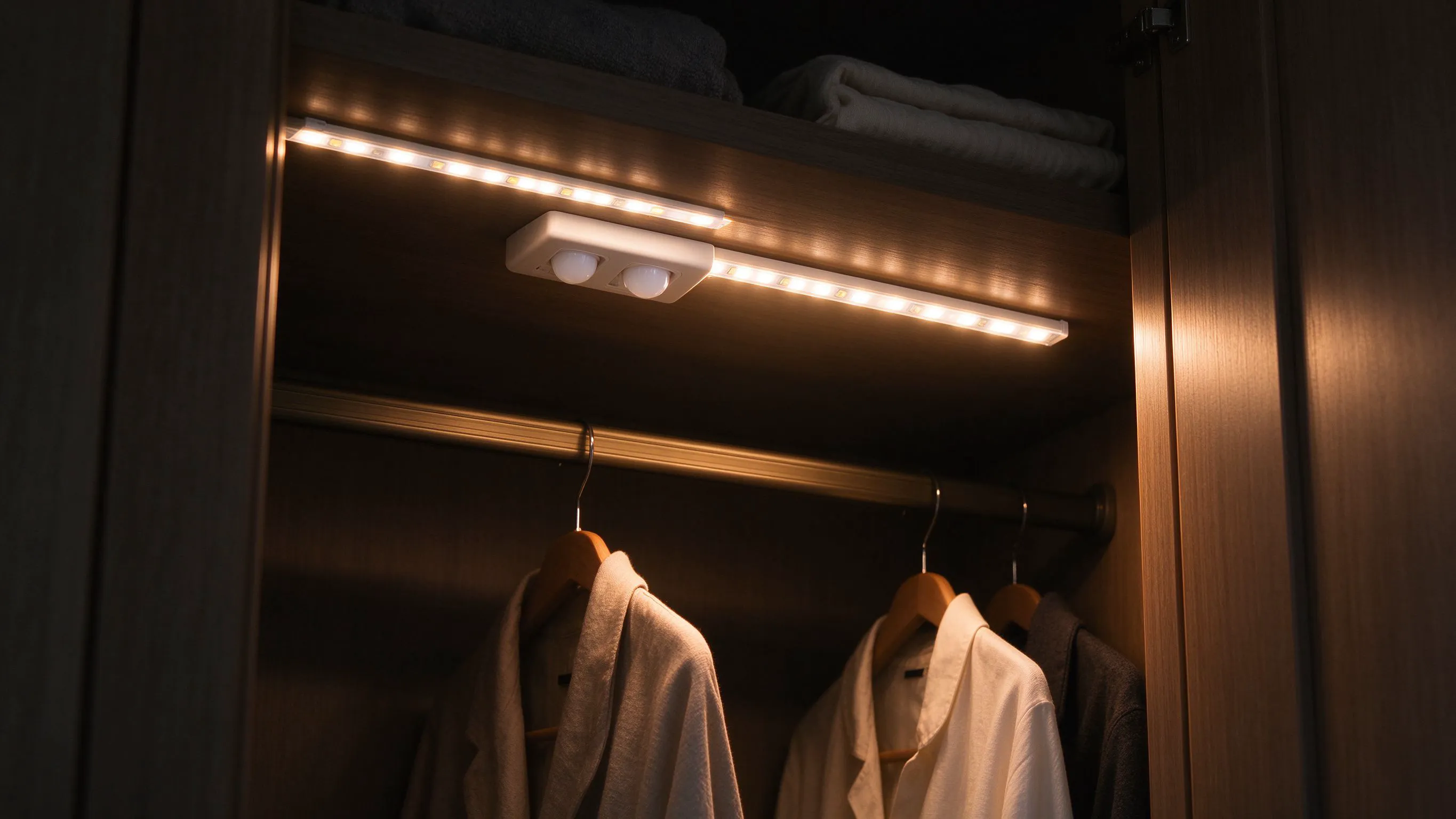
A motion sensor on a closet strip sees a fixed cone. In a wardrobe, that cone is blocked by the door itself, the hanging rail, and the pile of sweaters on the shelf. Fit the sensor at strip height, around 1.8 metres up, and by the time your body enters the cone the door has already swung shut and you are in the dark feeling for the light pull.
The first second matters. You want light on the shelf the moment your foot crosses the threshold, before your eyes adjust. That means the sensor has to see your ankles and knees, not your shoulders. I once fitted a strip with the sensor on the underside of the top shelf and it never triggered until the client was halfway into the wardrobe, by which point she had already bumped her knee on the door. That one job taught me where the cone actually reaches.
- Mount the sensor 300 to 400 mm above the floor, not at strip height.
- Point it at the door opening, not into the wardrobe.
- Set a 10-second off-delay so you can look twice.

Strip run layout inside the closet
I run the strip along the front edge of the top shelf, facing down and slightly forward. If you stick it at the very back of the shelf, the hanging clothes cast a long shadow across everything. Facing forward puts light on the hanger hooks and the face of each garment, which is what you actually look at.
Front-lip mounting puts light on what you look at.
| Position | Light on garments | Shadow |
|---|---|---|
| Back of shelf | Weak, on hems | Long, from hangers |
| Front lip, angled down | Even, on faces | Short, on the rod |
On walk-in closets wider than a metre I run two strips, one on each side, fed from a single driver. A single central run leaves the side hanging rails in half-shadow.
Why I use a door sensor rather than motion
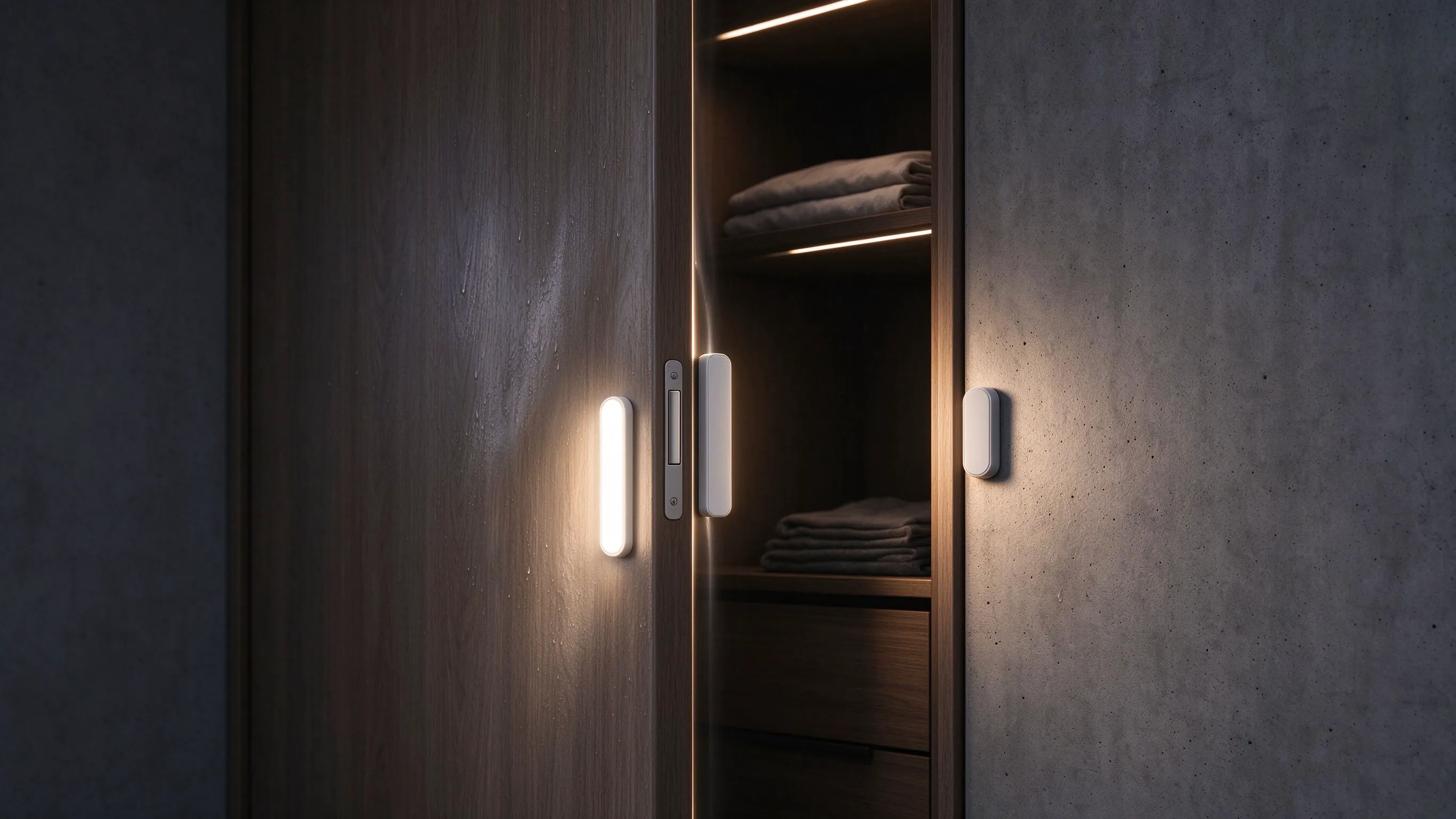
For a reach-in closet with a hinged door, a magnetic door contact beats any motion sensor. It triggers the instant the door opens, before you step in, and it switches off when the door closes. No false triggers from a cat pushing the door, no missed triggers from you stepping in sideways. I still fit a motion sensor as backup in walk-ins where the door stays open.
- Use a recessed magnetic contact on the hinge side.
- Pair it with a dimmer driver that ramps up in one second.
- Add a manual override switch inside for long outfit sessions.
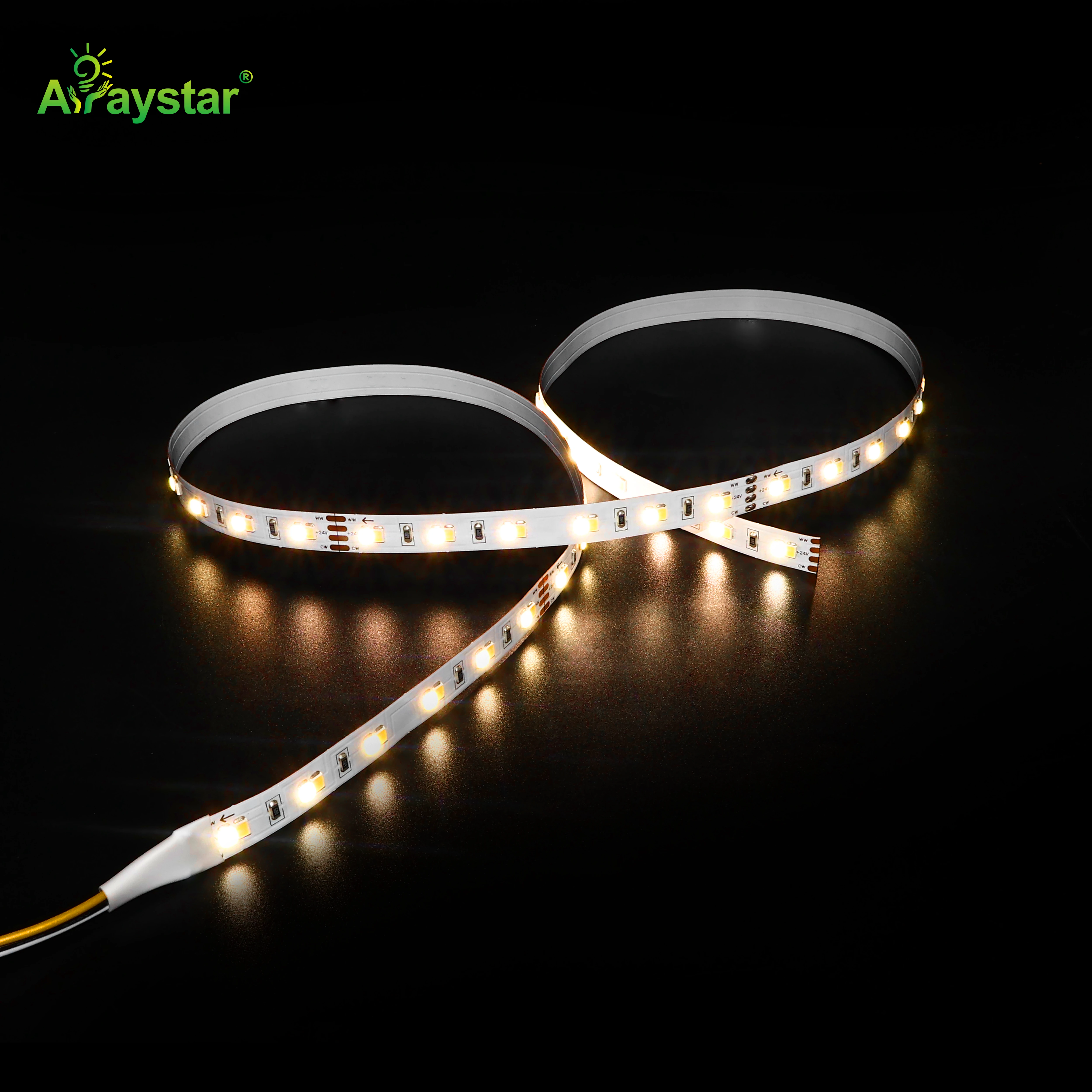
The dual-colour-temperature strip earns its keep here: 3000K for getting dressed in the morning, 4000K if you are colour-checking a shirt against daylight.
Voltage and driver choice for closet runs
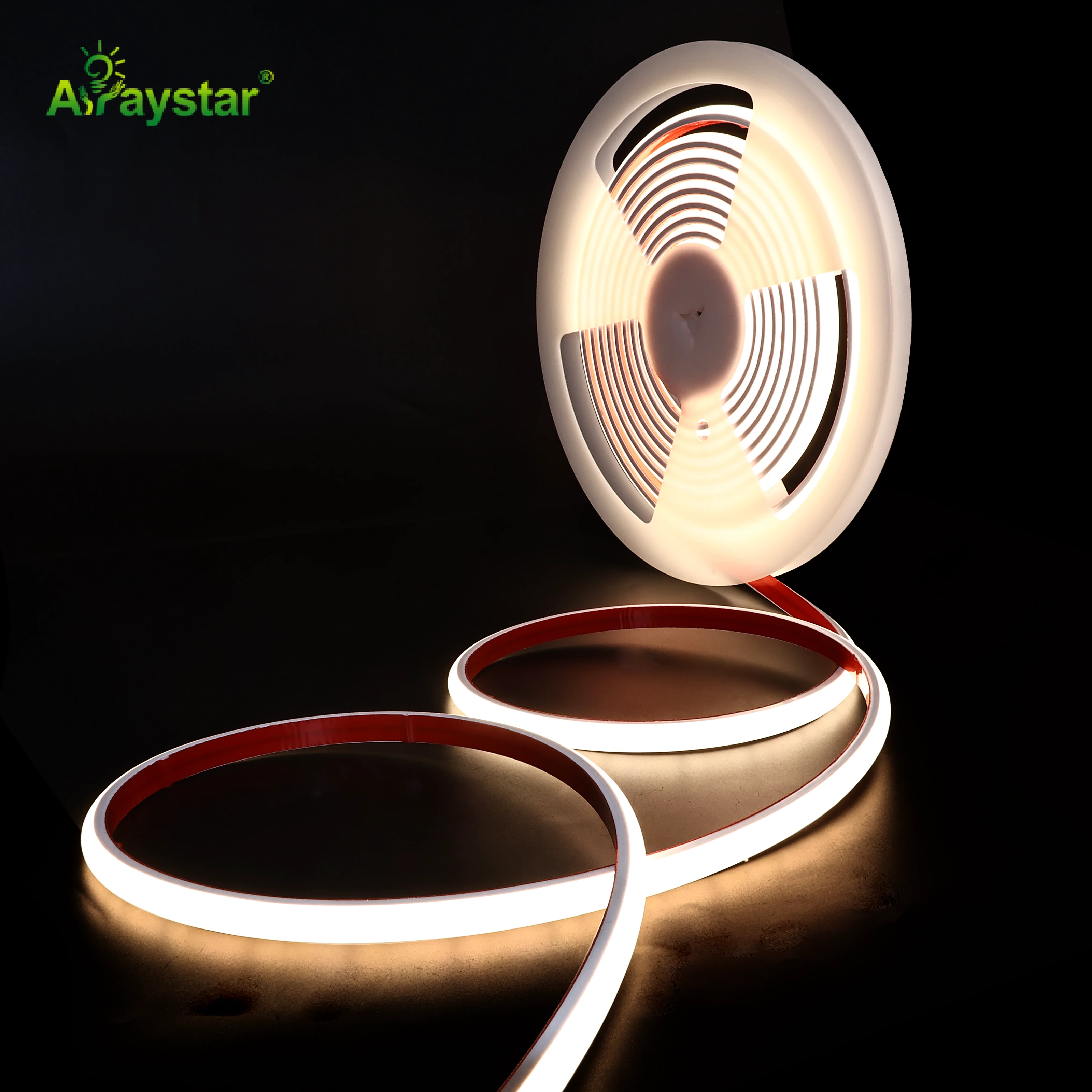
A typical wardrobe needs 1.5 to 2.5 metres of strip. A 12V run over two metres starts to dim at the far end, and on a shelf run that means the left side of the wardrobe looks dimmer than the right. I run 24V for anything over 1.5 metres, and I feed at the centre. For a walk-in with multiple shelves, I use a single 220V high-voltage SCOB run for the top shelf so there is no voltage drop discussion at all.
Keep the driver outside the closet, in the adjacent cupboard or loft. A driver humming inside a wardrobe wakes people at night, and the heat builds against the hanging clothes. If the driver sits in the wardrobe itself, the client will hear the faint whine on quiet nights and ask you to move it later.
The fitting walk-through
Before I close the wardrobe up, I open the door, step back, and watch the light come on. Then I reach to the far corner shelf and check the shadow. If I cannot see the label on a shirt, I re-aim the strip a few degrees forward.
- Open and close the door ten times; count the misses.
- Check the strip never glows through the door gap at night.
- Confirm the override switch is reachable without moving hangers.
Recommended Products
Frequently Asked Questions
What height should the motion sensor be in a closet?
Three hundred to four hundred millimetres above the floor, low enough to catch your ankles as you step in. If the sensor sits at strip height near the ceiling, your body enters its cone only after the door has shut behind you. A low sensor sees you the moment your foot crosses the threshold, which is the whole point.
Motion sensor or door contact for a wardrobe light?
For a hinged reach-in wardrobe, a magnetic door contact wins every time. It triggers the instant the door opens, switches off when it closes, and never false-triggers on a cat or a heating draught. Use motion only in walk-ins where the door stays open and you need the light to follow you deeper into the room.
Where should the strip sit on the shelf?
Along the front lip of the top shelf, facing down and slightly forward. Put it at the back and the hanging clothes cast long shadows over every garment. Front-lip mounting lights the hanger hooks and the face of each shirt, which is exactly what you look at while deciding what to wear.
Can I use a colour-changing strip in a closet?
I prefer a dual-CCT white strip, not RGB, because you need accurate colour to judge a shirt against skin tones. A tunable 3000K to 4000K strip gives you warm morning light and neutral light for colour checks. RGB is fun for a walk-in but it makes navy look purple and grey look green, so I keep it out of the dressing area.
Where do I put the driver for a closet strip?
Outside the closet, in the adjacent cupboard, the loft or the void behind the plinth. A driver inside a wardrobe hums audibly at night and builds heat against the clothes. Keep the runs short and the driver hidden, and leave a service loop so you can pull it out without dismantling the shelf.
Need help with your LED project?
Get factory-direct pricing, free samples and engineering support within 24 hours.
Email: info@arraystarled.com | Phone: +86-0755-2103-6746 | WhatsApp: 0086 1581 8514 077
Need to size your power supply? Use our LED Strip Power Calculator to find the right driver in seconds.