Edgelit a Desk with SMD Strip: Glare-Free Task Light for Work
- 2026-10-28 10:03
- /
- Arraystar LED
A strip pointing at your face is a glare machine, and I learned that the hard way after a client with eye strain complained for a week. The fix was not a diffuser cover but a geometry change: edge-light the work surface from the side so the emitters never meet your eye.
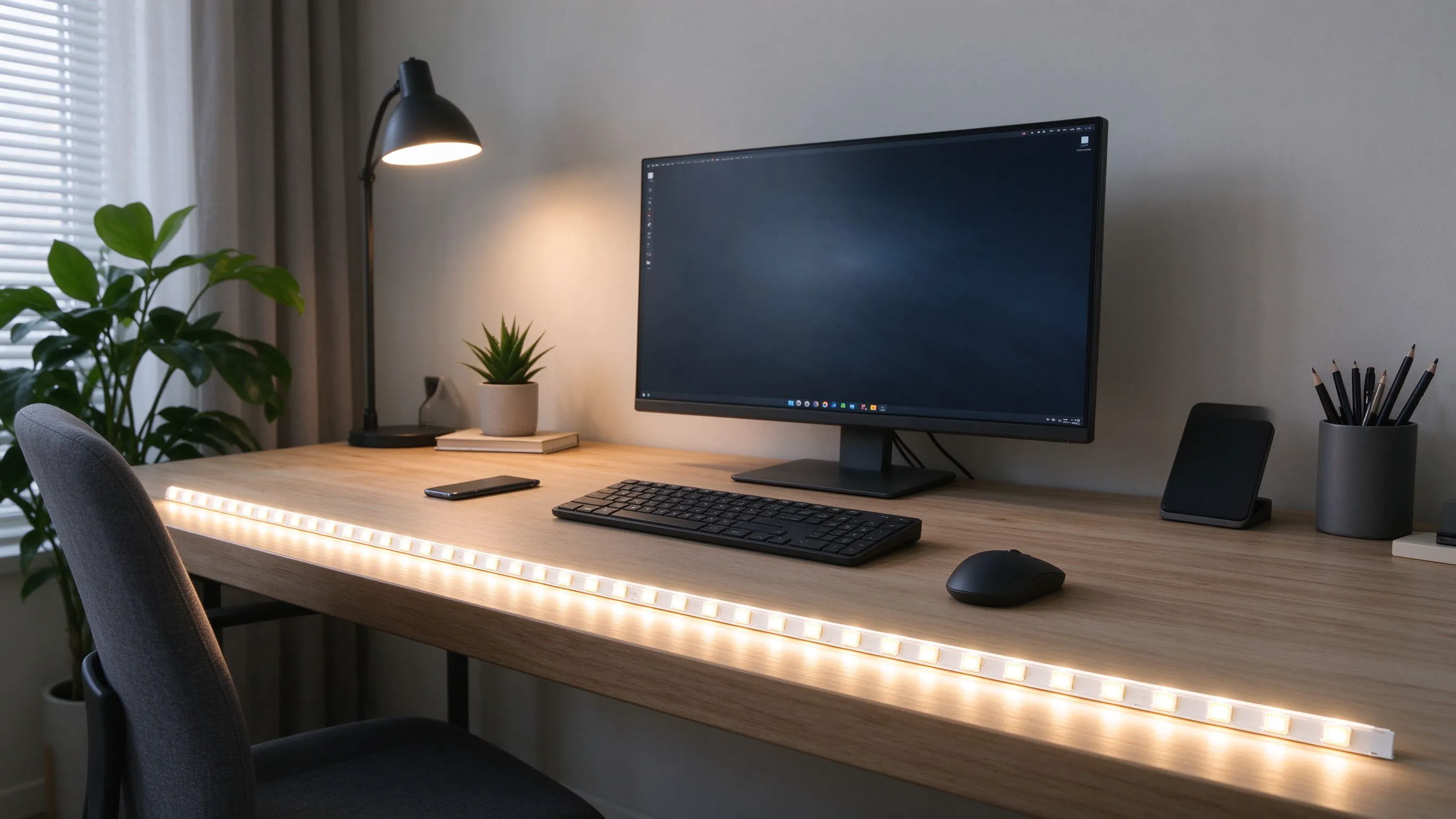
Why a strip under a shelf glares at you
Most desk lighting jobs go wrong the same way: someone sticks a strip under the overhead shelf facing straight down. That lights the desk, sure, but the moment you lean forward the emitters are right at your eye level and you get a row of hot dots reflected in your glasses. The fix is to hide the emitters behind a lip and let the light fall sideways across the work.
The principle is edgelighting. You mount the strip on the vertical edge of the desk or shelf, aiming across the surface rather than at the user. It is how premium desk lamps work, and it costs about the same in strip. This is the same reason a premium picture light hangs above the frame rather than shining down from the ceiling: the source stays hidden and only the surface is lit.
- Hide the emitters behind a 20 mm lip so you cannot see them sitting.
- Aim the beam across the desk, not at your face.
- Keep output to 400 to 600 lumens for task work.

Mounting position on the desk
I run the strip on the rear vertical edge of the desk, on a slim aluminium channel, aiming slightly forward across the mat. If you put it on the front edge aiming back, you get a bright bar across the keyboard that bounces into the monitor. The rear position lights the paper and notebook while staying below the monitor line.
Rear-edge edgelighting keeps emitters out of your line of sight.
| Mount edge | Effect on work | Glare |
|---|---|---|
| Front edge, aiming back | Keyboard lit hot | Reflected in glasses |
| Rear edge, aiming forward | Even desk light | Hidden from eye |
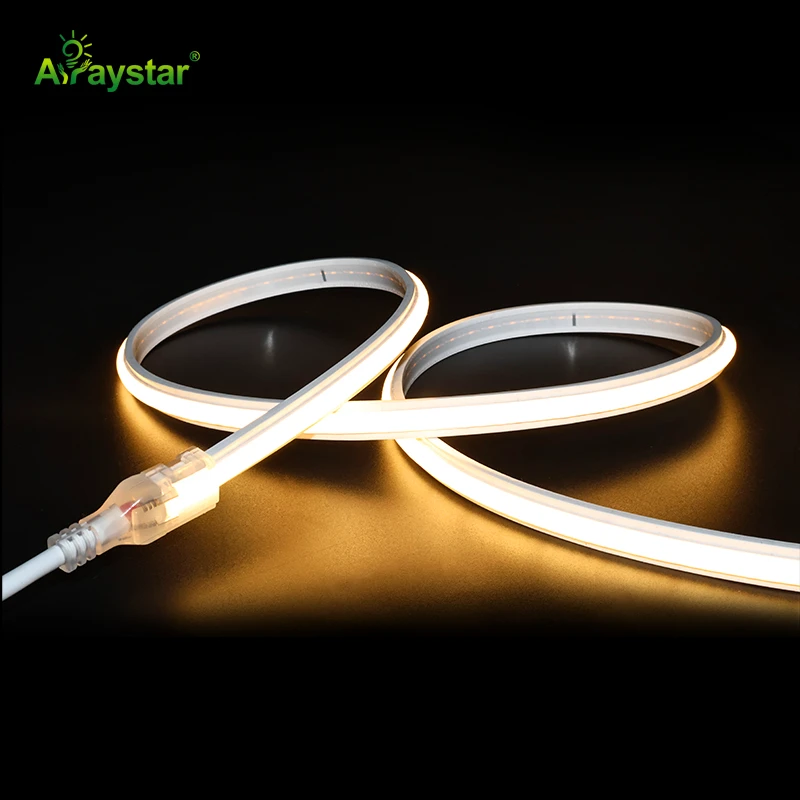
For a sit-stand desk, use a flexible silicone SCOB rather than a rigid aluminium profile, so the strip flexes as the desk moves and does not crack the adhesive.
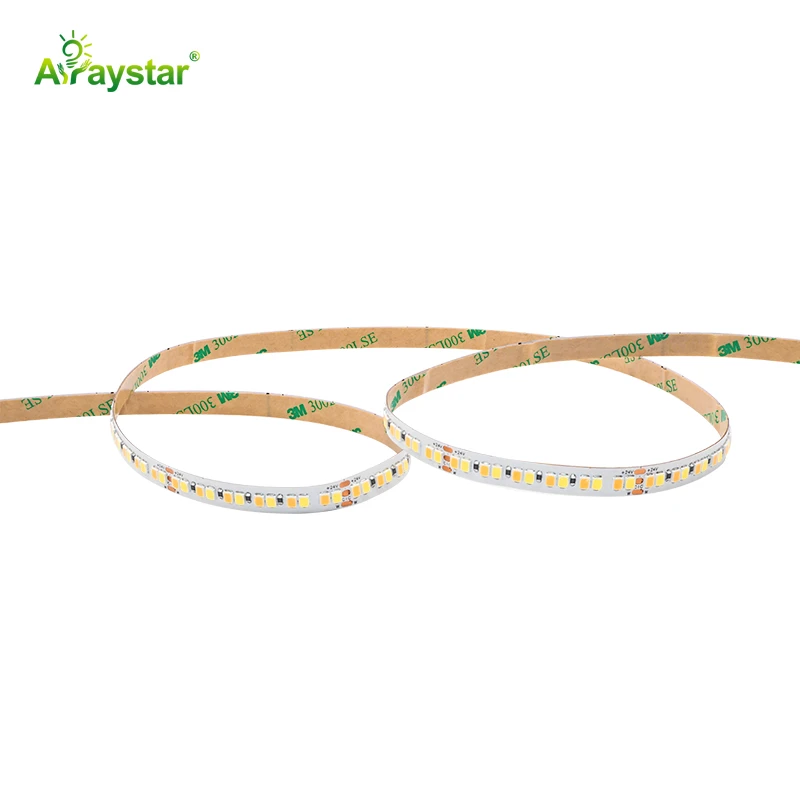
Colour temperature for long screen sessions
I set desk strips to 4000K for afternoon work and 3000K for evening. Cool light over 5000K under a monitor makes your eyes over-compensate and you feel the strain by 4pm. A tunable strip lets you shift through the day without changing bulbs. I never let the desk light go above 4500K after dinner.
- 4000K for focused morning and afternoon work.
- 3000K for evening reading and relaxed tasks.
- Match monitor brightness so the desk is not the brightest surface.
A common mistake is making the desk strip brighter than the screen. The screen should be the brightest thing in the room; the desk strip is fill light, not a flood. I have seen clients run a 6500K strip for what they call daylight work, and within a month the eye strain was worse than before. Cool white under a monitor is a false economy.
Powering a desk strip without a mess
A desk run is 1.2 to 1.6 metres, so voltage sag is not the problem; cable routing is. I use a 24V driver hidden in the desk tray, with a dimmer puck on the desk edge. For a clean install where the client has no drawer void, I use the 220V high-voltage SOB strip and run a tiny driver straight into the wall outlet under the desk.
Always put the switch where your hand rests. A dimmer you have to reach behind the monitor for is a dimmer nobody uses.
The eye-strain check
I sit in the chair, put on my glasses, and lean forward as if reading a document. If I can see individual emitters or a hot dot on the mat, I re-aim or add a diffuser.
- Look for reflections in the monitor bezel; re-aim if you see the strip.
- Run the setup for an hour; note any squinting.
- Dim to the point where the desk feels naturally lit, not spotlit.
Recommended Products
Frequently Asked Questions
Why does my under-shelf LED strip glare in my glasses?
Because the emitters are at eye level when you lean forward. A strip mounted facing straight down under a shelf sits exactly at your line of sight, and every hot dot reflects off the lens. Move the strip to the rear vertical edge of the desk, aim it across the surface, and hide it behind a small lip so you cannot see the diodes themselves.
What brightness do I need for a desk task strip?
Four hundred to six hundred lumens across a 1.4 metre desk, which is roughly 300 to 450 lumens per metre. That is fill light for paper and notebooks, not a reading lamp. If you can read a book easily without a desk lamp, the strip is bright enough; if the screen looks dim beside it, the strip is too bright.
What colour temperature is best for working at a computer?
Four thousand kelvin for the afternoon, dropping to 3000K in the evening. Anything over 5000K next to a monitor makes your eyes over-compensate and builds fatigue by late afternoon. A tunable strip that shifts through the day is worth the small premium, especially if you work long hours.
Should I mount the strip on the front or rear edge of the desk?
Rear edge, aiming forward across the work surface. A front-edge strip lights the keyboard too hot and bounces a bright bar into your glasses and the monitor. The rear position keeps the emitters below the monitor line and lights the paper, notebook and mouse pad without a glare line.
Can I hardwire a desk strip to mains voltage?
Yes, if you use a certified 220VAC SOB or SCOB strip with its own isolated driver, and you keep all mains connections inside an insulated enclosure. For a normal desk I still prefer a 24V low-voltage strip because it is safer around spilled coffee and easier to reposition. Reserve high-voltage for long fixed runs where a driver under the desk is impractical.
Need help with your LED project?
Get factory-direct pricing, free samples and engineering support within 24 hours.
Email: info@arraystarled.com | Phone: +86-0755-2103-6746 | WhatsApp: 0086 1581 8514 077
Need to size your power supply? Use our LED Strip Power Calculator to find the right driver in seconds.