LED Strip Thermal Management: How Heat Kills LEDs and How Aluminum Profiles Fix It
- 2026-09-29 12:08
- /
- Arraystar LED
Heat is the silent killer of LED strip - every ~10C rise at the junction roughly accelerates lumen depreciation, shifting color and shortening life. You can't see it on day one, which is why cheap installs fail at month twelve. The fix is straightforward: understand the thermal path from chip to PCB to profile, treat the aluminum channel as a required heatsink on dense strip, and stop over-driving the tape.
Why Heat Is the Enemy (and Why You Don't Notice Until Too Late)
LEDs don't burn out like bulbs - they fade. The industry describes life as L70, the hours until output drops to 70% of original, and that clock is set largely by junction temperature. The rule of thumb baked into LED reliability is that every 10C reduction in junction temperature roughly doubles life. A strip run hot from day one looks fine, then dims and shifts color over months - usually blamed on 'bad LEDs' when it was really thermal design.
How thermal treatment changes the same strip's life.
| Condition | Typical outcome |
|---|---|
| Dense strip stuck bare to wood/plastic | Hot, fast L70 decay, color shift |
| Same strip in adequate aluminum profile | Cool, runs toward rated life |
| Over-driven (wrong voltage / over-current) | Severely shortened life, early failure |
| Poor ventilation in sealed cove | Heat soak, accelerated degradation |
The Thermal Path: Chip -> PCB -> Profile -> Air
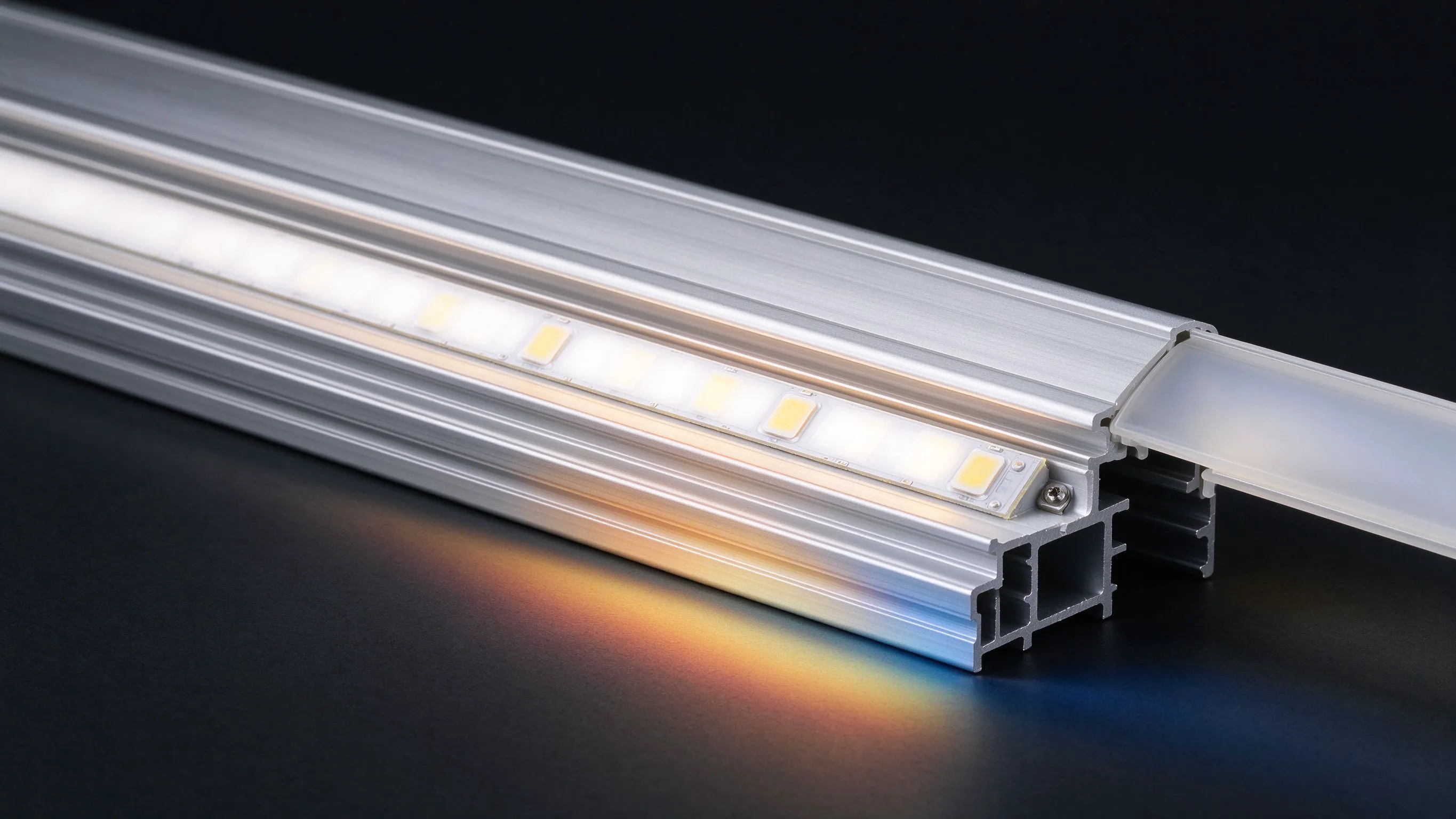
Heat has to travel out of the LED die, through the solder/pad, into the copper on the PCB, then into whatever the strip is bonded to, and finally to the air. Each step is a resistance. Cheap thin-PCB strip with little copper and no aluminum channel traps heat at the chip. A proper aluminum profile acts as a heatsink, spreading heat along its length and presenting surface area to the room air - this is the single biggest lever you control on site.
- Copper layer thickness and PCB width matter - wider boards spread heat better.
- The aluminum channel is usually the dominant heatsink in a strip install.
- Thermal interface (good adhesion, no air gaps) transfers heat into the profile.
- Enclosed/diffused channels run warmer than open ones - de-rate accordingly.
High-Density and Wide COB Need the Most Cooling
The strips most likely to overheat are the impressive ones: ultra-high-density COB, wide 30mm high-output boards and long continuous runs. More emitters per meter means more watts and more heat in the same length. A 30mm ultra-wide high-brightness COB is a fantastic light source but it absolutely wants a matching wide, thermally capable profile - running it bare on timber is throwing away its rated lifespan.
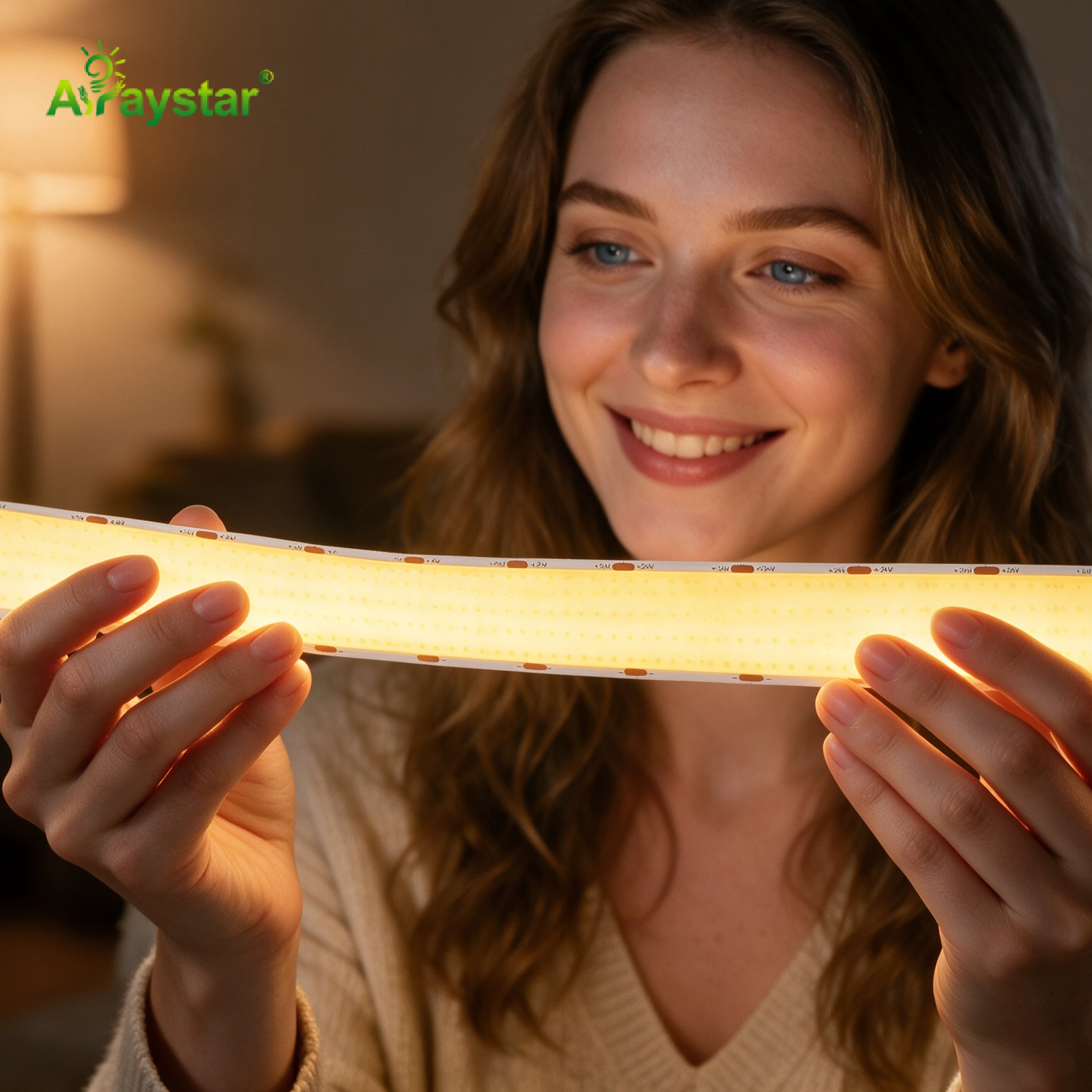
- Match profile width to the strip; a 30mm board needs a wide channel, not a 10mm one.
- Check the datasheet's watts-per-meter and any required heatsinking condition.
- If the strip is too hot to hold a finger on, it's under-cooled.
- Consider stepping density/voltage down rather than over-cooling a monster strip.
Choosing and Using Aluminum Profiles as Heatsinks
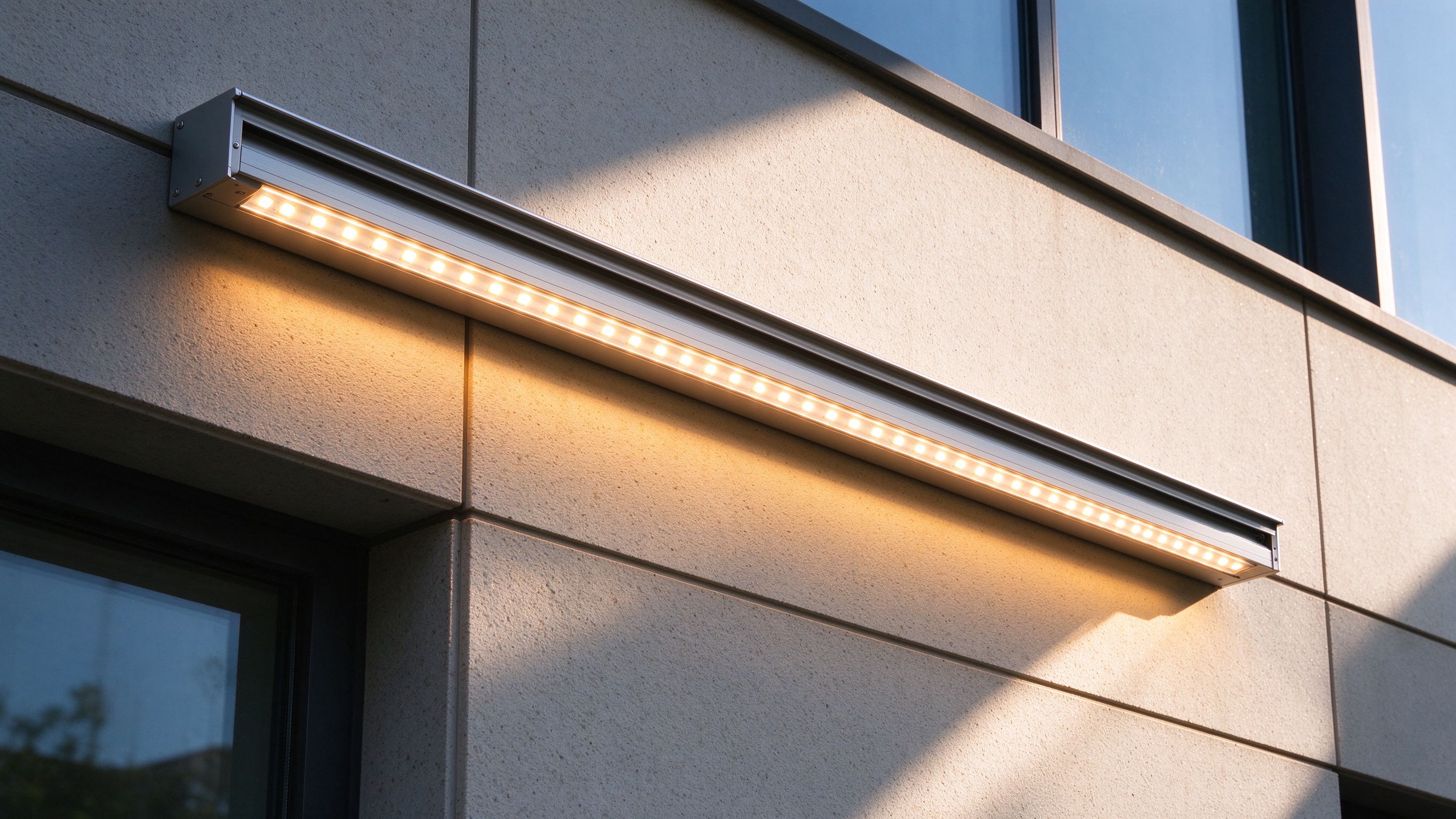
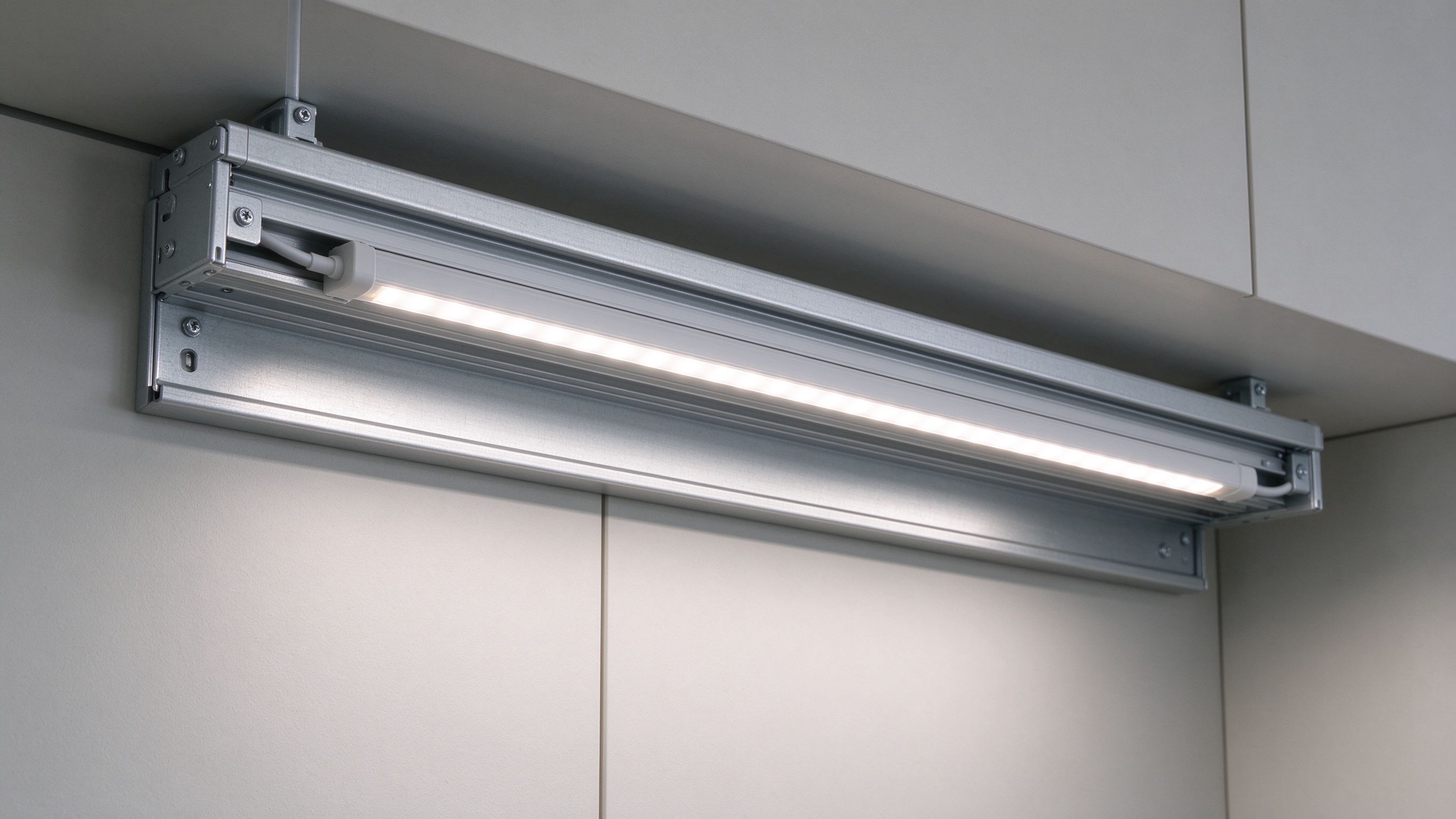
Aluminum profiles aren't just cosmetic diffuser holders - on dense strip they're mandatory thermal hardware. Bigger, wider, finned or thermally-rated profiles dissipate more; black anodized finish radiates marginally better and suits discreet installs. Mount the strip flat with full contact down the center of the channel, and don't trap the profile inside a sealed non-ventilated housing with no air path.
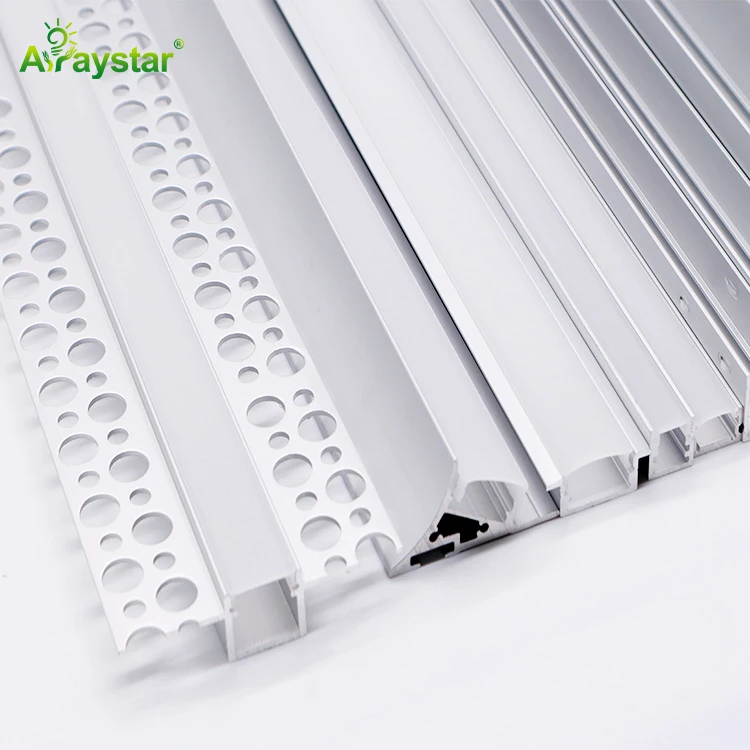
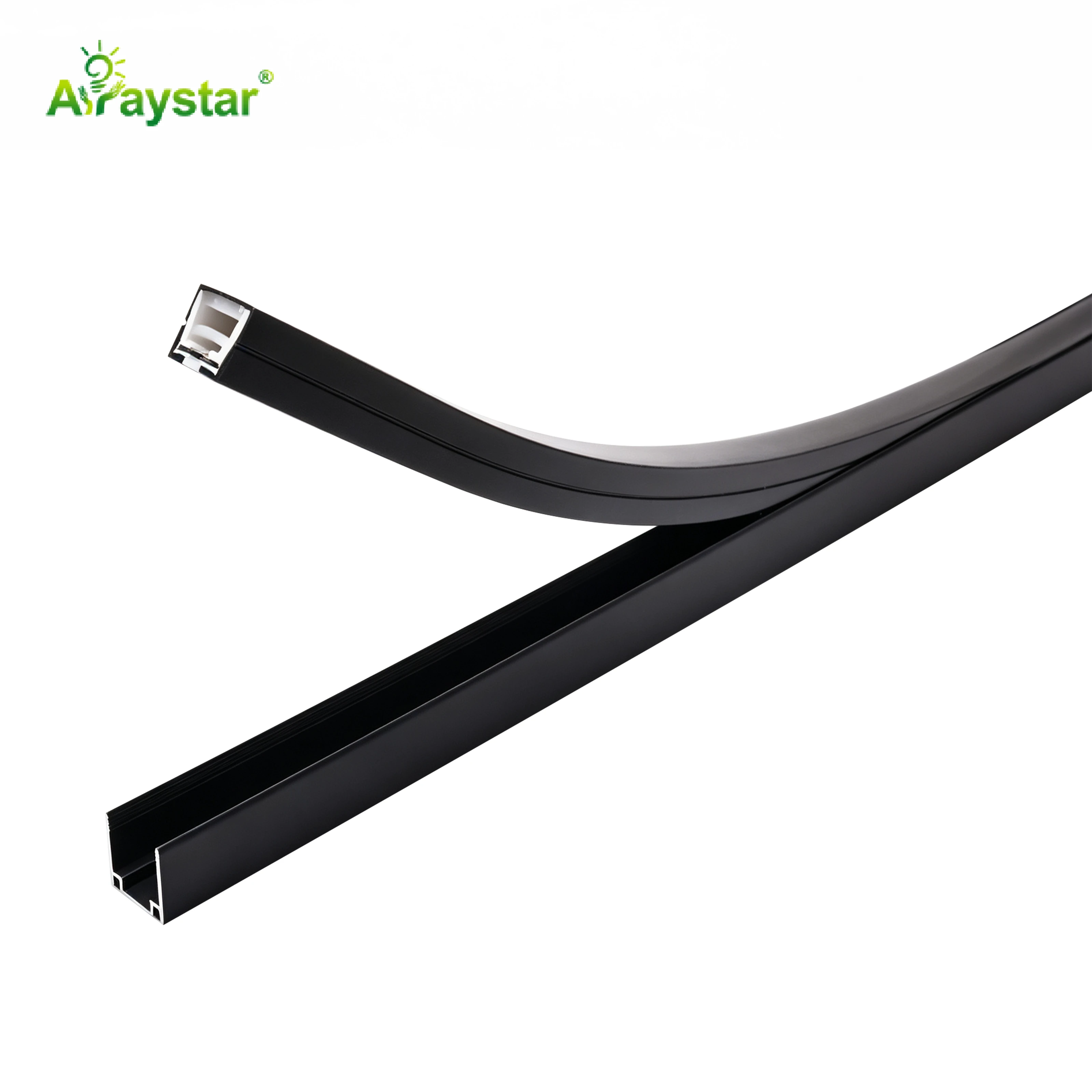
- Use the widest profile that fits; surface area is what moves heat to air.
- Ensure full adhesive contact - lifted sections create hotspots.
- Allow some air movement; sealed shallow channels need de-rated wattage.
- For continuous long runs, the joined profiles form one long heatsink.
Electrical Causes of Overheating
Not every thermal problem is mechanical. Supplying over-voltage, using an under-rated driver, or pushing too many meters through one feed forces excess current and heat. Constant-voltage strip must see its rated 12/24V at the strip; voltage drop at the far end doesn't overheat the near end safely - the near end often takes the brunt. Size drivers to ~80% and inject power at intervals on long runs.
- Verify voltage at the strip, not just at the driver output.
- Size drivers with headroom (~80% load) and keep them cool too.
- Inject power every 5-10m (or per datasheet) on long runs; consider 24V/48V.
- Dimming reduces heat, but don't rely on dimming to rescue an under-cooled strip.
How to Verify You Got It Right
Spec sheets give rated life under defined temperatures (often 25C ambient or a specified Tc point). On a real install, measure. A contact thermometer or thermal camera on the strip and profile after an hour of full-bright operation tells you whether you're in a safe range; compare the measured Tc test point to the datasheet. Hot spots along a run point to lifted strip, poor contact or a failed feed.
- Run full brightness for 60 minutes, then measure profile and strip temperature.
- Compare the Tc/test-point reading against the manufacturer's rated condition.
- Scan for hotspots - localized heat means a contact or feed problem.
- Re-check in the actual enclosed fixture, not on the open bench.
Recommended Products
Frequently Asked Questions
Do LED strip lights need a heatsink?
Low-density low-wattage strip can run on its own, but high-density COB, high-output and wide strips should always be mounted in an aluminum profile that acts as a heatsink. The profile spreads heat along its length and to the air; running dense strip bare on wood or plastic traps heat and shortens life.
How does heat affect LED lifespan?
LEDs fade rather than burn out, and junction temperature sets the rate - as a rule of thumb every 10C reduction roughly doubles life. Hot running accelerates lumen depreciation (L70) and causes color shift, which is why under-cooled strips look dim and off-color after months despite working fine initially.
How do I keep high-density COB strip cool?
Mount it in a width-matched, thermally adequate aluminum profile with full flat contact and some air path, avoid sealing it in an unventilated shallow housing, supply the correct voltage with an ~80%-loaded driver, and inject power at intervals on long runs. Verify with a temperature check after an hour at full brightness.
What happens if LED strips get too hot?
They suffer accelerated lumen depreciation (dimming), color temperature shift, and in severe cases early driver or LED failure and warped PCB/encapsulant. Sustained overheating from over-voltage, lack of a heatsink or sealed enclosures is the most common cause of premature strip failure.
Are black or aluminum channels better for cooling LED strips?
Any thermally adequate aluminum channel is the main heatsink; larger surface area and good contact matter most. Black anodized profiles radiate heat marginally better and look discreet, while the channel's width, mass and surrounding airflow do the real cooling work - cosmetic color is secondary.
Need help with your LED project?
Get factory-direct pricing, free samples and engineering support within 24 hours.
Email: info@arraystarled.com | Phone: +86-0755-2103-6746 | WhatsApp: 0086 1581 8514 077
Need to size your power supply? Use our LED Strip Power Calculator to find the right driver in seconds.