COB Bias Lighting Behind a TV: Why Dot-Free Matters for Eye Strain
- 2026-10-28 10:03
- /
- Arraystar LED
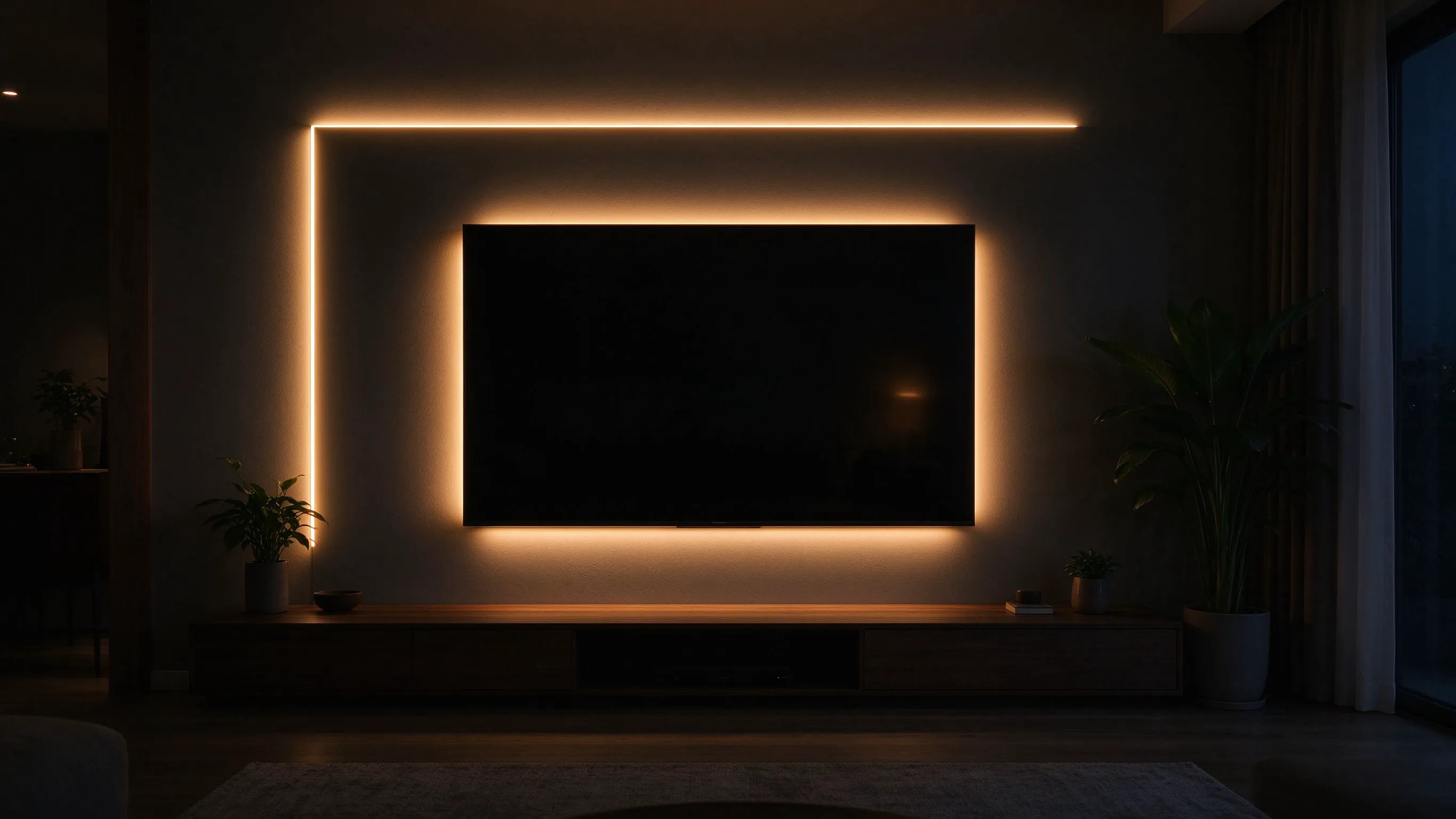
A dotted bias strip shows its dots on the wall. COB even wash is what makes the backlight disappear, which is the whole point of bias lighting.
Why dot-free bias lighting matters
Bias lighting sits behind the TV, washing the wall with a soft glow. The goal is to reduce eye fatigue by keeping the surround at about 10% of screen brightness, around 100 lux on the wall. If the strip behind the TV is a conventional LED with visible packages, you see 30–60 bright dots on the wall instead of a smooth field. Your eye locks onto those dots; the backlight stops receding.
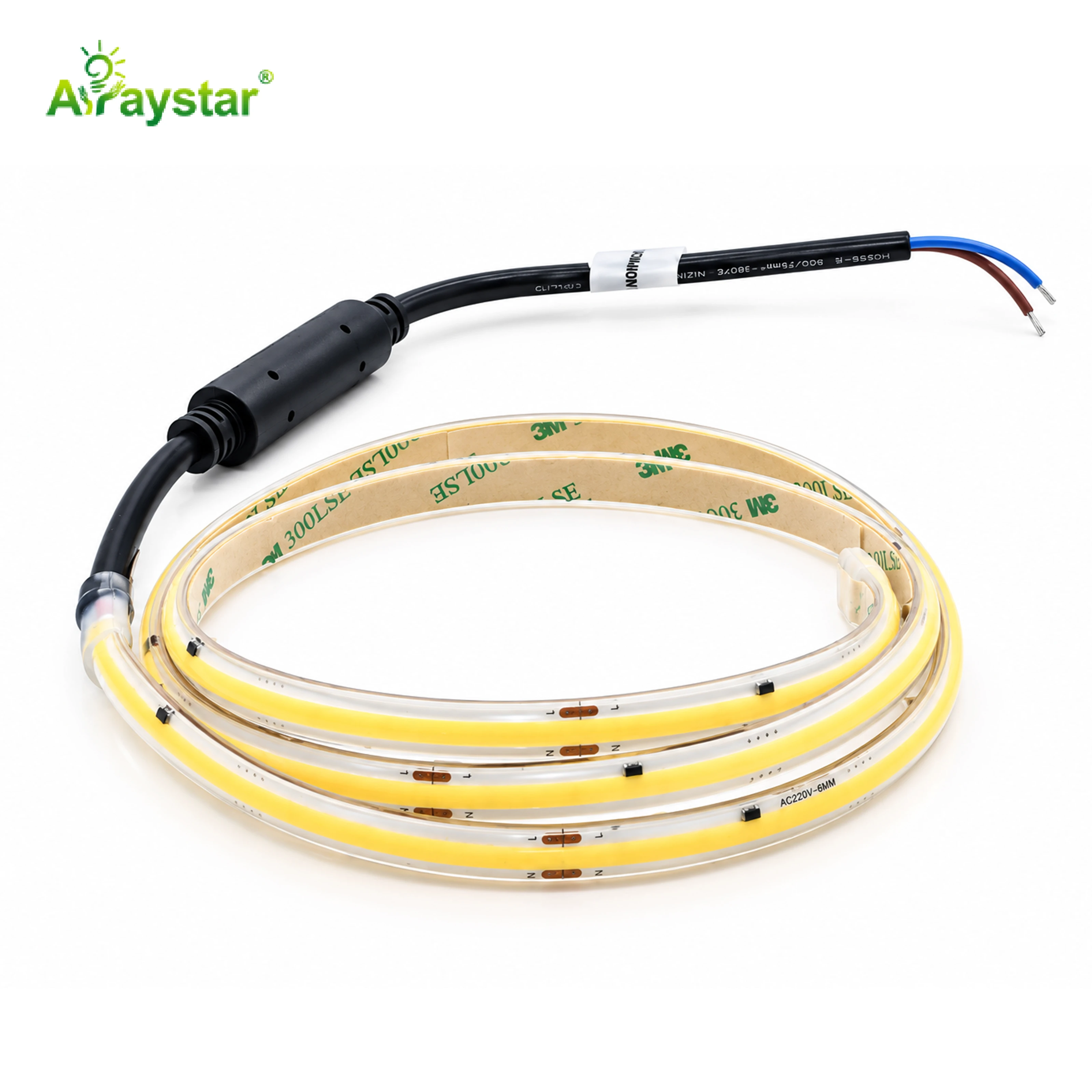
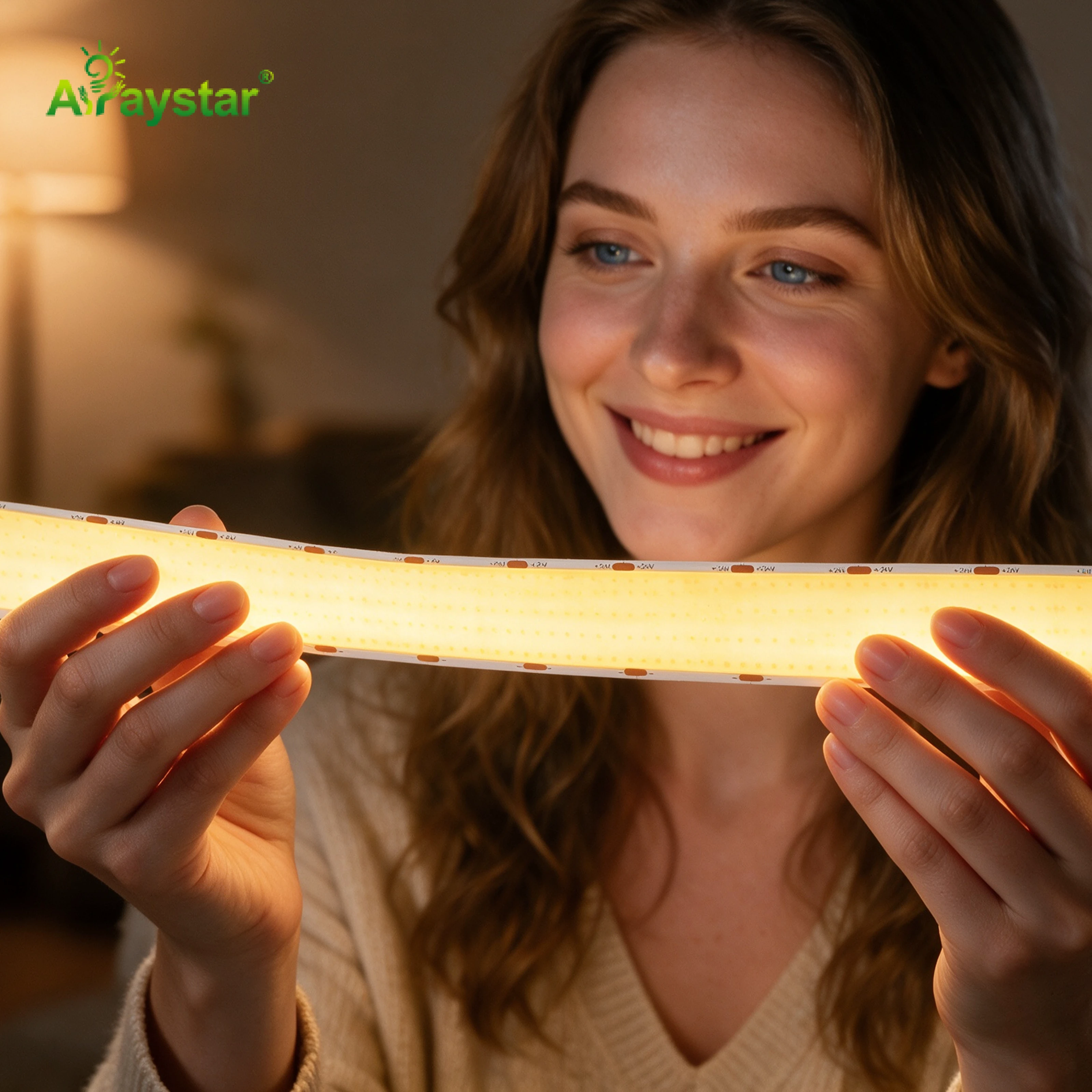
COB, chip-on-board, strips pack 300–600 LEDs per metre into a continuous phosphor layer. At 200–300 mm from the wall, the packages merge into a single field. That is the difference between seeing the light strip and the wall just glowing.
What you are aiming for
- Wall brightness: 80–120 lux
- Colour: 6500K–7500K cool for bias
- Distance to wall: 150–250 mm
- No visible dot pattern at normal viewing
Conventional SMD versus COB on the wall
I have installed both. A 60 LED/m SMD strip at 200 mm from the wall shows distinct hotspots every 15–20 cm. Move it to 400 mm and the dots blur, but the wall brightness drops by half and you need twice the power. A COB strip at 200 mm is already smooth; at 400 mm it is indistinguishable from a panel.
The other issue is CRI. Cheap SMD bias strips run CRI 70, which makes the wall look greenish next to a calibrated TV. COB strips in the 80–90 CRI range match the screen white point far better.
Quick comparison
| Type | Dot pattern at 200 mm | CRI |
|---|---|---|
| 30 LED/m SMD | Visible hotspots | 70–80 |
| 60 LED/m SMD | Soft dots | 80 |
| 300 LED/m COB | Smooth field | 85–90 |
| 500+ LED/m COB | Invisible | 90+ |
Mounting distance and geometry
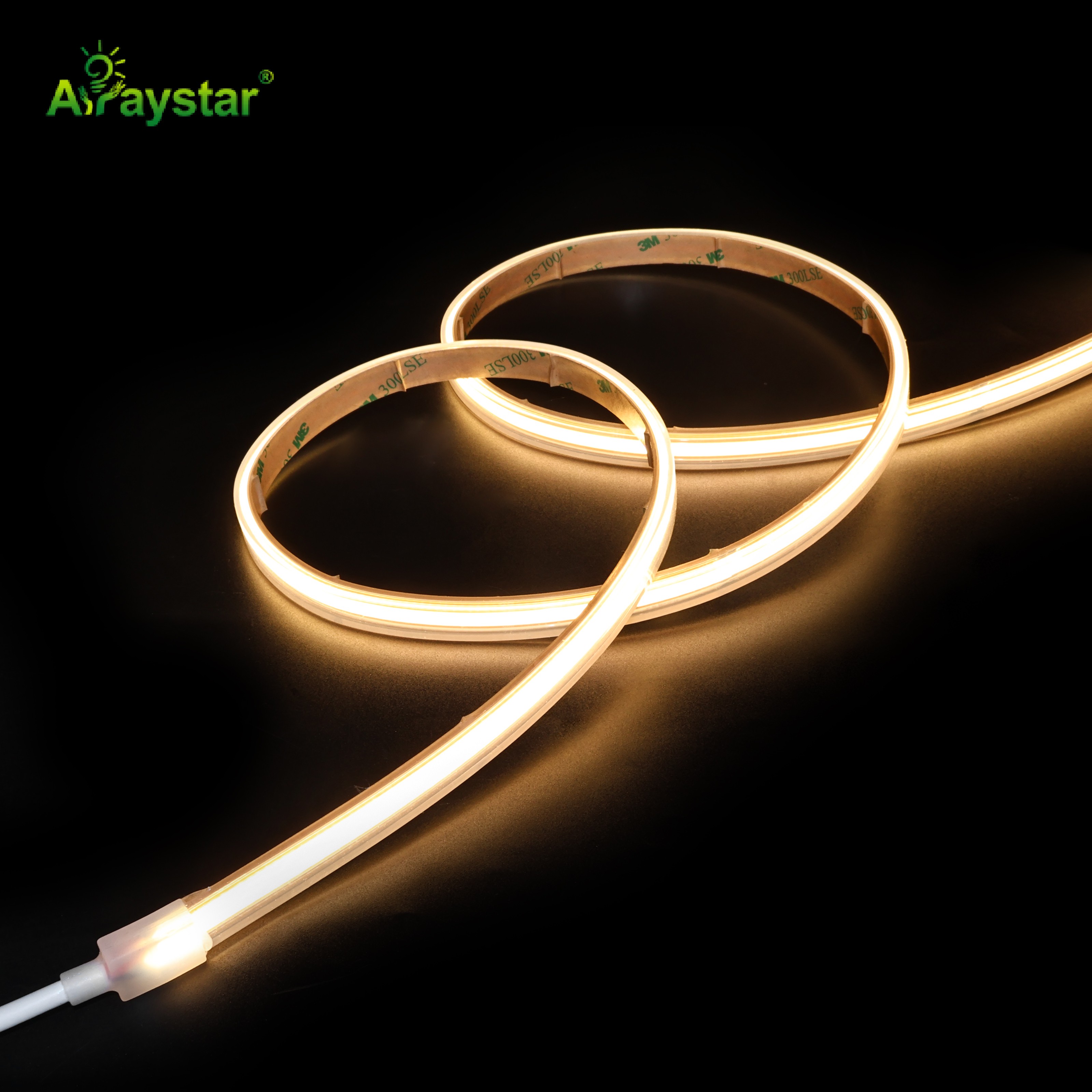
Bias lighting works best when the strip runs around the perimeter of the back of the TV, 50–100 mm in from the screen edge. If you stick it flat against the wall side, the light hits the wall as a narrow band. If you angle it outward by 15–30°, the wash spreads across the wall behind the screen.
For a 55–65 inch TV I use a 5 m COB strip, fed from one corner at 24V. For 75 inch and above I feed from both corners to avoid voltage drop at the far end. Never run the strip across the bottom edge where the soundbar or cabling blocks the light.
Mounting rules
- 50–100 mm in from screen edge
- Angle 15–30° outward
- Skip the bottom edge if a soundbar blocks
- Feed long runs from both ends
Colour temperature and dimming
Bias lighting should be cool, around 6500–7500K, because the TV image is cool white. A 3000K bias behind a bright screen makes the picture look blue by comparison. I set the strip to about 100 lux on the wall — dimmer than the screen, brighter than a dark room.
Dimming should be smooth. PWM dimming below 20% can flicker at frequencies your eye detects indirectly; I use a 0–10V or TRIAC-rated driver, not a cheap PWM puck. A flicker-free bias matters more than a bright one.
Settings I use
- 6500–7500K cool white
- 80–120 lux on the wall
- Smooth dimming, no visible flicker
- Off when the room lights are on full
Common mistakes that cause eye strain
The first is mounting the strip too close to the wall. At 50 mm you get a bright band with a hard edge — worse than no bias. The second is using a warm white that fights the screen. The third is cheap PWM dimming that flickers; your eyes adjust but you get a headache after two hours.
I also avoid putting the strip inside an aluminium channel with a milky diffuser for bias use. The channel absorbs too much light and you lose the even wash. COB bare on the back of the TV is usually enough.
Mistakes to avoid
- Strip within 50 mm of the wall
- 3000K warm white behind a cool screen
- Cheap PWM dimmers
- Frosted channel over a bias strip
Recommended Products
Frequently Asked Questions
How far should a bias light be from the wall?
I mount the COB strip 150–250 mm from the wall, held back by the TV itself. Closer than 100 mm gives a bright band with a hard edge; farther than 300 mm drops brightness below useful levels. Angle the strip 15–30° outward so the wash spreads, not a narrow line.
What colour temperature is best for TV bias lighting?
Around 6500–7500K cool white. A 3000K warm bias makes the screen look blue by comparison. Aim for 80–120 lux on the wall — about 10% of screen brightness. This is the level that actually reduces eye fatigue during long viewing.
Why does COB look better than SMD behind a TV?
COB packs 300–600 LEDs per metre into a continuous phosphor layer, so at 200 mm from the wall the packages merge into a smooth field. A conventional 30–60 LED/m SMD strip shows visible hotspots every 15–20 cm, which your eye locks onto and defeats the purpose of bias lighting.
Do I need an aluminium channel for bias lighting?
No, and usually it hurts. A milky diffuser channel absorbs too much light and softens the wash unevenly. Bare COB stuck to the back of the TV, angled outward, gives a smoother result. Use a channel only if heat is a problem on long 24V runs.
Can I dim bias lighting with a normal PWM remote?
Use a smooth 0–10V or TRIAC-rated driver. Cheap PWM dimmers below 20% brightness can flicker at frequencies your eye detects indirectly, causing headaches over a two-hour movie. Flicker-free bias matters more than maximum brightness.
Need help with your LED project?
Get factory-direct pricing, free samples and engineering support within 24 hours.
Email: info@arraystarled.com | Phone: +86-0755-2103-6746 | WhatsApp: 0086 1581 8514 077
Need to size your power supply? Use our LED Strip Power Calculator to find the right driver in seconds.